Manual · Metrologic
MetroSelect Configuration Guide
Manual188 pagesPDF 1.2 MB
MetroSelect bar code configuration guide for Metrologic scanners: code types, supplements, interfaces, prefixes, suffixes and formats.
Filed with · 5 models
Also filed with these models on the old site
 Metrologic MK9520 / MS9520Hand-held laser barcode scanner from$195.005 in stock
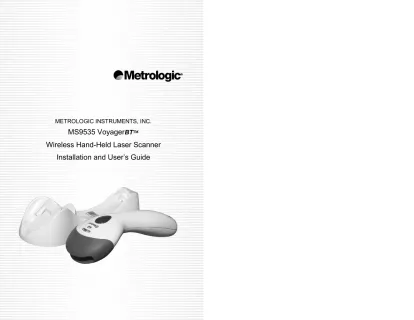
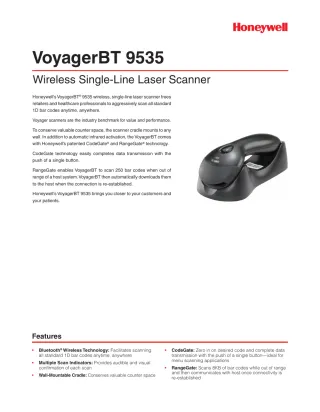
 Metrologic MS9535Hand-held laser barcode scanner from$245.001 in stock
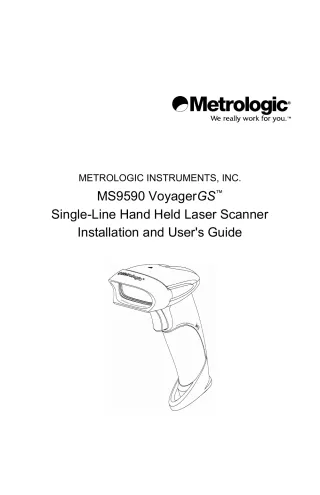
 Metrologic MS9590Hand-held laser barcode scanner from$95.001 in stock
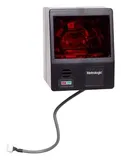 Metrologic IS6520Fixed-mount omnidirectional barcode scanner Call for availability
 Metrologic MS5145Hand-held laser barcode scanner Call for availability
Summary
What is in it
The MetroSelect Configuration Guide holds the programming bar codes used to set up Metrologic scanners. It explains the Single-Code and Multi-Code configuration methods and how to recall the defaults, then gives the bar codes for code types and decode rules, supplements, communications (RS-232, keyboard wedge, light pen, OCIA, IBM 46xx and USB), scanner operation, prefixes and suffixes, code formatting, code bytes, custom defaults and auxiliary port controls.
Its parts
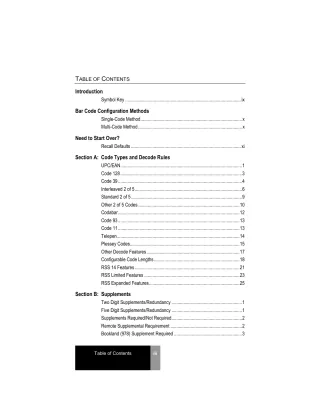
- Section A: Code Types and Decode Rules
- Section B: Supplements
- Section C: Communications
- Section D: Scanner Operation
- Section E: Prefixes/Suffixes
- Section F: Code Formatting
- Section G: RS-232
- Section H: Keyboard
- Section I: OCIA
- Section J: Light Pen/Laser Emulation
- Section K: IBM 46xx Configuration
- Section M: Code Bytes
- Section N: Miscellaneous Features
- Section O: Auxiliary Port Controls
- Section P: USB
From the manual
Key facts from this manual
Each line names its page in the PDF.
The MetroSelect Configuration Guide is a book of programming bar codes for Metrologic scanners. It does not name the IS6520 or the other models it is filed under; a few options are marked for the MS7220, MS7320 and MS7600 only. It lets the reader set the host interface, serial and keyboard settings, code types, beeps and power saving, and return the scanner to its defaults.
- What it is
- Bar code configuration guide for Metrologic scanners (Single-Code and Multi-Code methods) p. 10
- Interface options
- RS-232, keyboard wedge, stand-alone keyboard, light pen/wand, OCIA, IBM 46xx, full speed USB p. 49, 50, 51
- RS-232 signal
- RS-232 ±12V serial output p. 49
- RS-232 baud rates
- 300 to 115200 baud; default 9600 p. 121, 122
- RS-232 default format
- Space parity, 7 data bits, 2 stop bits p. 9, 120, 123
- Handshaking
- RTS/CTS hardware handshaking, off by default p. 9, 124
- USB defaults
- Full speed USB: 9600 baud, 8 data bits, 1 stop bit, no parity, ACK/NAK, XON/XOFF p. 183
- Keyboard types
- AT, XT, PS/2 and terminal keyboard emulation p. 134
- Keyboard countries
- USA, Switzerland, Spain, Italy, Germany, France, UK, Belgium, Japan, Sweden/Finland, IBM 4700 Financial p. 132, 133
- Code types
- UPC/EAN, Code 128, Code 39, Interleaved 2 of 5, Standard 2 of 5, Codabar, Code 93, Code 11, Telepen, Plessey, RSS 14, RSS Limited, RSS Expanded p. 3
- Settings memory
- Stored in nonvolatile memory (NOVRAM), kept when power is off p. 9
- Power save timers
- Idle 5, 10, 20 or 30 minutes (omnidirectional scanners only) p. 77
- Default recall
- Keyboard wedge scanners load keyboard wedge defaults; all others load RS-232 defaults p. 11
What this manual walks you through
- Programming a setting with one bar code or with the Multi-Code method p. 10
- Returning the scanner to its default settings p. 11, 163
- Choosing the host interface p. 49, 50, 51
- Setting RS-232 parity, baud rate, data bits and stop bits p. 120, 121, 122, 123
- Setting RTS/CTS handshaking and signal polarity p. 124, 125
- Selecting the keyboard country and computer type p. 131, 132, 133, 134
- Choosing power save modes p. 77, 78, 79
- Setting up full speed USB p. 183, 184
- Enabling code types and their decode rules p. 3
Good to know
- To cancel a change in the Multi-Code method, power off the scanner before scanning the exit bar code. p. 10
- Recall Defaults erases all earlier settings. p. 11
- Not all scanners support the IBM 46xx interface; it needs the correct interface board. p. 50
- OEM scanners may use other defaults; Enable Factory Defaults followed by Recall Defaults loads the Metrologic factory set. p. 163
- The blink, laser off and dual power save modes are for the MS7600, MS7220 and MS7320 series only. p. 78, 79
Questions this manual answers
How do I reset a Metrologic scanner to factory defaults?
Scan the Recall Defaults bar code; it erases earlier settings. On OEM scanners, scan Enable Factory Defaults first, then Recall Defaults. p. 11, 163
What baud rate does the scanner use by default?
9600 baud is the default; the guide offers rates from 300 to 115200 baud. p. 121, 122
Can the scanner work as a keyboard wedge?
Yes. Keyboard wedge emulation converts the scanned data to PC keyboard scan codes. p. 49
Are scanner settings lost when the power is turned off?
No. The settings are kept in NOVRAM, which saves them when the power is off. p. 9
Contents
Chapters and sections
Each line opens the PDF at its page.
The whole text · 19 parts
Read the manual here as text
Its text as extracted from the PDF, unedited, in parts; each page opens the PDF at that page.
- Pages 1 to 101-10
- Pages 11 to 2011-20
- Pages 21 to 3021-30
- Pages 31 to 4031-40
- Pages 41 to 5041-50
- Pages 51 to 6051-60
- Pages 61 to 7061-70
- Pages 71 to 8071-80
- Pages 81 to 9081-90
- Pages 91 to 10091-100
- Pages 101 to 110101-110
- Pages 111 to 120111-120
- Pages 121 to 130121-130
- Pages 131 to 140131-140
- Pages 141 to 150141-150
- Pages 151 to 160151-160
- Pages 161 to 170161-170
- Pages 171 to 180171-180
- Pages 181 to 188181-188
The file