Manual · HHP
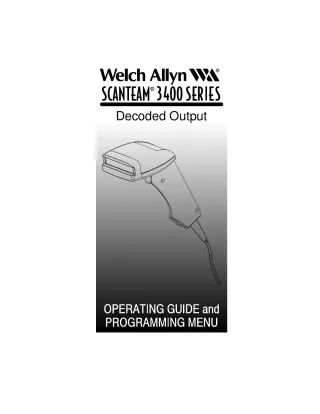
SCANTEAM 3400 Series Decoded Output Operating Guide and Programming Menu
Manual189 pagesPDF 1.3 MB
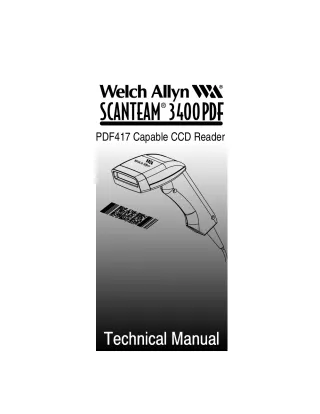
Operating guide and bar code programming menu for the Welch Allyn SCANTEAM 3400 Series decoded output CCD scanner.
Covers · 1 model
The models it covers
Summary
What is in it
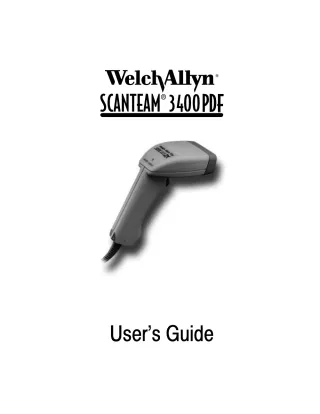
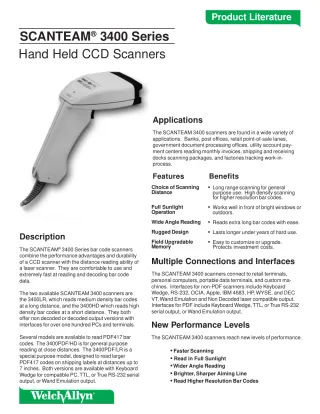
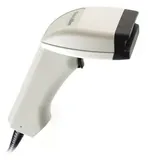
The operating guide and programming menu for the Welch Allyn SCANTEAM 3400 Series hand-held CCD scanner with decoded output. It explains connecting and using the scanner, quick plug and play setup for PC, IBM 4683, OCIA, RS-232 and wand emulation interfaces, then the full set of programming bar codes: prefixes and suffixes, dual interface, output, industrial and retail symbologies, RS-232, the data formatter and trigger modes. Specifications, pinouts, maintenance, troubleshooting and 3400/B and 3400LR/C notes follow.
Its parts
- Getting Started
- Quick Start Programming Menu
- Additional Programming Selections
- Supported Interface Keys
- Product Specifications and Pinouts
- Maintenance and Troubleshooting Guide
- Customer Support
From the manual
Key facts from this manual
Some pages are scans or cannot be read; this says only what the readable text supports. Each line names its page in the PDF.
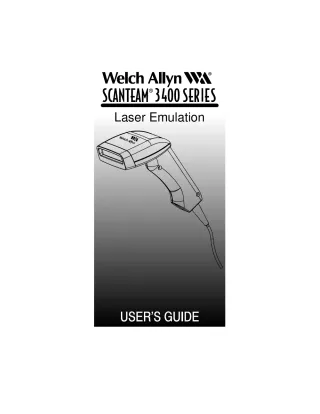
Welch Allyn's 1998 operating guide and bar code programming menu for the SCANTEAM 3400 Series decoded-output CCD scanners, covering the 3400LR and 3400HD, with an appendix for the 3400/B and 3400LR/C. It shows how to connect the scanner, program it for a terminal by scanning menu bar codes, set up dual interface and cloning, and lists specifications, connector pinouts and a troubleshooting guide.
- Device
- Hand-held CCD bar code scanner with built-in decoding and bar code programming p. 12
- Operating voltage
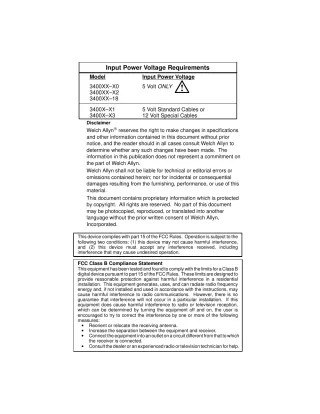
- 5 VDC ±10%; 3400-X1 and 3400-X3 also run on 12 volts with special cables p. 3, 147
- Current
- 80 mA to 180 mA depending on model; 400 mA in-rush maximum; 100 µA standby p. 147
- Connector
- 10-pin RJ41 modular jack in the scanner handle; laser and wand cables end in a 9-pin squeeze-to-release connector p. 148, 149
- Symbologies
- Autodiscriminates 13 standard symbologies p. 12
- Scan rate and light
- 112 or 50 scans per second (set at factory); 660 nm visible red LEDs p. 147
- Reading range
- 3400LR: medium density codes from 1 in. to 6 in.; 3400HD: high density codes from contact to 2 in. p. 14
- Resolution
- 4.0 mil minimum (3400HD), 7.0 mil minimum (3400LR) p. 147
- Weight
- 5.5 oz (155 g) p. 156
- Temperature
- Operating 32° F to 122° F (0° C to 50° C); storage -40° F to 158° F; 0% to 95% RH noncondensing p. 146
- Durability
- Functional after ten 5 ft. (1.5 m) drops and a 15 KV discharge; MTBF 50,000 hours p. 146, 147
- Firmware
- FLASH memory; software upgrades download from a PC or clone from one 3400 to another p. 12
- Cloning cable
- Cloning cable p/n 42204559-01 with power supply PS5/C p. 128
What this manual walks you through
- Connecting the scanner to a terminal or computer p. 15, 16
- Programming the terminal interface from the supported terminals chart p. 33
- Setting up dual interface for a second terminal p. 53, 54
- Cloning firmware from one scanner to another p. 128
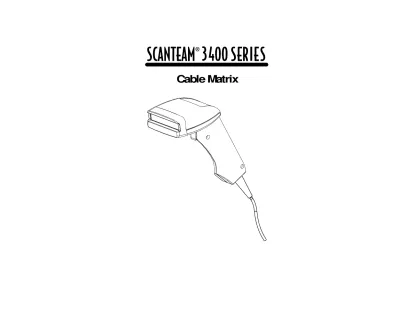
- Connector pinouts for each interface p. 148, 149, 150, 151, 152, 153, 154, 155
- Cleaning the scan window p. 158
- Replacing the interface cable p. 159
- Troubleshooting a scanner that will not light or read p. 160, 161
- Restoring factory settings p. 162
Good to know
- SCANTEAM 3000 or 5500 12 volt cables damage the 3400; use the 3400 12 volt cable. p. 4
- The 3400-X3 and 3400-18 do not support dual interface. p. 54
- The housing is not water-tight; never submerge it or use solvents on it. p. 158
- Scanning the Source cloning bar code without cloning can lock up the unit until power is cycled. p. 128
- Cables must be shielded, with the shield tied to the connector shell, to stay within FCC rules. p. 4
Questions this manual answers
What voltage does the SCANTEAM 3400 need?
5 volts; the 3400-X1 and 3400-X3 can also run on 12 volts through special cables. p. 3
Why does my ST3400 show the wrong characters on screen?
It may be programmed for the wrong terminal interface; rescan the correct Plug and Play or Terminal Selection bar code. p. 161
How do I copy firmware between two SCANTEAM 3400 scanners?
Connect both to cloning cable p/n 42204559-01 powered by a PS5/C supply, scan Destination, then Source; it takes about 15 seconds. p. 128
How do I remove the cable from a SCANTEAM 3400?
With host power off, press a straightened paper clip into the small hole near the handle base to release the connector, then pull it out. p. 159
How do I make the 3400 press Enter after each scan?
Program a suffix such as a carriage return (Section 3.2, Suffix Selection). p. 160
The whole text · 19 parts
Read the manual here as text
Its text as extracted from the PDF, unedited, in parts; each page opens the PDF at that page.
- Pages 1 to 101-10
- Pages 11 to 2011-20
- Pages 21 to 3021-30
- Pages 31 to 4031-40
- Pages 41 to 5041-50
- Pages 51 to 6051-60
- Pages 61 to 7061-70
- Pages 71 to 8071-80
- Pages 81 to 9081-90
- Pages 91 to 10091-100
- Pages 101 to 110101-110
- Pages 111 to 120111-120
- Pages 121 to 130121-130
- Pages 131 to 140131-140
- Pages 141 to 150141-150
- Pages 151 to 160151-160
- Pages 161 to 170161-170
- Pages 171 to 180171-180
- Pages 181 to 189181-189
The file