


Manual · Allen-Bradley
Allen-Bradley 2755-DS Manual
Manual2 pagesPDF 50 KB
Both pages are below, each with its text.
Filed with · 1 model
Also filed with these models on the old site

From the manual · read page by page
Key facts from this manual
Each line names its page in the PDF.
This is the Allen-Bradley installation instruction sheet (Publication 2755-2.37, August 1996) for the Bulletin 2755 Gun Adapter, 2755-NC16 Series B. The adapter connects Allen-Bradley hand-held scanners to the 2755-DD1 and -DS1 Enhanced Decoders. It shows how to fit the adapter, which decoder parameters to set, and the adapter's size, weight and temperature range.
- Device
- Gun Adapter 2755-NC16 Series B, for connecting Allen-Bradley hand-held scanners to Enhanced Decoders (2755-DD1, -DS1) p. 1
- Connectors
- 15-pin D connector to the decoder; 9-pin D connector for the hand-held scanner p. 1
- Weight
- 1.0 oz. (28 grams) p. 2
- Dimensions
- 2 1/4 x 1 5/8 x 11/16 in. (L x W x H) p. 2
- Enclosure
- Plastic (NEMA Type 1) p. 2
- Decoder settings
- Response Mode = Valid Package; Package Detect Input Filter = Yes; Package Detect Sense = Lo = Package; Laser On Mode = Triggered; Decode Trigger = Package Detect; No Read Timer = 8000 ms p. 2
- Example scanner
- Hand-held scanner 2755-HUG-4 p. 1
- Decoder manual
- Enhanced Decoder user manual, Publication 2755-833 p. 2
What this manual walks you through
- Installing the Gun Adapter between the decoder and the scanner cable p. 2
- Setting the Enhanced Decoder parameters for a hand-held scanner p. 2
- When to use the adapter: attended and unattended use, DH485 networks, discrete outputs p. 1
Good to know
- Turn off power to the decoder before fitting the adapter, and secure both connectors with their hold-down screws. p. 2
Questions this manual answers
What is the Allen-Bradley 2755-NC16 Gun Adapter for?
It connects Allen-Bradley hand-held scanners to the Enhanced Decoders (2755-DD1, -DS1), with a 15-pin D connector for the decoder and a 9-pin D connector for the scanner. p. 1
How do I set up an Enhanced Decoder for a hand-held scanner?
Set Laser On Mode to Triggered, Decode Trigger to Package Detect, Response Mode to Valid Package and No Read Timer to 8000 ms, among the listed parameters. p. 2
Can I use a hand-held scanner with a 2755 decoder on a DH485 network?
The sheet names using a hand-held scanner on a DH485 network as one of the cases for the Gun Adapter. p. 1
The file
Size and text
Every page · 2
Read it here
Each page as it is printed, and its words beside it, so a phone can search and copy them.
Page1of 2
Open in the PDF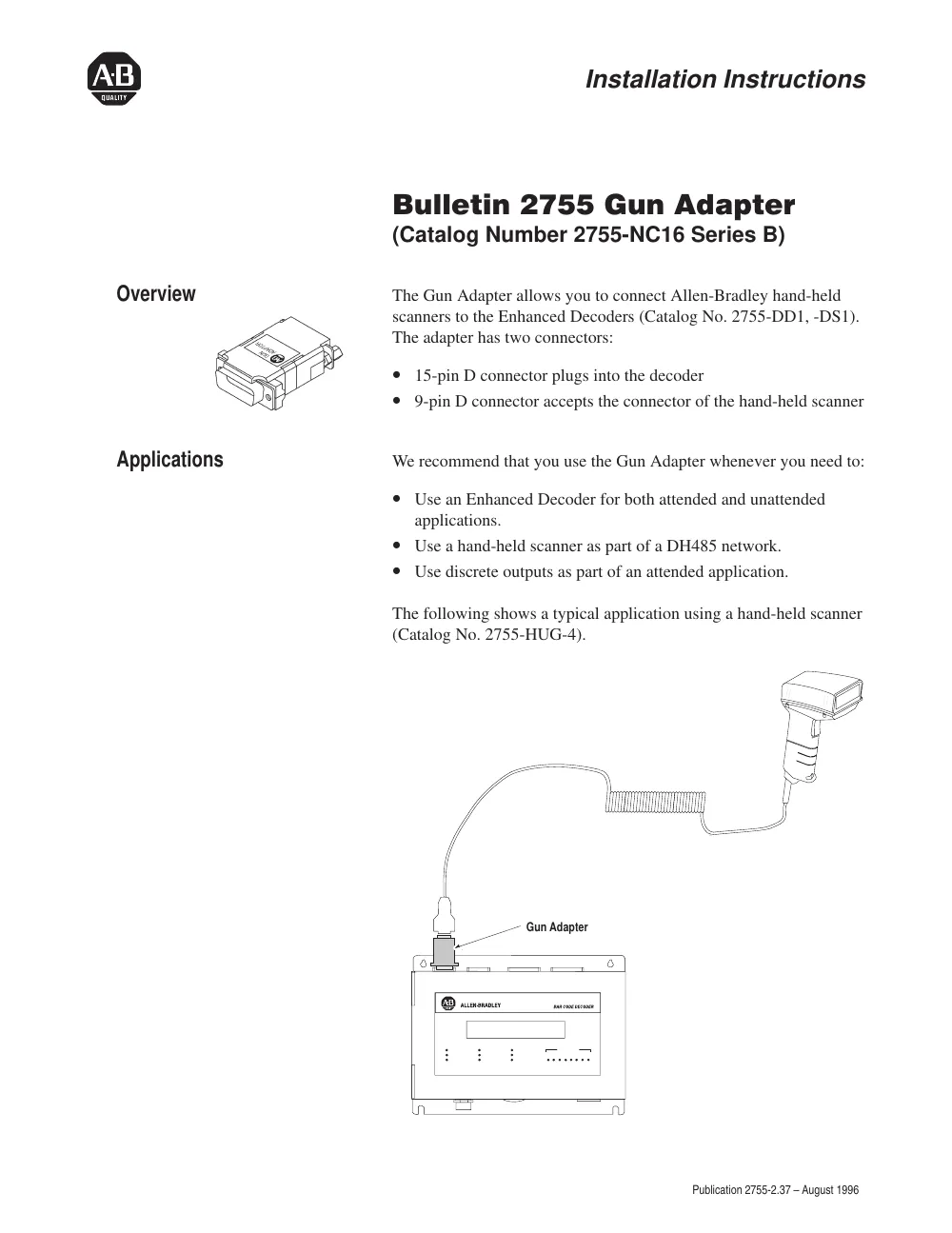
The text of page 1, from the PDF itself
Installation Instructions
(Catalog Number 2755-NC16 Series B) Overview
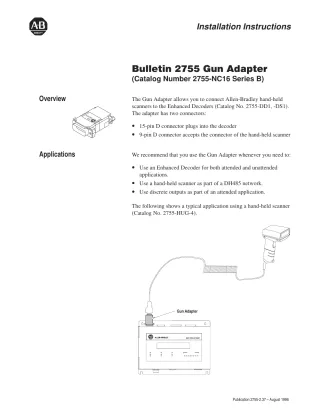
The Gun Adapter allows you to connect Allen-Bradley hand-held scanners to the Enhanced Decoders (Catalog No. 2755-DD1, -DS1). The adapter has two connectors:
- 15-pin D connector plugs into the decoder
- 9-pin D connector accepts the connector of the hand-held scanner
Applications
We recommend that you use the Gun Adapter whenever you need to:
- Use an Enhanced Decoder for both attended and unattended applications.
- Use a hand-held scanner as part of a DH485 network.
- Use discrete outputs as part of an attended application. The following shows a typical application using a hand-held scanner (Catalog No. 2755-HUG-4).
Gun Adapter
Publication 2755-2.37 – August 1996
Page2of 2
Open in the PDF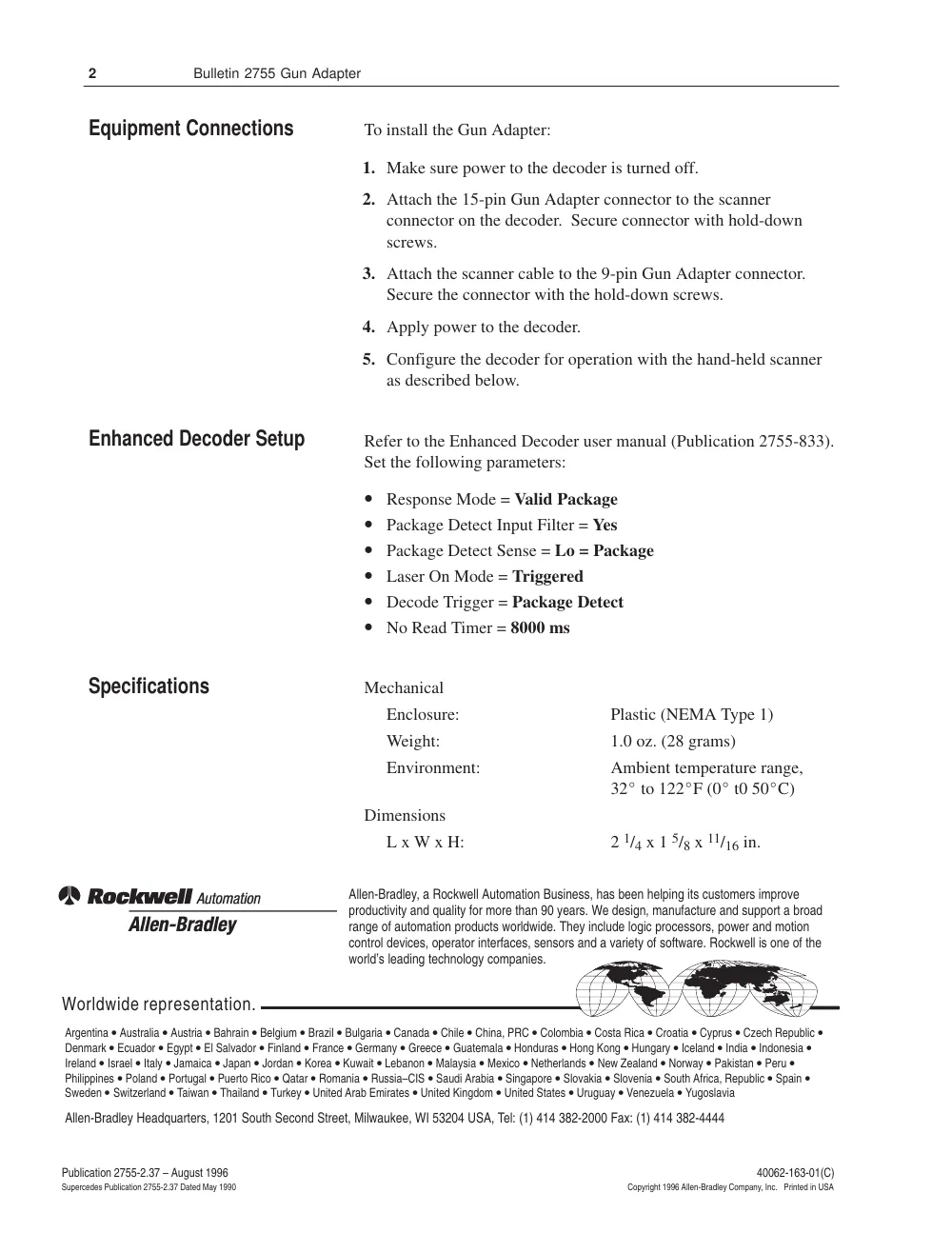
The text of page 2, from the PDF itself
2
Bulletin 2755 Gun Adapter
Equipment Connections
To install the Gun Adapter: 1. Make sure power to the decoder is turned off. 2. Attach the 15-pin Gun Adapter connector to the scanner connector on the decoder. Secure connector with hold-down screws. 3. Attach the scanner cable to the 9-pin Gun Adapter connector. Secure the connector with the hold-down screws. 4. Apply power to the decoder. 5. Configure the decoder for operation with the hand-held scanner as described below.
Enhanced Decoder Setup
Refer to the Enhanced Decoder user manual (Publication 2755-833). Set the following parameters:
Specifications
Response Mode = Valid Package Package Detect Input Filter = Yes Package Detect Sense = Lo = Package Laser On Mode = Triggered Decode Trigger = Package Detect No Read Timer = 8000 ms
- Mechanical Enclosure
- Plastic (NEMA Type 1)
- Weight
- 1.0 oz. (28 grams)
- Environment
- Ambient temperature range, to t0
- Dimensions L x W x H
- 2 1/4 x 1 5/8 x 11/16 in.
Allen-Bradley, a Rockwell Automation Business, has been helping its customers improve productivity and quality for more than 90 years. We design, manufacture and support a broad range of automation products worldwide. They include logic processors, power and motion control devices, operator interfaces, sensors and a variety of software. Rockwell is one of the world’s leading technology companies.
Worldwide representation. Argentina • Australia • Austria • Bahrain • Belgium • Brazil • Bulgaria • Canada • Chile • China, PRC • Colombia • Costa Rica • Croatia • Cyprus • Czech Republic • Denmark • Ecuador • Egypt • El Salvador • Finland • France • Germany • Greece • Guatemala • Honduras • Hong Kong • Hungary • Iceland • India • Indonesia • Ireland • Israel • Italy • Jamaica • Japan • Jordan • Korea • Kuwait • Lebanon • Malaysia • Mexico • Netherlands • New Zealand • Norway • Pakistan • Peru • Philippines • Poland • Portugal • Puerto Rico • Qatar • Romania • Russia–CIS • Saudi Arabia • Singapore • Slovakia • Slovenia • South Africa, Republic • Spain • Sweden • Switzerland • Taiwan • Thailand • Turkey • United Arab Emirates • United Kingdom • United States • Uruguay • Venezuela • Yugoslavia
Allen-Bradley Headquarters, 1201 South Second Street, Milwaukee, WI 53204 USA, Tel: (1) 414 382-2000 Fax: (1) 414 382-4444
Publication 2755-2.37 – August 1996 Supercedes Publication 2755-2.37 Dated May 1990
Publication 2755-2.37 – August 1996
40062-163-01(C) Copyright 1996 Allen-Bradley Company, Inc. Printed in USA





