Manual · Intermec
Intermec TE2000 for 5020
Manual2 pagesPDF 54 KB
Both pages are below, each with its text.
Covers · 1 model
The models it covers
From the manual · read page by page
Key facts from this manual
Each line names its page in the PDF.
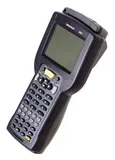
Intermec's two-page instruction sheet (Part No. 072506-001) for installing and starting the TE 2000 terminal emulation software on the 5020 Data Collection PC. It covers loading TE 2000 from its compact flash card, switching from the default 3270 mode to 5250 or VT/ANSI, and exiting and restarting the application.
- Software
- TE 2000 terminal emulation for the 5020, loaded from a compact flash card p. 1
- Upgrade kit
- TE 2000 Upgrade Kit (Part No. 072409) with the TE 2000 compact flash card; preinstalled on 5020s bought with the TE 2000 option p. 1
- Emulation modes
- IBM 3270 (default), 5250 or VT/ANSI p. 1, 2
- Startup
- TE 2000 starts automatically whenever the 5020 warm boots p. 2
- TE 2000 manuals
- 5250 Programmer's Guide Part No. 977-055-004; 3270 Part No. 977-055-003; VT/ANSI Part No. 977-055-005 p. 2
- Instruction number
- Part No. 072506-001 p. 1
What this manual walks you through
- Installing TE 2000 on the 5020 from the compact flash card p. 1
- Switching to 5250 or VT/ANSI terminal emulation p. 1, 2
- Exiting TE 2000 to the 5020 desktop p. 2
- Restarting TE 2000 from the Start menu p. 2
Good to know
- Installing TE 2000 erases all files in RAM; back up user files first. p. 1
- Once TE 2000 is installed, the scanner works only while TE 2000 runs, not for other applications or configuration bar codes. p. 2
Questions this manual answers
What terminal emulation does TE 2000 use by default on the 5020?
IBM 3270; 5250 or VT/ANSI can be chosen from the set-up menus. p. 1
What is the part number of the TE 2000 Upgrade Kit for the 5020?
Part No. 072409; it contains the TE 2000 compact flash card. p. 1
Will installing TE 2000 erase files on my 5020?
Yes. All files in RAM are lost during installation, so back them up first. p. 1
Can I scan configuration bar codes after installing TE 2000?
No. The scanner then works only while TE 2000 is running. p. 2
The file
Size and text
Every page · 2
Read it here
Each page as it is printed, and its words beside it, so a phone can search and copy them.
Page1of 2
Open in the PDF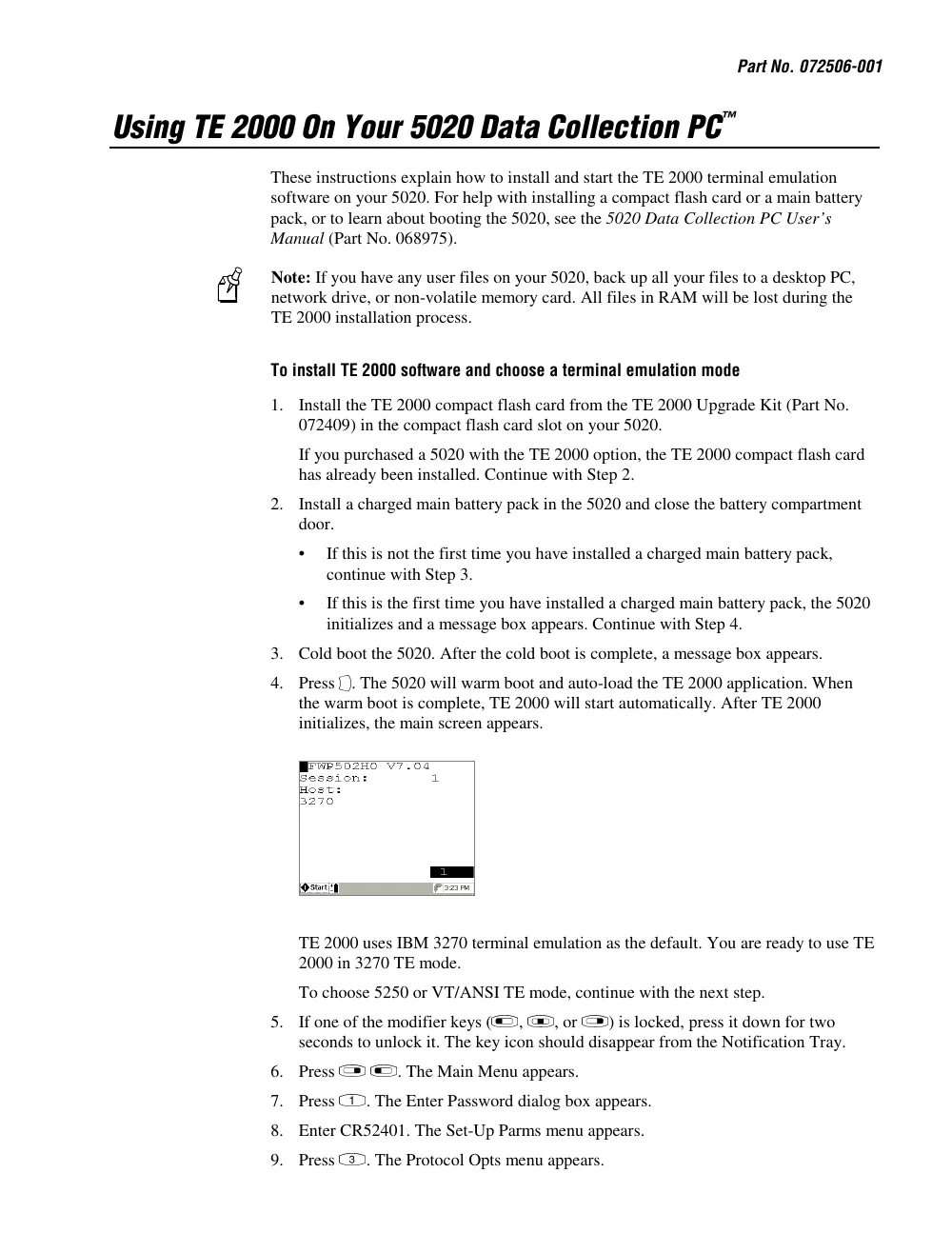
The text of page 1, from the PDF itself
Part No. 072506-001
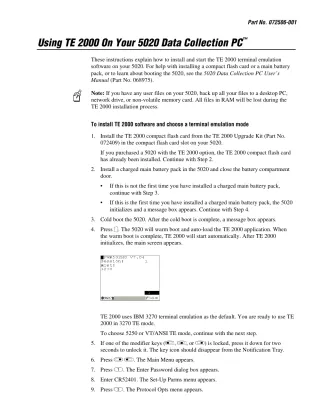
Using TE 2000 On Your 5020 Data Collection PC™ These instructions explain how to install and start the TE 2000 terminal emulation software on your 5020. For help with installing a compact flash card or a main battery pack, or to learn about booting the 5020, see the 5020 Data Collection PC User’s Manual (Part No. 068975). Note: If you have any user files on your 5020, back up all your files to a desktop PC, network drive, or non-volatile memory card. All files in RAM will be lost during the TE 2000 installation process. To install TE 2000 software and choose a terminal emulation mode 1. Install the TE 2000 compact flash card from the TE 2000 Upgrade Kit (Part No. 072409) in the compact flash card slot on your 5020. If you purchased a 5020 with the TE 2000 option, the TE 2000 compact flash card has already been installed. Continue with Step 2. 2. Install a charged main battery pack in the 5020 and close the battery compartment door.
If this is not the first time you have installed a charged main battery pack, continue with Step 3.
If this is the first time you have installed a charged main battery pack, the 5020 initializes and a message box appears. Continue with Step 4.
&
3. Cold boot the 5020. After the cold boot is complete, a message box appears. 4. Press . The 5020 will warm boot and auto-load the TE 2000 application. When the warm boot is complete, TE 2000 will start automatically. After TE 2000 initializes, the main screen appears.
TE 2000 uses IBM 3270 terminal emulation as the default. You are ready to use TE 2000 in 3270 TE mode.
To choose 5250 or VT/ANSI TE mode, continue with the next step. 5. If one of the modifier keys ( , , or ) is locked, press it down for two seconds to unlock it. The key icon should disappear from the Notification Tray. 6. Press 7. Press
. The Main Menu appears.
. The Enter Password dialog box appears.
8. Enter CR52401. The Set-Up Parms menu appears. 9. Press
. The Protocol Opts menu appears.
Page2of 2
Open in the PDF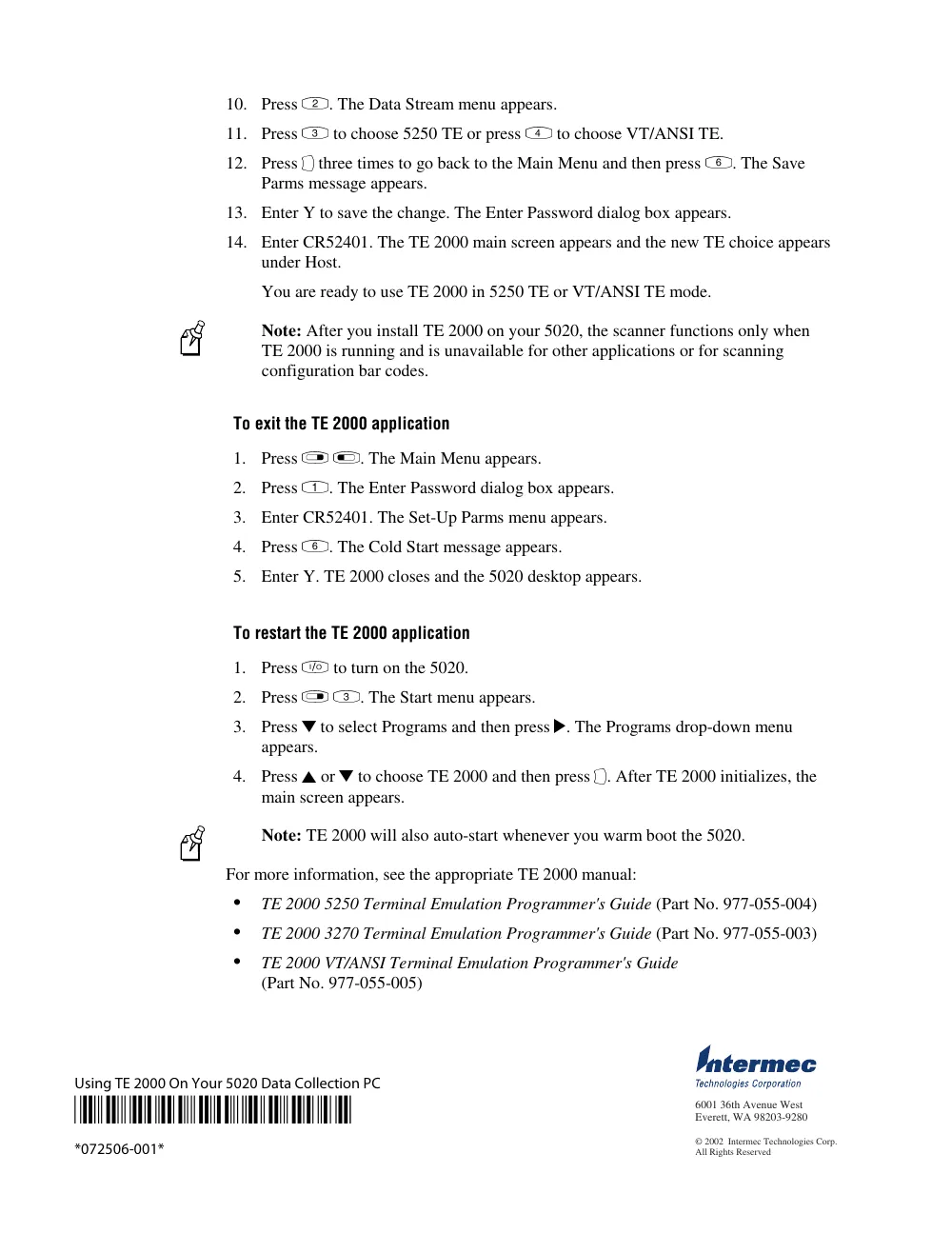
The text of page 2, from the PDF itself
10. Press 11. Press
&
. The Data Stream menu appears. to choose 5250 TE or press
to choose VT/ANSI TE.
12. Press three times to go back to the Main Menu and then press Parms message appears.
. The Save
13. Enter Y to save the change. The Enter Password dialog box appears. 14. Enter CR52401. The TE 2000 main screen appears and the new TE choice appears under Host. You are ready to use TE 2000 in 5250 TE or VT/ANSI TE mode. Note: After you install TE 2000 on your 5020, the scanner functions only when TE 2000 is running and is unavailable for other applications or for scanning configuration bar codes.
To exit the TE 2000 application 1. Press 2. Press
. The Main Menu appears.
. The Enter Password dialog box appears.
3. Enter CR52401. The Set-Up Parms menu appears. 4. Press
. The Cold Start message appears.
5. Enter Y. TE 2000 closes and the 5020 desktop appears.
'
! !
To restart the TE 2000 application 1. Press 2. Press
to turn on the 5020. . The Start menu appears.
9
3. Press to select Programs and then press . The Programs drop-down menu appears.
&
4. Press or to choose TE 2000 and then press . After TE 2000 initializes, the main screen appears. Note: TE 2000 will also auto-start whenever you warm boot the 5020. For more information, see the appropriate TE 2000 manual:
TE 2000 5250 Terminal Emulation Programmer's Guide (Part No. 977-055-004) TE 2000 3270 Terminal Emulation Programmer's Guide (Part No. 977-055-003) TE 2000 VT/ANSI Terminal Emulation Programmer's Guide (Part No. 977-055-005)
Using TE 2000 On Your 5020 Data Collection PC
*072506-001*
6001 36th Avenue West Everett, WA 98203-9280
*072506-001*
© 2002 Intermec Technologies Corp. All Rights Reserved