


Manual · Intermec
Intermec 2420 and 2425 Holster & Belt
Manual1 pagePDF 46 KB
The page is below, with its text.
Covers · 2 models
The models it covers


From the manual · read page by page
Key facts from this manual
Each line names its page in the PDF.
Intermec's one-page instruction sheet for the TRAKKER Antares 2400 Series holster and belt, used to carry a 2420 or 2425 terminal at the side when not in use. It shows how to attach the holster to the belt and fit the leg strap.
- What it is
- Holster and belt for TRAKKER Antares 2400 Series terminals p. 1
- Parts
- Holster with flap, belt and leg strap p. 1
- Wear position
- Holster rests on the outside of the thigh p. 1
- Sheet part number
- P/N 064215-006 p. 1
What this manual walks you through
- Attaching the holster to the belt and fitting the leg strap p. 1
Questions this manual answers
How do I wear the Intermec 2420 holster?
Slide the holster flap over the belt and snap it, buckle the belt with the holster on the outside of the thigh, then strap and buckle the leg strap. p. 1
Does the Trakker Antares 2400 holster fit the 2425?
Yes, the sheet names the 2420 and 2425 terminals. p. 1
What comes with the 2400 Series holster?
The sheet shows a holster with a flap, a belt and a leg strap. p. 1
The file
Size and text
Every page · 1
Read it here
Each page as it is printed, and its words beside it, so a phone can search and copy them.
Page1of 1
Open in the PDF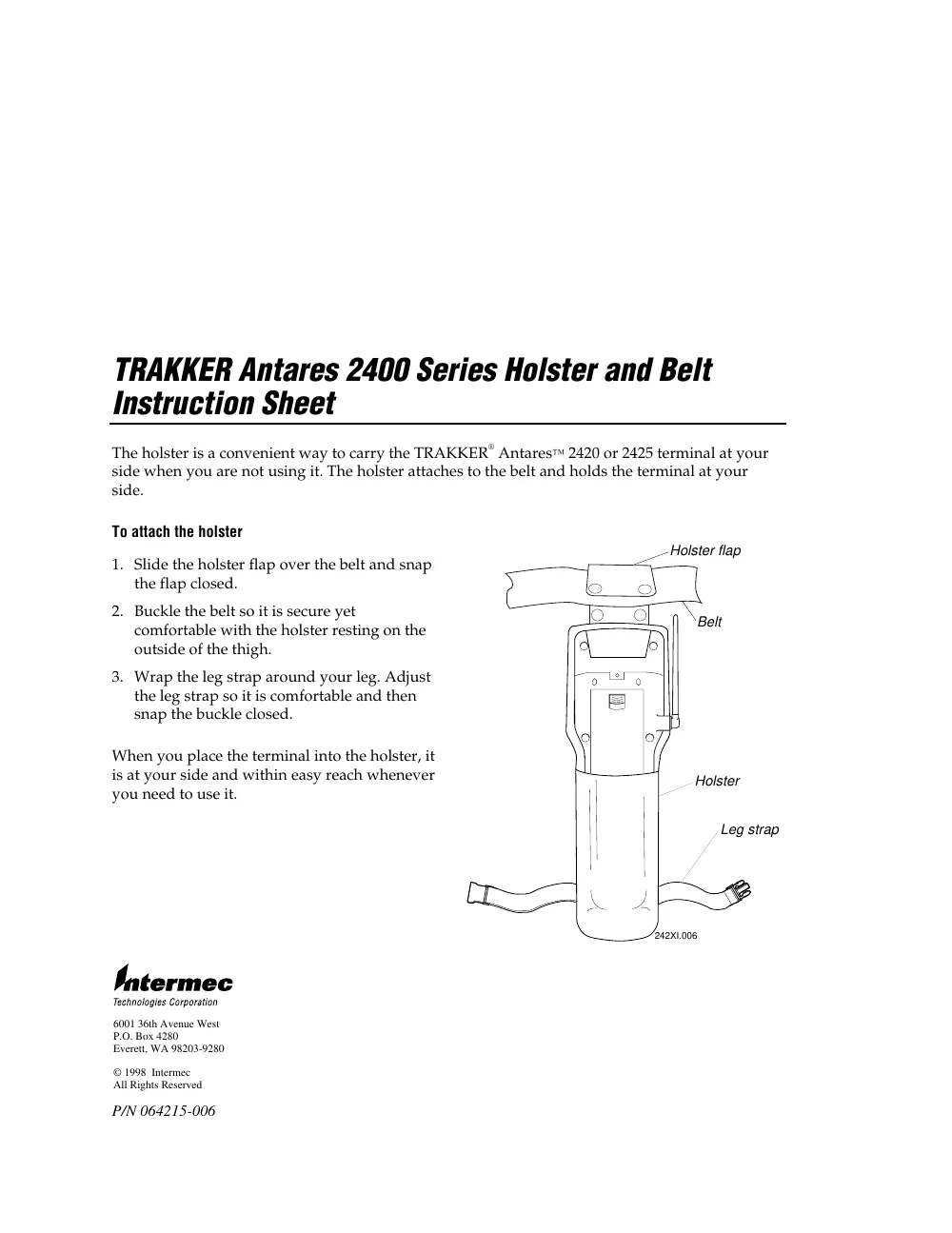
The text of page 1, from the PDF itself
TRAKKER Antares 2400 Series Holster and Belt Instruction Sheet ®
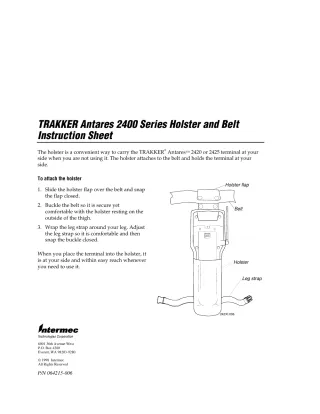
The holster is a convenient way to carry the TRAKKER Antares™ 2420 or 2425 terminal at your side when you are not using it. The holster attaches to the belt and holds the terminal at your side. To attach the holster Holster flap
1. Slide the holster flap over the belt and snap the flap closed. 2. Buckle the belt so it is secure yet comfortable with the holster resting on the outside of the thigh.
Belt
3. Wrap the leg strap around your leg. Adjust the leg strap so it is comfortable and then snap the buckle closed. When you place the terminal into the holster, it is at your side and within easy reach whenever you need to use it.
%$PgLft56!@PgDn #123BkSp)Ins>Del0 Fn LFn Rff-F11
- F16
_A]F21NL;U-F22
- F13
StatF18{"F23 M?Leg strapRF14 }F15DE=HF19 [ F20 I|J F24O \ HelpRSHm. Clear/ AttnVWX CtrlTab¬ F15N RQCaps Z. EnterCL >P | Sysrq+GK <F12F17B `FHolsterPgRt ^4 EndT ¢E-Inp Y ErrRst Esc242XI.006
6001 36th Avenue West P.O. Box 4280 Everett, WA 98203-9280 © 1998 Intermec All Rights Reserved
P/N 064215-006





