


Manual · Intermec
Intermec 2420 and 2425 Handstrap
Manual2 pagesPDF 100 KB
Both pages are below, each with its text.
Covers · 2 models
The models it covers


From the manual · read page by page
Key facts from this manual
Each line names its page in the PDF.
Intermec's two-page instruction sheet for the TRAKKER Antares 2400 Series handstrap, which helps the user grip a 2420 or 2425 terminal. It shows how to fit the handstrap bracket and elastic band, and how to release it to reach the batteries or fit a belt clip.
- What it is
- Handstrap for TRAKKER Antares 2400 Series terminals p. 1
- Purpose
- Secure grip; relieves hand stress in long use p. 1
- Parts
- Bracket, elastic band and T-bar p. 1
- Mounting
- Uses the existing screw on the terminal's bottom case; Phillips screwdriver p. 1
- Sheet part number
- P/N 064217-004 p. 1
What this manual walks you through
- Installing the handstrap p. 1, 2
- Releasing the handstrap to change the battery or fit a belt clip p. 2
Good to know
- Only the one bottom-case screw is removed, and it is reused to hold the handstrap. p. 1
Questions this manual answers
How do I install a handstrap on an Intermec 2420?
Remove the bottom-case screw, line up the bracket guides with the slots, refit the screw through the bracket, then hook the T-bar into its opening. p. 1, 2
How do I get to the 2420 battery with the handstrap on?
Stretch the elastic band so the T-bar slides out of its opening, change the battery, then reinsert the T-bar. p. 2
Which terminals does the Trakker Antares 2400 handstrap fit?
The sheet names the TRAKKER Antares 2420 and 2425 terminals. p. 1
The file
Size and text
Every page · 2
Read it here
Each page as it is printed, and its words beside it, so a phone can search and copy them.
Page1of 2
Open in the PDF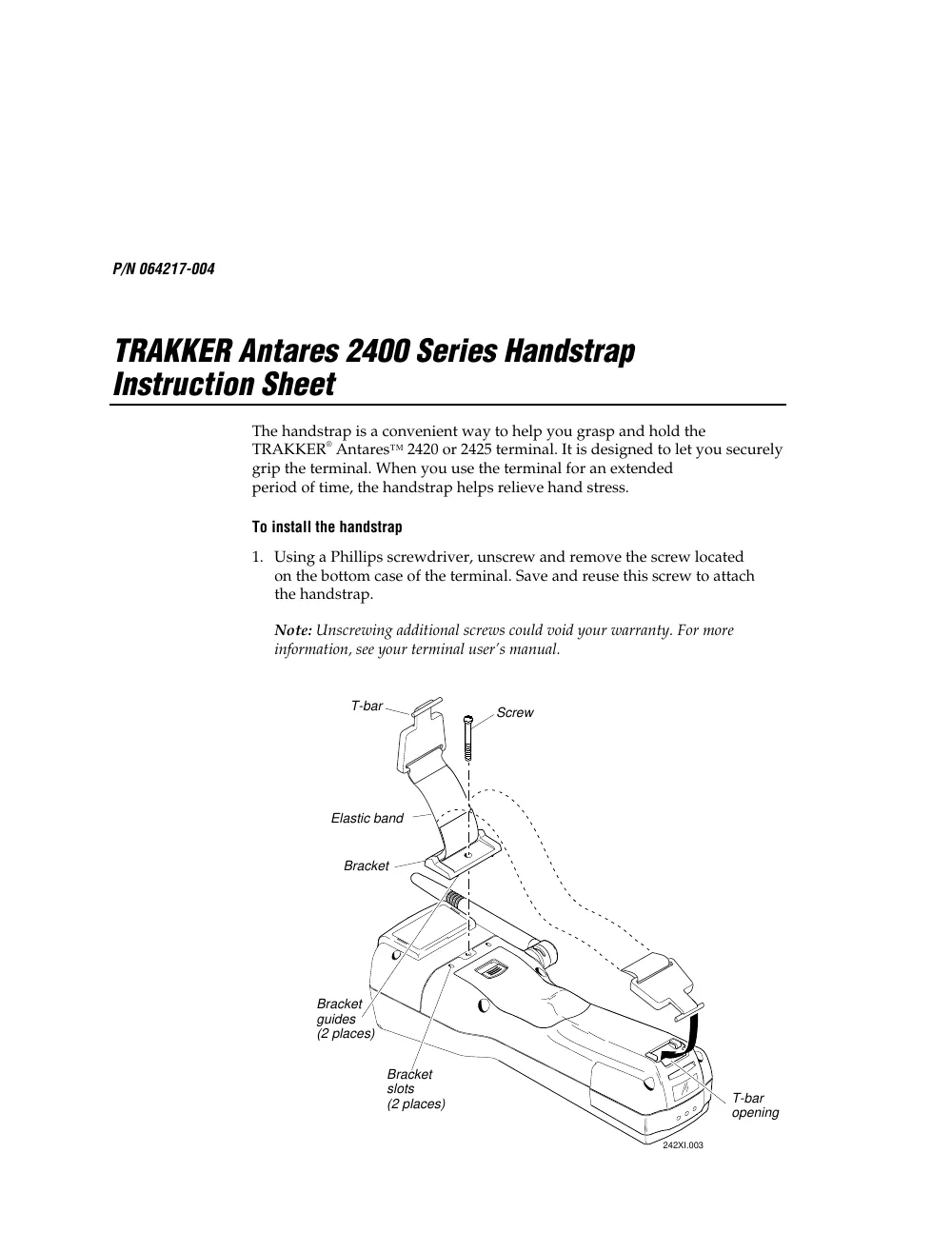
The text of page 1, from the PDF itself
P/N 064217-004
TRAKKER Antares 2400 Series Handstrap Instruction Sheet The handstrap is a convenient way to help you grasp and hold the ® TRAKKER Antares™ 2420 or 2425 terminal. It is designed to let you securely grip the terminal. When you use the terminal for an extended period of time, the handstrap helps relieve hand stress. To install the handstrap 1. Using a Phillips screwdriver, unscrew and remove the screw located on the bottom case of the terminal. Save and reuse this screw to attach the handstrap. Note: Unscrewing additional screws could void your warranty. For more information, see your terminal user’s manual.
T-barScrewElastic bandBracket
Bracket guides (2 places) Bracket slots (2 places)
T-bar opening 242XI.003
Page2of 2
Open in the PDF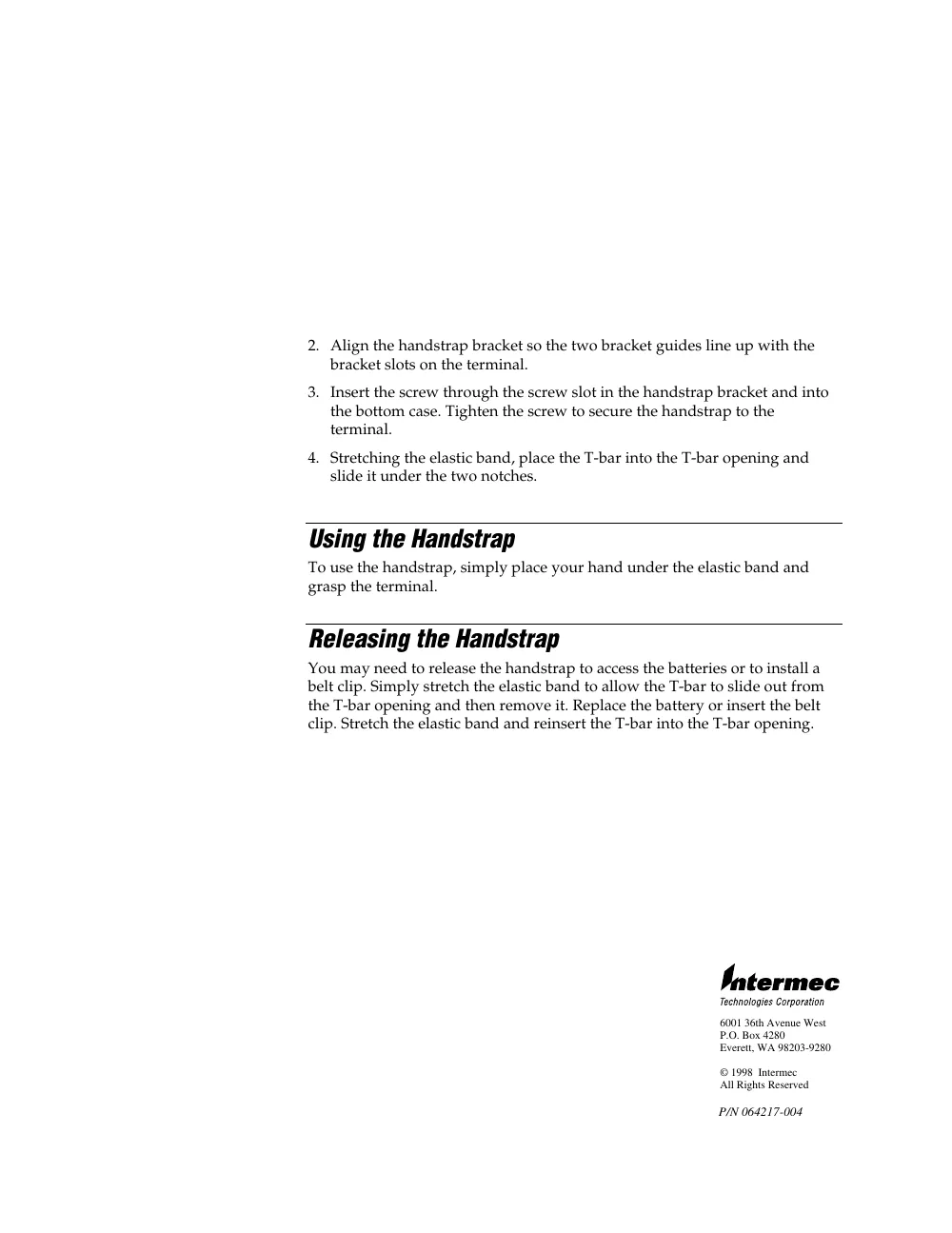
The text of page 2, from the PDF itself
2. Align the handstrap bracket so the two bracket guides line up with the bracket slots on the terminal. 3. Insert the screw through the screw slot in the handstrap bracket and into the bottom case. Tighten the screw to secure the handstrap to the terminal. 4. Stretching the elastic band, place the T-bar into the T-bar opening and slide it under the two notches.
Using the Handstrap To use the handstrap, simply place your hand under the elastic band and grasp the terminal.
Releasing the Handstrap You may need to release the handstrap to access the batteries or to install a belt clip. Simply stretch the elastic band to allow the T-bar to slide out from the T-bar opening and then remove it. Replace the battery or insert the belt clip. Stretch the elastic band and reinsert the T-bar into the T-bar opening.
6001 36th Avenue West P.O. Box 4280 Everett, WA 98203-9280 © 1998 Intermec All Rights Reserved
P/N 064217-004





