Manual · Monarch
Monarch 6030/6035 Conversion Guide
Manual4 pagesPDF 45 KB
All 4 pages are below, each with its text.
Names · 1 model
The models it names
Filed with · 1 model
Also filed with these models on the old site
From the manual · read page by page
Key facts from this manual
Each line names its page in the PDF.
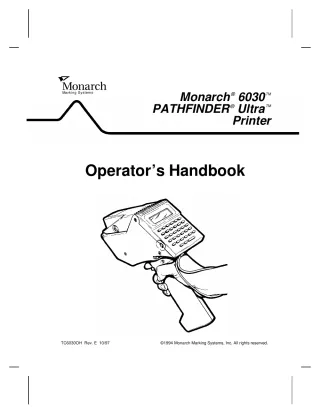
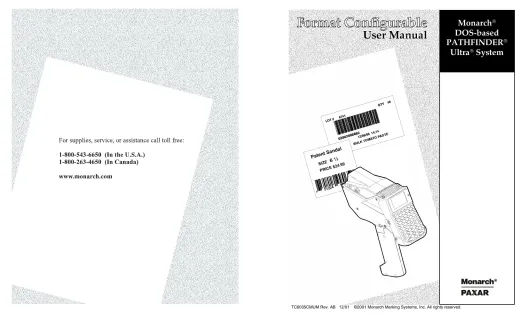
Short guide for operators moving from the Monarch 6030 printer to the DOS-based Pathfinder Ultra 6035. It lists which 6035 keys replace the 6030 keys, points to the 6035 Equipment Manual topics to review, and gives the complete supply loading and calibration steps.
- Purpose
- Describes the differences for users moving from the 6030 to the 6035 printer p. 1
- Platform
- 6035: DOS-based Pathfinder Ultra printer, very similar to the 6030 p. 1
- Supply calibration
- 6035: stock type, stock width and stock length are chosen when calibrating supplies p. 3
- Topics to review
- Backup battery charging, display, keypad, data entry modes and loading supplies in the 6035 Equipment Manual p. 1
- Document number
- TC6035ADKOH Rev. AA 3/01 p. 1
What this manual walks you through
- Using the 6035 keys that replace the 6030 keys p. 2
- Loading and calibrating supplies on the 6035 p. 2, 3
- Choosing what to review in the 6035 Equipment Manual p. 1
Good to know
- The loading procedure in the 6035 Equipment Manual is only part of the full procedure. p. 2
- An application cannot run while supplies are being loaded. p. 2
Questions this manual answers
How do I load and calibrate supplies on a Monarch 6035?
Outside an application, start supply loading from the keypad, load supplies as the Equipment Manual shows, press the trigger to feed, then calibrate and choose the stock type, width and length. p. 2, 3
What is different between the Monarch 6030 and 6035 printers?
The guide says the DOS-based 6035 is very similar to the 6030; it describes the changed keys and the complete supply loading procedure. p. 1, 2
Can I run an application while loading supplies on the 6035?
No. The guide states that an application cannot run during the supply loading procedure. p. 2
The file
Size and text
Every page · 4
Read it here
Each page as it is printed, and its words beside it, so a phone can search and copy them.
Page1of 4
Open in the PDF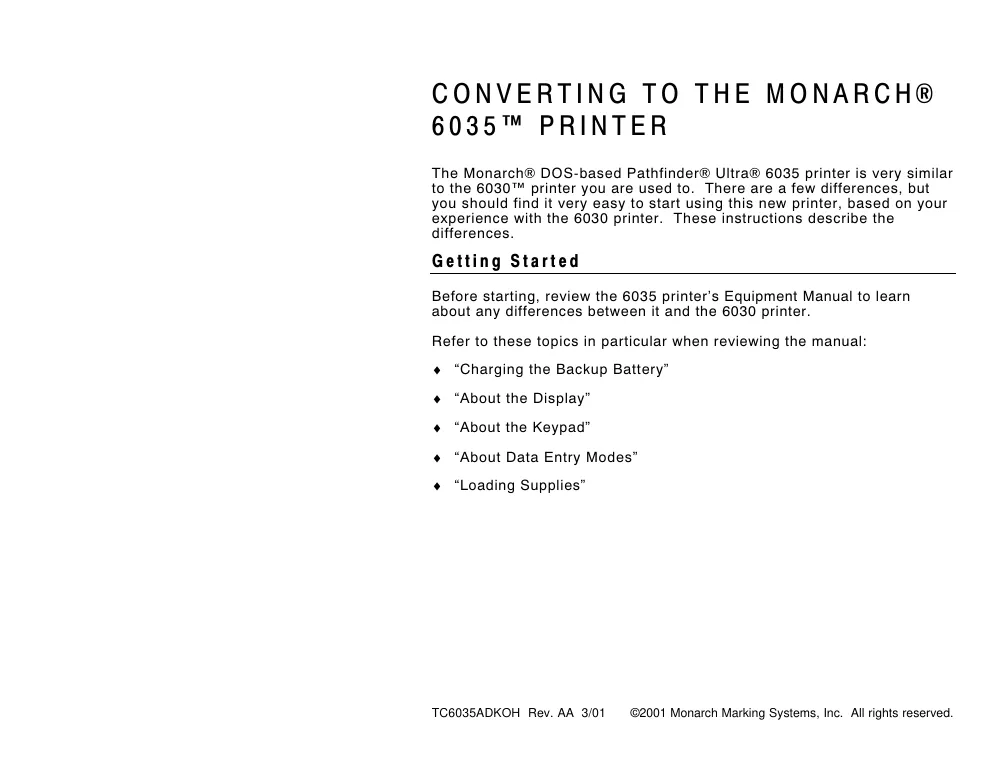
The text of page 1, from the PDF itself
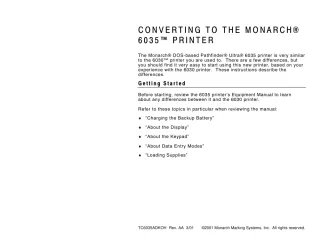
CONVERTING TO THE MONARCH® 6035™ PRINTER The Monarch® DOS-based Pathfinder® Ultra® 6035 printer is very similar to the 6030™ printer you are used to. There are a few differences, but you should find it very easy to start using this new printer, based on your experience with the 6030 printer. These instructions describe the differences.
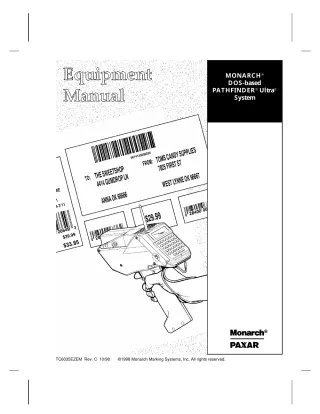
Getting Started Before starting, review the 6035 printer’s Equipment Manual to learn about any differences between it and the 6030 printer. Refer to these topics in particular when reviewing the manual:
♦ “Charging the Backup Battery” ♦ “About the Display” ♦ “About the Keypad” ♦ “About Data Entry Modes” ♦ “Loading Supplies”
TC6035ADKOH Rev. AA 3/01
©2001 Monarch Marking Systems, Inc. All rights reserved.
Page2of 4
Open in the PDF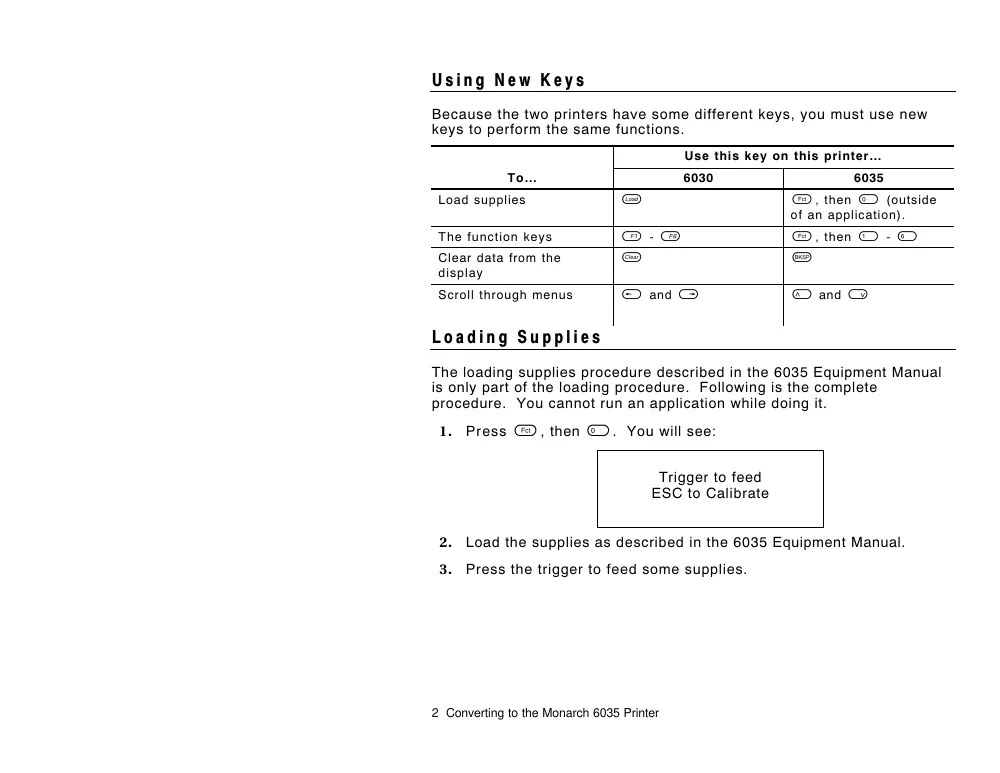
The text of page 2, from the PDF itself
Using New Keys Because the two printers have some different keys, you must use new keys to perform the same functions. Use this key on this printer… To…
60306035Load suppliesl
f, then 0 (outside of an application).
The function keysA - Ff, then 1 - 6
Clear data from the display
cgScroll through menus< and >= and *
Loading Supplies The loading supplies procedure described in the 6035 Equipment Manual is only part of the loading procedure. Following is the complete procedure. You cannot run an application while doing it. 1. Press f, then 0. You will see: Trigger to feed ESC to Calibrate
2. Load the supplies as described in the 6035 Equipment Manual. 3. Press the trigger to feed some supplies.
2 Converting to the Monarch 6035 Printer
Page3of 4
Open in the PDF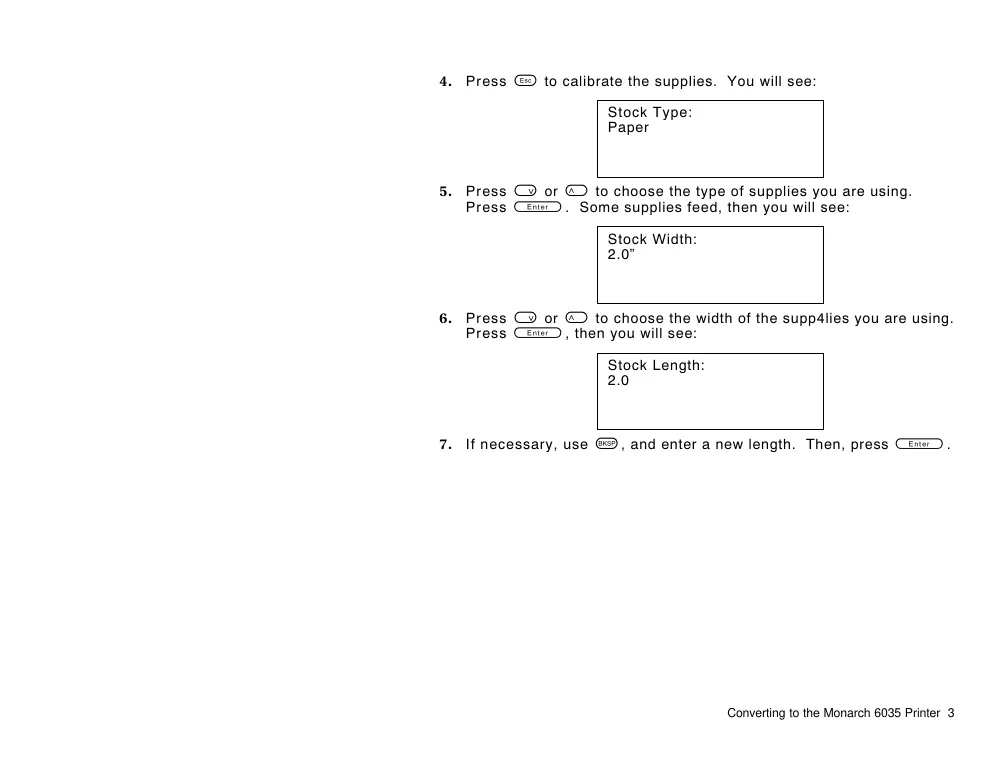
The text of page 3, from the PDF itself
4. Press b to calibrate the supplies. You will see: Stock Type: Paper
5. Press * or = to choose the type of supplies you are using. Press e. Some supplies feed, then you will see: Stock Width: 2.0”
6. Press * or = to choose the width of the supp4lies you are using. Press e, then you will see: Stock Length: 2.0
7. If necessary, use g, and enter a new length. Then, press e.
Converting to the Monarch 6035 Printer 3
Page4of 4
Open in the PDF
The text of page 4, from the PDF itself
Each product and program carries a respective written warranty, the only warranty on which the customer can rely. Monarch reserves the right to make changes in the product, the programs, and their availability at any time and without notice. Although Monarch has made every effort to provide complete and accurate information in this manual, Monarch shall not be liable for any omissions or inaccuracies. Any update will be incorporated in a later edition of this manual. ©2001 Monarch Marking Systems, Inc. All rights reserved. No part of this publication may be reproduced, transmitted, stored in a retrieval system, or translated into any language in any form by any means, without the prior written permission of Monarch Marking Systems, Inc. Trademarks Paxar® is a trademark of Paxar Corporation. Monarch®, Pathfinder®, Ultra®, Pathfinder Ultra®, MPCL, 6030, and 6035 are trademarks of Monarch Marking Systems, Inc. TrueType® is a trademark of Apple Computer, Inc. Monarch Marking Systems 170 Monarch Lane Miamisburg, Ohio 45342
For supplies, service, or assistance call toll free: 1-800-543-6650 (In the U.S.A.) 1-800-263-4650 (In Canada) www.monarch.com