Manual · Intermec
Intermec MobileLAN Access R1.93 Software Release Technical Bulletin
Manual4 pagesPDF 154 KB
All 4 pages are below, each with its text.
Filed with · 2 models
Also filed with these models on the old site
From the manual · read page by page
Key facts from this manual
Each line names its page in the PDF.
This is Intermec technical bulletin 6154 (March 2004) on the MobileLANaccess R1.93 software release, which it says applies to all Intermec MobileLAN access points; it does not name the 2100 or 2110 by model. It lists the software and boot ROM versions of releases R1.90, R1.91 and R1.93. It also explains the problems each release fixed and the features R1.90 added.
- Document
- Technical bulletin 6154, dated 03/19/2004, on the MobileLANaccess R1.93 software release p. 1
- Applies to
- All Intermec MobileLAN access points p. 1
- R1.93 versions
- Released March 2004; software v6.40, Boot Rom v5.56 p. 1
- 802.11b radio firmware
- R1.93 upgrades the 802.11b station radio firmware to v8.75 p. 1, 4
- R1.91 versions
- Released October 2003; software v6.36, Boot Rom v5.55; key fixes for the WA21 and WA22 p. 1
- R1.90 versions
- Released July 2003; software v6.34, Boot Rom v5.55 p. 1
- R1.90 features
- AP Configuration Wizard, Domain Name Server support, 802.11a support, Dynamic Frequency Selection, EAP-PEAP support, 802.1x supplicant with EAP-TTLS and EAP-TLS p. 2
What this manual walks you through
- What the R1.93 release fixes: 802.11b transmit lockup, RADIUS replies, Microsoft VPN and IP tunnel bridging p. 4
- Release history and fixes of R1.90 and R1.91 p. 1, 2
Good to know
- Access points hit by the Agere 802.11b radio start-up problem before R1.91 must be power cycled, not warm booted, for the fix to apply. p. 1
- Support for the 905 (Japanese) country code is subject to regulatory approval. p. 2
- In R1.80, Spectralink phones worked only with the configuration set to data only; R1.90 fixed this. p. 2
Questions this manual answers
What does Intermec MobileLAN R1.93 fix?
It fixes an 802.11b radio state where frames could not be sent, RADIUS replies from a different IP address, Microsoft VPN use and IP tunnel bridge issues. p. 4
What software and boot ROM versions are in R1.93?
Software v6.40 and Boot Rom v5.56. p. 1
Does R1.93 fix Microsoft VPN problems on MobileLAN access points?
Yes. The bulletin states running with Microsoft VPN did not work before and has been fixed. p. 4
Which access points does the R1.93 release apply to?
The bulletin lists all Intermec MobileLAN access points as affected. p. 1
The file
Size and text
Every page · 4
Read it here
Each page as it is printed, and its words beside it, so a phone can search and copy them.
Page1of 4
Open in the PDF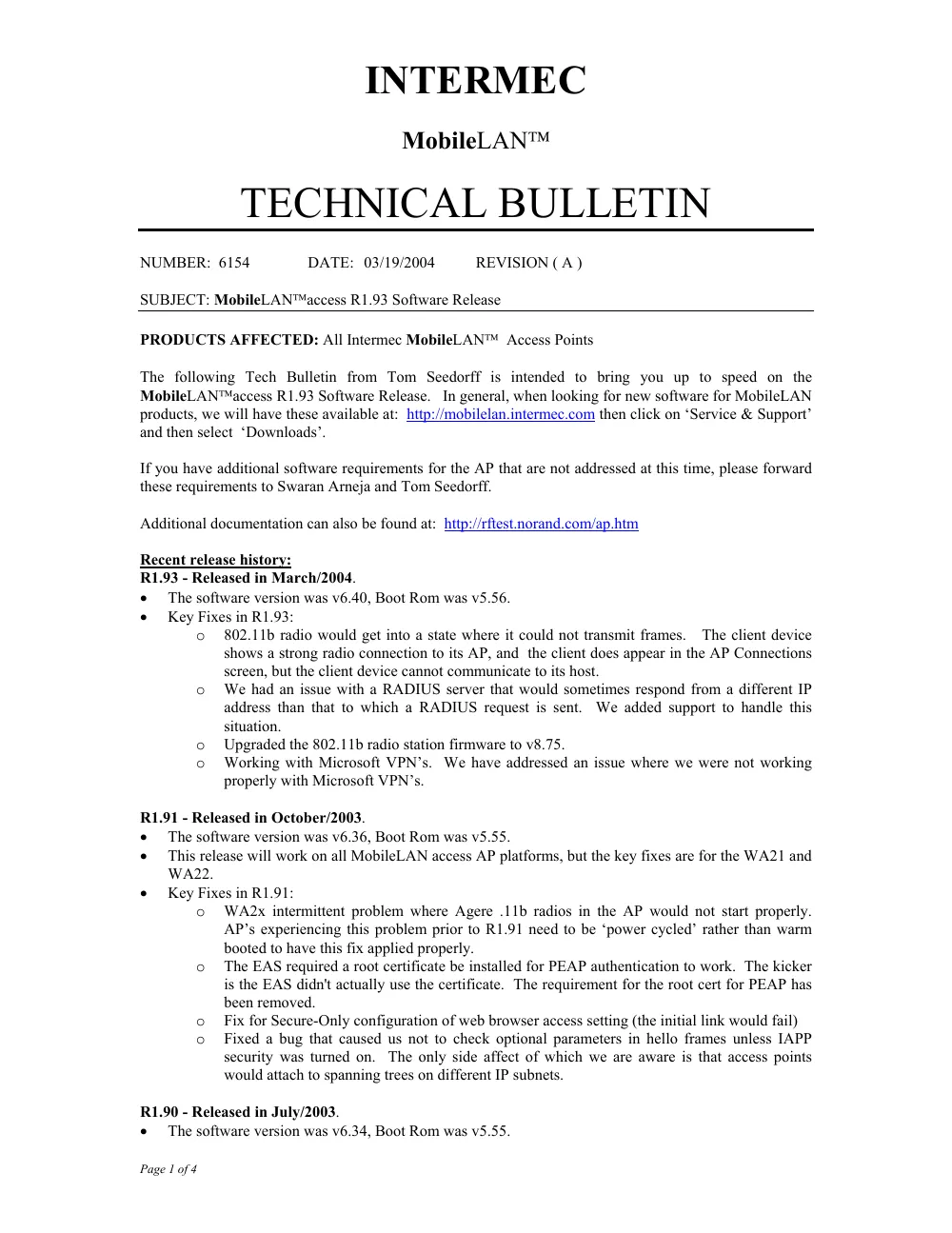
The text of page 1, from the PDF itself
INTERMEC MobileLAN
TECHNICAL BULLETIN NUMBER: 6154
DATE: 03/19/2004
REVISION ( A )
SUBJECT: MobileLANaccess R1.93 Software Release PRODUCTS AFFECTED: All Intermec MobileLAN Access Points The following Tech Bulletin from Tom Seedorff is intended to bring you up to speed on the MobileLANaccess R1.93 Software Release. In general, when looking for new software for MobileLAN products, we will have these available at: http://mobilelan.intermec.com then click on ‘Service & Support’ and then select ‘Downloads’. If you have additional software requirements for the AP that are not addressed at this time, please forward these requirements to Swaran Arneja and Tom Seedorff. Additional documentation can also be found at: http://rftest.norand.com/ap.htm Recent release history: R1.93 - Released in March/2004.
- The software version was v6.40, Boot Rom was v5.56.
- Key Fixes in R1.93: o 802.11b radio would get into a state where it could not transmit frames. The client device shows a strong radio connection to its AP, and the client does appear in the AP Connections screen, but the client device cannot communicate to its host. o We had an issue with a RADIUS server that would sometimes respond from a different IP address than that to which a RADIUS request is sent. We added support to handle this situation. o Upgraded the 802.11b radio station firmware to v8.75. o Working with Microsoft VPN’s. We have addressed an issue where we were not working properly with Microsoft VPN’s. R1.91 - Released in October/2003.
- The software version was v6.36, Boot Rom was v5.55.
- This release will work on all MobileLAN access AP platforms, but the key fixes are for the WA21 and WA22.
- Key Fixes in R1.91: o WA2x intermittent problem where Agere .11b radios in the AP would not start properly. AP’s experiencing this problem prior to R1.91 need to be ‘power cycled’ rather than warm booted to have this fix applied properly. o The EAS required a root certificate be installed for PEAP authentication to work. The kicker is the EAS didn't actually use the certificate. The requirement for the root cert for PEAP has been removed. o Fix for Secure-Only configuration of web browser access setting (the initial link would fail) o Fixed a bug that caused us not to check optional parameters in hello frames unless IAPP security was turned on. The only side affect of which we are aware is that access points would attach to spanning trees on different IP subnets. R1.90 - Released in July/2003.
- The software version was v6.34, Boot Rom was v5.55. Page 1 of 4
Page2of 4
Open in the PDF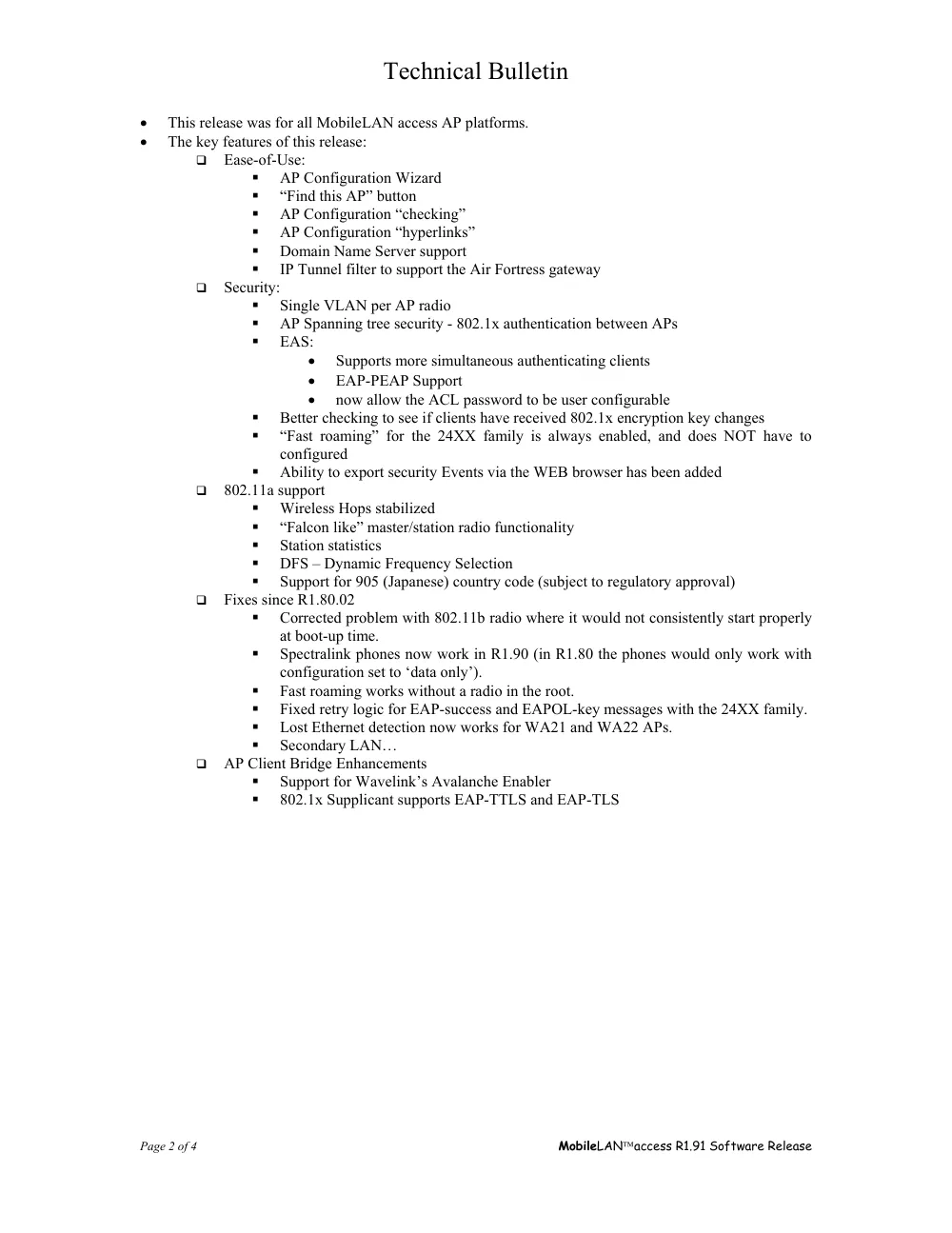
The text of page 2, from the PDF itself
Technical Bulletin
This release was for all MobileLAN access AP platforms. The key features of this release: ‰ Ease-of-Use: ƒ AP Configuration Wizard ƒ “Find this AP” button ƒ AP Configuration “checking” ƒ AP Configuration “hyperlinks” ƒ Domain Name Server support ƒ IP Tunnel filter to support the Air Fortress gateway ‰ Security: ƒ Single VLAN per AP radio ƒ AP Spanning tree security - 802.1x authentication between APs ƒ EAS:
- Supports more simultaneous authenticating clients
- EAP-PEAP Support
- now allow the ACL password to be user configurable ƒ Better checking to see if clients have received 802.1x encryption key changes ƒ “Fast roaming” for the 24XX family is always enabled, and does NOT have to configured ƒ Ability to export security Events via the WEB browser has been added ‰ 802.11a support ƒ Wireless Hops stabilized ƒ “Falcon like” master/station radio functionality ƒ Station statistics ƒ DFS – Dynamic Frequency Selection ƒ Support for 905 (Japanese) country code (subject to regulatory approval) ‰ Fixes since R1.80.02 ƒ Corrected problem with 802.11b radio where it would not consistently start properly at boot-up time. ƒ Spectralink phones now work in R1.90 (in R1.80 the phones would only work with configuration set to ‘data only’). ƒ Fast roaming works without a radio in the root. ƒ Fixed retry logic for EAP-success and EAPOL-key messages with the 24XX family. ƒ Lost Ethernet detection now works for WA21 and WA22 APs. ƒ Secondary LAN… ‰ AP Client Bridge Enhancements ƒ Support for Wavelink’s Avalanche Enabler ƒ 802.1x Supplicant supports EAP-TTLS and EAP-TLS
Page 2 of 4
MobileLANaccess R1.91 Software Release
Page3of 4
Open in the PDF
The text of page 3, from the PDF itself
Technical Bulletin FIXES................................................................................................................................. 4 FIXES IN R1.93................................................................................................................. 4
- 802.11b radio fix: ............................................................................................... 4
- RADIUS Server:.................................................................................................. 4
- 802.11b station radio firmware upgrade:........................................................... 4
- IP Tunnel fixes: ................................................................................................... 4
Page 3 of 4
MobileLANaccess R1.91 Software Release
Page4of 4
Open in the PDF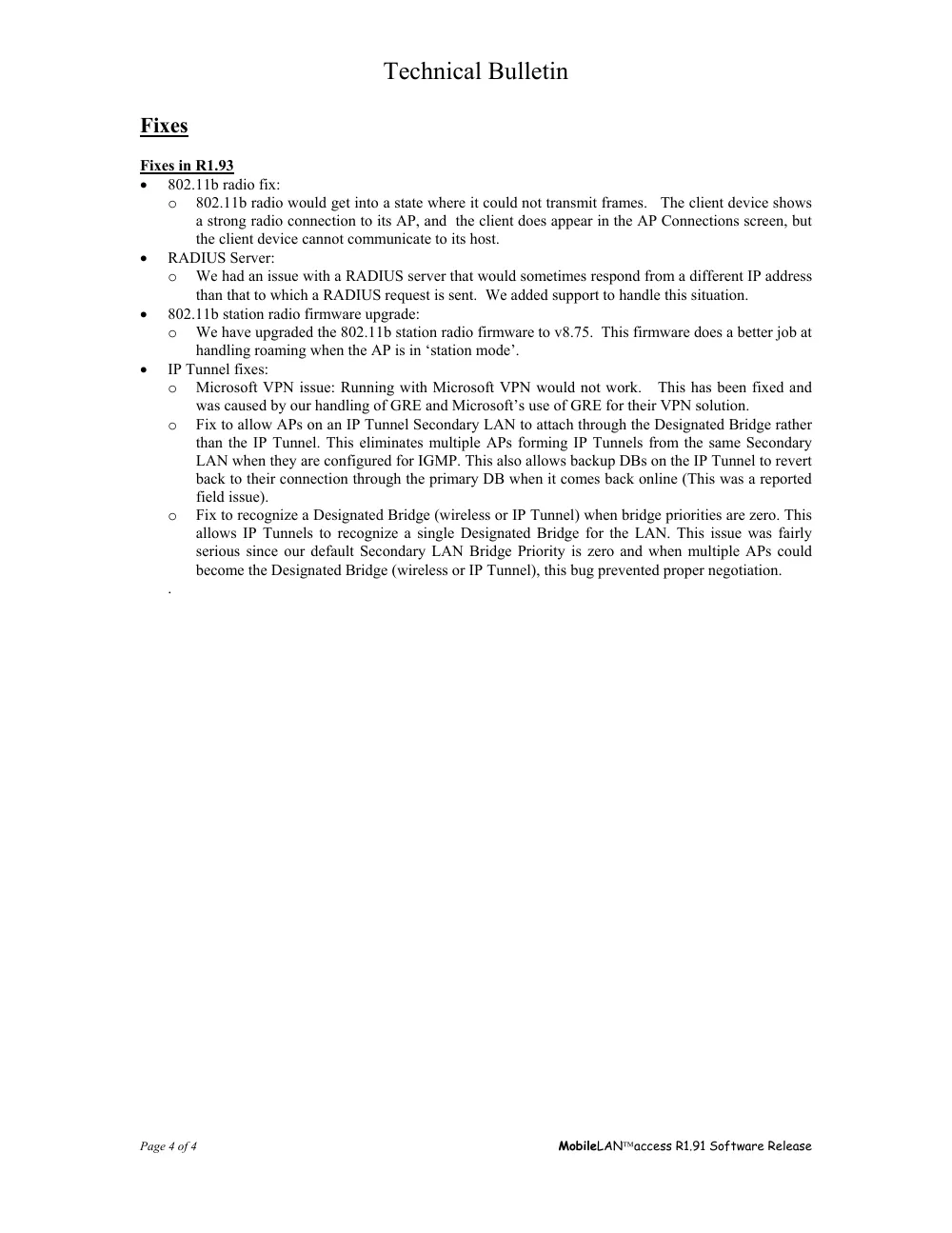
The text of page 4, from the PDF itself
Technical Bulletin Fixes Fixes in R1.93
- 802.11b radio fix: o 802.11b radio would get into a state where it could not transmit frames. The client device shows a strong radio connection to its AP, and the client does appear in the AP Connections screen, but the client device cannot communicate to its host.
- RADIUS Server: o We had an issue with a RADIUS server that would sometimes respond from a different IP address than that to which a RADIUS request is sent. We added support to handle this situation.
- 802.11b station radio firmware upgrade: o We have upgraded the 802.11b station radio firmware to v8.75. This firmware does a better job at handling roaming when the AP is in ‘station mode’.
- IP Tunnel fixes: o Microsoft VPN issue: Running with Microsoft VPN would not work. This has been fixed and was caused by our handling of GRE and Microsoft’s use of GRE for their VPN solution. o Fix to allow APs on an IP Tunnel Secondary LAN to attach through the Designated Bridge rather than the IP Tunnel. This eliminates multiple APs forming IP Tunnels from the same Secondary LAN when they are configured for IGMP. This also allows backup DBs on the IP Tunnel to revert back to their connection through the primary DB when it comes back online (This was a reported field issue). o Fix to recognize a Designated Bridge (wireless or IP Tunnel) when bridge priorities are zero. This allows IP Tunnels to recognize a single Designated Bridge for the LAN. This issue was fairly serious since our default Secondary LAN Bridge Priority is zero and when multiple APs could become the Designated Bridge (wireless or IP Tunnel), this bug prevented proper negotiation. .
Page 4 of 4
MobileLANaccess R1.91 Software Release