Manual · HHP
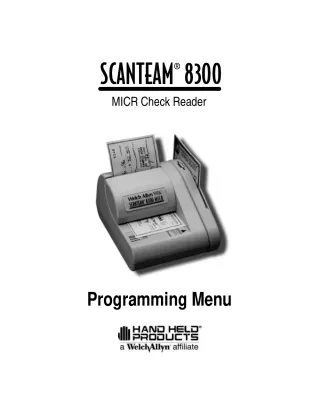
SCANTEAM 8300 MICR Check Reader Programming Menu
Manual54 pagesPDF 376 KB
Programming menu for the SCANTEAM 8300 MICR check reader: setup by bar codes, programming checks or cloning, with terminal and output options.
Covers · 1 model
The models it covers
Summary
What is in it
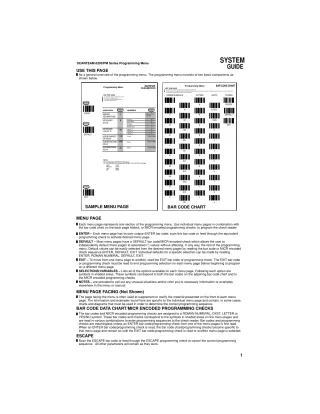
The programming menu for the Welch Allyn SCANTEAM 8300 MICR check reader. It explains the three ways to program the reader (scanning menu bar codes with an attached wand or laser scanner, feeding Plug-n-Play or single programming checks, or cloning settings from one 8300 to another) and then gives the menu pages for terminal selection, output parameters such as beeper, keyboard style and delays, and other options, with a bar code chart and sample bar codes to check the setup.
From the manual
Key facts from this manual
Some pages are scans or cannot be read; this says only what the readable text supports. Each line names its page in the PDF.
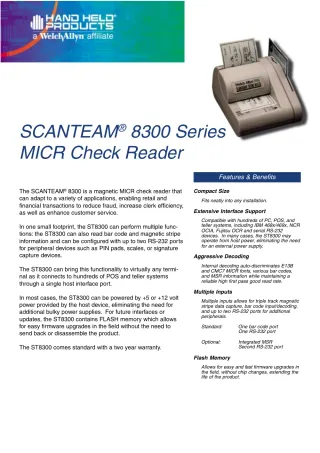
Welch Allyn programming menu (2000) for the SCANTEAM 8300 series MICR check reader. It explains how to program the reader with a bar code reader, Plug-n-Play checks or single programming checks, how to clone settings to other units, and how to set the terminal, keyboard, prefixes and suffixes, output modes and MICR error/status codes.
- Device
- MICR check reader, programmed from a bar code menu or MICR encoded programming checks p. 3, 4
- Power
- PS120/9V wall transformer if the reader is not powered by the host p. 4
- Plug-n-Play interfaces
- IBM PS/2; IBM PC, XT; IBM PC, AT or compatibles; IBM 468X/9X Port 5B, Port 17 and Port 9B; RS-232 p. 6
- Terminal list
- Includes IBM PC, XT, AT and PS/2, IBM 4683 (5B, 9B, & 17), NCR 7052 Wedge, Wyse, Harris, Telex and RS–232 (PC COMM PORT) p. 11
- Cloning cable
- 42204434-01, RJ11 to RJ11, into Aux port 1 on both readers p. 8, 9
- Programming checks
- Plug-n-Play checks 8300/PC-1; single programming checks 8300/PC-2 p. 9
- Programming scanner
- Any wand or laser scanner ending in a 9 pin squeeze "D" female host connector, on the optional scanner port p. 4, 5
- Firmware loading
- Quick*Load PC software; software version 3.0 and higher needs Quick*Load 2.50 or higher p. 4
- MICR fonts
- E–13B and CMC–7 p. 6, 17
- Magnetic stripe
- MSR tracks 1, 2 and 3, with AAMVA and California driver's license decoding p. 17, 18
- Output delays
- Intercharacter, interfunction and intermessage delays up to 9999 ms in multiples of 5 p. 14
- MICR status codes
- No MICR, Low Signal, Serial # not present, Invalid ABA #, Parser Error, Acct. # Error, Canadian, Mexican, Business and Traveler's Check, Bad Data, serial number ranges p. 45
- Beep signals
- 2 beeps: programming accepted; 3 beeps: programming error p. 5
- Clone time
- About 15 seconds for (512) 64 byte blocks p. 8
What this manual walks you through
- Programming the reader by scanning bar codes from the menu p. 5
- Setting the terminal ID and interface with a Plug-n-Play check p. 6
- Programming with single programming checks p. 7
- Cloning settings from one 8300 to another p. 8
- Selecting the terminal the reader connects to p. 10, 11
- Setting keyboard style and number key layout p. 12, 13
- Adding prefixes and suffixes such as a carriage return p. 16, 17
- Setting output modes: buffer scans, driver's license MSR, track 1 preferred, magnetic sniffer p. 18, 19
- Outputting and reprogramming MICR error/status codes p. 20, 21, 44, 45
- Adjusting keyboard wedge transmission rate p. 20, 21
Good to know
- To re-program a reader for a different interface, first clear all parameters with the Master Default check. p. 6
- Programming with a bar code reader needs the optional bar code scanner port on the rear panel. p. 5
- A reader set to decode only CMC–7 must be fed the CMC-7 Conversion check before it reads programming checks. p. 7
- Track 3 of a driver's license will not decode unless Driver's License ID MSR is turned on. p. 18
- If a cloned reader fails its ROM or RAM test it gives three beeps, five if both fail. p. 8
Questions this manual answers
How do I copy settings from one SCANTEAM 8300 to another?
Connect cloning cable 42204434-01 to Aux port 1 on both readers and scan the Clone bar code with the scanner on the source reader; it takes about 15 seconds. p. 8
What does error b on the ScanTeam 8300 display mean?
The magnetic sniffer has detected magnetic interference that could affect check reader operation. p. 18
How do I add a carriage return after every scan on the 8300?
Scan OUTPUT PARAMETERS ENTER, XI, 9, 9, 0, D, F, F, EXIT and END PROGRAMMING. p. 16
What power supply does the SCANTEAM 8300 check reader use?
A PS120/9V wall transformer when the reader is not powered by the host. p. 4
What do 3 beeps mean while programming the 8300?
An error was detected; scan the variable bar codes again in the proper sequence. p. 5
The whole text · 6 parts
Read the manual here as text
Its text as extracted from the PDF, unedited, in parts; each page opens the PDF at that page.
The file