Manual · HHP
HHP 7200 Battery Guide
Manual2 pagesPDF 119 KB
Both pages are below, each with its text.
Covers · 1 model
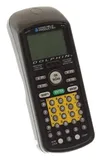
The models it covers
From the manual · read page by page
Key facts from this manual
Each line names its page in the PDF.
HHP Technical Bulletin TB #01-02 (October 29, 2001) on improving battery life on the Dolphin 7200 2D LX, LR and HD terminals. It is aimed at application programmers and shows three coding methods, with C examples, that cut power use.
- Units affected
- Dolphin 7200 2D LX, LR and HD p. 1
- Problem
- Shortened battery life p. 1
- Fix 1
- Power down the image engine with waPowerOn(FALSE) when not decoding or capturing p. 1
- Fix 2
- Call lpstop() while waiting for user input; idle power drops to one-third p. 1
- Fix 3
- Call dsleep() when the unit is idle for an extended time p. 2
- Bulletin
- TB #01 - 02, October 29, 2001 p. 1
What this manual walks you through
- Powering the image engine on and off around scans p. 1
- Idling with lpstop() while waiting for a key or the scan button p. 1
- Going to dsleep() after a 30 second idle delay p. 2
Good to know
- lpstop() returns every 55 mSec, which the sample uses to count out the idle delay. p. 2
Questions this manual answers
Why does my Dolphin 7200 2D battery run down fast?
The bulletin reports shortened battery life on 7200 2D LX, LR and HD units and fixes it in the application code: power down the image engine, use lpstop() while idle and dsleep() after long idle periods. p. 1, 2
How much power does lpstop() save on the Dolphin 7200?
Idle power drops to one-third of normal while waiting for user input. p. 1
How do I turn off the imager between scans on a Dolphin 7200 2D?
Call waPowerOn(FALSE) when not decoding and waPowerOn(TRUE) when the scan button is pressed. p. 1
The file
Size and text
Every page · 2
Read it here
Each page as it is printed, and its words beside it, so a phone can search and copy them.
Page1of 2
Open in the PDF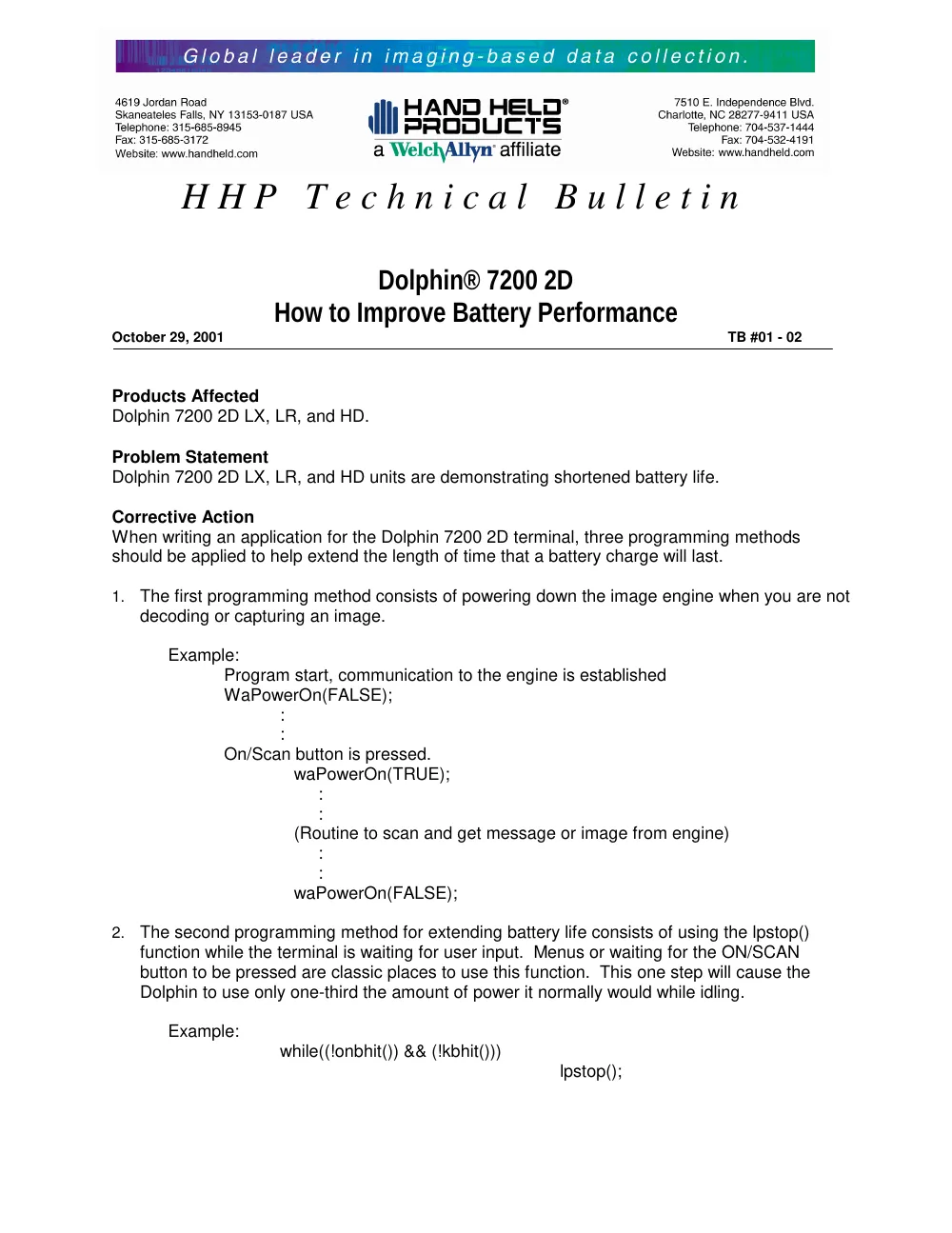
The text of page 1, from the PDF itself
HHP Technical Bulletin Dolphin® 7200 2D How to Improve Battery Performance October 29, 2001
TB #01 - 02
Products Affected Dolphin 7200 2D LX, LR, and HD. Problem Statement Dolphin 7200 2D LX, LR, and HD units are demonstrating shortened battery life. Corrective Action When writing an application for the Dolphin 7200 2D terminal, three programming methods should be applied to help extend the length of time that a battery charge will last. 1. The first programming method consists of powering down the image engine when you are not
decoding or capturing an image. Example: Program start, communication to the engine is established WaPowerOn(FALSE); : : On/Scan button is pressed. waPowerOn(TRUE); : : (Routine to scan and get message or image from engine) : : waPowerOn(FALSE); 2. The second programming method for extending battery life consists of using the lpstop()
function while the terminal is waiting for user input. Menus or waiting for the ON/SCAN button to be pressed are classic places to use this function. This one step will cause the Dolphin to use only one-third the amount of power it normally would while idling. Example: while((!onbhit()) && (!kbhit())) lpstop();
Page2of 2
Open in the PDF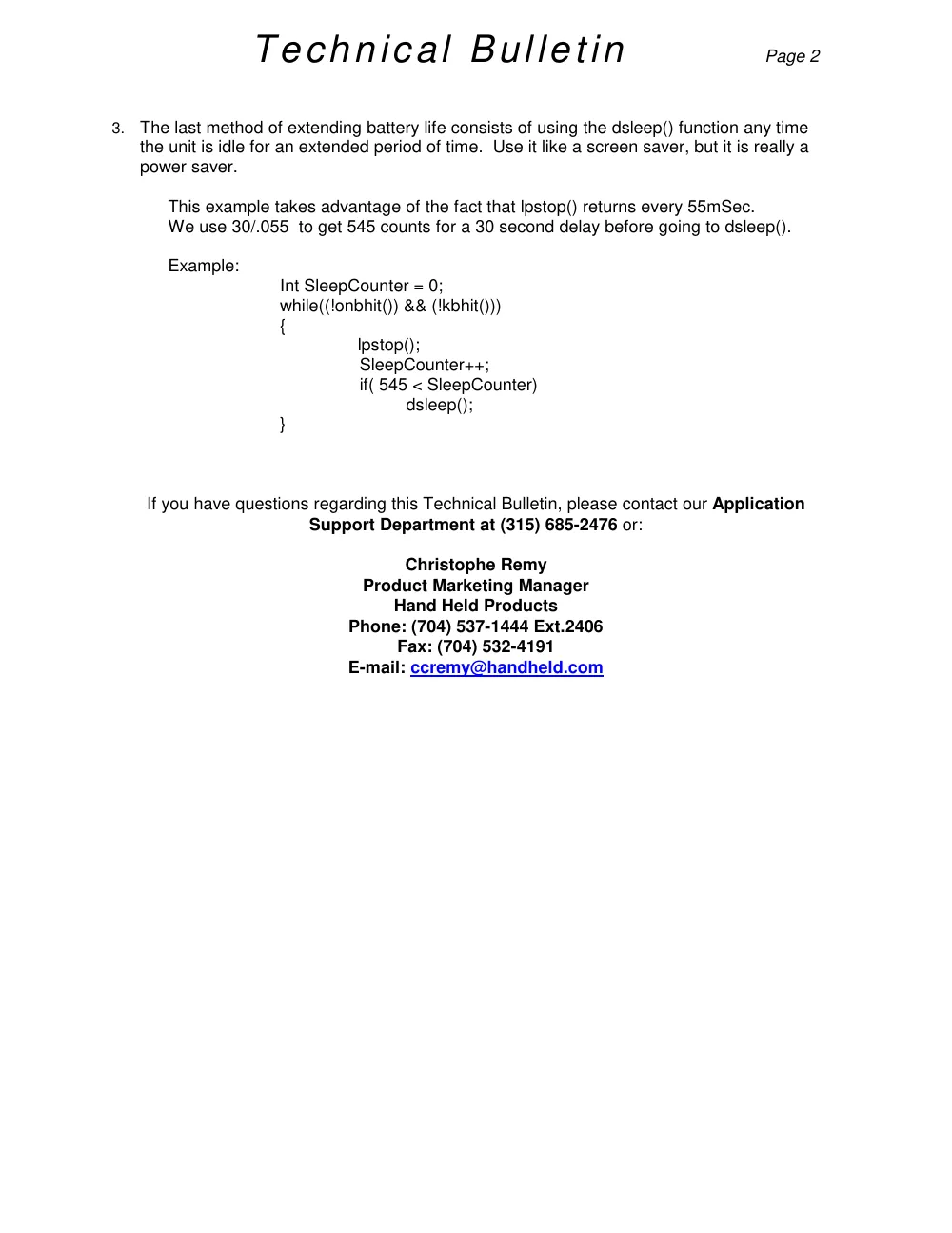
The text of page 2, from the PDF itself
Technical Bulletin
Page 2
3. The last method of extending battery life consists of using the dsleep() function any time
the unit is idle for an extended period of time. Use it like a screen saver, but it is really a power saver. This example takes advantage of the fact that lpstop() returns every 55mSec. We use 30/.055 to get 545 counts for a 30 second delay before going to dsleep(). Example: Int SleepCounter = 0; while((!onbhit()) && (!kbhit())) { lpstop(); SleepCounter++; if( 545 < SleepCounter) dsleep(); }
If you have questions regarding this Technical Bulletin, please contact our Application Support Department at (315) 685-2476 or: Christophe Remy Product Marketing Manager Hand Held Products Phone: (704) 537-1444 Ext.2406 Fax: (704) 532-4191 E-mail: ccremy@handheld.com