Manual · HHP
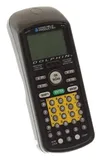
Guía de la batería del HHP 7200
Manual2 páginasPDF 119 KB
Las dos páginas están más abajo, cada una con su texto.
Abarca · 1 modelo
Los modelos que abarca
Del manual · leído página por página
Datos clave de este manual
Cada línea indica su página en el PDF.
Boletín técnico de HHP TB #01-02 (29 de octubre de 2001) sobre cómo mejorar la duración de la batería en las terminales Dolphin 7200 2D LX, LR y HD. Está dirigido a los programadores de aplicaciones y muestra tres métodos de programación, con ejemplos en C, que reducen el consumo de energía.
- Equipos afectados
- Dolphin 7200 2D LX, LR y HD pág. 1
- Problema
- Duración de la batería reducida pág. 1
- Solución 1
- Apague el motor de imagen con waPowerOn(FALSE) cuando no esté decodificando ni capturando pág. 1
- Solución 2
- Llame a lpstop() mientras espera la entrada del usuario; el consumo en reposo baja a un tercio pág. 1
- Solución 3
- Llame a dsleep() cuando el equipo esté inactivo durante un tiempo prolongado pág. 2
- Boletín
- TB #01 - 02, 29 de octubre de 2001 pág. 1
Lo que este manual le explica
- Encender y apagar el motor de imagen antes y después de los escaneos pág. 1
- Esperar en reposo con lpstop() mientras se espera una tecla o el botón de escaneo pág. 1
- Pasar a dsleep() tras 30 segundos de inactividad pág. 2
Conviene saber
- lpstop() regresa cada 55 mSec, y el ejemplo lo usa para contar el tiempo de inactividad. pág. 2
Preguntas que responde este manual
¿Por qué la batería de mi Dolphin 7200 2D se descarga rápido?
El boletín informa de una duración de batería reducida en los equipos 7200 2D LX, LR y HD y la corrige en el código de la aplicación: apagar el motor de imagen, usar lpstop() en reposo y dsleep() tras periodos largos de inactividad. pág. 1, 2
¿Cuánta energía ahorra lpstop() en la Dolphin 7200?
El consumo en reposo baja a un tercio del normal mientras se espera la entrada del usuario. pág. 1
¿Cómo apago el lector de imágenes entre escaneos en una Dolphin 7200 2D?
Llame a waPowerOn(FALSE) cuando no esté decodificando y a waPowerOn(TRUE) cuando se presione el botón de escaneo. pág. 1
El archivo
Tamaño y texto
Todas las páginas · 2
Léalo aquí
Cada página tal como está impresa, y su texto al lado, para que en un teléfono se pueda buscar y copiar.
Página1de 2
Abrir en el PDF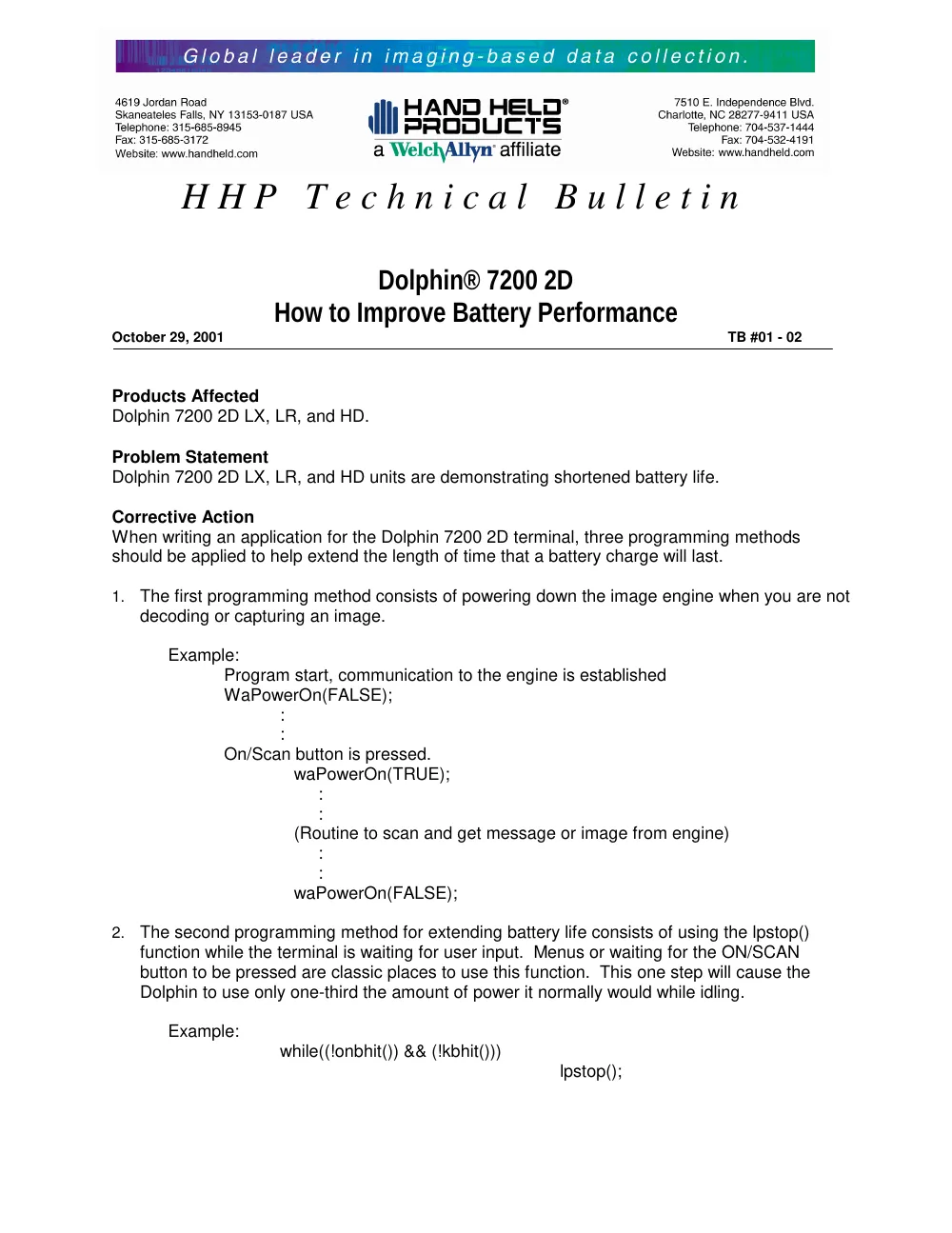
El texto de la página 1, del propio PDF
HHP Technical Bulletin Dolphin® 7200 2D How to Improve Battery Performance October 29, 2001
TB #01 - 02
Products Affected Dolphin 7200 2D LX, LR, and HD. Problem Statement Dolphin 7200 2D LX, LR, and HD units are demonstrating shortened battery life. Corrective Action When writing an application for the Dolphin 7200 2D terminal, three programming methods should be applied to help extend the length of time that a battery charge will last. 1. The first programming method consists of powering down the image engine when you are not
decoding or capturing an image. Example: Program start, communication to the engine is established WaPowerOn(FALSE); : : On/Scan button is pressed. waPowerOn(TRUE); : : (Routine to scan and get message or image from engine) : : waPowerOn(FALSE); 2. The second programming method for extending battery life consists of using the lpstop()
function while the terminal is waiting for user input. Menus or waiting for the ON/SCAN button to be pressed are classic places to use this function. This one step will cause the Dolphin to use only one-third the amount of power it normally would while idling. Example: while((!onbhit()) && (!kbhit())) lpstop();
Página2de 2
Abrir en el PDF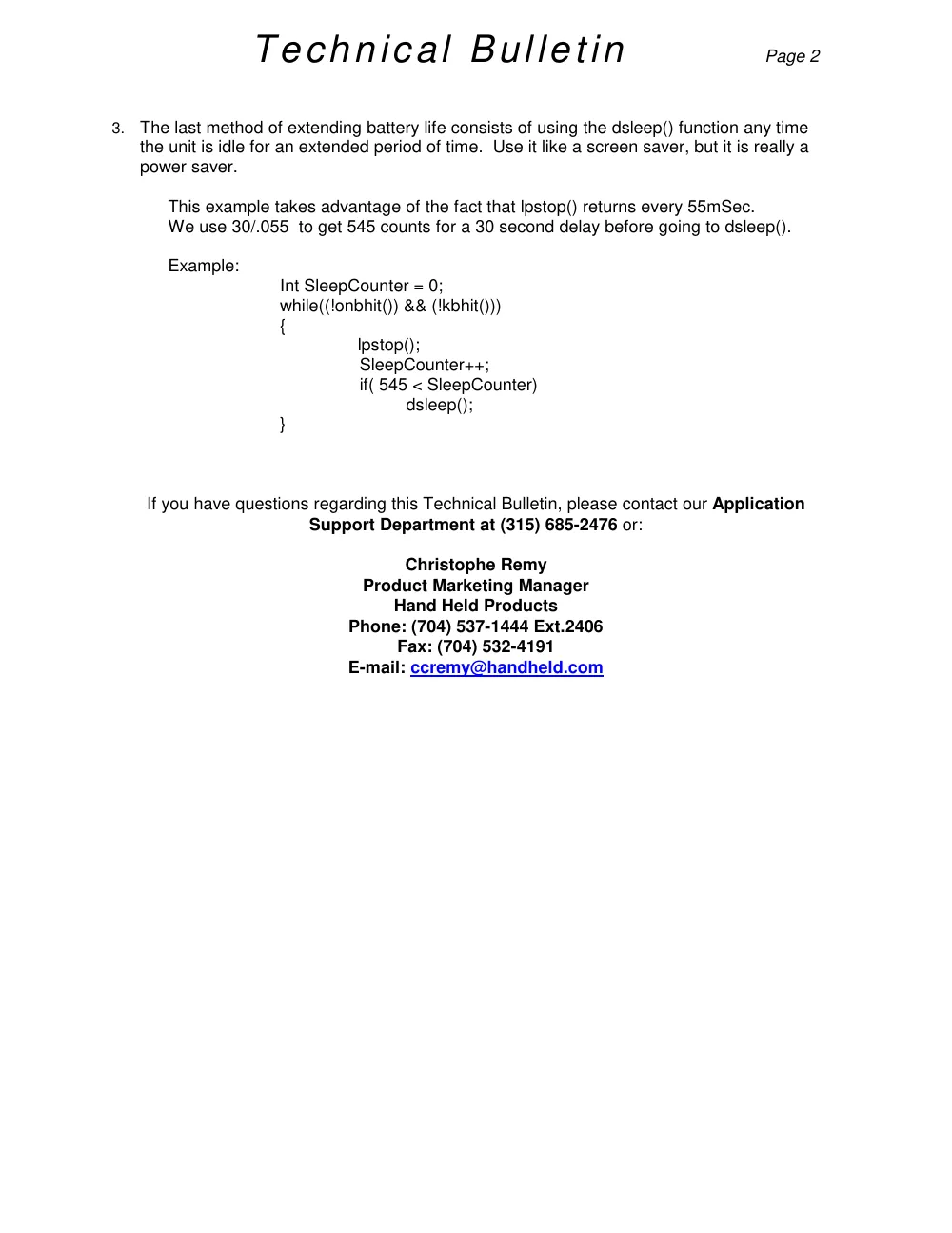
El texto de la página 2, del propio PDF
Technical Bulletin
Page 2
3. The last method of extending battery life consists of using the dsleep() function any time
the unit is idle for an extended period of time. Use it like a screen saver, but it is really a power saver. This example takes advantage of the fact that lpstop() returns every 55mSec. We use 30/.055 to get 545 counts for a 30 second delay before going to dsleep(). Example: Int SleepCounter = 0; while((!onbhit()) && (!kbhit())) { lpstop(); SleepCounter++; if( 545 < SleepCounter) dsleep(); }
If you have questions regarding this Technical Bulletin, please contact our Application Support Department at (315) 685-2476 or: Christophe Remy Product Marketing Manager Hand Held Products Phone: (704) 537-1444 Ext.2406 Fax: (704) 532-4191 E-mail: ccremy@handheld.com