Manual · CipherLab
CipherLab CPT-7xx Keyboard Wedge Cable Connection Guide
Manual1 pagePDF 37 KB
The page is below, with its text.
Filed with · 2 models
Also filed with these models on the old site
From the manual · read page by page
Key facts from this manual
Each line names its page in the PDF.
One-page connection guide for the keyboard wedge cable of the CPT-7xx terminals; it names the series only as CPT-7xx, not single models. It lists what is in the package and shows how to wire the cable between a host and its keyboard and how to plug in the terminal to move data.
- What it is
- Keyboard wedge cable that sits between a host computer and its keyboard, for CPT-7xx terminals p. 1
- In the package
- A keyboard wedge (KB) cable and a terminator p. 1
- Connectors
- Male DIN to the host keyboard port, female DIN to the keyboard cable, black male connector to the terminator or the terminal p. 1
What this manual walks you through
- Connecting the wedge cable between the host and the keyboard p. 1
- Plugging the CPT-7xx terminal in to upload or download data p. 1
Good to know
- For normal keyboard entry the black male connector stays plugged into the terminator. p. 1
Questions this manual answers
How do I connect the CPT-7xx keyboard wedge cable?
Plug its male DIN connector into the host's keyboard port and the keyboard cable into its female DIN connector. p. 1
How do I upload data from a CPT-7xx terminal through the wedge cable?
Pull the black male connector out of the terminator and plug it into the terminal. p. 1
What comes with the CPT-7xx keyboard wedge cable?
The keyboard wedge cable and a terminator. p. 1
The file
Size and text
Every page · 1
Read it here
Each page as it is printed, and its words beside it, so a phone can search and copy them.
Page1of 1
Open in the PDF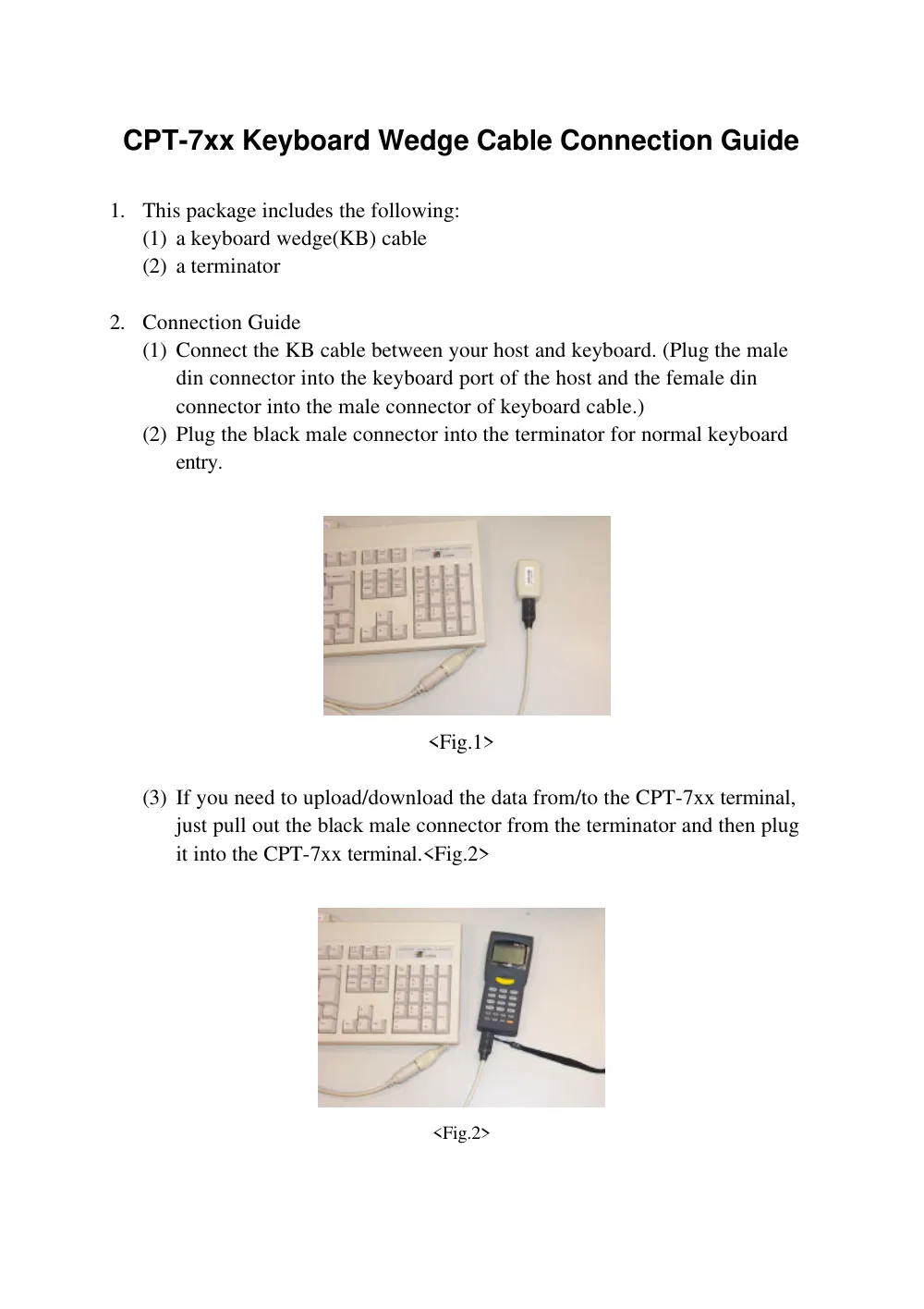
The text of page 1, from the PDF itself
CPT-7xx Keyboard Wedge Cable Connection Guide 1. This package includes the following: (1) a keyboard wedge(KB) cable (2) a terminator 2. Connection Guide (1) Connect the KB cable between your host and keyboard. (Plug the male din connector into the keyboard port of the host and the female din connector into the male connector of keyboard cable.) (2) Plug the black male connector into the terminator for normal keyboard entry.
<Fig.1> (3) If you need to upload/download the data from/to the CPT-7xx terminal, just pull out the black male connector from the terminator and then plug it into the CPT-7xx terminal.<Fig.2>
<Fig.2>