Manual · TPG
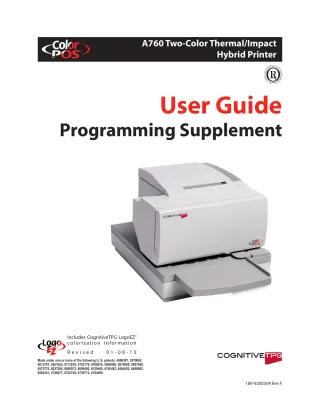
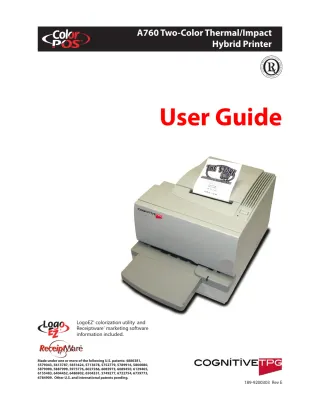
A760 Two-Color Thermal/Impact Hybrid Printer User Guide
Manual51 pagesPDF 4.1 MB
User guide for the CognitiveTPG A760 two-color thermal receipt and impact slip hybrid POS printer: setup, use and troubleshooting.
Covers · 1 model
The models it covers
Summary
What is in it
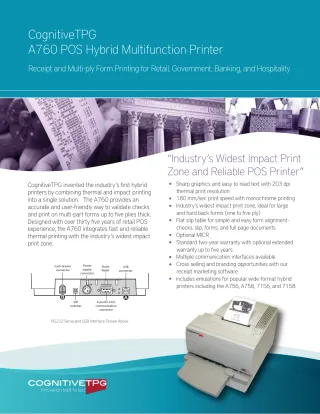
CognitiveTPG's user guide for the A760 ColorPOS hybrid point-of-sale printer, which combines a two-color thermal receipt printer with an impact slip printer for forms and checks. It describes the printer, its interfaces (RS-232C, USB, Powered USB, IEEE 1284 parallel and Ethernet) and options such as MICR, then covers unpacking, loading paper and ribbon, cabling, testing, printing on forms and checks, configuration and diagnostic modes, troubleshooting, and paper and supplies.
Its parts
- About this Guide
- About the Printer
- Setting up the Printer
- Using the Printer
- Paper and supplies
From the manual
Key facts from this manual
Some pages are scans or cannot be read; this says only what the readable text supports. Each line names its page in the PDF.
CognitiveTPG user guide 189-9200303 Rev E for the A760 ColorPOS printer, which combines a two-color thermal receipt printer with an impact slip printer for forms and checks. It covers setup, configuration, diagnostics, troubleshooting, paper and forms specifications, and supply part numbers. It helps a technician identify a unit's configuration and order paper, ribbons, cables and power supplies.
- Device
- Point-of-sale printer: two-color thermal receipt printer on top, impact slip printer in front for forms and checks p. 7
- Interfaces
- Option boards: 9-pin RS-232C, 25-pin RS-232C, combined 9-pin RS-232C and USB, Powered USB, IEEE 1284 parallel, or Ethernet p. 11
- Power supply
- 24 Vdc, 60 watt Class 2 power supply p. 2
- Memory
- 2MB flash memory standard, for logos, graphics, user-defined characters and user data p. 12
- Receipt printing
- Two-color thermal, 8 dots/mm; 44 or 56 columns on 80 mm paper; up to 180 mm/second monochrome, 100 mm/second two-color p. 12
- Slip printing
- Bi-directional impact printhead; forms up to five plies; 66 or 80 columns; 4.8 lines per second (16 mm/second) p. 12
- Check reader
- Optional MICR reader built into the slip station, reads E-13B or CMC-7 fonts; extended slip table comes with it p. 13
- Receipt bar codes
- Code 39, UPC-A, UPC-E, JAN8, JAN13, Interleaved 2 of 5, Codabar, Code 93, Code 128, EAN 128, GS1 Databar, QR Code, PDF-417 p. 12
- Serial speed
- Up to 115,200 baud; firmware upgradable by flash download p. 12
- Cash drawers
- Kickout connector, support for up to two cash drawers p. 11
- Receipt paper
- Thermal, 80 mm wide, 90 mm max. roll diameter; monochrome rolls A152-0034 (standard density), A152-0035 (light density) p. 45, 46
- Ribbon cassettes
- A152-0041 purple, A152-0042 black (5 million characters); A152-0043 purple long life (7 million); packs of 6 p. 50
- Power kits
- TPG-K330 power supply with cable and U.S. cord; TPG-K301 power supply with cable; cords TPG-K320, TPG-K322, TPG-K326 p. 47
- Other part numbers
- RS-232C 9-pin cable, 3 m: TPG-K340 (189-1077857); extended slip tables A760-K280 (standard), A760-K281 (short) p. 47, 50
What this manual walks you through
- Reading the model ID on the label to identify a printer's configuration p. 11
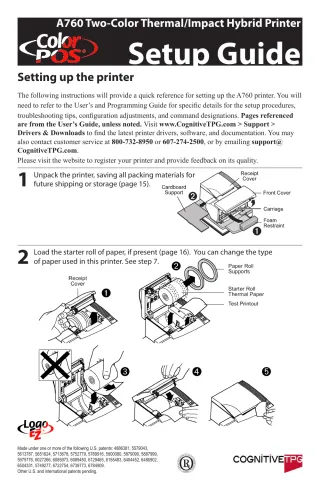
- Loading receipt paper and installing the ribbon cassette p. 3
- Connecting cash drawer, communication and power cables p. 3
- Diagnostic modes and configuring the printer p. 4
- Troubleshooting a printer that beeps or will not print p. 38
- What a blinking on-line, paper status, error LED means p. 39
- Choosing qualified monochrome and two-color thermal paper p. 45, 46
- Forms and check sizes for the slip station p. 48, 50
Good to know
- Do not run a transaction without receipt paper: data may be lost. p. 39
- The printer will not operate with any cover open. p. 39
- The thermal printhead can overheat in a hot room or with continuous high density graphics, and the printer then shuts off. p. 39
- A shielded (360 degree) interface cable must be used, with the shield grounded at each end. p. 2
- Do not use forms with holes along the top or right edge, or checks with clips or staples. p. 48, 50
Questions this manual answers
What paper does the TPG A760 take?
Qualified thermal paper 80 mm wide on rolls of at most 90 mm diameter, monochrome or two-color; the guide lists qualified grades by manufacturer. p. 45, 46
What ribbon does the A760 slip printer use?
Snap-on ribbon cassettes: A152-0042 black or A152-0041 purple (5 million characters), or A152-0043 purple long life (7 million). p. 12, 50
Why is the A760 status LED blinking?
Receipt paper out or low, a cover open, the knife, slip or carriage jammed, AC voltage out of range, or the thermal printhead too hot. p. 39
Can the A760 read checks?
With the optional MICR check reader, built into the slip station, it reads checks printed in E-13B or CMC-7 MICR fonts. p. 13
The whole text · 6 parts
Read the manual here as text
Its text as extracted from the PDF, unedited, in parts; each page opens the PDF at that page.
The file