Manual · Symbol
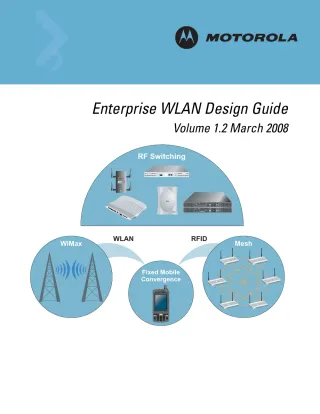
Enterprise WLAN Design Guide
Manual352 pagesPDF 9.6 MB
Motorola design guide for planning enterprise wireless LANs with its switches and access points, including the AP300 and AP-5131.
Covers · 2 models
The models it covers
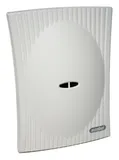
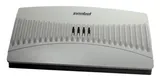
Summary
What is in it
Motorola's Enterprise WLAN Design Guide explains how to plan and deploy a wireless LAN with Motorola (Symbol) Enterprise WLAN products. It covers requirements by market, reference architectures, design methodology and site surveys, how mobile units associate, security and Smart RF, wireless switch architecture including adopting an AP300 to a WS2000, voice over WLAN, building solutions with the AP-5131 and AP-5181, Canopy systems, wireless standards and 802.11n.
Its parts
- Introduction
- WLAN Reference Architectures
- Wireless System Design Methodology
- Understanding WLAN Connectivity
- Securing the Wireless Enterprise
- Wireless Switch Architecture
- Voice Over Wireless LAN
- Building Enterprise WLAN Solutions
- Canopy Systems
- Wireless Standards
- Motorola's Wireless LAN Products
- 802.11n
From the manual
Key facts from this manual
Each line names its page in the PDF.
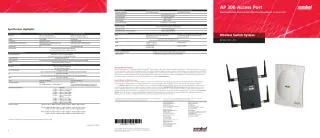
Motorola's Enterprise WLAN Design Guide, Volume 1.2: a planning guide for Motorola and Symbol enterprise wireless LAN products, not a manual for one device. It covers site surveys, security, wireless switch architecture, voice over WLAN and the 802.11 standards, with product overviews of the AP300 access port, the AP-5131 and AP-5181 access points and the wireless switches.
- AP300
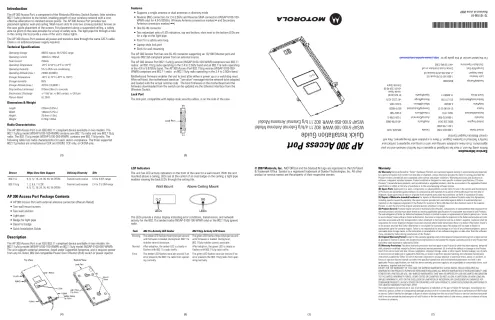
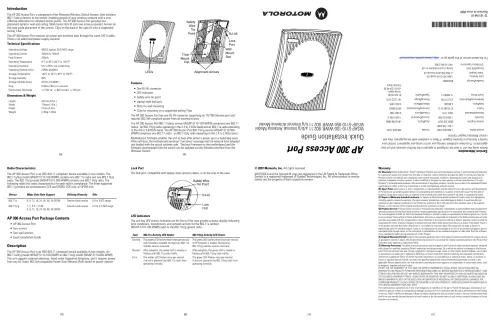
- AP300: thin 802.11a/b/g access port, managed through a Motorola wireless switch p. 293, 294
- AP-5131
- AP-5131: 802.11a/b/g access point with integrated router, firewall, VPN, DHCP, AAA and hotspot gateway p. 296, 297
- AP300 power
- AP300: standards-based 802.3af Power-over-Ethernet p. 295
- AP300 models
- AP300: WSAP-5100-100-WWR with one 802.11a and one 802.11b/g radio; a second model has one 802.11b/g radio p. 295
- AP300 radio bands
- AP300: 802.11a at 4.9 to 5.875 GHz; 802.11b/g at 2.4 to 2.5 GHz ISM p. 295
- AP-5131 memory
- AP-5131: 64MB volatile; 2MB and 64MB non-volatile p. 155
- AP-5131 management
- AP-5131: web-based Java UI, CLI, SNMP v3, SSL v3.1, SSHv2 p. 155
- AP-5131 wired
- AP-5131: dual FE uplink (LAN + WAN), PPPoE, 802.1q trunking, IPSec VPN client p. 154
- AP-5131 WLANs
- AP-5131: 4 BSSIDs per radio; 16 WLANs, 8 BSSIDs total, 16 VLANs p. 154, 155
- AP-5131 security
- AP-5131: WPA2, 802.11i, KeyGuard, Kerberos; 25 Radius entries; rogue AP detection p. 155
- AP-5181
- AP-5181: outdoor or harsh-environment version of the AP-5131, same software and firmware p. 153
- Antenna cables
- ML-1499-10JK-01R (10 ft.), ML-1499-25JK-01R (25 ft.), ML-1499-50JK-01R (50 ft.), ML-1499-100JK-01R (100ft.) p. 294, 297
- Antennas shown
- AP300: ML-5299-HPA1-01R; AP-5131: ML-5299-PTA1-01R, ML-5299-WPNA1-01R, ML-5299-HPA1-01R p. 294, 297
- AP-5131 MTBF
- AP-5131: about 245,000 hours p. 156
What this manual walks you through
- Adopting an AP300 to a WS2000 wireless switch p. 133
- How an AP300 boots and finds its switch p. 199
- How many access points each wireless switch model supports p. 199
- Setting up a single-cell AP-5131 network behind a DSL modem p. 156, 157
- Extending coverage with AP-5131 mesh networking p. 154
- Controlling remote AP-5131 units from a central wireless switch p. 156
- Choosing authentication and encryption for an access point WLAN p. 157
- Planning a wireless system design beyond the site survey p. 19
Good to know
- On the AP-5131, only 4 of the 16 ESSIDs on each radio can broadcast; the others answer only probe requests. p. 155
- For detailed antenna and cabling options, the guide points to the separate WLAN Antenna Specification Guide. p. 293
Questions this manual answers
Does the Symbol AP-300 need a wireless switch?
Yes. The guide describes the AP300 as a thin access port that is managed centrally through a Motorola wireless switch. p. 294
How is the AP300 access port powered?
It supports standards-based 802.3af Power-over-Ethernet. p. 295
What is the difference between the AP-5131 and AP-5181?
The AP-5181 is a hardware variant of the AP-5131 built for outdoor or harsh environments; it runs the same software and firmware. p. 153
How much memory does the AP-5131 have?
64MB of volatile memory, and 2MB and 64MB of non-volatile memory. p. 155
How many access points can a WS5100 switch support?
48, the same as an RFS6000; the RFS7000 supports 256. p. 199
Contents
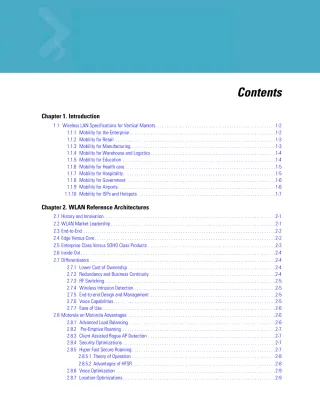
Chapters and sections
Each line opens the PDF at its page.
- Introduction19
- WLAN Reference Architectures27
- Understanding WLAN Connectivity43
- Securing the Wireless Enterprise63
- Wireless Switch Architecture101
- Voice Over Wireless LAN139
- Building Enterprise WLAN Solutions153
28 more lines, from page 184 on
- 8.4 Integrating a RFS7000 Supported WLAN184
- Canopy Systems237
- Wireless Standards261
- Motorola’s Wireless LAN Products293
- 802.11n333
- 12.1 802.11n’s Current State333
- 12.2 802.11n Overview334
- 12.3 Understanding RF Multipath and MIMO334
- 12.4 802.11 PHY336
- 12.5 802.11n and Mixed Mode Operation338
- 12.6 Frequency Bands and Channel Availability338
- 12.7 Adopting 802.11n339
- 12.8 802.11n and the Wireless Enterprise340
- 12.9 802.11n Site Surveys using LANPlanner341
The whole text · 40 parts
Read the manual here as text
Its text as extracted from the PDF, unedited, in parts; each page opens the PDF at that page.
- Contents, pages 1 to 71-7
- Contents, pages 8 to 118-11
- Contents, pages 12 to 1812-18
- Introduction19-26
- WLAN Reference Architectures, pages 27 to 3427-34
- WLAN Reference Architectures, pages 35 to 4235-42
- Understanding WLAN Connectivity, pages 43 to 5243-52
- Understanding WLAN Connectivity, pages 53 to 6253-62
- Securing the Wireless Enterprise, pages 63 to 7263-72
- Securing the Wireless Enterprise, pages 73 to 8273-82
- Securing the Wireless Enterprise, pages 83 to 9283-92
- Securing the Wireless Enterprise, pages 93 to 10093-100
- Wireless Switch Architecture, pages 101 to 110101-110
- Wireless Switch Architecture, pages 111 to 120111-120
- Wireless Switch Architecture, pages 121 to 130121-130
- Wireless Switch Architecture, pages 131 to 138131-138
- Voice Over Wireless LAN, pages 139 to 145139-145
- Voice Over Wireless LAN, pages 146 to 152146-152
- Building Enterprise WLAN Solutions, pages 153 to 162153-162
- Building Enterprise WLAN Solutions, pages 163 to 172163-172
- Building Enterprise WLAN Solutions, pages 173 to 182173-182
- Building Enterprise WLAN Solutions, pages 183 to 192183-192
- Building Enterprise WLAN Solutions, pages 193 to 202193-202
- Building Enterprise WLAN Solutions, pages 203 to 212203-212
- Building Enterprise WLAN Solutions, pages 213 to 222213-222
- Building Enterprise WLAN Solutions, pages 223 to 232223-232
- Building Enterprise WLAN Solutions, pages 233 to 236233-236
- Canopy Systems, pages 237 to 244237-244
- Canopy Systems, pages 245 to 252245-252
- Canopy Systems, pages 253 to 260253-260
- Wireless Standards, pages 261 to 268261-268
- Wireless Standards, pages 269 to 276269-276
- Wireless Standards, pages 277 to 284277-284
- Wireless Standards, pages 285 to 292285-292
- Motorola’s Wireless LAN Products, pages 293 to 302293-302
- Motorola’s Wireless LAN Products, pages 303 to 312303-312
- Motorola’s Wireless LAN Products, pages 313 to 322313-322
- Motorola’s Wireless LAN Products, pages 323 to 332323-332
- 802.11n, pages 333 to 342333-342
- 802.11n, pages 343 to 352343-352
The file