Manual · RJS
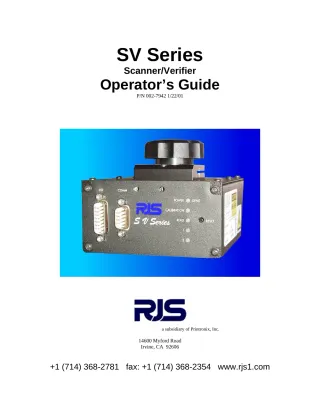
SV Series Scanner/Verifier Operator's Guide
Manual54 pagesPDF 666 KB
Operator's guide for the RJS SV Series laser scanner/verifiers (SV100, SV100HD, SV100C, SV200-1, SV200-2) that grade bar code print quality.
Covers · 1 model
The models it covers
Summary
What is in it
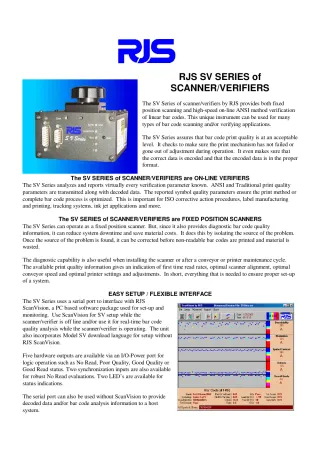
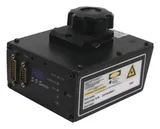
RJS's operator's guide for the SV Series scanner/verifiers, fixed laser units that decode bar codes as they pass and also analyze linear bar code print quality, check encoded data and detect system failures. It covers the SV100, SV100HD, SV100C, SV200-1 and SV200-2. Readers find the reset button, I/O and serial connectors, installation, calibration and setup, technical specifications, operation modes, the analysis parameters, the SV command language, output interface modes and ANSI grade thresholds.
Its parts
- Introduction
- Laser Beam
- Reset Button
- I/O Connector
- System Displays
- Serial Port Connector
- Serial Port Transmission Format
- Installation and Setup
- Technical Specifications
- Symbologies
- Operation Modes
- Parameters Analyzed
- SV Command Language
- Output Interface Modes Descriptions
- ANSI Parameter Grade Thresholds
From the manual
Key facts from this manual
Each line names its page in the PDF.
Operator's guide for the RJS SV Series scanner/verifiers (SV100, SV100HD, SV100C, SV200-1 and SV200-2), fixed laser units that decode linear bar codes and grade their print quality. It explains the I/O and serial connectors, LEDs, sync inputs and outputs, scanner positioning, operation modes and technical specifications, and documents the SV Command Language.
- Device
- Laser scanner/verifier that decodes linear bar codes, grades print quality and checks encoded data p. 9
- Power
- +5 VDC, +/- 0.25 Volt, 1 amp maximum, into pin 12 (ground pin 13) of the I/O connector p. 10, 23
- Serial port
- DB 9 male, RS-232C; 9600 to 115200 baud; 8 bit, no parity, 2 stop bits p. 12
- I/O connector
- DB-15 male with power, 5 programmable outputs and 2 sync inputs p. 22
- Outputs
- Open drain FET, no internal pull-up; 0 - 30 Volts DC external pull-up; 100 milliamps maximum sink p. 23
- Sync inputs
- Pin 4 for ttl or open collector (+/- 12 VDC max swing); pins 1 and 2 ground isolated, 30 Volts DC max; edge or envelope mode p. 10, 11, 23
- Laser scanner
- 400 scans/second +/- 2 s/s; 3.0 mW +/- 0.5mW; 650 to 670 nm p. 22
- Size
- 4.4" (112 mm) x 2.4" (61 mm) x 5.2" (132 mm) p. 22
- Mounting
- 2 sets of mounting holes on 2 surfaces, or a clamp onto a 3/8" (9.5 mm) rod p. 22
- LEDs
- Power/Sync, Calibration, Read, and 2 programmable LEDs p. 22
- Environment
- Operating 40°F to 105°F (4°C to 41°C); storage -4°F to 140°F (-20°C to 60°C); 10% to 90% humidity non-condensing p. 22
- Symbologies
- USS Code 128, Code 39, Code 93, Codabar, Interleaved 2 of 5; UPC A and E; EAN-13 and EAN-8, with 2 and 5 digit supplementals p. 23
- Verification
- ANSI method (decodability, modulation, defects, edge and symbol contrast, overall grade) and traditional method (PCS, reflectance, bar deviation, quiet zone, X dimension) p. 24
- Setup software
- RJS ScanVision for Windows, programming over the serial port with the SV Download language p. 9
What this manual walks you through
- Using the Reset button to stop the laser, calibrate or reset the ports p. 9, 10
- Wiring the DB 15 I/O connector for power, sync and outputs p. 10
- Choosing edge or envelope sync mode p. 11
- Reading the five back panel LEDs p. 12
- Serial port pin-out p. 13
- Decoding the serial transmission format of analysis results p. 13, 14
- Symbology identifier codes p. 15
- Positioning the scanner by focus distance and scan angle p. 16
- Choosing an operation mode: sync with moving codes, sync with stationary codes, or free scan p. 23, 24
- Parameters analyzed for each bar code p. 24
Good to know
- The laser beam may be on at any time the Power/Sync LED is lit. p. 9
- Free scan mode without a sync signal is not recommended, since it cannot report missing or undetectable bar codes. p. 24
- Use the SV Series only with UL-listed printers, applicators and conveyors. p. 6
- Never stare into the laser beam or its reflection; the manual states a Class IIIa laser product. p. 6, 22
- In either sync mode, mount the unit so no bar code is in the beam when an active sync edge arrives. p. 12
Questions this manual answers
What power supply does the RJS SV100 verifier need?
+5 Volts DC, +/- 0.25 Volt, at up to 1 amp, wired to pin 12 with ground on pin 13 of the DB 15 I/O connector. p. 10
How do I turn off the laser on an SV Series verifier?
Hold the Reset button for a few seconds until the beam turns off; press Reset again to resume normal operation. p. 9
What are the SV100 serial port settings?
A DB 9 male RS-232C port, baud rate programmable between 9600 and 115200, 8 bit data, no parity, 2 stop bits. p. 12
Which bar code symbologies can the SV Series verify?
USS Code 128, Code 39, Code 93, Codabar and Interleaved 2 of 5, plus UPC A and E and EAN-13 and EAN-8 with 2 and 5 digit supplementals. p. 23
What software is used to set up the SV100?
RJS ScanVision, a Windows program that sets up the unit through menus and monitors bar codes in real time. p. 9
Contents
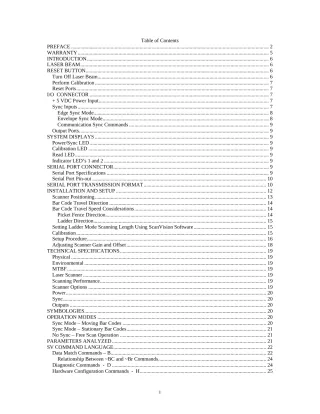
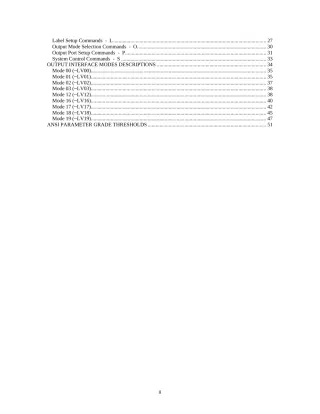
Chapters and sections
Each line opens the PDF at its page.
The whole text · 9 parts
Read the manual here as text
Its text as extracted from the PDF, unedited, in parts; each page opens the PDF at that page.
The file