Manual · Monarch
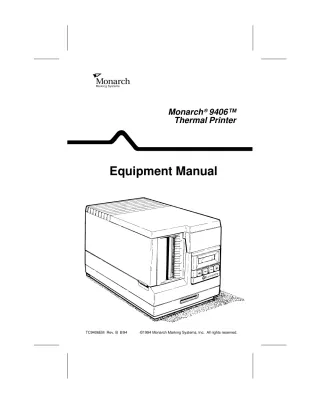
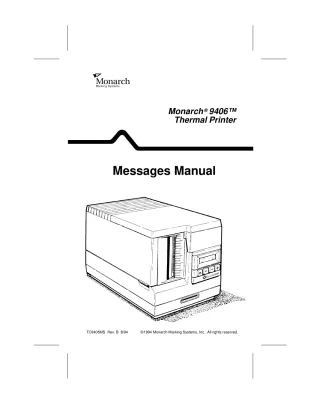
Monarch 9406 Thermal Printer Messages Manual
Manual26 pagesPDF 85 KB
Messages manual for the Monarch 9406 thermal printer: start up messages, operation messages and MPCL error codes.
Covers · 2 models
The models it covers
Summary
What is in it
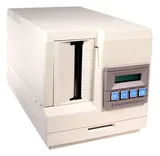
Monarch's messages manual for the 9406 thermal label printer. It lists the messages the printer shows at start up and during operation, in alphabetical order, with what each one means and what to do to correct the problem, such as ribbon and supply errors, data stream errors and host communication errors. A final section lists the MPCL error codes referred to by the data stream messages.
Its parts
- About This Manual
- Start Up Messages
- Operation Messages
- MPCL Error Codes
From the manual · read page by page
Key facts from this manual
Each line names its page in the PDF.
This is the Messages Manual for the Monarch 9406 thermal printer. It lists the start-up and operation messages the printer shows, what each one means and what to do, plus a table of MPCL error codes. Use it to clear a printer that has stopped on a message or rejected a downloaded format.
- Document
- Messages manual TC9406MS Rev. B, dated 8/94 p. 1
- Printer language
- MPCL, with numbered error codes in Appendix A p. 21
- Maximum feed length
- 9 inches p. 21
- Format width limit
- 4.23 inches p. 21
- Image area
- 8 inches long, 4 inches wide at most p. 21
- Storage
- 30 moderate size packets (formats, batches, check digits or graphics) p. 18
- Flow control
- DTR or Xon/Xoff, set to match the host p. 13
- Packet types
- Check digit and graphics packets; no database packets p. 22
- Format and batch IDs
- 1 to 99 p. 21, 22
- Fields per format
- 1 to 30 p. 21
- Prints per batch
- 1 to 9999 p. 22
- Line thickness
- 1 through 99 dots p. 22
- Check digit modulus
- 2 to 11 p. 23
What this manual walks you through
- Reading the messages shown at power-up p. 5
- Moving a bar code away from a bad printhead dot p. 7
- Clearing a Check Ribbon error p. 9
- Clearing a Check Supply error p. 10
- Fixing host communication errors (framing, not ready, overrun, parity) p. 12, 13
- Handling memory full and too many packets messages p. 15, 18, 19
- Looking up MPCL error codes in a downloaded data stream p. 21, 22, 23
Good to know
- If the printer stops on a start-up message, turn it off, wait at least 10 seconds, then turn it on again. p. 5
- An NVRAM corrupted message means the printer is about to reload its default data. p. 16
- In on-demand mode each printed label must be removed before the next one prints. p. 17
- Bad Dot Error, Check Printhead, Bad Index Sensor and Low Voltage messages call for Monarch Service. p. 7, 9, 14
Questions this manual answers
What does Check Ribbon mean on a Monarch 9406?
The printer is out of ribbon, the ribbon is loaded wrong, or the ribbon default is set to Yes with no ribbon loaded. p. 9
How many formats can the 9406 hold?
Its storage limit is 30 moderate size packets, shared among formats, batches, check digits and graphics. p. 18
What causes Host Error: Overrun on the 9406?
A flow control mismatch with the host; set both to DTR or both to Xon/Xoff. p. 13
What is the longest label the 9406 accepts?
The maximum feed length is 9 inches; a longer supply gives a Max Feed Length message. p. 14, 21
What does MPCL error code 32 mean?
The bar code type in the format is invalid. p. 22
The whole text · 3 parts
Read the manual here as text
Its text as extracted from the PDF, unedited, in parts; each page opens the PDF at that page.
The file