Spec sheet · Intermec
Intermec 9730 Spec Sheet
Spec sheet2 pagesPDF 41 KB
Both pages are below, each with its text.
Covers · 1 model
The models it covers
From the sheet · read page by page
Key facts from this sheet
Each line names its page in the PDF.
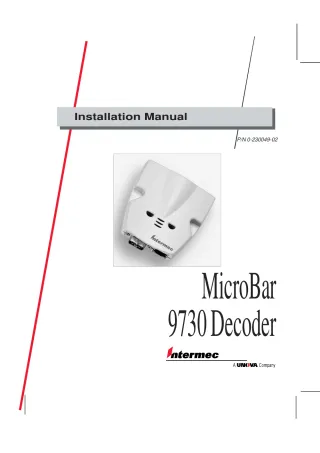
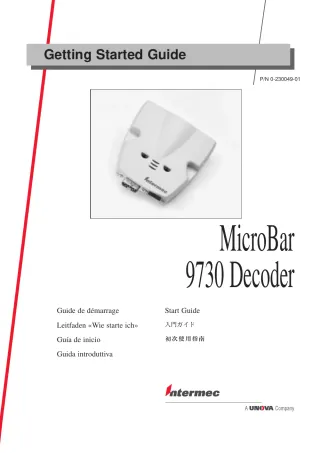
Intermec product profile and specification sheet (1998) for the MicroBar 9730 decoder, an external decoder and interface adapter that connects wands, scanners, magstripe readers and RS232 devices to PCs and terminals. It lists the inputs, outputs, symbologies, data formatting, power, size and environmental limits.
- Device
- Compact universal external decoder and interface adapter for data capture devices p. 1
- Outputs
- Wedge, RS232 and dual RS232 (serial) interfaces p. 2
- Inputs
- Up to 4 inputs via 9 pin D sub, RJ 6 and RJ 10 connectors: wand, CCD or laser scanners, magstripe and badge readers, serial RS232 TTL/C devices p. 2
- Power
- +5VDC ±5% or +5-12VDC ±5% p. 2
- Current
- 35 mA, no external load p. 2
- Symbologies
- UPC E, A, EAN, Code 39; Interleaved, Matrix, Industrial and Standard 2 of 5; Code 128, UCC EAN 128, Codabar, Code 11, Code 93, Ames, MSI, Plessey, Telepen, ISBT-128 p. 2
- Dimensions
- Height 35mm (1.38”), width 84mm (3.3”), length 85 mm (3.35”) p. 2
- Operating temperature
- -20° to 55°C (-4° to 131°F) p. 2
- Storage temperature
- -25° to 70°C (-13° to 158°F) p. 2
- Humidity
- 5% to 95% non-condensing p. 2
- Setup
- Bar code menus, cloning, or EasySet software p. 2
- Data formatting
- Pre- and postambles of 20 characters, 15-character port address, masking and re-ordering on up to 120 characters p. 1, 2
- Firmware
- Flash EPROM for future upgrades p. 1
- Shock
- Multiple drops of 1.5m (5 ft) to commercial flooring p. 2
What this sheet walks you through
- Electrical, physical and environmental specifications p. 2
- Data formatting features for advanced applications p. 1
- Setup with EasySet, cloning or bar code menus p. 1
Questions this sheet answers
What power does the Intermec MicroBar 9730 need?
+5VDC ±5% or +5-12VDC ±5%, drawing 35 mA with no external load. p. 2
How many scanners can connect to the MicroBar 9730?
Up to 4 input devices, through 9 pin D sub, RJ 6 and RJ 10 connectors. p. 2
Which bar codes does the MicroBar 9730 decode?
UPC, EAN, Code 39, the 2 of 5 codes, Code 128, UCC EAN 128, Codabar, Code 11, Code 93, Ames, MSI, Plessey, Telepen and ISBT-128. p. 2
The file
Size and text
Every page · 2
Read it here
Each page as it is printed, and its words beside it, so a phone can search and copy them.
Page1of 2
Open in the PDF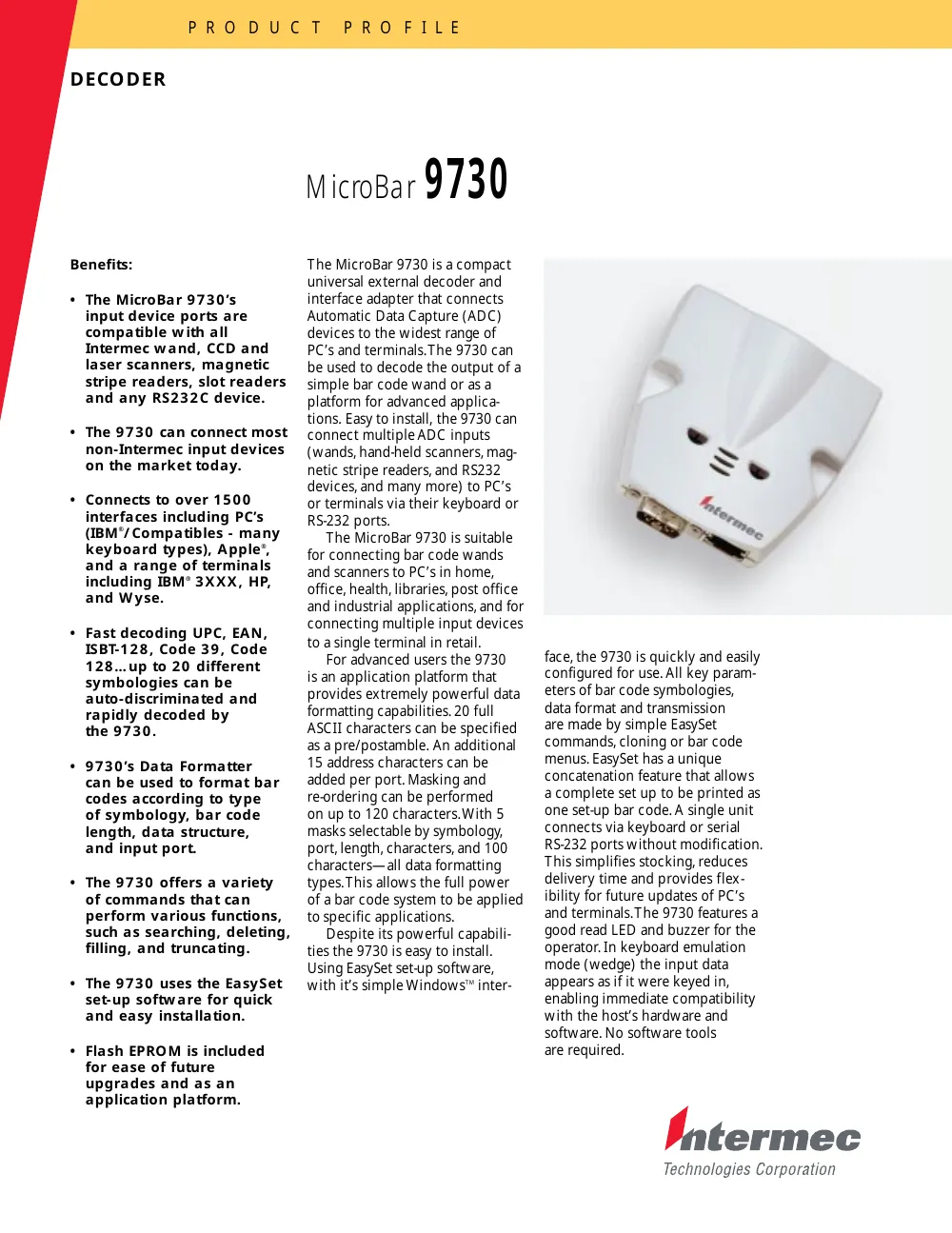
The text of page 1, from the PDF itself
P R O D U C TP R O F I L EDECODER
MicroBar Benefits:
- The MicroBar 9730’s input device ports are compatible with all Intermec wand, CCD and laser scanners, magnetic stripe readers, slot readers and any RS232C device.
- The 9730 can connect most non-Intermec input devices on the market today.
- Connects to over 1500 interfaces including PC’s (IBM®/Compatibles - many keyboard types), Apple®, and a range of terminals including IBM® 3XXX, HP, and Wyse.
- Fast decoding UPC, EAN, ISBT-128, Code 39, Code 128…up to 20 different symbologies can be auto-discriminated and rapidly decoded by the 9730.
- 9730’s Data Formatter can be used to format bar codes according to type of symbology, bar code length, data structure, and input port.
- The 9730 offers a variety of commands that can perform various functions, such as searching, deleting, filling, and truncating.
- The 9730 uses the EasySet set-up software for quick and easy installation.
- Flash EPROM is included for ease of future upgrades and as an application platform.
9730
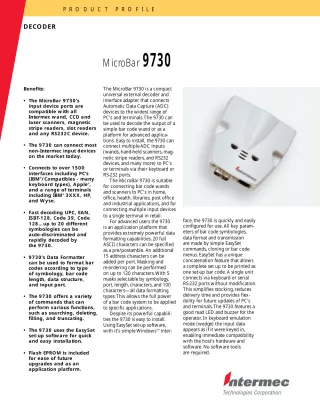
The MicroBar 9730 is a compact universal external decoder and interface adapter that connects Automatic Data Capture (ADC) devices to the widest range of PC’s and terminals.The 9730 can be used to decode the output of a simple bar code wand or as a platform for advanced applications. Easy to install, the 9730 can connect multiple ADC inputs (wands, hand-held scanners, magnetic stripe readers, and RS232 devices, and many more) to PC’s or terminals via their keyboard or RS-232 ports. The MicroBar 9730 is suitable for connecting bar code wands and scanners to PC’s in home, office, health, libraries, post office and industrial applications, and for connecting multiple input devices to a single terminal in retail. For advanced users the 9730 is an application platform that provides extremely powerful data formatting capabilities. 20 full ASCII characters can be specified as a pre/postamble. An additional 15 address characters can be added per port. Masking and re-ordering can be performed on up to 120 characters. With 5 masks selectable by symbology, port, length, characters, and 100 characters - all data formatting types.This allows the full power of a bar code system to be applied to specific applications. Despite its powerful capabilities the 9730 is easy to install. Using EasySet set-up software, with it’s simple WindowsTM inter-
face, the 9730 is quickly and easily configured for use. All key parameters of bar code symbologies, data format and transmission are made by simple EasySet commands, cloning or bar code menus. EasySet has a unique concatenation feature that allows a complete set up to be printed as one set-up bar code. A single unit connects via keyboard or serial RS-232 ports without modification. This simplifies stocking, reduces delivery time and provides flexibility for future updates of PC’s and terminals.The 9730 features a good read LED and buzzer for the operator. In keyboard emulation mode (wedge) the input data appears as if it were keyed in, enabling immediate compatibility with the host’s hardware and software. No software tools are required.
Page2of 2
Open in the PDF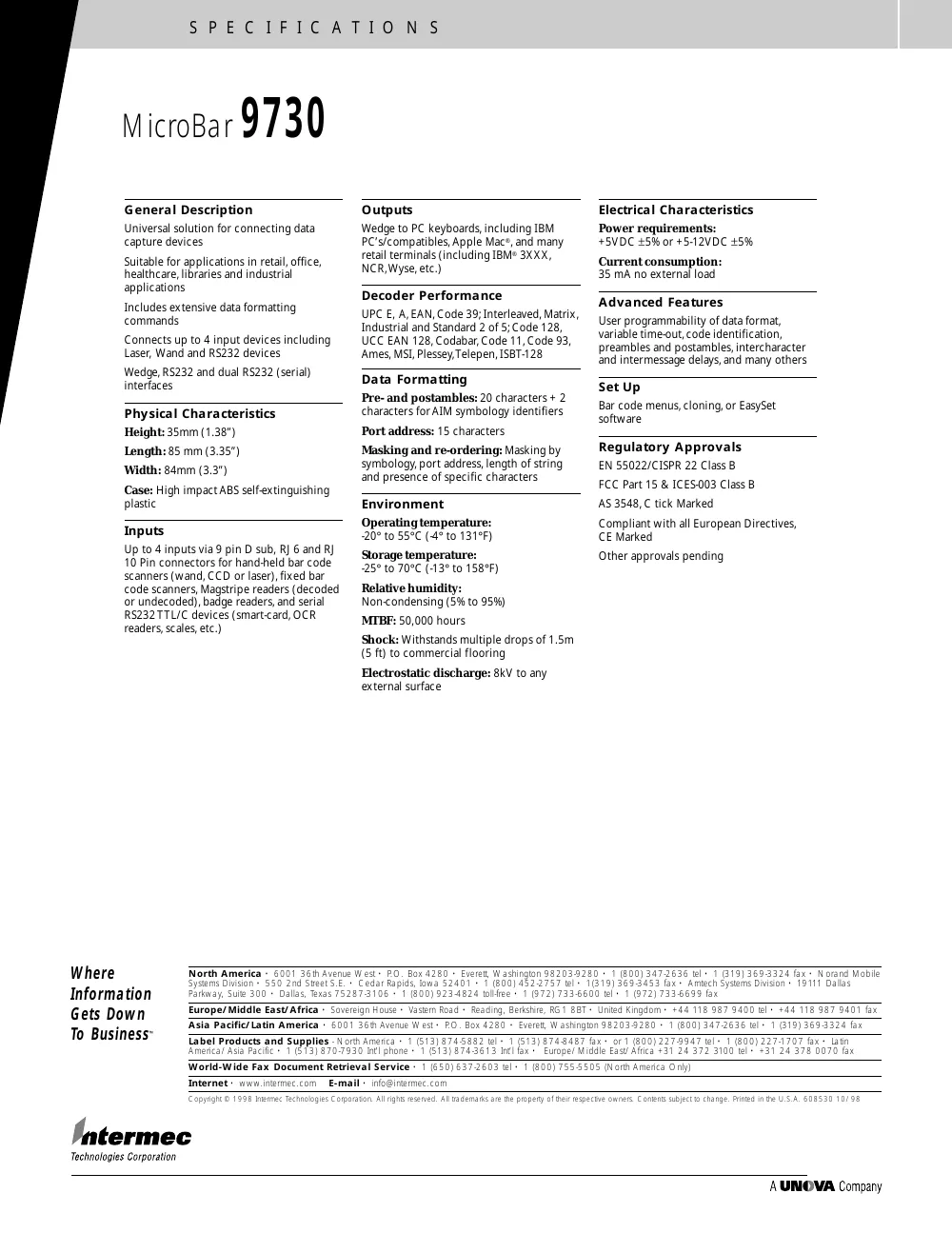
The text of page 2, from the PDF itself
S P E C I F I C A T I O N S
MicroBar9730General DescriptionOutputs
Electrical Characteristics
Universal solution for connecting data capture devices
Wedge to PC keyboards, including IBM PC’s/compatibles, Apple Mac®, and many retail terminals (including IBM® 3XXX, NCR, Wyse, etc.)
Power requirements: +5VDC ±5% or +5-12VDC ±5%
Suitable for applications in retail, office, healthcare, libraries and industrial applications
Decoder Performance
Includes extensive data formatting commands
Current consumption: 35 mA no external load
Advanced Features
Connects up to 4 input devices including Laser, Wand and RS232 devices
UPC E, A, EAN, Code 39; Interleaved, Matrix, Industrial and Standard 2 of 5; Code 128, UCC EAN 128, Codabar, Code 11, Code 93, Ames, MSI, Plessey,Telepen, ISBT-128
Wedge, RS232 and dual RS232 (serial) interfaces
Data Formatting
Physical Characteristics
Pre- and postambles: 20 characters + 2 characters for AIM symbology identifiers
Height: 35mm (1.38”)
Port address: 15 characters
Length: 85 mm (3.35”)
Masking and re-ordering: Masking by symbology, port address, length of string and presence of specific characters
Regulatory Approvals
Case: High impact ABS self-extinguishing plastic
EnvironmentAS 3548, C tick MarkedInputs
Operating temperature: -20° to 55°C (-4° to 131°F)
Compliant with all European Directives, CE Marked
Storage temperature: -25° to 70°C (-13° to 158°F)
Other approvals pending
Width: 84mm (3.3”)
Up to 4 inputs via 9 pin D sub, RJ 6 and RJ 10 Pin connectors for hand-held bar code scanners (wand, CCD or laser), fixed bar code scanners, Magstripe readers (decoded or undecoded), badge readers, and serial RS232 TTL/C devices (smart-card, OCR readers, scales, etc.)
User programmability of data format, variable time-out, code identification, preambles and postambles, intercharacter and intermessage delays, and many others
Set Up Bar code menus, cloning, or EasySet software
EN 55022/CISPR 22 Class B FCC Part 15 & ICES-003 Class B
Relative humidity: Non-condensing (5% to 95%) MTBF: 50,000 hours Shock: Withstands multiple drops of 1.5m (5 ft) to commercial flooring Electrostatic discharge: 8kV to any external surface
Where Information Gets Down To Business
North America • 6001 36th Avenue West • P.O. Box 4280 • Everett, Washington 98203-9280 • 1 (800) 347-2636 tel • 1 (319) 369-3324 fax • Norand Mobile Systems Division • 550 2nd Street S.E. • Cedar Rapids, Iowa 52401 • 1 (800) 452-2757 tel • 1(319) 369-3453 fax • Amtech Systems Division • 19111 Dallas Parkway, Suite 300 • Dallas, Texas 75287-3106 • 1 (800) 923-4824 toll-free • 1 (972) 733-6600 tel • 1 (972) 733-6699 fax Europe/Middle East/Africa • Sovereign House • Vastern Road • Reading, Berkshire, RG1 8BT • United Kingdom • +44 118 987 9400 tel • +44 118 987 9401 fax Asia Pacific/Latin America • 6001 36th Avenue West • P.O. Box 4280 • Everett, Washington 98203-9280 • 1 (800) 347-2636 tel • 1 (319) 369-3324 fax Label Products and Supplies - North America • 1 (513) 874-5882 tel • 1 (513) 874-8487 fax • or 1 (800) 227-9947 tel • 1 (800) 227-1707 fax • Latin America/Asia Pacific • 1 (513) 870-7930 Int’l phone • 1 (513) 874-3613 Int’l fax • Europe/Middle East/Africa +31 24 372 3100 tel • +31 24 378 0070 fax World-Wide Fax Document Retrieval Service • 1 (650) 637-2603 tel • 1 (800) 755-5505 (North America Only) Internet • www.intermec.com
E-mail • info@intermec.com
Copyright © 1998 Intermec Technologies Corporation. All rights reserved. All trademarks are the property of their respective owners. Contents subject to change. Printed in the U.S.A. 608530 10/98