Manual · Videx
Videx TimeWand I and DuraWand Battery Drain Procedure
Manual1 pagePDF 7 KB
The page is below, with its text.
Names · 2 models
The models it names
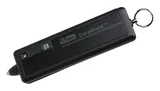 Videx DuraWand ScannerPortable barcode wand from$595.0061 in stock
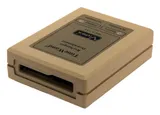
 Videx TimeWand IPortable barcode reader Call for availability
Filed with · 1 model
Also filed with these models on the old site
From the manual · read page by page
Key facts from this manual
Each line names its page in the PDF.
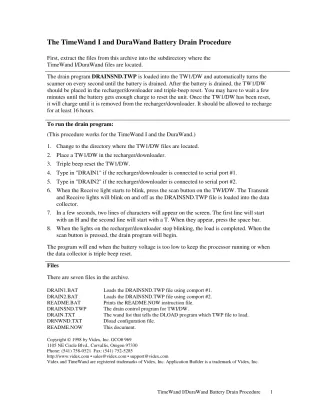
A one-page Videx procedure from 1998 for fully draining the battery of a TimeWand I or DuraWand data collector with a small drain program, then resetting and recharging it. It lists the steps to load the program from a PC through the recharger/downloader and the seven files in the archive.
- Drain program
- DRAINSND.TWP, loaded into the TimeWand I or DuraWand, turns the scanner on every second until the battery is drained p. 1
- Recharge time
- At least 16 hours after the drain and reset p. 1
- Loading
- From a PC through the recharger/downloader: DRAIN1 for serial port #1, DRAIN2 for serial port #2 p. 1
- Reset
- Triple-beep reset in the recharger/downloader after the drain; the unit then charges until removed p. 1
- Archive files
- Seven: DRAIN1.BAT, DRAIN2.BAT, README.BAT, DRAINSND.TWP, DRAIN.TXT, DRNWND.TXT, README.NOW p. 1
What this manual walks you through
- Loading the drain program into the data collector p. 1
- Resetting and recharging after the battery is drained p. 1
Good to know
- After a drain, the unit may need a few minutes in the recharger before it has enough charge to reset. p. 1
- The program stops when the battery is too low to run the processor or when the unit is triple-beep reset. p. 1
Questions this manual answers
How do I drain the battery on a Videx TimeWand I?
Load the DRAINSND.TWP drain program through the recharger/downloader, then press the scan button; it turns the scanner on every second until the battery is drained. p. 1
How long should a TimeWand I recharge after a battery drain?
Triple-beep reset it in the recharger/downloader and let it recharge for at least 16 hours. p. 1
Does the battery drain procedure work for the DuraWand?
Yes, the procedure works for both the TimeWand I and the DuraWand. p. 1
The file
Size and text
Every page · 1
Read it here
Each page as it is printed, and its words beside it, so a phone can search and copy them.
Page1of 1
Open in the PDF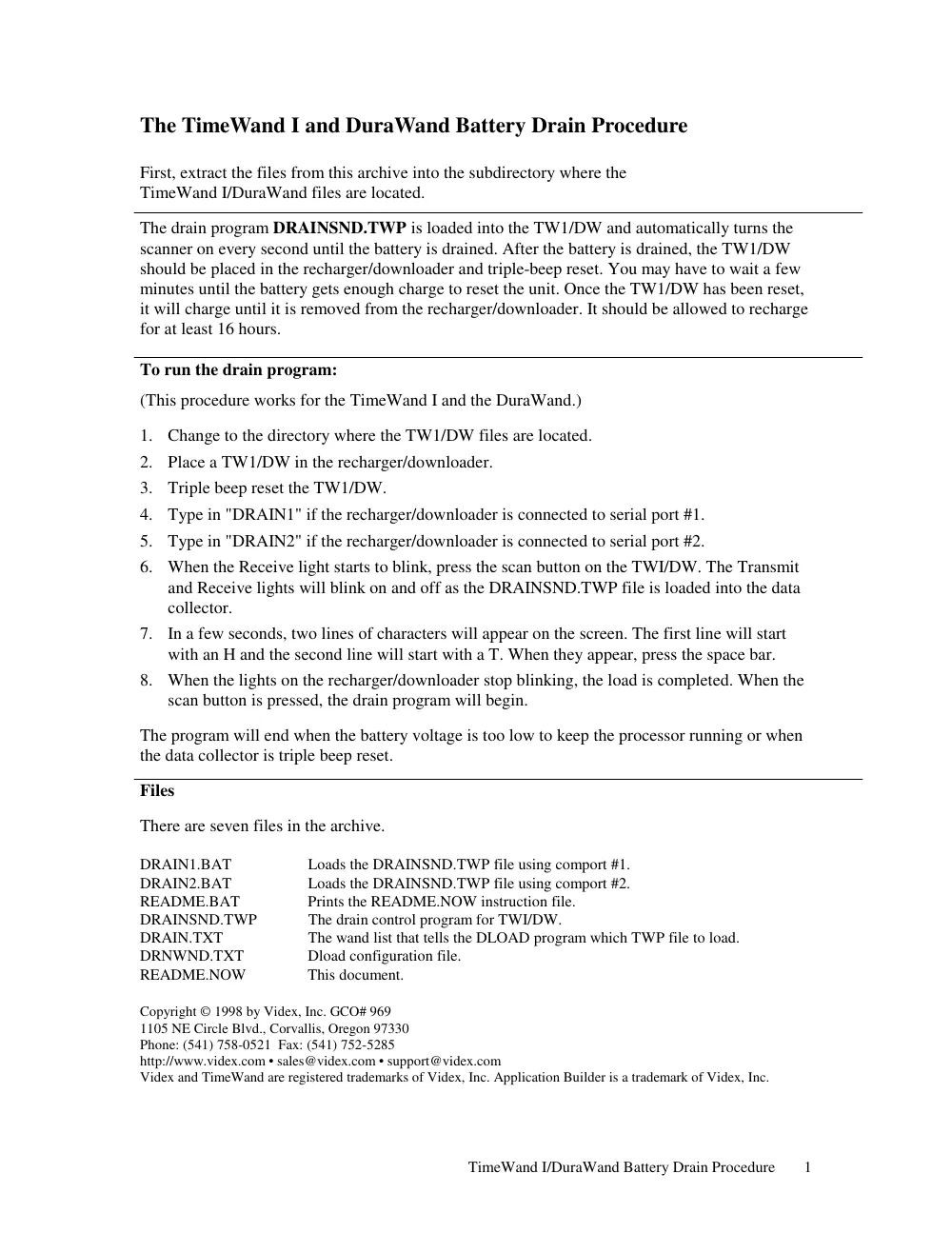
The text of page 1, from the PDF itself
The TimeWand I and DuraWand Battery Drain Procedure First, extract the files from this archive into the subdirectory where the TimeWand I/DuraWand files are located. The drain program DRAINSND.TWP is loaded into the TW1/DW and automatically turns the scanner on every second until the battery is drained. After the battery is drained, the TW1/DW should be placed in the recharger/downloader and triple-beep reset. You may have to wait a few minutes until the battery gets enough charge to reset the unit. Once the TW1/DW has been reset, it will charge until it is removed from the recharger/downloader. It should be allowed to recharge for at least 16 hours. To run the drain program: (This procedure works for the TimeWand I and the DuraWand.) 1. Change to the directory where the TW1/DW files are located. 2. Place a TW1/DW in the recharger/downloader. 3. Triple beep reset the TW1/DW. 4. Type in "DRAIN1" if the recharger/downloader is connected to serial port #1. 5. Type in "DRAIN2" if the recharger/downloader is connected to serial port #2. 6. When the Receive light starts to blink, press the scan button on the TWI/DW. The Transmit and Receive lights will blink on and off as the DRAINSND.TWP file is loaded into the data collector. 7. In a few seconds, two lines of characters will appear on the screen. The first line will start with an H and the second line will start with a T. When they appear, press the space bar. 8. When the lights on the recharger/downloader stop blinking, the load is completed. When the scan button is pressed, the drain program will begin. The program will end when the battery voltage is too low to keep the processor running or when the data collector is triple beep reset. Files There are seven files in the archive. DRAIN1.BAT DRAIN2.BAT README.BAT DRAINSND.TWP DRAIN.TXT DRNWND.TXT README.NOW
Loads the DRAINSND.TWP file using comport #1. Loads the DRAINSND.TWP file using comport #2. Prints the README.NOW instruction file. The drain control program for TWI/DW. The wand list that tells the DLOAD program which TWP file to load. Dload configuration file. This document.
Copyright © 1998 by Videx, Inc. GCO# 969 1105 NE Circle Blvd., Corvallis, Oregon 97330 Phone: (541) 758-0521 Fax: (541) 752-5285 http://www.videx.com • sales@videx.com • support@videx.com Videx and TimeWand are registered trademarks of Videx, Inc. Application Builder is a trademark of Videx, Inc.
TimeWand I/DuraWand Battery Drain Procedure
1