Manual · Unitech
Bar Code Setup Menu
Manual35 pagesPDF 144 KB
Bar code setup menu for configuring a barcode reader: device type, keyboard wedge, RS232, beeps, data format and symbologies.
Filed with · 1 model
Also filed with these models on the old site
Summary
What is in it
A booklet of setup bar codes for programming a barcode reader by scanning labels; the booklet itself names no maker or model. It explains the setup procedure and batch setup (copying one scanner's settings to others), then gives label groups for device selection, beep and delay, keyboard wedge, RS232 serial settings, scanner options, data format and symbologies, plus function code tables for PC, Mac and IBM terminals, a full ASCII table and a test chart.
Its parts
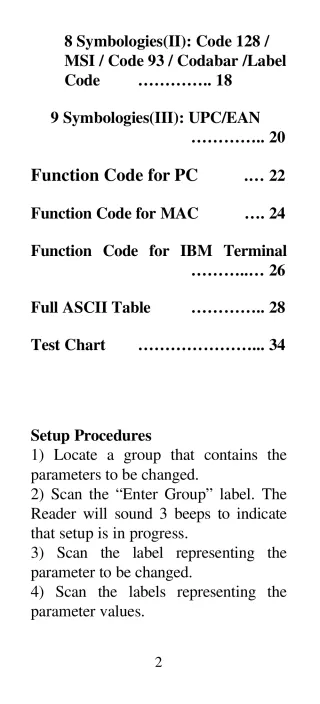
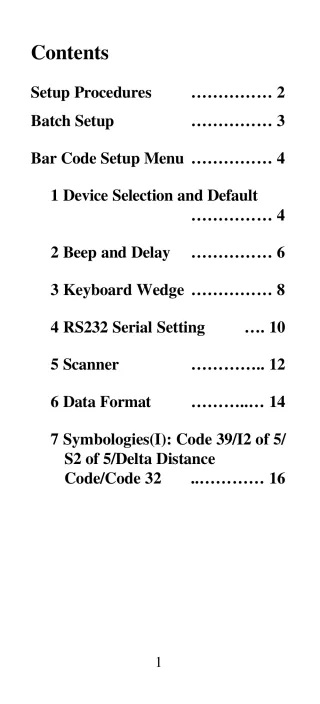
- Setup Procedures
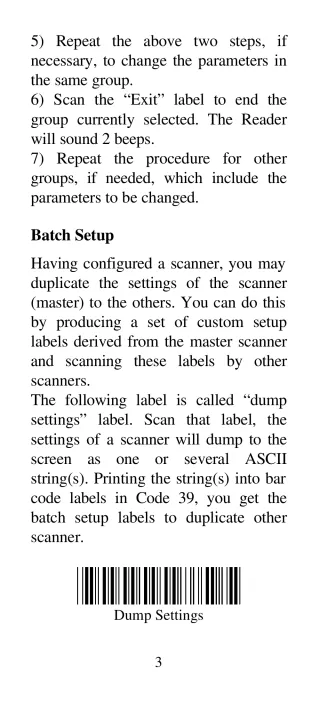
- Batch Setup
- Bar Code Setup Menu
- Function Code for PC
- Function Code for MAC
- Function Code for IBM Terminal
- Full ASCII Table
- Test Chart
From the manual · read page by page
Key facts from this manual
Each line names its page in the PDF.
Bar code setup menu for a bar code reader; its pages do not name a scanner model, and it is listed here under the Unitech MS120. The reader is set up by scanning the printed labels for host device type, beeps, keyboard wedge, RS232, data format and symbologies. It also holds function key and full ASCII tables and a test chart.
- Document
- Setup menu of bar code labels; scanning them changes the reader's settings p. 2
- Host types
- Keyboard wedge for IBM PC/XT, PC/AT and PS/2, IBM 5550 and IBM terminals, Macintosh ADB bus, or keyboardless wedge; RS232 serial decoder; wand emulation p. 5
- Wand emulation
- Native mode or Code 39 mode; output bar high/space low or bar low/space high p. 5, 13
- RS232 settings
- 300 to 19200 baud; even, odd, mark, space or no parity; 7 or 8 data bits p. 11
- Keyboard languages
- US, UK, Swiss, Swedish, Spanish, Norwegian, Italian, German, French, or Alt Key mode p. 9
- Symbologies
- Code 39, Interleaved and Standard 2 of 5, Delta Distance Code, Code 32, Code 128, Label Code, MSI, Code 93, Code 11, Codabar, UPC and EAN p. 1, 2, 19
- Preamble and postamble
- Up to 16 characters each, from the full ASCII table p. 15
- Batch setup
- A dump settings label outputs the settings as ASCII strings for printing as Code 39 setup labels p. 3
What this manual walks you through
- Changing a setting with the Enter Group, parameter and Exit labels p. 2, 3
- Copying one scanner's settings to other scanners p. 3
- Selecting the host device type or restoring the factory default p. 4, 5
- Setting beep tones and transmission delays p. 7
- Setting keyboard wedge language and letter case p. 9
- Setting RS232 baud rate, parity, data bits and time out p. 11
- Adding a code ID, preamble, postamble and terminator to scanned data p. 14, 15
- Enabling symbologies, check digits and length limits p. 17, 19, 21
- Sending function keys for PC, Mac and IBM terminal hosts p. 22, 24, 26
- Testing the reader on sample bar codes p. 34
Good to know
- A preamble or postamble holds at most 16 characters. p. 15
Questions this manual answers
How do I change a setting on the scanner with the setup menu?
Scan the Enter Group label for the group (3 beeps), scan the parameter and its value labels, then scan Exit (2 beeps). p. 2, 3
How do I copy one scanner's setup to other scanners?
Scan the Dump Settings label to send the settings to the screen as ASCII strings, print them as Code 39 labels, and scan those with the other scanners. p. 3
Where is the factory default label?
In group 1, Device Selection and Default, of the setup menu. p. 4
Which keyboard languages can the reader use?
US, UK, Swiss, Swedish, Spanish, Norwegian, Italian, German and French, or an Alt Key mode. p. 9
The whole text · 4 parts
Read the manual here as text
Its text as extracted from the PDF, unedited, in parts; each page opens the PDF at that page.
The file