Manual · Symbol
Symbol MC9000, MC9003, MC9050, MC9060 and MC9090 Manual
Manual2 pagesPDF 1.3 MB
Both pages are below, each with its text.
Names · 1 model
The models it names
Filed with · 4 models
Also filed with these models on the old site
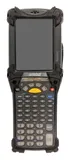 Symbol MC9003Wireless portable data collection terminal from$895.003 in stock
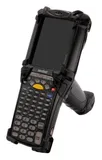 Symbol MC9050Wireless portable data collection terminal from$995.001 in stock
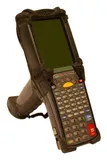 Symbol MC9060Wireless portable data collection terminal from$995.0055 in stock Symbol MC9090Wireless portable data collection terminal from$995.002 in stock
From the manual · read page by page
Key facts from this manual
Some pages are scans or cannot be read; this says only what the readable text supports. Each line names its page in the PDF.
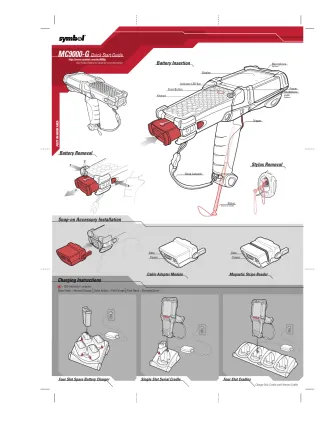
The Symbol MC9000-G Quick Start Guide, a two-page picture guide with short labels. It names the unit's controls, shows battery, stylus and snap-on accessory installation, lists the charging cradles and the meaning of the charge light, and gives recommended scanning positions. The MC9003, MC9050, MC9060 and MC9090 are not named in it.
- Controls and ports
- Display, keypad, trigger, scan button, indicator LED bar, headphone jack, microphone p. 1
- Cradles and chargers
- Four Slot Spare Battery Charger, Single Slot Serial Cradle, Four Slot Charge-Only Cradle and Ethernet Cradle p. 1
- Charge light
- Slow flash: normal charge; solid amber: full charge; fast flash: charging error p. 1
- Snap-on accessories
- Cable Adapter Module and Magnetic Stripe Reader p. 1
- Stylus
- Stored in the handle p. 1
- Guide number
- 72-63360-01 RevA, August 2003 p. 2
What this manual walks you through
- Inserting and removing the battery p. 1
- Removing the stylus p. 1
- Installing a snap-on accessory p. 1
- Charging in the cradles and spare battery charger p. 1
- Recommended scanning positions p. 2
Good to know
- The guide recommends alternating hands, taking breaks and rotating tasks. p. 2
- Avoid extreme wrist angles and bending while scanning. p. 2
Questions this manual answers
What does a fast flashing charge light mean on the MC9000-G?
A fast flash means a charging error; a slow flash is a normal charge and solid amber is a full charge. p. 1
What cradles are there for the MC9000-G?
A Single Slot Serial Cradle and four-slot Charge-Only and Ethernet cradles, plus a Four Slot Spare Battery Charger. p. 1
Where is the MC9000-G stylus kept?
In the handle. p. 1
What accessories snap onto the MC9000-G?
The guide shows a Cable Adapter Module and a Magnetic Stripe Reader. p. 1
The file
Size and text
Every page · 2
Read it here
Each page as it is printed, and its words beside it, so a phone can search and copy them.
Page1of 2
Open in the PDF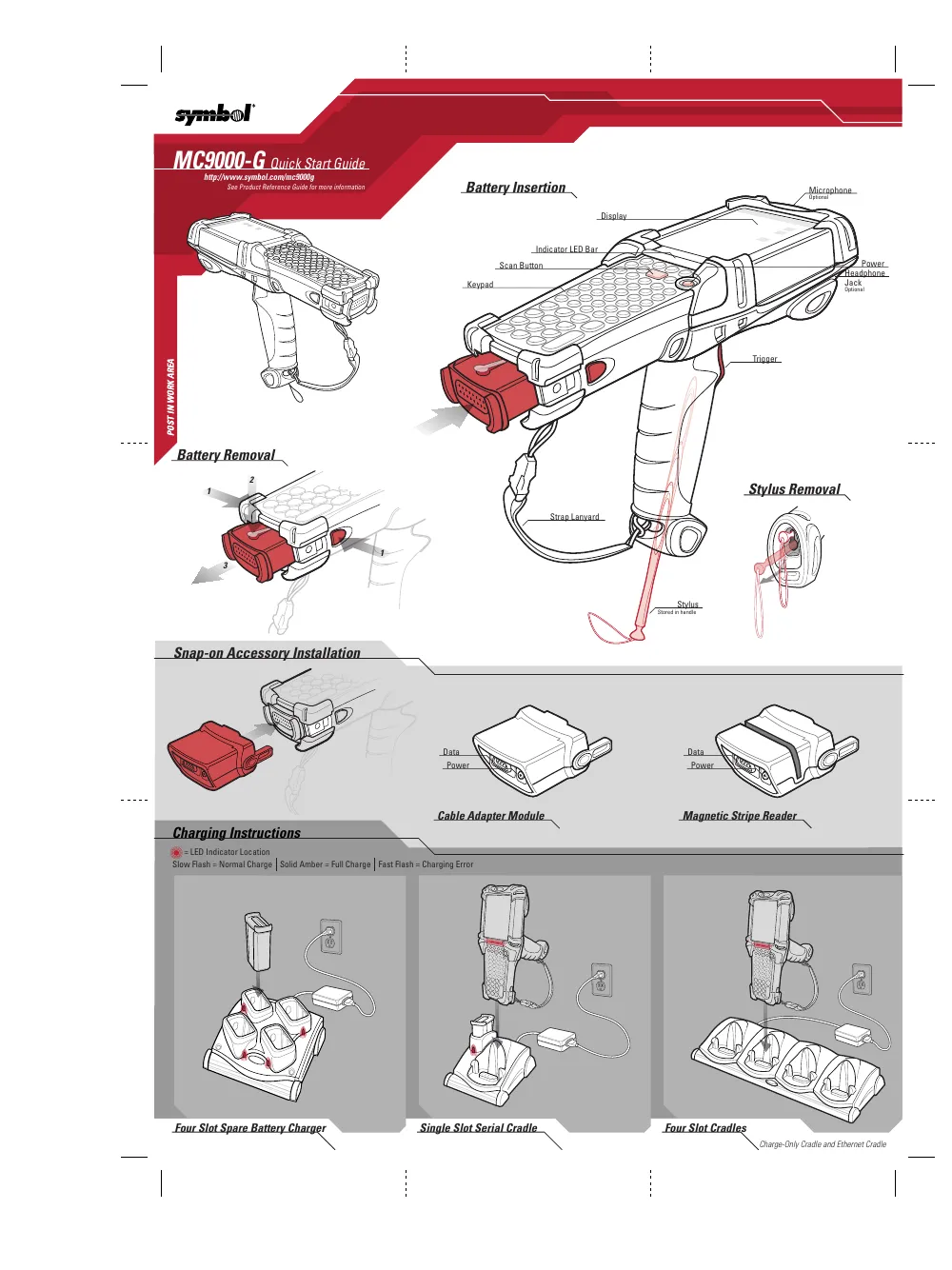
The text of page 1, read from a scan by OCR; it may hold reading errors
MC9000-G Quick Start Guide http://www.symbol.com/mc9000g
Battery Insertion
See Product Reference Guide for more information
Microphone Optional
Display
Indicator LED Bar Power Headphone Jack
Scan Button KeypadOptionalPOST IN WORK AREATriggerBattery Removal 2Stylus Removal1 Strap Lanyard1 3StylusStored in handle
Snap-on Accessory Installation
DataDataPowerPowerCable Adapter ModuleMagnetic Stripe Reader
Charging Instructions = LED Indicator Location Slow Flash = Normal Charge Solid Amber = Full Charge Fast Flash = Charging Error
Four Slot Spare Battery Charger
Single Slot Serial Cradle
Four Slot Cradles Charge-Only Cradle and Ethernet Cradle
Page2of 2
Open in the PDF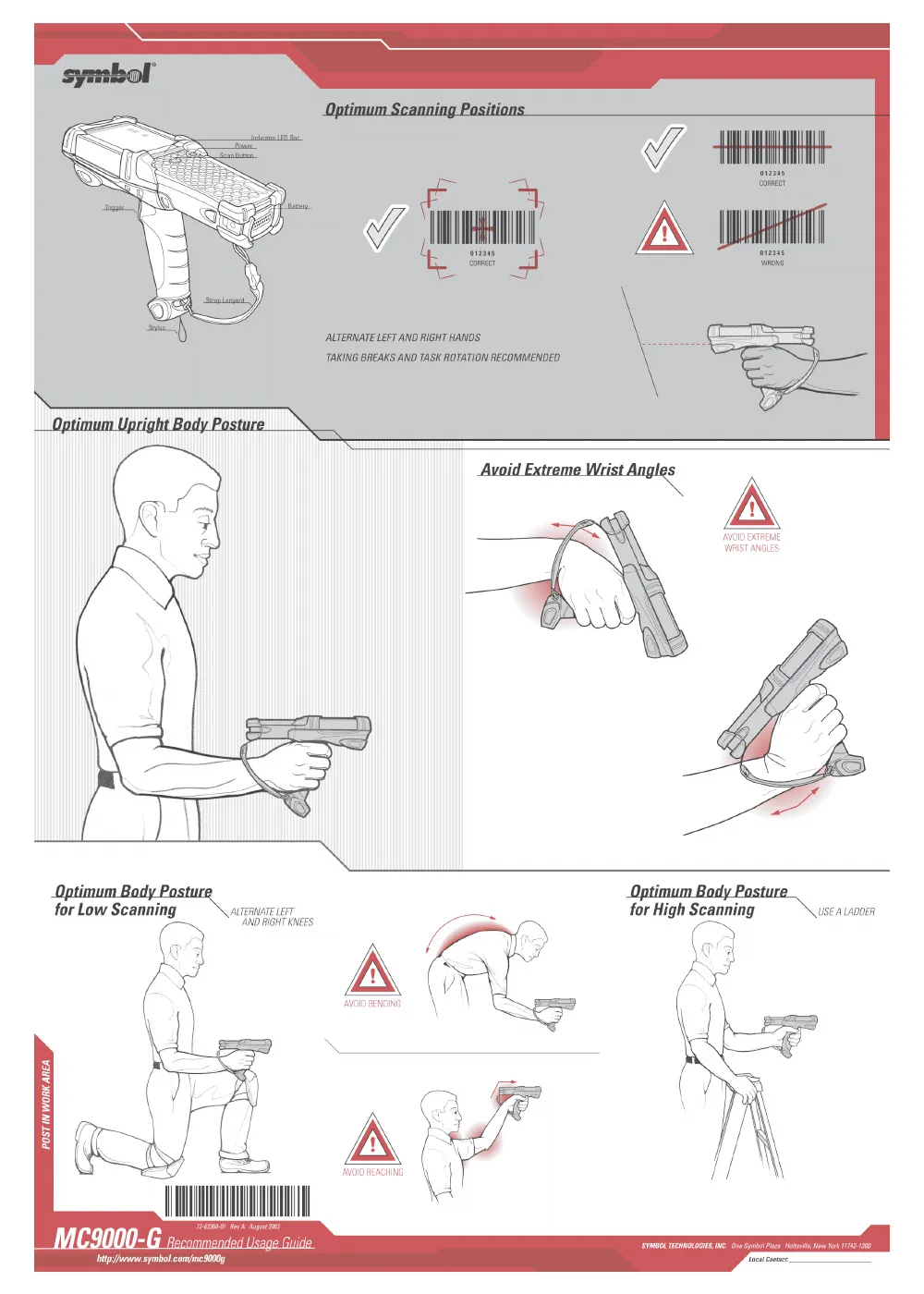
The text of page 2, read from a scan by OCR; it may hold reading errors
Optimum Scanning Positions
w+ HRA012345S in AX Swett
ALTERNATE LEFT AND RIGHT HANDS TAKING BREAKS AND TASK ROTATION RECOMMENDED
AVOID EXTREME WRIST ANGLES
for Low Scanning \ ALTERNATE LEFT
AND RIGHT KNEESAVOID BENDING<= ce < S = = m2 S i-Ih iil
IUUU- hHecommended Usage (ude
Ss )
72-63360-01 RevA August 2003
VI
SYMBOL TECHNOLOGIES, INC. One Symbol Plaza Holtsville, New York 11742-1300
- Local Contact
- http://www.symbol.com/mc9000g