Manual · Symbol
Symbol Firmware 1.3.1.0-003R Release Notes
Manual3 pagesPDF 40 KB
All 3 pages are below, each with its text.
Covers · 1 model
The models it covers
From the manual · read page by page
Key facts from this manual
Each line names its page in the PDF.
Release notes for CB3000 firmware version 1.3.1.0-003R, a maintenance release. They list what the release adds (EAP-TTLS support and a manual Ethernet speed and duplex option), the issues it resolves, and the known issues with workarounds.
- Firmware release
- 1.3.1.0-003R, a maintenance release p. 1
- Previous release
- 1.3.0.0-001R p. 2
- What it adds
- Manual Ethernet speed option besides auto-negotiation, EAP-TTLS support updates, defect fixes p. 1
- Ethernet settings
- Auto-Negotiate/Auto-Sense on or off; when off, Speed Mode and Duplex Mode are set by hand p. 2, 3
- EAP-TTLS
- Added (SPR 15029): tunneled authentication using a server side certificate p. 2
- Earlier function
- All previous CB3000 functionality unchanged p. 1
What this manual walks you through
- Planning a firmware upgrade across several units p. 1
- Setting Ethernet speed and duplex by hand p. 2, 3
- Issues resolved in this release p. 2
- Known issues and workarounds p. 3
Good to know
- Test the upgrade on one CB3000 before upgrading many; running the First Aid tool is also recommended. p. 1
- The CB3000 will not connect if the infrastructure Basic Rate for management packets is above 36 Mbps. p. 3
- Known issue: WEP in mixed-mode security with a Motorola WS5100 does not work with the default WEP Broadcast Key. p. 3
- Known issue: the CB-3000 can lock up from continuous scanning when not associated to any WLAN for a long period (intermittent). p. 3
- Known issue: an IBM POS device does not load a large image (25MB+) over RPL. p. 3
Questions this manual answers
What changed in CB3000 firmware 1.3.1.0-003R?
It is a maintenance release adding a manual option beside Ethernet auto-negotiation, EAP-TTLS support updates and defect fixes. p. 1
What CB3000 firmware came before 1.3.1.0-003R?
Release 1.3.0.0-001R. p. 2
Why will my CB3000 not connect to the access point?
One cause the notes give: the infrastructure Basic Rate for management packets must be less than 36 Mbps for the CB3000 to connect. p. 3
What WEP Broadcast Key setting do the CB3000 release notes advise?
A value other than the default of 1, kept the same on the WS5100 or other wireless infrastructure. p. 3
The file
Size and text
Every page · 3
Read it here
Each page as it is printed, and its words beside it, so a phone can search and copy them.
Page1of 3
Open in the PDF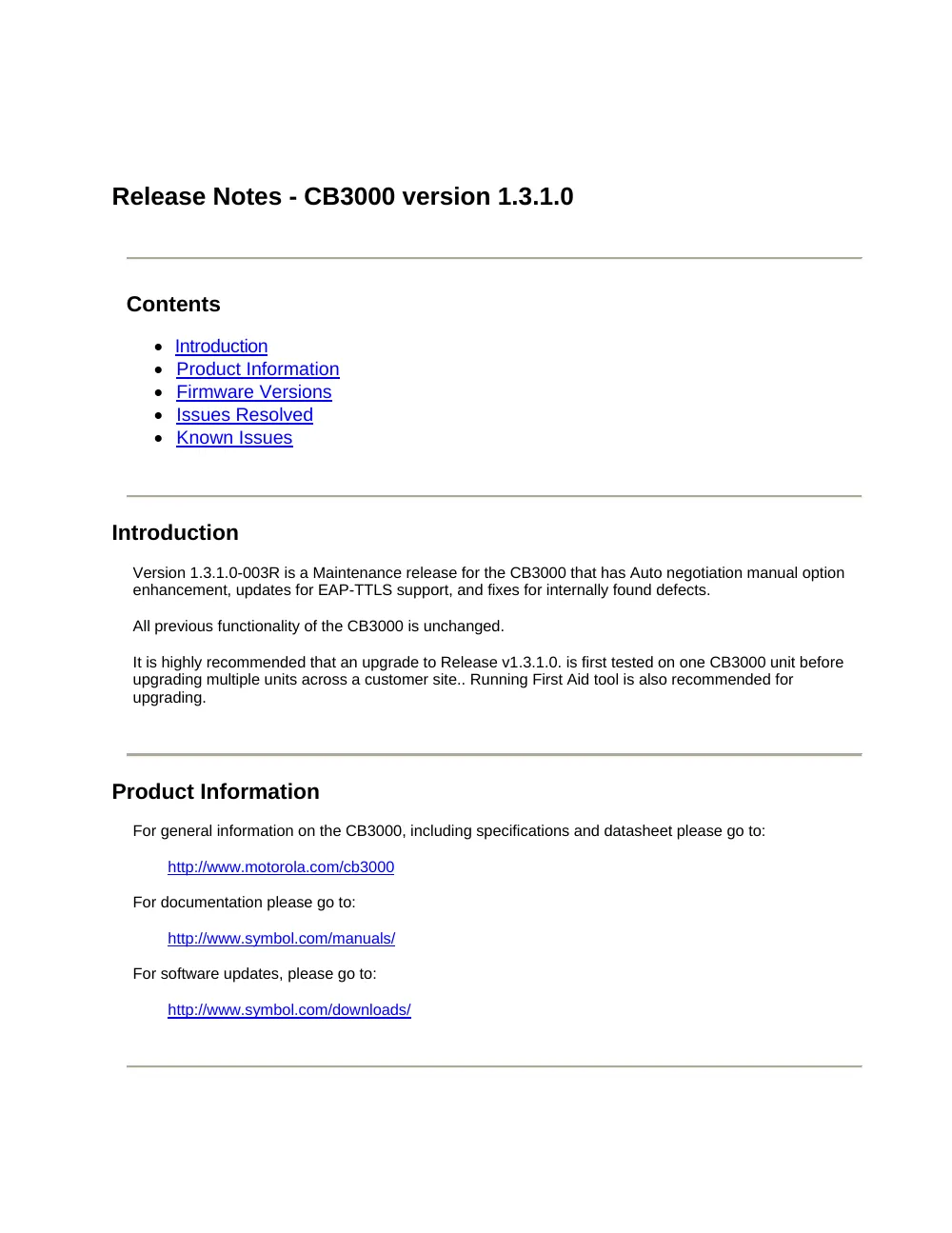
The text of page 1, from the PDF itself
Release Notes - CB3000 version 1.3.1.0
Contents
- Introduction
- Product Information
- Firmware Versions
- Issues Resolved
- Known Issues
Introduction Version 1.3.1.0-003R is a Maintenance release for the CB3000 that has Auto negotiation manual option enhancement, updates for EAP-TTLS support, and fixes for internally found defects. All previous functionality of the CB3000 is unchanged. It is highly recommended that an upgrade to Release v1.3.1.0. is first tested on one CB3000 unit before upgrading multiple units across a customer site.. Running First Aid tool is also recommended for upgrading.
Product Information For general information on the CB3000, including specifications and datasheet please go to: http://www.motorola.com/cb3000 For documentation please go to: http://www.symbol.com/manuals/ For software updates, please go to: http://www.symbol.com/downloads/
Page2of 3
Open in the PDF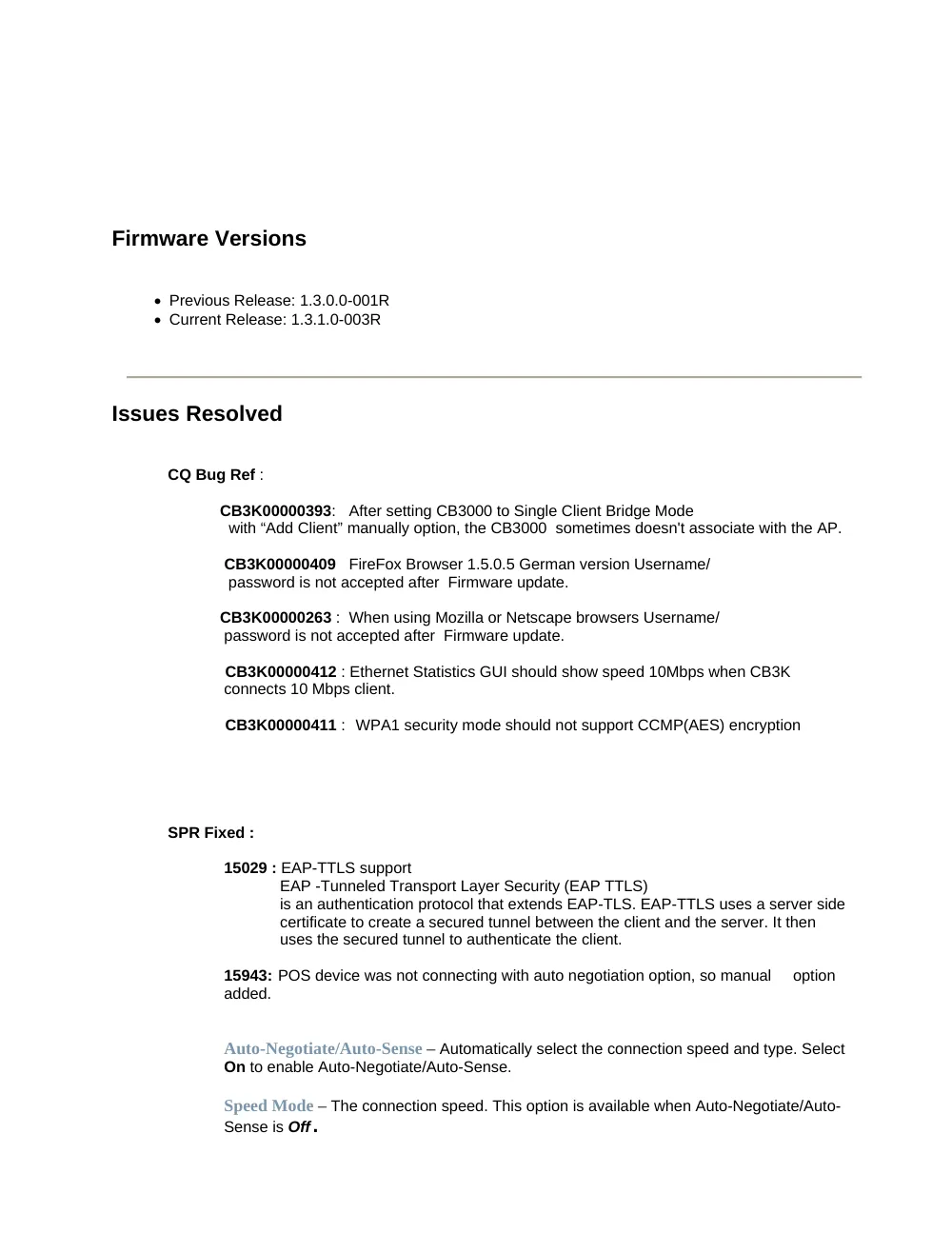
The text of page 2, from the PDF itself
Firmware Versions
- Previous Release: 1.3.0.0-001R
- Current Release: 1.3.1.0-003R
Issues Resolved CQ Bug Ref : CB3K00000393: After setting CB3000 to Single Client Bridge Mode with “Add Client” manually option, the CB3000 sometimes doesn't associate with the AP. CB3K00000409 FireFox Browser 1.5.0.5 German version Username/ password is not accepted after Firmware update. CB3K00000263 : When using Mozilla or Netscape browsers Username/ password is not accepted after Firmware update. CB3K00000412 : Ethernet Statistics GUI should show speed 10Mbps when CB3K connects 10 Mbps client. CB3K00000411 : WPA1 security mode should not support CCMP(AES) encryption
SPR Fixed : 15029 : EAP-TTLS support EAP -Tunneled Transport Layer Security (EAP TTLS) is an authentication protocol that extends EAP-TLS. EAP-TTLS uses a server side certificate to create a secured tunnel between the client and the server. It then uses the secured tunnel to authenticate the client. 15943: POS device was not connecting with auto negotiation option, so manual added.
option
Auto-Negotiate/Auto-Sense – Automatically select the connection speed and type. Select On to enable Auto-Negotiate/Auto-Sense.
Speed Mode – The connection speed. This option is available when Auto-Negotiate/AutoSense is Off.
Page3of 3
Open in the PDF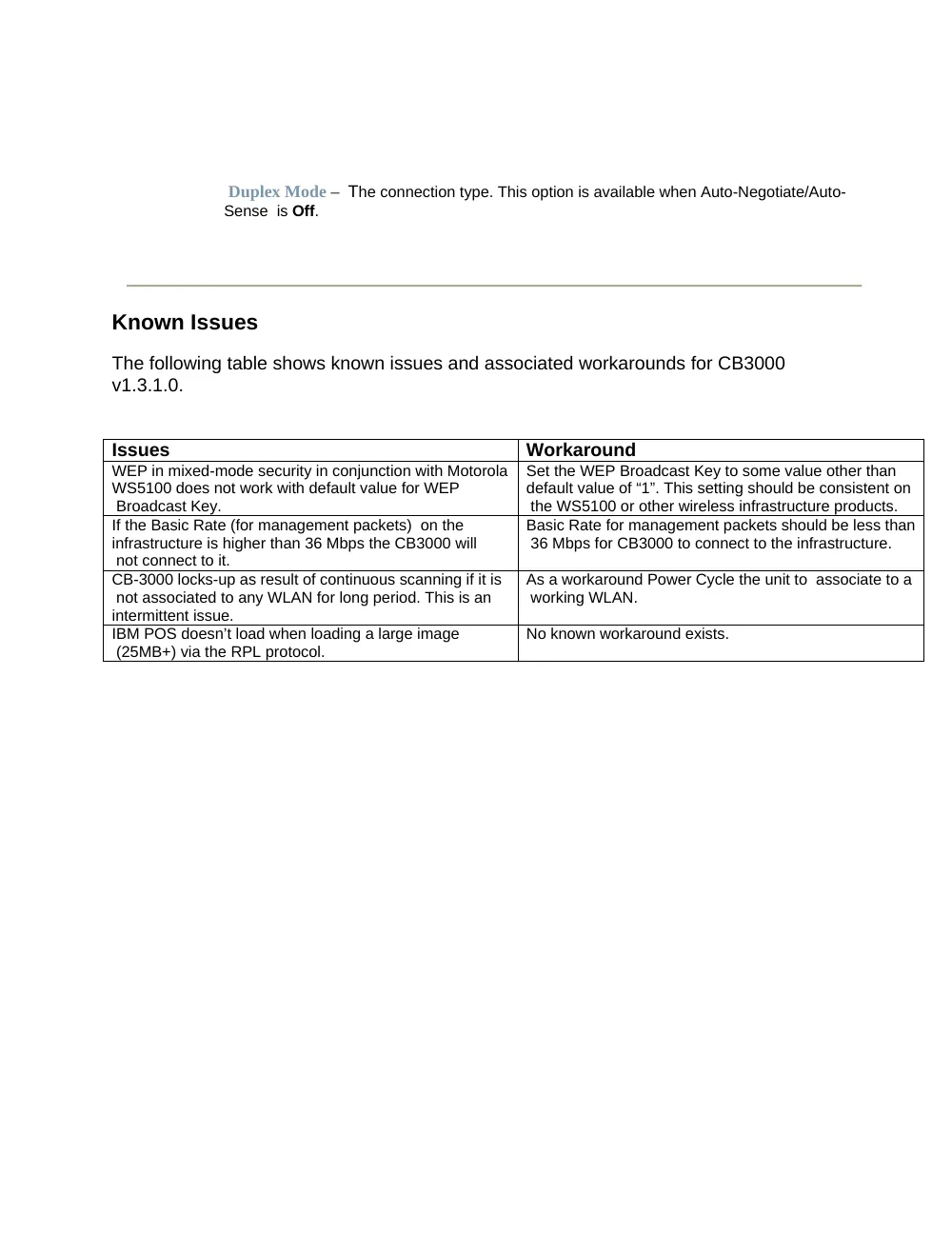
The text of page 3, from the PDF itself
Duplex Mode – The connection type. This option is available when Auto-Negotiate/AutoSense is Off.
Known Issues The following table shows known issues and associated workarounds for CB3000 v1.3.1.0.
Issues
Workaround
WEP in mixed-mode security in conjunction with Motorola WS5100 does not work with default value for WEP Broadcast Key. If the Basic Rate (for management packets) on the infrastructure is higher than 36 Mbps the CB3000 will not connect to it. CB-3000 locks-up as result of continuous scanning if it is not associated to any WLAN for long period. This is an intermittent issue. IBM POS doesn’t load when loading a large image (25MB+) via the RPL protocol.
Set the WEP Broadcast Key to some value other than default value of “1”. This setting should be consistent on the WS5100 or other wireless infrastructure products. Basic Rate for management packets should be less than 36 Mbps for CB3000 to connect to the infrastructure. As a workaround Power Cycle the unit to associate to a working WLAN. No known workaround exists.