Manual · Sick
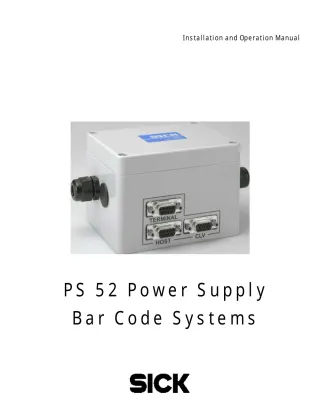
PS 52 Power Supply Installation and Operation Manual
Manual12 pagesPDF 180 KB
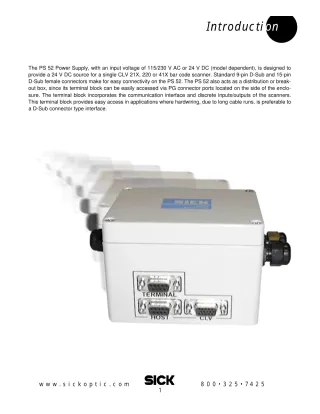
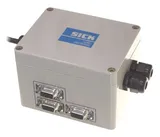
Installation and operation manual for the SICK PS 52 power supply and breakout box for CLV 21X, 220 and 41X bar code scanners.
Filed with · 1 model
Also filed with these models on the old site
Summary
What is in it
SICK installation and operation manual for the PS 52 Power Supply, which supplies 24 V DC to a single CLV 21X, 220 or 41X bar code scanner and also serves as a distribution or breakout box. It explains the Terminal, Host and CLV ports, the D-Sub connector pin-outs, the 16 pole terminal block and Molex interface, standard wiring for the CLV 410, 412, 414 and CLV 21X, 220 scanners, dimensional drawings and technical specifications.
From the manual · read page by page
Key facts from this manual
Some pages are scans or cannot be read; this says only what the readable text supports. Each line names its page in the PDF.
Installation and operation manual for the SICK PS 52 power supply, which powers a single CLV 21X, 220 or 41X bar code scanner and doubles as a wiring breakout box. It gives the port functions, D-Sub and terminal block pin-outs, standard hookups and technical specifications. It covers the PS 52 series in general and names only its 24 V DC version, PS 52-0000, by model number.
- What it is
- 24 V DC power supply and breakout box for one CLV 21X, 220 or 41X bar code scanner p. 3
- Input voltage
- 115/230 V AC or 24 V DC, depending on model; PS 52-0000 is the 24 V DC version p. 3, 7
- Output
- 24 V DC ±20%, max. 350 mA p. 11
- Ports
- Terminal and Host: 9-pin D-Sub female; CLV: 15-pin high density D-Sub female p. 4
- Terminal port
- RS 232, 2400 baud, 8 data bits, 1 stop bit, no parity; for CLV 21x and 220 setup p. 4
- Terminal block
- 16 pole: RS 422/485 and RS 232 lines, three 24 V DC PNP outputs, two sensor inputs, +24 V p. 6
- Interface cables
- 7 021 851 and 7 021 849 (2 m and 3 m interface cables) p. 8
- Size
- 115 x 90 x 80 mm (4.53 x 3.54 x 3.15 in), L x W x H p. 11
- Weight
- 0.64 kg (1.40 lb) p. 11
- Operating temperature
- 0 to 70 °C (32 to 158 °F); 90% relative humidity, non-condensing p. 11
- Enclosure
- Polycarbonate; the manual states NEMA 12 (pending), FCC Class A Part 15 and CE compliance p. 11
- Mounting and cord
- One side, 4 holes of 4.76 mm (.19 in); power cord 1.83 m (6 ft) p. 11
- Molex connector J3
- Extension of the terminal block: +24 V DC, RS 232, three outputs, two sensor inputs, GND p. 7
What this manual walks you through
- What each port is for p. 4
- D-Sub connector pin-outs for CLV 21x, 220 and 41x p. 5
- Hardwiring scanner signals to the 16 pole terminal block p. 6
- Connecting a CLV 410, 412 or 414 scanner p. 8
- Connecting a CLV 21X or 220 scanner p. 9
Good to know
- The Terminal port is used only with CLV 21x and 220 scanners. p. 4
- CLV 410, 412 and 414 scanners are programmed through the Host port. p. 4
- The terminal block is not needed in most applications. p. 6
Questions this manual answers
Which scanners does the SICK PS 52 power supply work with?
It powers a single CLV 21X, 220 or 41X bar code scanner. p. 3
What output does the PS 52 supply?
24 V DC ±20%, with a maximum power output of 350 mA. p. 11
What are the PS 52 Terminal port settings?
RS 232 at 2400 baud, 8 data bits, 1 stop bit and no parity, through a 9-pin D-Sub female connector. p. 4
Does the DC input of the PS 52-0000 care about polarity?
No, its 2-position DC input terminal is polarity independent. p. 7
The whole text · 2 parts
Read the manual here as text
Its text as extracted from the PDF, unedited, in parts; each page opens the PDF at that page.
The file