Spec sheet · Wasp
Wasp UF-101 Spec Sheet
Spec sheet2 pagesPDF 135 KB
Both pages are below, each with its text.
Filed with · 1 model
Also filed with these models on the old site
From the sheet · read page by page
Key facts from this sheet
Each line names its page in the PDF.
A two-page spec sheet for the Wasp CCD Scanner, a keyboard wedge bar code scanner with an optional USB interface; the sheet does not name the UF-101. It gives the reading range, resolution, scan rate, power, size, weight, operating conditions and supported symbologies.
- Type
- CCD bar code scanner with no moving parts that plugs between the keyboard and PC p. 1
- Interfaces
- Keyboard wedge; USB optional p. 2
- Depth of field
- Contact to 1.5” p. 2
- Scanning width
- 3.25” p. 2
- Best resolution
- 5mil p. 2
- Scan rate
- 50 scans/second p. 2
- Light source
- 660nm CCD Array p. 2
- Operating voltage
- 5V p. 2
- Size and weight
- 7.5” x 3.25” x 1.875”; 6.4 oz p. 2
- Cable
- 8’ straight p. 2
- Temperature
- Operating 32°F to 122°F; storage -22°F to 158°F p. 2
- Relative humidity
- 20% to 85% p. 2
- Symbologies
- Code 39, Code 128, UCC-128, UPC-A, UPC-E, EAN/JAN-8, EAN/JAN-13, Interleaved 2 of 5, Codabar, MSI Plessey p. 2
- Software
- Works with DOS, Windows 3.1, 9x, 2000, ME, XP and NT applications, with no drivers needed p. 1
What this sheet walks you through
- Installing the scanner between the keyboard and PC p. 1
- Adding preamble and postamble characters to scans p. 1
Questions this sheet answers
Does the Wasp CCD scanner need software or drivers?
No. It is ready to scan out of the box with no other software or drivers. p. 1
How far from the bar code does the Wasp CCD scanner read?
From contact to 1.5”, across a scanning width of 3.25”. p. 2
Does the Wasp CCD scanner come with USB?
The standard interface is keyboard wedge; USB is optional. p. 2
What is the operating temperature of the Wasp CCD scanner?
32°F to 122°F, with storage from -22°F to 158°F. p. 2
The file
Size and text
Every page · 2
Read it here
Each page as it is printed, and its words beside it, so a phone can search and copy them.
Page1of 2
Open in the PDF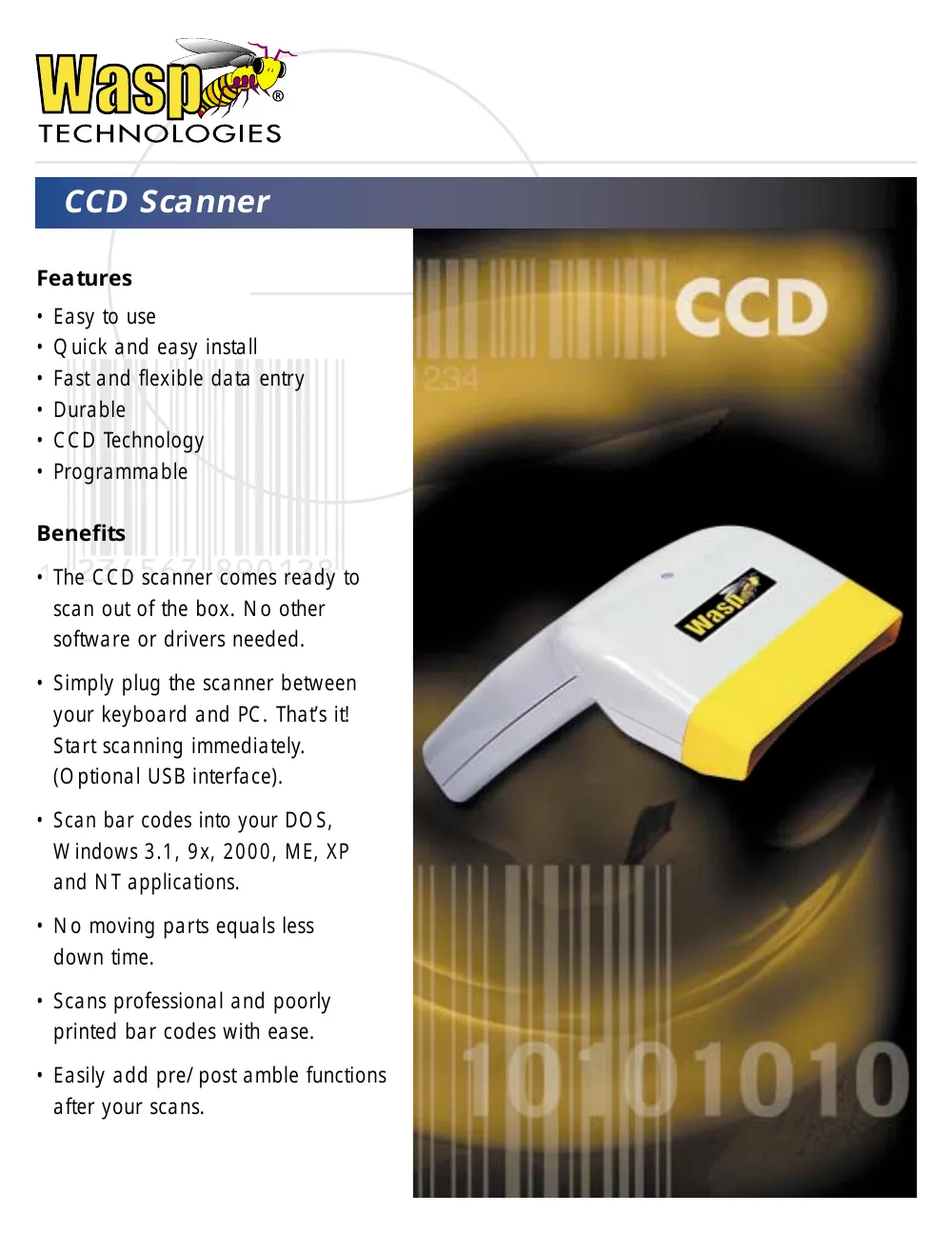
The text of page 1, from the PDF itself
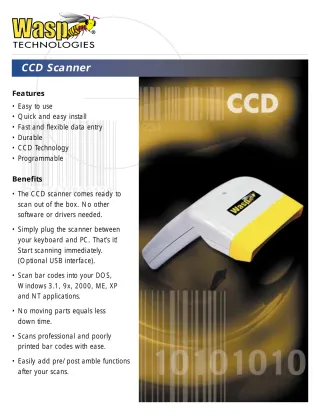
CCD Scanner Features
- Easy to use
- Quick and easy install
- Fast and flexible data entry
- Durable
- CCD Technology
- Programmable Benefits
- The CCD scanner comes ready to scan out of the box. No other software or drivers needed.
- Simply plug the scanner between your keyboard and PC. That’s it! Start scanning immediately. (Optional USB interface).
- Scan bar codes into your DOS, Windows 3.1, 9x, 2000, ME, XP and NT applications.
- No moving parts equals less down time.
- Scans professional and poorly printed bar codes with ease.
- Easily add pre/post amble functions after your scans.
Page2of 2
Open in the PDF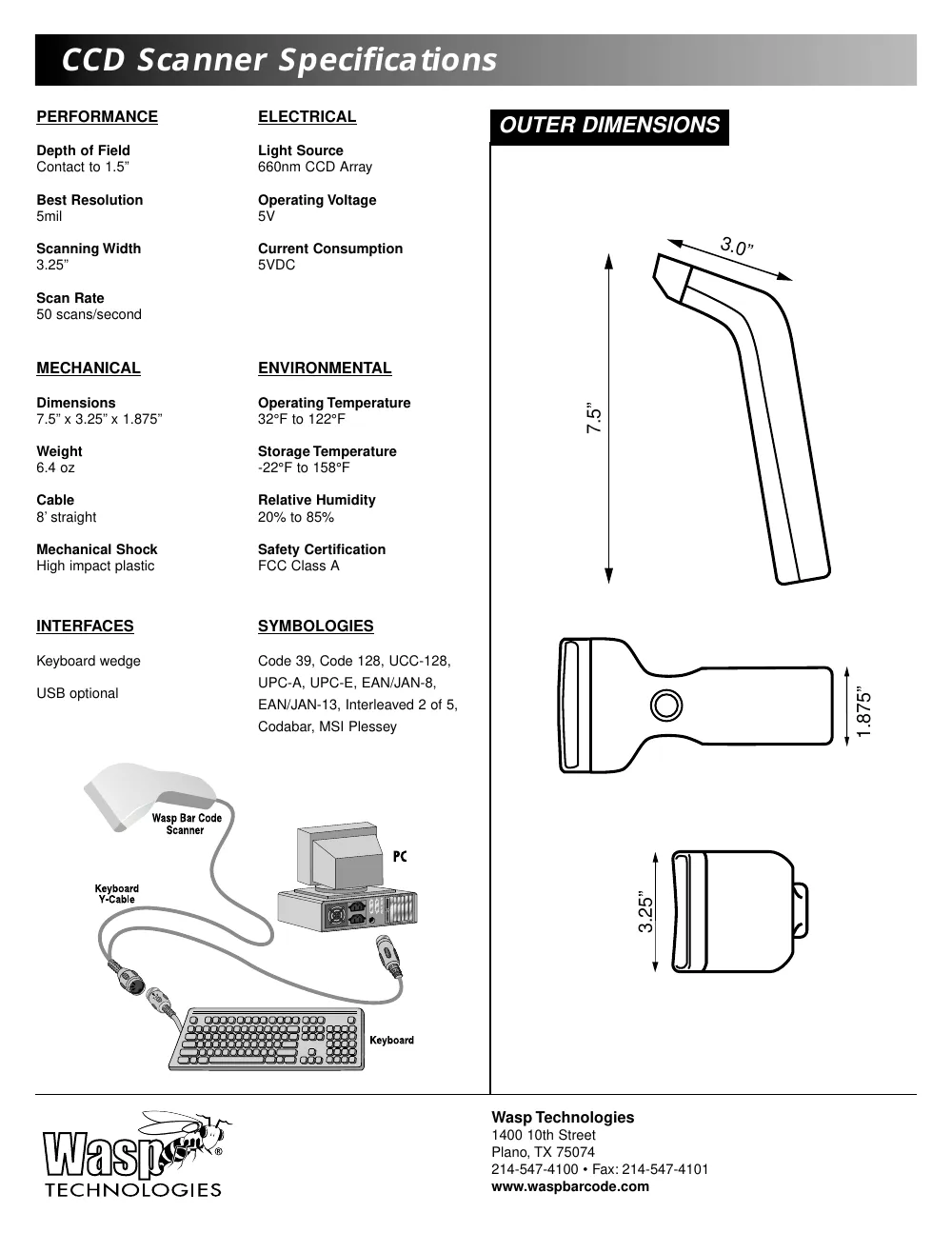
The text of page 2, from the PDF itself
CCD Scanner Specifications PERFORMANCE
ELECTRICAL
Depth of Field Contact to 1.5”
Light Source 660nm CCD Array
Best Resolution 5milOperating Voltage 5VScanning Width 3.25”
Current Consumption 5VDC
OUTER DIMENSIONS3.0”MECHANICALENVIRONMENTAL
Dimensions 7.5” x 3.25” x 1.875”
Operating Temperature 32°F to 122°F
Weight 6.4 oz
Storage Temperature -22°F to 158°F
Cable 8’ straight
Relative Humidity 20% to 85%
Mechanical Shock High impact plastic
Safety Certification FCC Class A
INTERFACESSYMBOLOGIESKeyboard wedge
Code 39, Code 128, UCC-128,
1.875”
UPC-A, UPC-E, EAN/JAN-8, EAN/JAN-13, Interleaved 2 of 5, Codabar, MSI Plessey
3.25”USB optional7.5”
Scan Rate 50 scans/second
Wasp Technologies 1400 10th Street Plano, TX 75074 214-547-4100 • Fax: 214-547-4101 www.waspbarcode.com