Manual · VeriFone
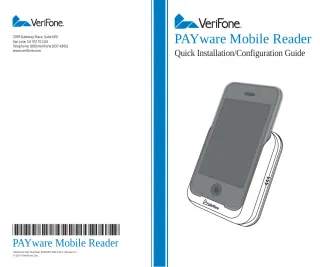
VeriFone PAYware Mobile Reader Quick Installation/Configuration Guide
Manual2 pagesPDF 538 KB
Both pages are below, each with its text.
Covers · 1 model
The models it covers
From the manual · read page by page
Key facts from this manual
Each line names its page in the PDF.
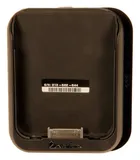
Quick installation and configuration sheet for the VeriFone PAYware Mobile Reader, an iPhone card reader (printed as PAYware Mobile Reader). In a few pictured steps it shows getting the PAYware Mobile application, configuring it, and getting ready to accept credit cards.
- Device
- Card reader that an iPhone slides into, used with the PAYware Mobile application to accept credit cards p. 2
- Software
- PAYware Mobile application from the App Store; set up by the steps at www.paywaremobile.com/install p. 2
- Charging
- Pass-through charging with an off-the-shelf mini-USB wall charger (not included) p. 2
- Signature capture
- Stylus for customer signature capture p. 2
- Sheet part number
- DOC087-002-EN-C, Revision C p. 1
What this manual walks you through
- Downloading the PAYware Mobile application by sliding the iPhone into the reader p. 2
- Configuring the PAYware Mobile application p. 2
Good to know
- The mini-USB wall charger for pass-through charging is not included. p. 2
Questions this manual answers
How do I get the app for the VeriFone PAYware Mobile reader?
Slide the iPhone into the reader; if the PAYware Mobile application is not installed, the iPhone is sent to the App Store to download it. p. 2
Does the PAYware Mobile reader come with a charger?
No. Pass-through charging works with an off-the-shelf mini-USB wall charger, which is not included. p. 2
How do customers sign with the PAYware Mobile reader?
The sheet shows a stylus for customer signature capture. p. 2
The file
Size and text
Every page · 2
Read it here
Each page as it is printed, and its words beside it, so a phone can search and copy them.
Page1of 2
Open in the PDF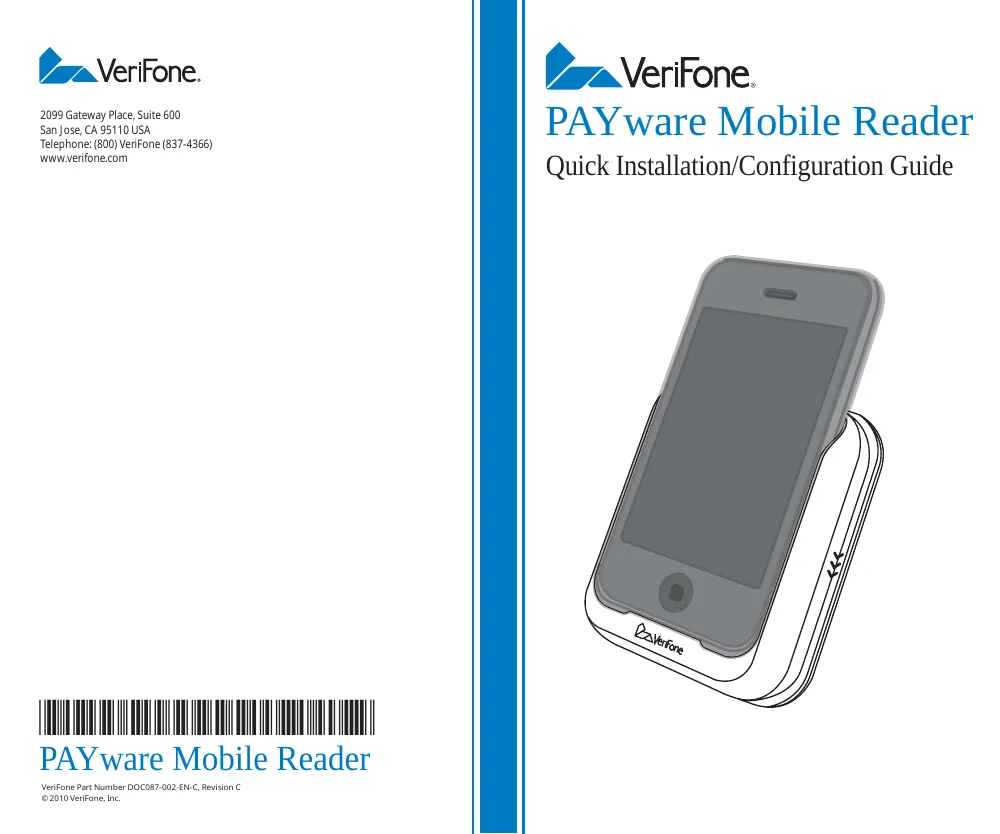
The text of page 1, from the PDF itself
2099 Gateway Place, Suite 600 San Jose, CA 95110 USA Telephone: (800) VeriFone (837-4366) www.verifone.com
*DOC087-002-EN-C PAYware Mobile Reader VeriFone Part Number DOC087-002-EN-C, Revision C © 2010 VeriFone, Inc.
PAYware Mobile Reader Quick Installation/Configuration Guide
Page2of 2
Open in the PDF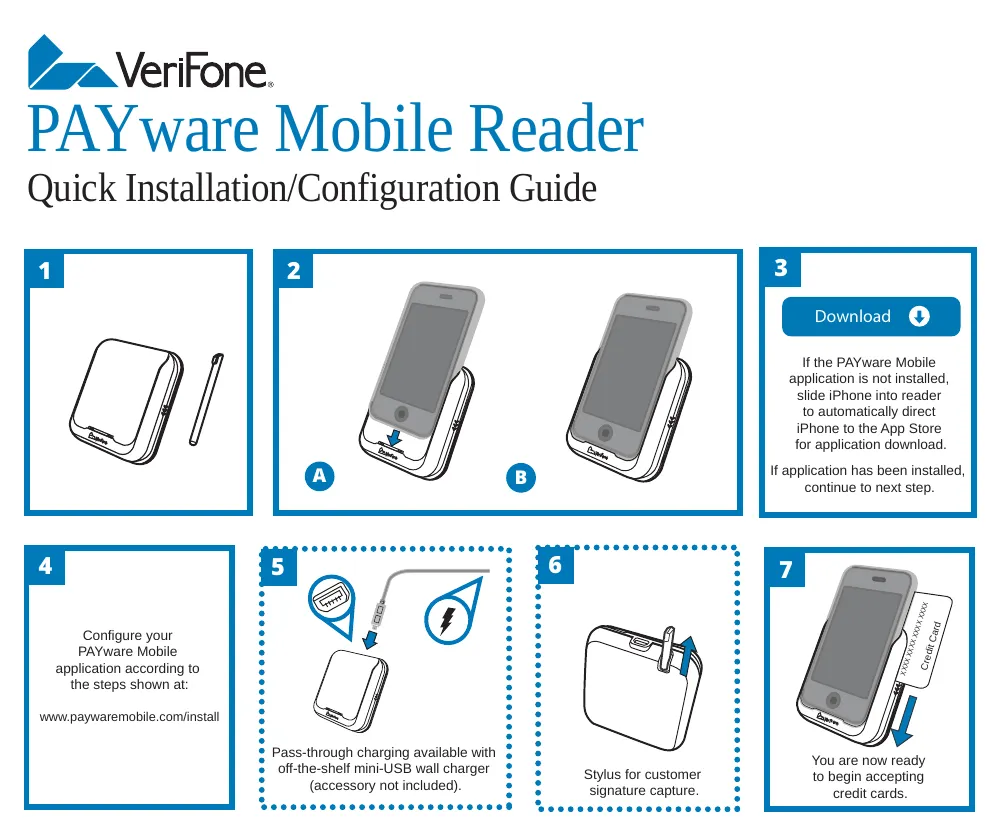
The text of page 2, from the PDF itself
PAYware Mobile Reader Quick Installation/Configuration Guide 1
3
2
Download If the PAYware Mobile application is not installed, slide iPhone into reader to automatically direct iPhone to the App Store for application download.
A
4
If application has been installed, continue to next step.
6
7 Card
XXX X XX XX X XXX XXX C X
5Bredit
Configure your PAYware Mobile application according to the steps shown at: www.paywaremobile.com/install
Pass-through charging available with off-the-shelf mini-USB wall charger (accessory not included).
Stylus for customer signature capture.
You are now ready to begin accepting credit cards.