Spec sheet · Intermec
Intermec Magscan and UBI Magscan Spec Sheet
Spec sheet2 pagesPDF 515 KB
Both pages are below, each with its text.
Covers · 2 models
The models it covers
From the sheet · read page by page
Key facts from this sheet
Each line names its page in the PDF.
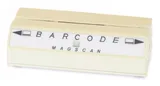
Two-page Intermec product profile and specifications for the MagScan magnetic stripe reader, which also reads bar codes from an attached wand or scanner. It lists the two track versions, interfaces, card and data formats, bar code inputs, size and environment.
- What it is
- Magnetic stripe reader that also reads bar codes from an attached input device p. 1
- Versions
- Version 1 reads track 1, track 2, or tracks 1 and 2; Version 2 reads track 3 or tracks 2 and 3; both wedge or RS232 output p. 2
- Interfaces
- Keyboard wedge to over 150 terminals and PCs; single or dual RS232 (dual with optional attachment); undecoded output p. 2
- Bar code inputs
- Bar code wand, ScanPlus CCD scanner, decoded laser diode scanner, RS-232 device p. 2
- Bar code formats
- Code 39, UPC/EAN, 2 of 5, 128, Codabar, Ames, MSI, Plessey, 11, 93 p. 2
- Cards
- ISO cards, 0.25 to 0.80 mm thick; swiped by hand in both directions p. 2
- Swipe speed
- 10 to 150 cm/sec (4 to 60 in/sec) p. 2
- Track data
- Track 1: 210 bpi, 79 alphanumeric characters; Track 2: 75 bpi, 40 numeric; Track 3: 210 bpi, 107 numeric p. 2
- Encoding
- Two-frequency coherent phase (F2F) p. 2
- Reading head
- Ceramic dual track head, rated to over 1,000,000 passes p. 1
- Dimensions
- 126 x 49 x 36 mm (5.0 x 1.9 x 1.4 in), L x W x H p. 2
- Operating temperature
- 0° to 50° C (32° to 122° F) p. 2
- Storage and humidity
- Storage -15° to 70° C (4° to 160° F); 5% to 95% relative humidity, non-condensing p. 2
- Indicators
- Dual color LED for power on and good read; beeper with variable volume p. 2
What this sheet walks you through
- Choosing between the Version 1 and Version 2 track options p. 2
- Moving the reader to another terminal p. 1
Good to know
- Dual port RS232 use needs an optional adapter. p. 1
- Hand-held scanners connected to it need wand emulation output. p. 1
- Settings are made by scanning bar code menus. p. 1
Questions this sheet answers
Which magnetic stripe tracks does the MagScan read?
Version 1 reads track 1, track 2, or both; Version 2 reads track 3 or tracks 2 and 3. p. 2
Can I plug a barcode scanner into the MagScan?
Yes. It accepts a bar code wand, ScanPlus CCD scanner, decoded laser diode scanner or RS-232 device. p. 2
How does the MagScan connect to a POS terminal or PC?
As a keyboard wedge to over 150 terminals and PCs, or through its RS232 output. p. 1, 2
How fast can a card be swiped through the MagScan?
Between 10 and 150 cm per second (4 to 60 inches per second), in either direction. p. 2
What size is the MagScan reader?
126 mm long, 49 mm wide and 36 mm high. p. 2
The file
Size and text
Every page · 2
Read it here
Each page as it is printed, and its words beside it, so a phone can search and copy them.
Page1of 2
Open in the PDF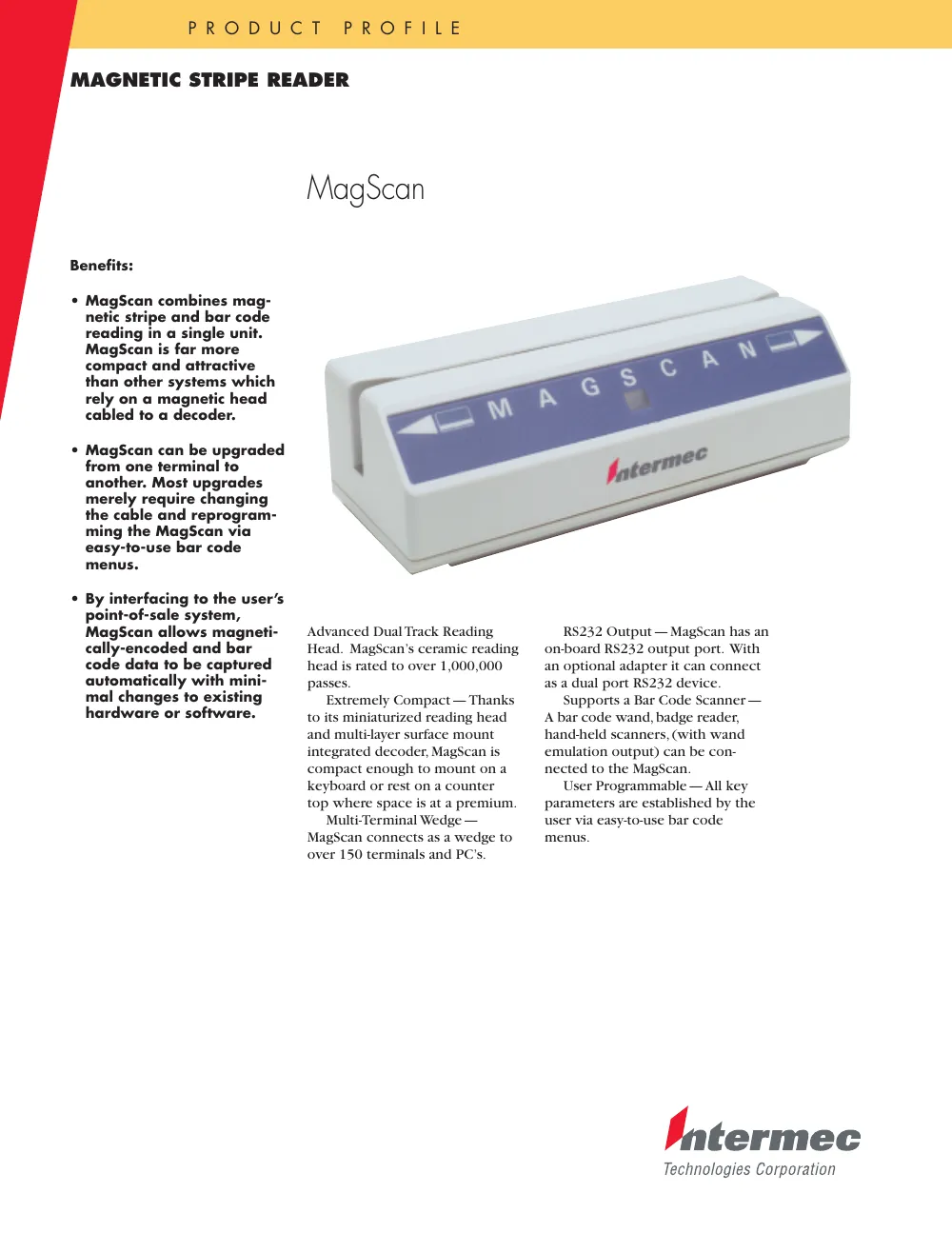
The text of page 1, from the PDF itself
P R O D U C TP R O F I L EMAGNETIC STRIPE READER
MagScan Benefits:
- MagScan combines magnetic stripe and bar code reading in a single unit. MagScan is far more compact and attractive than other systems which rely on a magnetic head cabled to a decoder.
- MagScan can be upgraded from one terminal to another. Most upgrades merely require changing the cable and reprogramming the MagScan via easy-to-use bar code menus.
- By interfacing to the user’s point-of-sale system, MagScan allows magnetically-encoded and bar code data to be captured automatically with minimal changes to existing hardware or software.
Advanced Dual Track Reading Head. MagScan’s ceramic reading head is rated to over 1,000,000 passes. Extremely Compact, Thanks to its miniaturized reading head and multi-layer surface mount integrated decoder, MagScan is compact enough to mount on a keyboard or rest on a counter top where space is at a premium. Multi-Terminal Wedge, MagScan connects as a wedge to over 150 terminals and PC’s.
RS232 Output, MagScan has an on-board RS232 output port. With an optional adapter it can connect as a dual port RS232 device. Supports a Bar Code Scanner, A bar code wand, badge reader, hand-held scanners, (with wand emulation output) can be connected to the MagScan. User Programmable, All key parameters are established by the user via easy-to-use bar code menus.
Page2of 2
Open in the PDF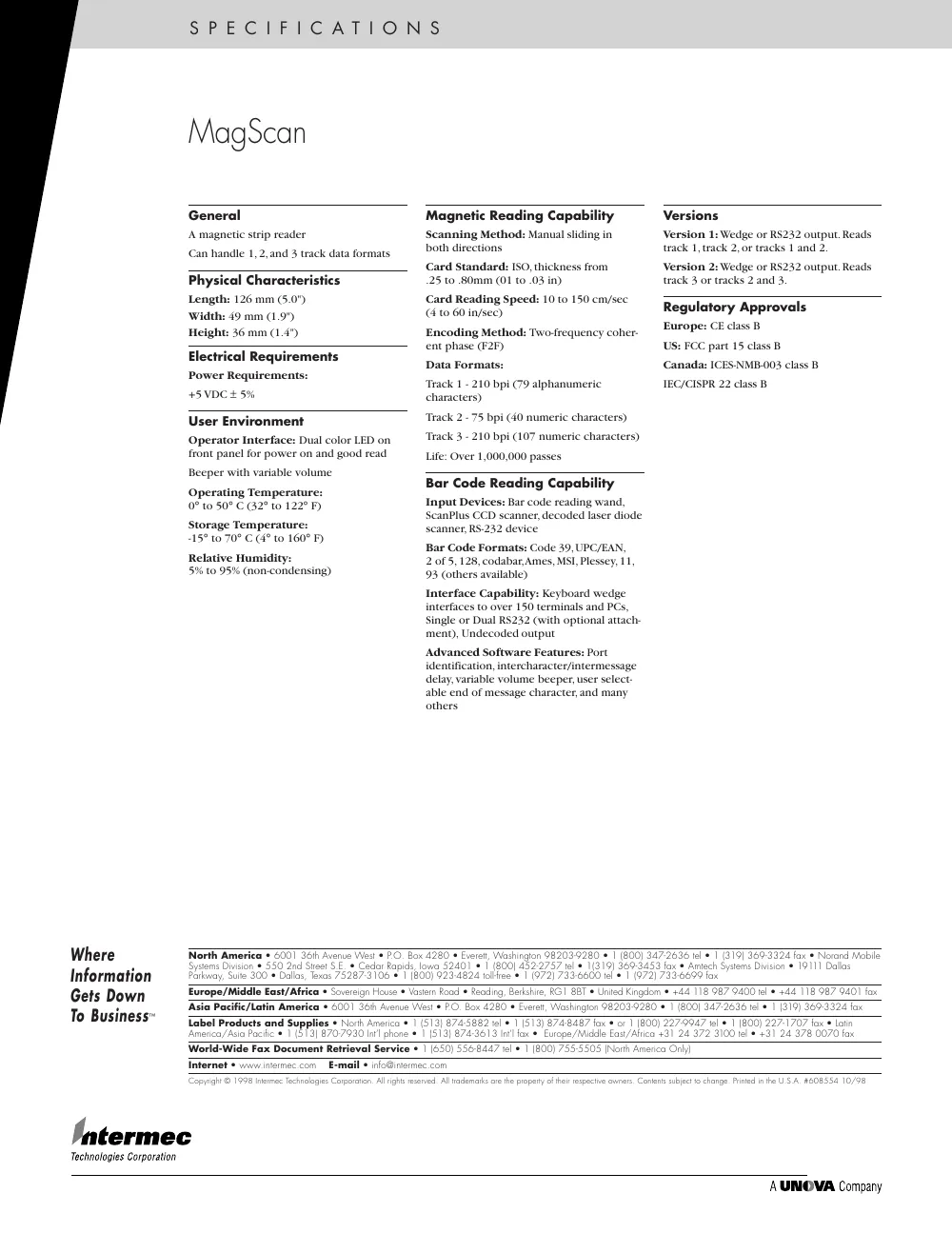
The text of page 2, from the PDF itself
S P E C I F I C A T I O N S
MagScan General
Magnetic Reading Capability
Versions
A magnetic strip reader
Scanning Method: Manual sliding in both directions
Version 1: Wedge or RS232 output. Reads track 1, track 2, or tracks 1 and 2.
Card Standard: ISO, thickness from .25 to .80mm (01 to .03 in)
Version 2: Wedge or RS232 output. Reads track 3 or tracks 2 and 3.
Card Reading Speed: 10 to 150 cm/sec (4 to 60 in/sec)
Regulatory Approvals
Can handle 1, 2, and 3 track data formats
Physical Characteristics Length: 126 mm (5.0") Width: 49 mm (1.9") Height: 36 mm (1.4")
Electrical Requirements
Encoding Method: Two-frequency coherent phase (F2F)
Europe: CE class B US: FCC part 15 class B
- Data Formats
- Canada: ICES-NMB-003 class B
+5 VDC ± 5%
Track 1 - 210 bpi (79 alphanumeric characters)
IEC/CISPR 22 class B
User Environment
Track 2 - 75 bpi (40 numeric characters)
Operator Interface: Dual color LED on front panel for power on and good read
Track 3 - 210 bpi (107 numeric characters)
- Power Requirements
- Beeper with variable volume Operating Temperature: 0° to 50° C (32° to 122° F)
Life: Over 1,000,000 passes
Bar Code Reading Capability Input Devices: Bar code reading wand, ScanPlus CCD scanner, decoded laser diode scanner, RS-232 device
Storage Temperature: -15° to 70° C (4° to 160° F) Relative Humidity: 5% to 95% (non-condensing)
Bar Code Formats: Code 39, UPC/EAN, 2 of 5, 128, codabar, Ames, MSI, Plessey, 11, 93 (others available) Interface Capability: Keyboard wedge interfaces to over 150 terminals and PCs, Single or Dual RS232 (with optional attachment), Undecoded output Advanced Software Features: Port identification, intercharacter/intermessage delay, variable volume beeper, user selectable end of message character, and many others
Where Information Gets Down To Business
North America • 6001 36th Avenue West • P.O. Box 4280 • Everett, Washington 98203-9280 • 1 (800) 347-2636 tel • 1 (319) 369-3324 fax • Norand Mobile Systems Division • 550 2nd Street S.E. • Cedar Rapids, Iowa 52401 • 1 (800) 452-2757 tel • 1(319) 369-3453 fax • Amtech Systems Division • 19111 Dallas Parkway, Suite 300 • Dallas, Texas 75287-3106 • 1 (800) 923-4824 toll-free • 1 (972) 733-6600 tel • 1 (972) 733-6699 fax Europe/Middle East/Africa • Sovereign House • Vastern Road • Reading, Berkshire, RG1 8BT • United Kingdom • +44 118 987 9400 tel • +44 118 987 9401 fax Asia Pacific/Latin America • 6001 36th Avenue West • P.O. Box 4280 • Everett, Washington 98203-9280 • 1 (800) 347-2636 tel • 1 (319) 369-3324 fax Label Products and Supplies • North America • 1 (513) 874-5882 tel • 1 (513) 874-8487 fax • or 1 (800) 227-9947 tel • 1 (800) 227-1707 fax • Latin America/Asia Pacific • 1 (513) 870-7930 Int’l phone • 1 (513) 874-3613 Int’l fax • Europe/Middle East/Africa +31 24 372 3100 tel • +31 24 378 0070 fax World-Wide Fax Document Retrieval Service • 1 (650) 556-8447 tel • 1 (800) 755-5505 (North America Only) Internet • www.intermec.com
E-mail • info@intermec.com
Copyright © 1998 Intermec Technologies Corporation. All rights reserved. All trademarks are the property of their respective owners. Contents subject to change. Printed in the U.S.A. #608554 10/98