Manual · Symbol
Symbol Spectrum24 AP-4121 Access Point Firmware 2.70-06 Release Notes
Manual3 pagesPDF 12 KB
All 3 pages are below, each with its text.
Covers · 1 model
The models it covers
From the manual · read page by page
Key facts from this manual
Each line names its page in the PDF.
Release notes for firmware version 2.70-06 of the Symbol Spectrum24 AP-4121, an 802.11b wireless LAN access point. They list what the version adds and fixes, the files in the download, and the step-by-step upgrade path from older firmware.
- Firmware version
- 2.70-06, the latest Official Release at the time of these notes p. 1
- What it is
- Spectrum24 wireless LAN access point with a Symbol-designed 802.11b radio p. 1
- Processor
- Motorola Power PC p. 1
- New in 2.70-06
- KeyGuard support, rotating WEP keys on a per data packet basis p. 1
- Upgrade methods
- Through the user interface by Serial, Boot with DHCP or TFTP p. 1
- Upgrade path
- 1.x to 1.5, then 2.0, then 2.5, then 2.70-xx p. 1
- Firmware files
- dsap_fw.bin (firmware, loaded first) and dsaphtm.bin (web interface, loaded second) p. 2
- Other files
- ap_cfg.txt (configuration), *.mib files (SNMP management), IMPORTANT.TXT (file list and versions) p. 2
- Fixes
- Sturdier telnet buffer handling, Save All on all menu pages, config file range checking, steadier PSP mode p. 2
- Reference guide
- AP-4111 and 4121 Access Point Product Reference Guide, PDF and HTML p. 2
What this manual walks you through
- Deciding whether to upgrade the firmware p. 1
- Upgrading from 1.x firmware in consecutive steps p. 1
- Which download file to load first and second p. 2
- Issues corrected in version 2.70-06 p. 2
Good to know
- This firmware works only on Symbol AP-4121 products. p. 1
- Older firmware must be upgraded in consecutive steps, not straight to 2.70. p. 1
- Symbol advises against upgrading when there are no system issues and the new features are not wanted. p. 1
Questions this manual answers
What is the latest AP-4121 firmware version?
These notes give 2.70-06 as the latest Official Release. Later fixes come out as Service Releases. p. 1
Can I upgrade an AP-4121 from 1.x firmware straight to 2.70?
No. Go from 1.x to 1.5, then 2.0, then 2.5, and only then to 2.70-xx. p. 1
What does AP-4121 firmware 2.70-06 add?
Support for Symbol KeyGuard, which rotates WEP keys on a per data packet basis. p. 1
Which AP-4121 firmware file do I load first?
dsap_fw.bin first, then dsaphtm.bin to update the web user interface. p. 2
Does the AP-4121 2.70-06 firmware work on other access points?
No. The notes say it works only on Symbol AP-4121 products. p. 1
The file
Size and text
Every page · 3
Read it here
Each page as it is printed, and its words beside it, so a phone can search and copy them.
Page1of 3
Open in the PDF
The text of page 1, from the PDF itself
Release Notes for the Spectrum24 AP-4121 Access Point Firmware Version 2.70-06
Contents
- Product Overview
- Product Features
- Why You May Need to Upgrade Your Firmware
- Known Issues and Bug Fixes
- Upgrade WARNING
- Files Included in the Download
- Documentation
- Getting Support
Product Overview The Symbol Technologies Spectrum24™ Wireless LAN Access Point Model AP-4121 has been released for sale over the last several years. The AP-4121 bring years of award winning design into a quality Access Point designed for the mobile environment. The AP-4121 uses a Motorola Power PC processor designed for the telecommunications and data processing industry along with a Symbol designed radio for optimum 802.11b Wireless LAN performance. Firmware is factory loaded with the latest released version and the firmware can be upgraded to the latest version via the user interface by Serial, Boot with DHCP or TFTP connection. The latest Official Release of firmware for the AP-4121 is firmware version 2.70-06. Future releases of firmware with issues corrected after the Official Release are a known as a ‘Service Release’ that may be obtained from http://www.symbol.com/services/downloads.
Product Features In addition to the features found in earlier Symbol AP-4121 802.11b Access Points the AP-4121 now supports Symbol’s KeyGuard™. KeyGuard provides for increased security on the wireless LAN by enabling the rotation of WEP keys on a per data packet basis. For information on KeyGuard, please refer to the product documentation.
Why You May Need to Upgrade Your Firmware You will need to upgrade your firmware to take advantage of Symbol KeyGuard or if you are experiencing any system problems. Symbol advises not to upgrade the firmware in a system if no system issues exist or you do not wish to use the new features with this firmware version.
Upgrade WARNING Important note: To update firmware in 4121 Access Points, you must upgrade using the consecutive following steps: If using version 1.x firmware, upgrade to version 1.5. If using version 1.5, upgrade to version 2.0. If using version 2.0, upgrade to version 2.5. Now upgrade to version 2.70-xx. This firmware will work only on Symbol AP-4121 products.
Page2of 3
Open in the PDF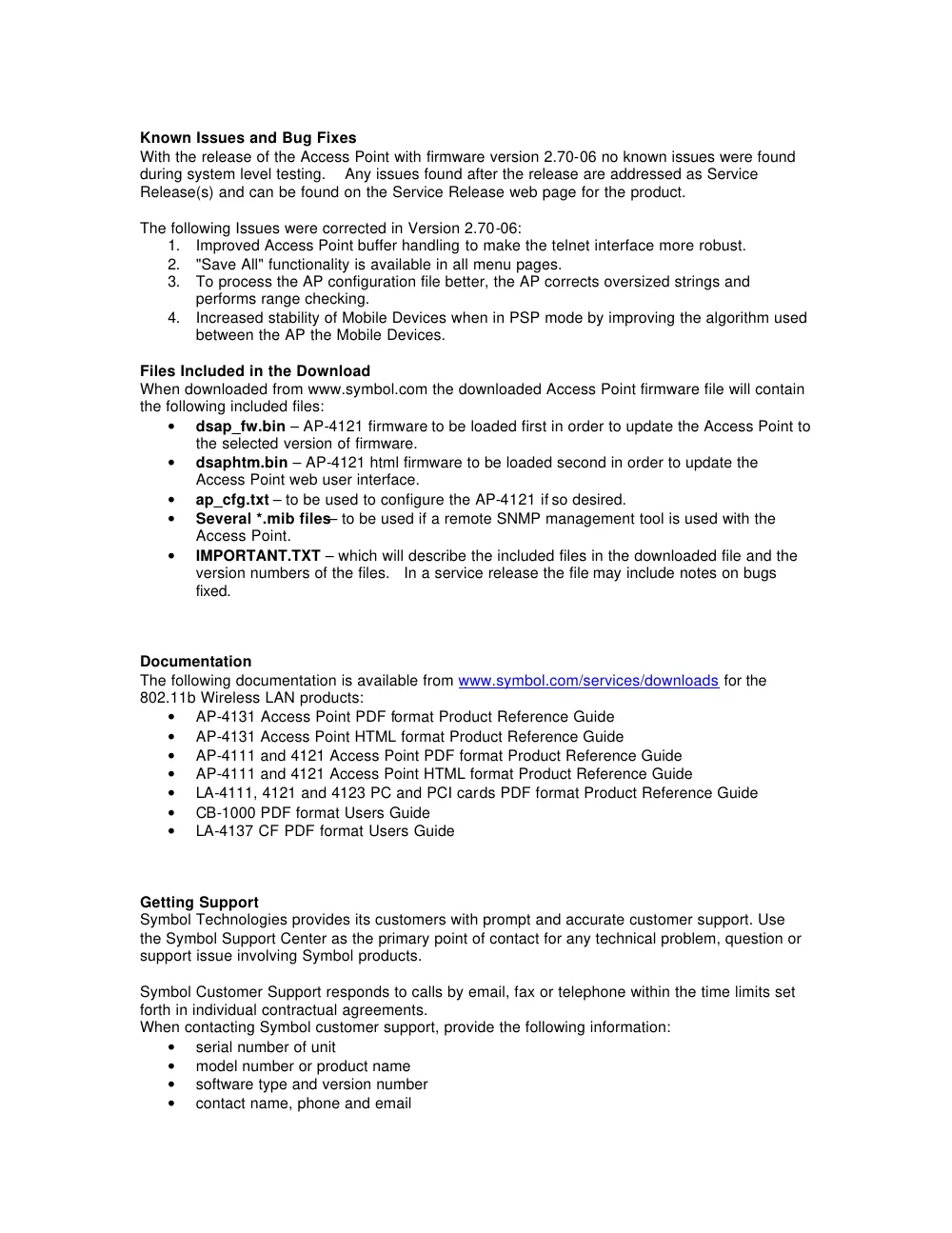
The text of page 2, from the PDF itself
Known Issues and Bug Fixes With the release of the Access Point with firmware version 2.70-06 no known issues were found during system level testing. Any issues found after the release are addressed as Service Release(s) and can be found on the Service Release web page for the product. The following Issues were corrected in Version 2.70-06: 1. Improved Access Point buffer handling to make the telnet interface more robust. 2. "Save All" functionality is available in all menu pages. 3. To process the AP configuration file better, the AP corrects oversized strings and performs range checking. 4. Increased stability of Mobile Devices when in PSP mode by improving the algorithm used between the AP the Mobile Devices. Files Included in the Download When downloaded from www.symbol.com the downloaded Access Point firmware file will contain the following included files:
- dsap_fw.bin – AP-4121 firmware to be loaded first in order to update the Access Point to the selected version of firmware.
- dsaphtm.bin – AP-4121 html firmware to be loaded second in order to update the Access Point web user interface.
- ap_cfg.txt – to be used to configure the AP-4121 if so desired.
- Several *.mib files– to be used if a remote SNMP management tool is used with the Access Point.
- IMPORTANT.TXT – which will describe the included files in the downloaded file and the version numbers of the files. In a service release the file may include notes on bugs fixed.
Documentation The following documentation is available from www.symbol.com/services/downloads for the 802.11b Wireless LAN products:
- AP-4131 Access Point PDF format Product Reference Guide
- AP-4131 Access Point HTML format Product Reference Guide
- AP-4111 and 4121 Access Point PDF format Product Reference Guide
- AP-4111 and 4121 Access Point HTML format Product Reference Guide
- LA-4111, 4121 and 4123 PC and PCI cards PDF format Product Reference Guide
- CB-1000 PDF format Users Guide
- LA-4137 CF PDF format Users Guide
Getting Support Symbol Technologies provides its customers with prompt and accurate customer support. Use the Symbol Support Center as the primary point of contact for any technical problem, question or support issue involving Symbol products. Symbol Customer Support responds to calls by email, fax or telephone within the time limits set forth in individual contractual agreements. When contacting Symbol customer support, provide the following information:
- serial number of unit
- model number or product name
- software type and version number
- contact name, phone and email
Page3of 3
Open in the PDF
The text of page 3, from the PDF itself
North American Contacts Inside North America, contact Symbol by:
- Symbol Technologies, Inc. One Symbol Plaza Holtsville, New York 11742-1300 Telephone: 1-516-738-2400/1-800-SCAN 234 Fax: 1-516-738-5990
- Symbol Support Center: telephone: 1-800-653-5350 fax: (516) 563-5410 Email: support@symbol.com International Contacts Outside North America, contact Symbol by:
- Symbol Technologies Technical Support 12 Oaklands Park Berkshire, RG41 2FD, United Kingdom Tel: 011-44-118-945-7000 or 1-516-738-2400 ext. 6213 Symbol Developer Program Web Site
- http://software.symbol.com/devzone Symbol Knowledge Base
- http://kb.symbol.com/register.asp Additional Information Obtain additional information by contacting Symbol at:
- 1-800-722-6234, inside North America
- +1-516-738-5200, in/outside North America
- http://www.symbol.com