Manual · Sick
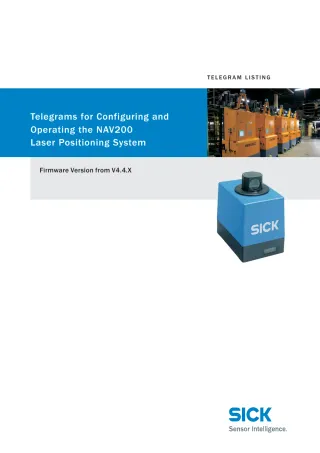
Telegram Listing: Telegrams for Configuring and Operating the NAV200 Laser Positioning System, Firmware Version from V4.4.X
Manual96 pagesPDF 1.2 MB
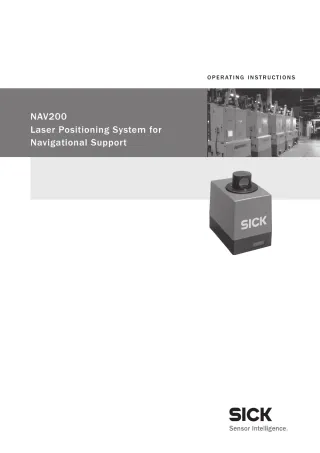
Telegram (command) reference for configuring and operating the SICK NAV200 laser positioning system for automated guided vehicles.
Covers · 1 model
The models it covers
Summary
What is in it
A reference manual of the telegrams, the compact command language used to configure the SICK NAV200 laser positioning system and read position data from it, for firmware from V4.4.X. It explains command formats, the serial data interface, co-ordinates and angles, then documents every command in the standby, mapping, positioning, upload and download, and reflector co-ordinate modes, followed by diagnosis functions, error messages and response times. It is aimed at technicians integrating the NAV200 into a vehicle control system.
Its parts
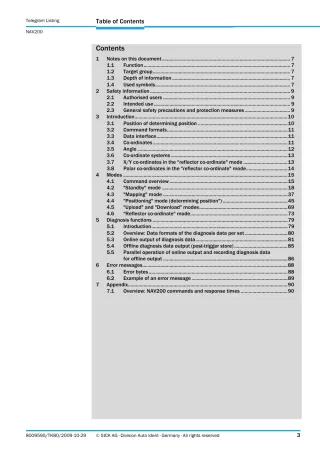
- Notes on this document
- Safety information
- Introduction
- Modes
- Diagnosis functions
- Error messages
- Appendix
From the manual
Key facts from this manual
Each line names its page in the PDF.
Telegram listing for the SICK NAV200 laser positioning system, for firmware V4.4.X and later. It documents the binary command telegrams a vehicle computer or PC uses to configure the NAV200, manage reflector layers and request position data, along with the error messages, diagnosis functions and response times.
- Firmware
- Written for NAV200 firmware V 4.4.X and later p. 2
- Data interface
- Serial RS-232/422; 19,200 Bd default, 1 start bit, 8 data bits, 1 stop bit; RTS and CTS not used p. 11
- Baud rates
- 19200, 38400, 57600 or 115200 Bd, set with command SB and stored permanently p. 19
- Protocol
- Master/slave: exactly one response per command; XOR block check over the whole telegram p. 10
- Telegram format
- STX (02 h), number of bytes, mode letter, function letter, data block, BCC; sent in binary p. 11
- Reflector layers
- Up to 320 layers in two banks (Bank0 and Bank1); 3 to 32 reflectors per layer p. 10
- Co-ordinates
- Signed values in mm, sent as four bytes (INT32) p. 11
- Modes
- Standby, mapping, positioning, upload, download and reflector co-ordinates p. 15, 16
- Scan timing
- One scan takes 125 ms; scan plus position calculation approx. 135 ms p. 46
- Error messages
- An E in place of the function byte, then 4 error bytes: last function, error class, error group, error specification p. 88
- Diagnosis data
- Online with each position response, or offline from the post-trigger memory p. 79
- Byte timeout
- Byte timeout for data from the NAV200 should be more than 3 ms p. 90
What this manual walks you through
- Building a command telegram and its block check p. 11
- Changing the data transfer rate with command SB p. 19, 20
- Commands available in each mode p. 15, 16
- Requesting position with or without velocity input from the vehicle p. 45
- Timing of position requests while the vehicle moves p. 46
- Reading diagnosis data online and offline p. 79
- Decoding error messages p. 88, 89
- Command response times and recommended timeouts p. 90, 91
Good to know
- A response can take more than 120 seconds in a few situations, so the vehicle computer needs a timeout. p. 90
- Detecting fewer than 3 reflectors may cause the NAV200 to lose its position in the layer. p. 45
- Only the data transfer rate can be changed; the other interface parameters are fixed. p. 19
- The first position fix in full map mode may take several seconds. p. 45
- Online diagnosis output needs a high enough data transfer rate. p. 79
Questions this manual answers
What does NAV200 error class 7 mean?
A user link error: a fault on the RS232 link between the vehicle processor or PC and the NAV200. p. 88
What does NAV200 error specification 11 mean?
A communication error (BCC error), usually caused by electrical faults or a bad block check. p. 89
What baud rates does the NAV200 support?
19200 Bd (default), 38400, 57600 and 115200 Bd. p. 19
How many reflector layers can the NAV200 store?
Up to 320 layers split over two banks, each layer holding 3 to 32 reflectors. p. 10
Contents
Chapters and sections
Each line opens the PDF at its page.
The whole text · 12 parts
Read the manual here as text
Its text as extracted from the PDF, unedited, in parts; each page opens the PDF at that page.
The file