Manual · Datalogic
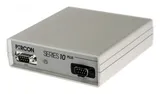
Datalogic Series10 Plus and PSC Series10 Plus Manual
Manual1 pagePDF 3 KB
The page is below, with its text.
Covers · 2 models
The models it covers
From the manual · read page by page
Key facts from this manual
Each line names its page in the PDF.
A one-page step-by-step sheet for the Percon Series 10+ decoder box. It explains the factory default setting and how to set the box to read bar codes longer than 10 digits by scanning setup bar codes.
- Device
- Percon Series 10+ decoder box p. 1
- Factory default
- Predefined Default D2, for bar codes up to 10 digits long p. 1
- Reset to default
- Scan the D2 bar code p. 1
- Setup bar codes
- In the Percon manual or on the bottom of some units p. 1
What this manual walks you through
- Setting the decoder to read bar codes longer than 10 digits p. 1
- Resetting the decoder to its factory default p. 1
Good to know
- After the last step the unit should beep 5 times and the green LED should be lit. p. 1
Questions this manual answers
Why won't my Percon Series 10+ read long bar codes?
It ships with Default D2, which is defined for bar codes up to 10 digits; longer codes need the setup steps on this sheet. p. 1
How do I set a Percon Series 10+ for longer bar codes?
Scan START, a sample of the shortest bar code, a sample of the longest, E for End, then E for Save. p. 1
How do I reset a Percon Series 10+ to factory default?
Scan the D2 bar code. p. 1
The file
Size and text
Every page · 1
Read it here
Each page as it is printed, and its words beside it, so a phone can search and copy them.
Page1of 1
Open in the PDF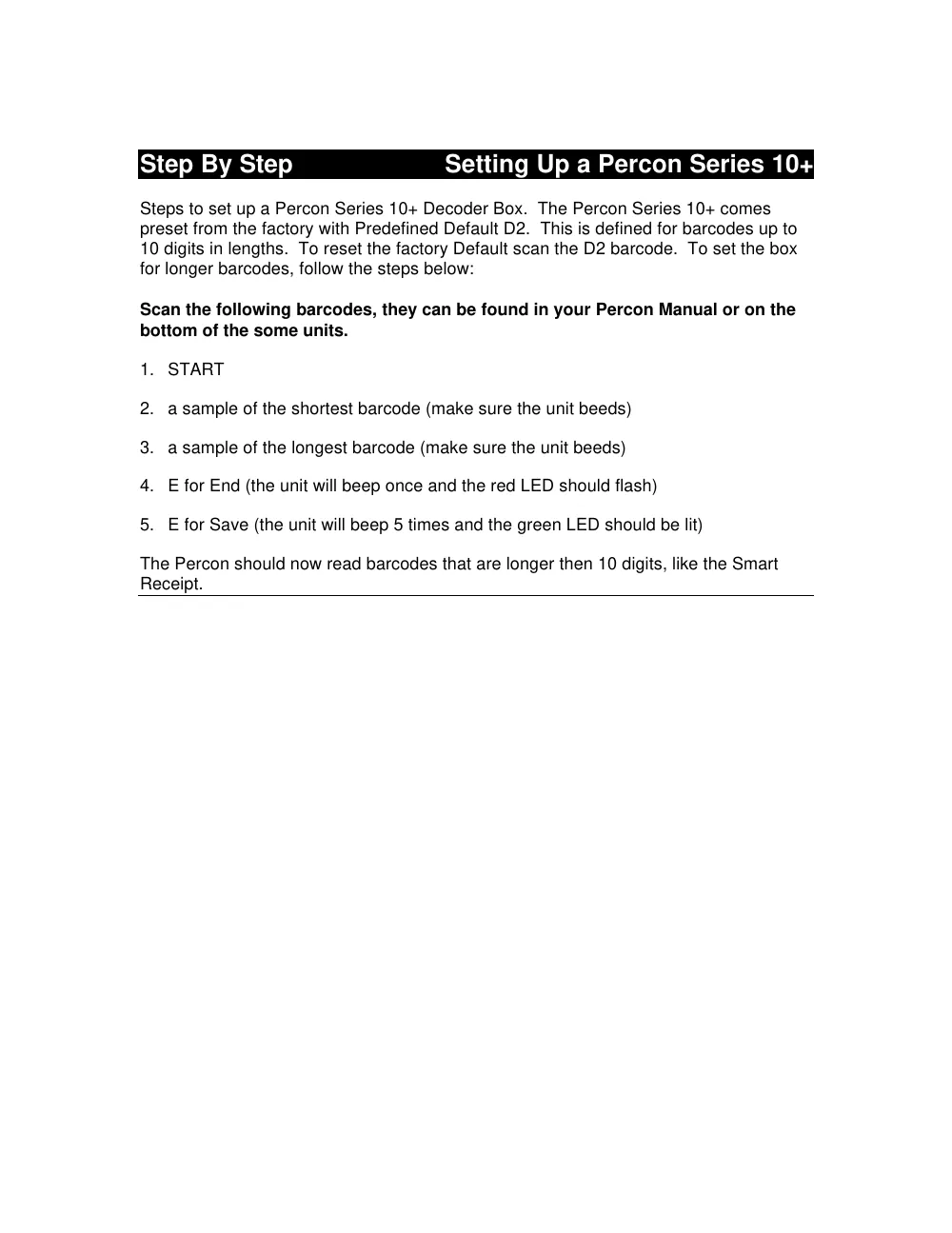
The text of page 1, from the PDF itself
Step By Step
Setting Up a Percon Series 10+Date
Steps to set up a Percon Series 10+ Decoder Box. The Percon Series 10+ comes preset from the factory with Predefined Default D2. This is defined for barcodes up to 10 digits in lengths. To reset the factory Default scan the D2 barcode. To set the box for longer barcodes, follow the steps below: Scan the following barcodes, they can be found in your Percon Manual or on the bottom of the some units. 1. START 2. a sample of the shortest barcode (make sure the unit beeds) 3. a sample of the longest barcode (make sure the unit beeds) 4. E for End (the unit will beep once and the red LED should flash) 5. E for Save (the unit will beep 5 times and the green LED should be lit) The Percon should now read barcodes that are longer then 10 digits, like the Smart Receipt.