Manual · Datalogic
Falcon DOS Portable Terminals User's Guide
Manual54 pagesPDF 1.7 MB
User's guide for Falcon DOS portable data terminals, the Falcon Dock and the Falcon multi-slot dock, for first-time users.
Covers · 10 models
The models it covers
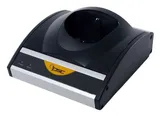 PSC 00-982-00 Falcon DockDesktop docking station from$175.002 in stock
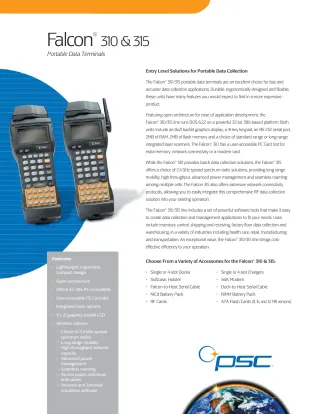
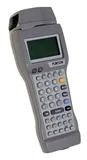 PSC 310Portable batch data collection terminal from$395.00123 in stock
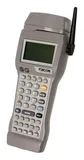 PSC 3152.4 GHz wireless portable data collection terminal from$895.0012 in stock PSC 7025Portable batch data collection terminal from$775.0027 in stock PSC 72252.4 GHz wireless portable data collection terminal from$845.003 in stock Datalogic 00-982-00 Falcon DockDesktop docking station Call for availability Datalogic 310Portable batch data collection terminal Call for availability Datalogic 3152.4 GHz wireless portable data collection terminal Call for availability Datalogic 7025Portable batch data collection terminal Call for availability Datalogic 72252.4 GHz wireless portable data collection terminal Call for availability
Summary
What is in it
Percon's user's guide for Falcon DOS portable data terminals, handheld computers for data collection, written for first-time users. It covers the Falcon models and accessories, turning the unit on, batteries, the keypad and input modes, the viewport display, the integrated laser and attaching a bar code reader, the serial port and applications, and setting up and using the Falcon Dock and the Falcon multi-slot dock for charging and data transfer.
Its parts
- About Falcon DOS Terminals
- Using the Falcon
- The Falcon Dock
- The Falcon 4-Slot Dock
Contents
Chapters and sections
Each line opens the PDF at its page.
The file
Size and text
PublisherPercon Incorporated
Pages54
PDF1.7 MB
TextText from the PDF itself; 7 pages are scans, read by OCR, which may hold reading errors.