Manual · Intermec
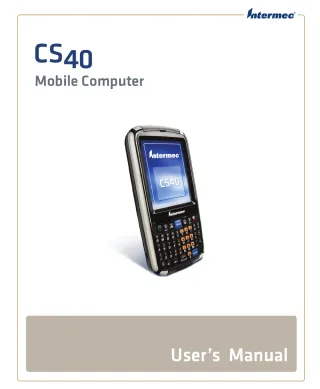
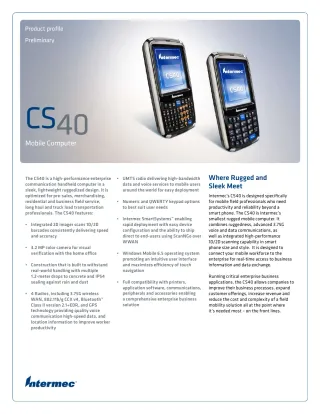
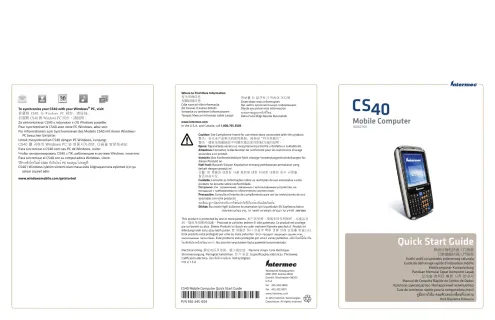
Intermec CS40 Quick Start
Manual2 pagesPDF 1.0 MB
Both pages are below, each with its text.
Covers · 1 model
The models it covers
From the manual · read page by page
Key facts from this manual
Each line names its page in the PDF.
This two-page multilingual Quick Start Guide is for the Intermec CS40 Mobile Computer. It shows how to pick the device language at first start, warns to shut the unit down before removing the battery, and points to where to synchronize it with a Windows PC.
- Device
- CS40 Mobile Computer p. 1
- Electrical rating
- 5 V, 1.5 A p. 1
- Setup languages
- English, Deutsch, Français, Español, Italiano p. 2
- Cards
- microSD and SIM, labeled on the setup diagram p. 2
- PC sync
- Synchronizes with a Windows PC; setup at www.windowsmobile.com/getstarted p. 1
- Guide part number
- P/N 930-245-004 p. 1
What this manual walks you through
- Choosing the device language at first start p. 2
- Removing the battery safely p. 2
- Synchronizing the CS40 with a Windows PC p. 1
Good to know
- Tap Start > Shutdown to turn off the CS40 before removing the battery. p. 2
- A separate Compliance Insert lists use restrictions for the product. p. 1
Questions this manual answers
How do I change the language on a new CS40?
At the language screen, press UP or DOWN to pick English, Deutsch, Français, Español or Italiano, then press ENTER. p. 2
How do I remove the CS40 battery?
First tap Start > Shutdown to turn the CS40 off, then remove the battery. p. 2
How do I sync the Intermec CS40 with my PC?
The guide points to www.windowsmobile.com/getstarted for synchronizing with a Windows PC. p. 1
What is the CS40 electrical rating?
5 V, 1.5 A. p. 1
The file
Size and text
Every page · 2
Read it here
Each page as it is printed, and its words beside it, so a phone can search and copy them.
Page1of 2
Open in the PDF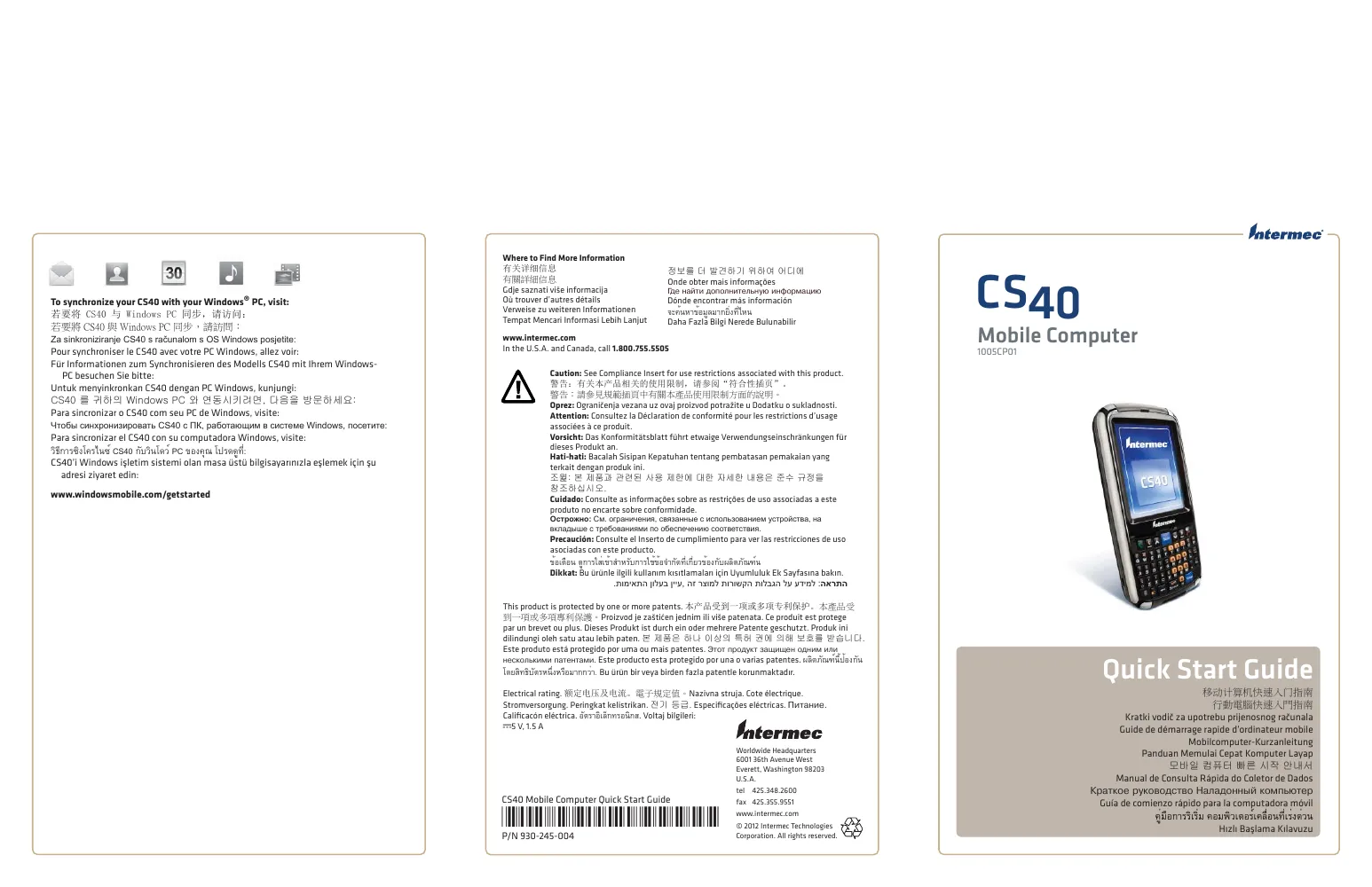
The text of page 1, from the PDF itself
To synchronize your CS40 with your Windows® PC, visit: 若要将 CS40 与 Windows PC 同步,请访问: 若要將 CS40 與 Windows PC 同步,請訪問: Za sinkroniziranje CS40 s računalom s OS Windows posjetite:
Pour synchroniser le CS40 avec votre PC Windows, allez voir: Für Informationen zum Synchronisieren des Modells CS40 mit Ihrem WindowsPC besuchen Sie bitte: Untuk menyinkronkan CS40 dengan PC Windows, kunjungi: CS40 를 귀하의 Windows PC 와 연동시키려면, 다음을 방문하세요: Para sincronizar o CS40 com seu PC de Windows, visite: Чтобы синхронизировать CS40 с ПК, работающим в системе Windows, посетите:
Para sincronizar el CS40 con su computadora Windows, visite:
วิธีการซิงโครไนซ์ CS40 กับวินโดว์ PC ของคุณ โปรดดูที่: CS40’i Windows işletim sistemi olan masa üstü bilgisayarınızla eşlemek için şu adresi ziyaret edin: www.windowsmobile.com/getstarted
Where to Find More Information 有关详细信息 有關詳細信息 Gdje saznati više informacija Où trouver d’autres détails Verweise zu weiteren Informationen Tempat Mencari Informasi Lebih Lanjut
정보를 더 발견하기 위하여 어디에 Onde obter mais informações Ãäå íàéòè äîïîëíèòåëüíóþ èíôîðìàöèþ
Dónde encontrar más información
จะค้นหาข้อมูลมากยิ่งที่ไหน Daha Fazla Bilgi Nerede Bulunabilir
www.intermec.com In the U.S.A. and Canada, call 1.800.755.5505
CS40 Mobile Computer 1005CP01
Caution: See Compliance Insert for use restrictions associated with this product. 警告:有关本产品相关的使用限制,请参阅“符合性插页”。 警告:請參見規範插頁中有關本產品使用限制方面的說明。 Oprez: Ograničenja vezana uz ovaj proizvod potražite u Dodatku o sukladnosti. Attention: Consultez la Déclaration de conformité pour les restrictions d’usage associées à ce produit. Vorsicht: Das Konformitätsblatt führt etwaige Verwendungseinschränkungen für dieses Produkt an. Hati-hati: Bacalah Sisipan Kepatuhan tentang pembatasan pemakaian yang terkait dengan produk ini. 조 : 본 제품과 관련된 사용 제한에 대한 자세한 내용은 준수 규정을 참조하십시오. Cuidado: Consulte as informações sobre as restrições de uso associadas a este produto no encarte sobre conformidade. Острожно: См. ограничения, связанные с использованием устройства, на вкладыше с требованиями по обеспечению соответствия.
Precaución: Consulte el Inserto de cumplimiento para ver las restricciones de uso asociadas con este producto.
ข้อเตือน ดูการใส่เข้าสําหรับการใช้ข้อจํากัดที่เกี่ยวข้องกับผลิตภัณฑ์น Dikkat: Bu ürünle ilgili kullanım kısıtlamaları için Uyumluluk Ek Sayfasına bakın. .עיין בעלון התאימות, למידע על הגבלות הקשורות למוצר זה:התראה This product is protected by one or more patents. 本产品受到一项或多项专利保护。本產品受 到一項或多項專利保護。Proizvod je zaštićen jednim ili više patenata. Ce produit est protege par un brevet ou plus. Dieses Produkt ist durch ein oder mehrere Patente geschutzt. Produk ini dilindungi oleh satu atau lebih paten. 본 제품은 하나 이상의 특허 권에 의해 보호를 받습니다. Este produto está protegido por uma ou mais patentes. Ýòîò ïðîäóêò çàùèùåí îäíèì èëè íåñêîëüêèìè ïàòåíòàìè. Este producto esta protegido por una o varias patentes. ผลิตภัณฑ์นี้ป้องกัน โดยสิทธิบัตรหนึ่งหรือมากกว่า. Bu ürün bir veya birden fazla patentle korunmaktadır. Electrical rating. 额定电压及电流。電子規定值。Nazivna struja. Cote électrique. Stromversorgung. Peringkat kelistrikan. 전기 등급. Especificações eléctricas. Ïèòàíèå. Calificacón eléctrica. อัตราอิเล็กทรอนิกส. Voltaj bilgileri: x5 V, 1.5 A
CS40 Mobile Computer Quick Start Guide
*930-245-004* P/N 930-245-004
Worldwide Headquarters 6001 36th Avenue West Everett, Washington 98203 U.S.A. tel 425.348.2600 fax 425.355.9551 www.intermec.com © 2012 Intermec Technologies Corporation. All rights reserved.
Quick Start Guide 移动计算机快速入门指南 行動電腦快速入門指南 Kratki vodič za upotrebu prijenosnog računala Guide de démarrage rapide d’ordinateur mobile Mobilcomputer-Kurzanleitung Panduan Memulai Cepat Komputer Layap 모바일 컴퓨터 빠른 시작 안내서 Manual de Consulta Rápida do Coletor de Dados Êðàòêîå ðóêîâîäñòâî Íàëàäîííûé êîìïüþòåð Guía de comienzo rápido para la computadora móvil
คู่มือการริเริ่ม คอมพิวเตอร์เคลื่อนที่เร่งด่วน Hızlı Başlama Kılavuzu
Page2of 2
Open in the PDF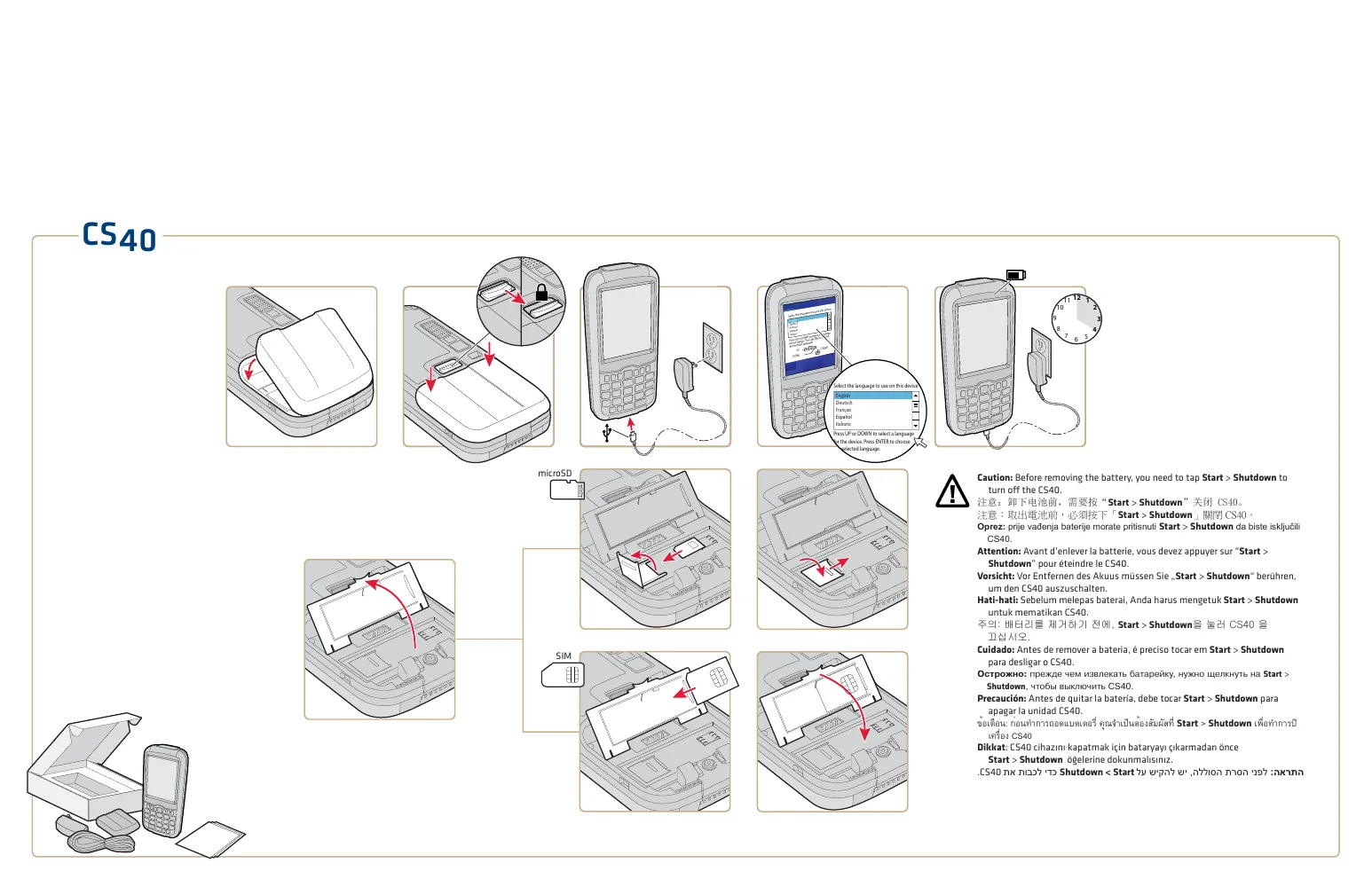
The text of page 2, from the PDF itself
CS 40 Select thelanguageto use on10
- this device
- 11 12 1
2 3
9
English Deutsch Français Español Italiano
4
8
ge a langua to select to choose or DOWN TER Press UPdevice. Press EN for the cted language. the sele ER
76 5ENTUPEnterDOWN
Select the language to use on this device: English Deutsch Français Español Italiano
Press UP or DOWN to select a language for the device. Press ENTER to choose the selected language.
microSD
Caution: Before removing the battery, you need to tap Start > Shutdown to turn off the CS40. 注意:卸下电池前,需要按“Start > Shutdown”关闭 CS40。 注意:取出電池前,必須按下「Start > Shutdown」關閉 CS40。 Oprez: prije vađenja baterije morate pritisnuti Start > Shutdown da biste isključili CS40.
SIM
Attention: Avant d’enlever la batterie, vous devez appuyer sur “Start > Shutdown” pour éteindre le CS40. Vorsicht: Vor Entfernen des Akuus müssen Sie „Start > Shutdown“ berühren, um den CS40 auszuschalten. Hati-hati: Sebelum melepas baterai, Anda harus mengetuk Start > Shutdown untuk mematikan CS40. 주의: 배터리를 제거하기 전에, Start > Shutdown을 눌러 CS40 을 끄십시오. Cuidado: Antes de remover a bateria, é preciso tocar em Start > Shutdown para desligar o CS40. Îñòðîæíî: ïðåæäå ÷åì èçâëåêàòü áàòàðåéêó, íóæíî ùåëêíóòü íà Start > Shutdown, ÷òîáû âûêëþ÷èòü CS40.
Precaución: Antes de quitar la batería, debe tocar Start > Shutdown para apagar la unidad CS40. ข้อเตือน: ก่อนทําการถอดแบตเตอรี่ คุณจําเป็นต้องสัมผัสที่ Start > Shutdown เพื่อทําการปิ
เครื่อง CS40
Dikkat: CS40 cihazını kapatmak için bataryayı çıkarmadan önce Start > Shutdown öğelerine dokunmalısınız. .CS40 כדי לכבות אתShutdown < Start יש להקיש על, לפני הסרת הסוללה:התראה