


Manual · Intermec
Intermec AC15 700C Single Pack Charge 852-060 Manual
Manual4 pagesPDF 308 KB
All 4 pages are below, each with its text.
Covers · 1 model
The models it covers
From the manual · read page by page
Key facts from this manual
Some pages are scans or cannot be read; this says only what the readable text supports. Each line names its page in the PDF.
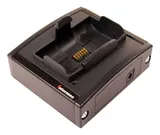
Intermec quick start guide (P/N 962-000-035B) for the Model AC15 single battery pack charger used with the 700 Color mobile computer. It names the one battery pack the charger takes, shows how to seat the pack and connect the power supply, and explains the charge status LED colors.
- Device
- Single battery pack charger (Model AC15) for the 700 Color mobile computer p. 2, 3
- Battery pack
- Intermec battery pack 318-013-004 only p. 2
- Charge time
- Up to four hours for a complete charge p. 2
- Power usage
- About 150 mA per charger power supply in a 120 V outlet p. 2
- Status LED
- Off: no wall power; red: charging; green: charge complete; yellow: pack seated badly or bad p. 2
- Guide part number
- 962-000-035B p. 4
What this manual walks you through
- Seating the battery pack in the charging compartment p. 3
- Connecting the power supply to the charger jack p. 3
- Reading the charge status LED p. 2
Good to know
- The guide warns that using any battery pack other than 318-013-004 may present a risk of fire or explosion. p. 2
- If the LED goes from solid red to yellow after five hours on the charger, the pack is bad and should be replaced. p. 2
Questions this manual answers
What battery does the Intermec AC15 700C charger take?
Only the Intermec battery pack 318-013-004. p. 2
How long does the 700 Color single pack charger take to charge a battery?
A complete charge takes up to four hours. p. 2
What does a yellow light on the AC15 charger mean?
The pack may not be seated properly, so remove and reinstall it; it may also be bad. Red turning to yellow after five hours means the pack is bad. p. 2
How do I put the battery into the AC15 charger?
Tilt the pack into the compartment, slip it under the lip of the charger and push down until it clicks into place. p. 3
The file
Size and text
Every page · 4
Read it here
Each page as it is printed, and its words beside it, so a phone can search and copy them.
Page1of 4
Open in the PDF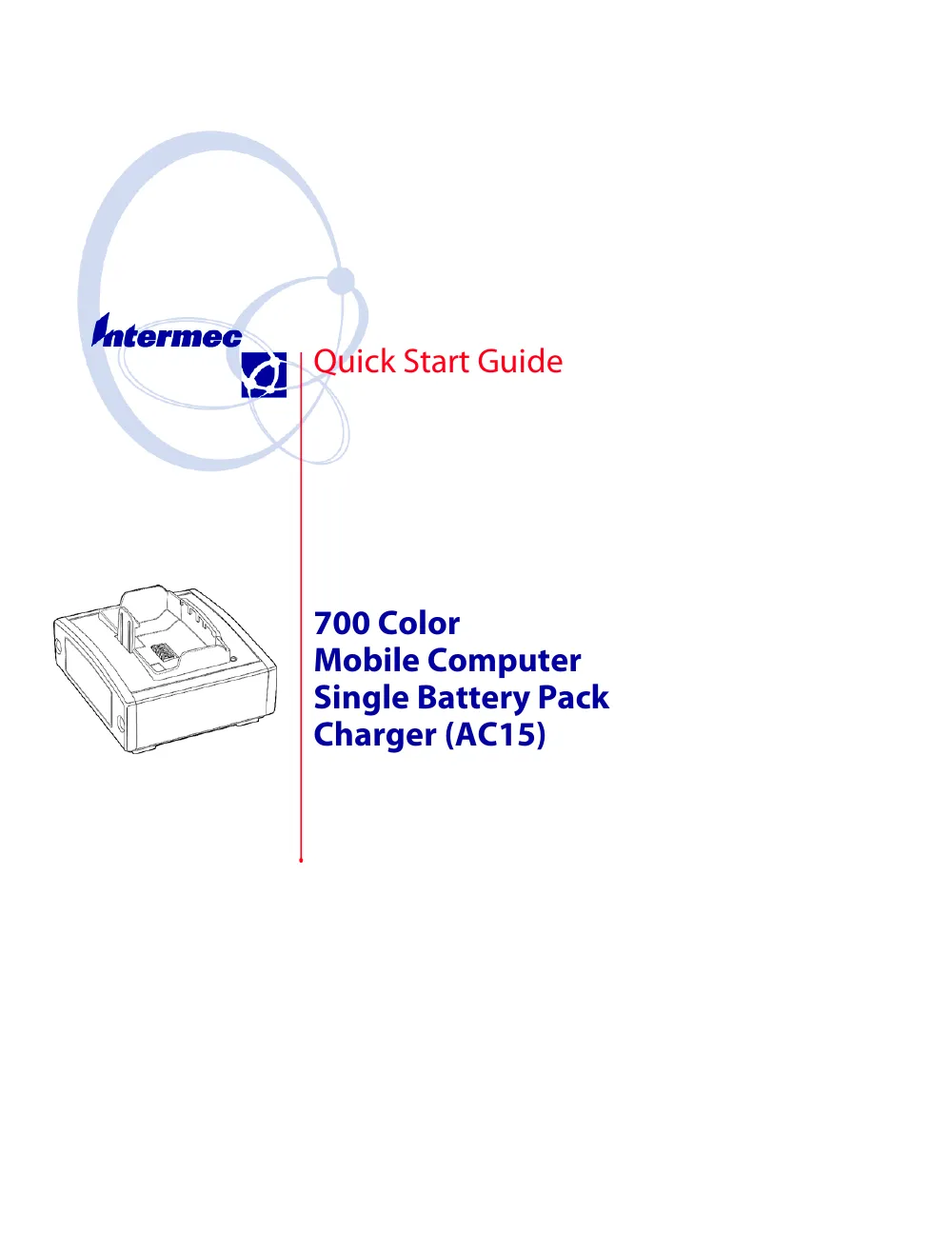
The text of page 1, read from a scan by OCR; it may hold reading errors
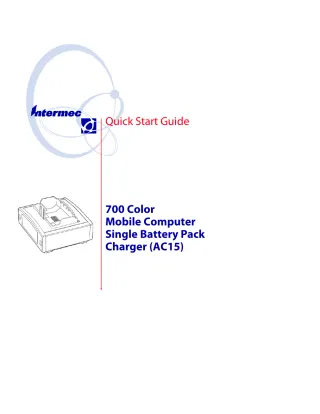
fatermec | %i Quick Start Guide
hoa
700 Color Mobile Computer
Single Battery Pack Charger (AC15)
Page2of 4
Open in the PDF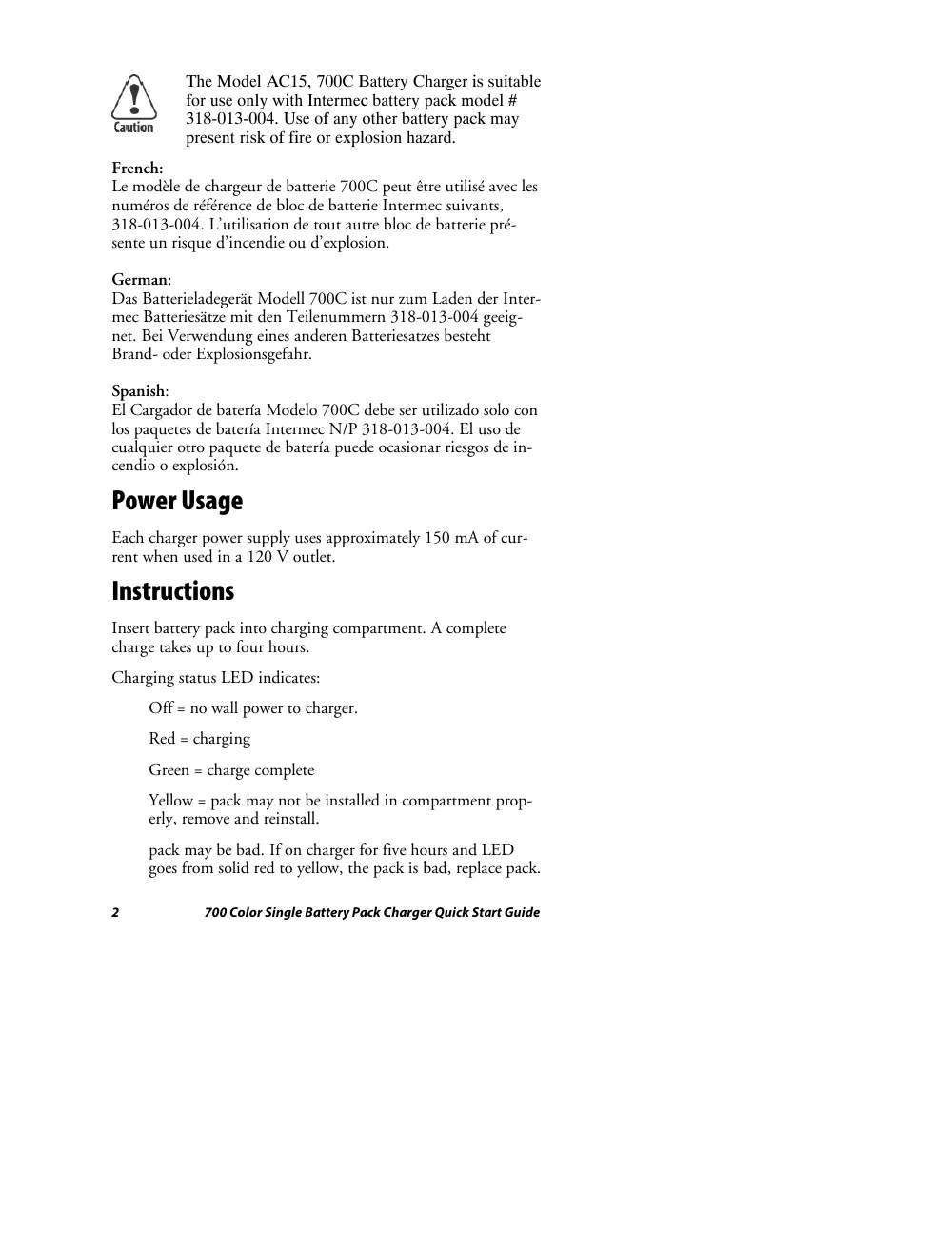
The text of page 2, from the PDF itself
The Model AC15, 700C Battery Charger is suitable for use only with Intermec battery pack model # 318-013-004. Use of any other battery pack may present risk of fire or explosion hazard. French: Le modèle de chargeur de batterie 700C peut être utilisé avec les numéros de référence de bloc de batterie Intermec suivants, 318-013-004. L’utilisation de tout autre bloc de batterie présente un risque d’incendie ou d’explosion. German: Das Batterieladegerät Modell 700C ist nur zum Laden der Intermec Batteriesätze mit den Teilenummern 318-013-004 geeignet. Bei Verwendung eines anderen Batteriesatzes besteht Brand- oder Explosionsgefahr. Spanish: El Cargador de batería Modelo 700C debe ser utilizado solo con los paquetes de batería Intermec N/P 318-013-004. El uso de cualquier otro paquete de batería puede ocasionar riesgos de incendio o explosión.
Power Usage Each charger power supply uses approximately 150 mA of current when used in a 120 V outlet.
Instructions Insert battery pack into charging compartment. A complete charge takes up to four hours. Charging status LED indicates: Off = no wall power to charger. Red = charging Green = charge complete Yellow = pack may not be installed in compartment properly, remove and reinstall. pack may be bad. If on charger for five hours and LED goes from solid red to yellow, the pack is bad, replace pack. 2
700 Color Single Battery Pack Charger Quick Start Guide
Page3of 4
Open in the PDF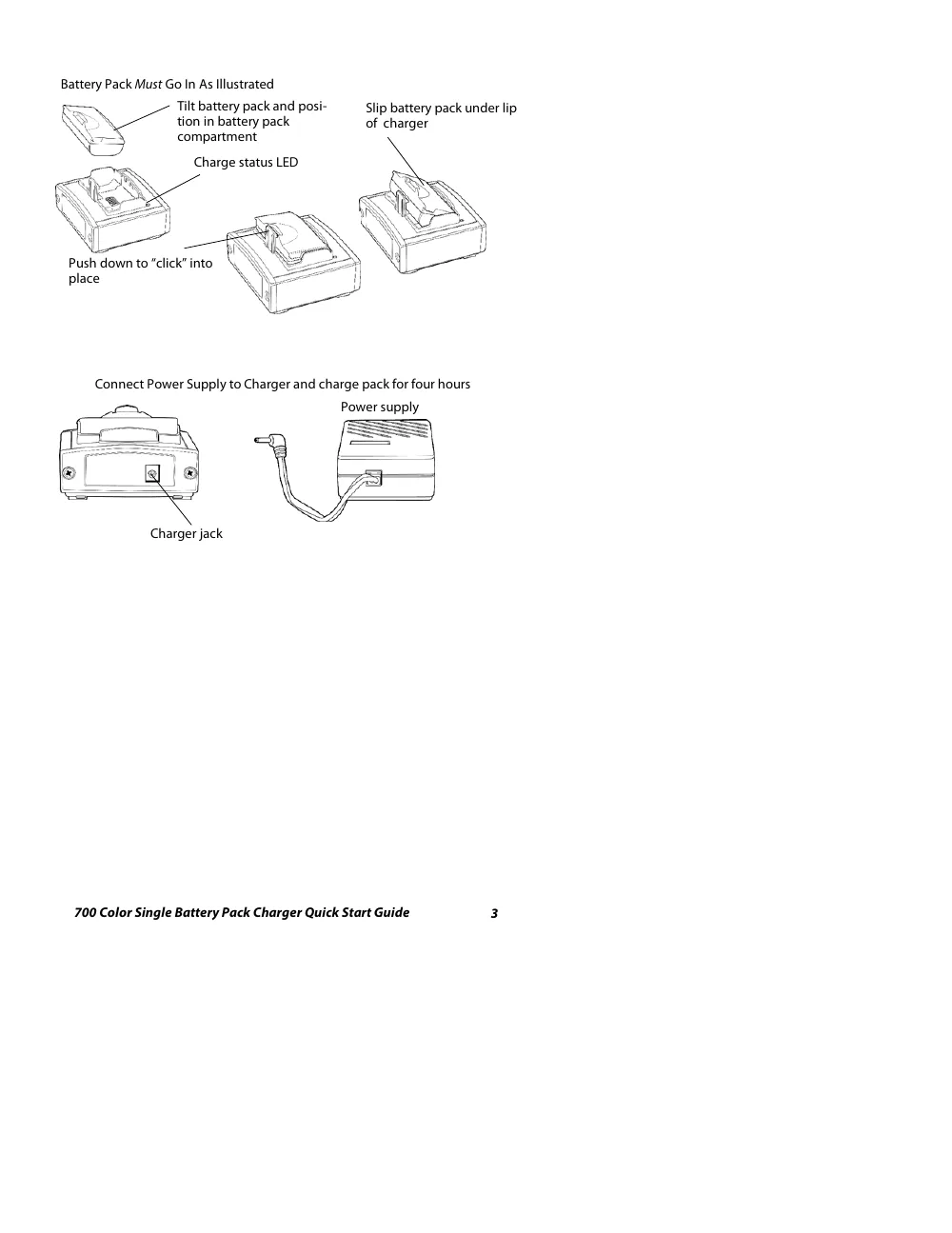
The text of page 3, from the PDF itself
Battery Pack Must Go In As Illustrated Tilt battery pack and position in battery pack compartment
Slip battery pack under lip of charger
Charge status LED
Push down to “click” into place
Connect Power Supply to Charger and charge pack for four hours Power supply
Charger jack
700 Color Single Battery Pack Charger Quick Start Guide
3
Page4of 4
Open in the PDF
The text of page 4, from the PDF itself
Worldwide Headquarters 6001 36th Avenue West Everett, Washington 98203 U.S.A. tel 425.348.2600 fax 425.355.9551 www.intermec.com e 2002-2006 by Intermec Technologies Corporation. All rights reserved. 700 Color Single Battery Charger Quick Start Guide
*962-000-035B* P/N 962-000-035B