


Manual · HHP
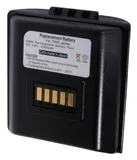
Battery for HHP Dolphin 7400/7450 Manual
Manual2 pagesPDF 118 KB
Both pages are below, each with its text.
Covers · 1 model
The models it covers
From the manual · read page by page
Key facts from this manual
Each line names its page in the PDF.
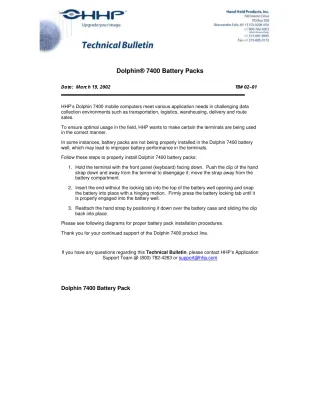
HHP Technical Bulletin TB# 02-01 (March 19, 2002) on installing battery packs in the Dolphin 7400 mobile computer. Packs that are not fully latched can perform poorly. It gives the steps to install a pack and a tip for a latch that hangs up, and it states the problem does not affect the Dolphin 7300 or 7450.
- Subject
- Dolphin 7400: correct installation of the battery pack p. 1
- Problem
- Dolphin 7400: a pack not fully seated in the battery well can lead to poor battery performance p. 1
- Cause
- Dolphin 7400: some packs hang up during insertion and the latch does not fully engage p. 2
- Models affected
- Dolphin 7400 only; no issue on the Dolphin 7300 or 7450 p. 2
- Bulletin
- TB# 02-01, March 19, 2002 p. 1
What this manual walks you through
- Moving the hand strap away from the battery compartment p. 1
- Inserting and latching the battery pack p. 1
- Freeing a pack whose latch hangs up p. 2
Good to know
- Firmly press the battery locking tab until it is fully engaged in the battery well. p. 1
- The latch deflects backward during insertion and returns once fully engaged. p. 2
Questions this manual answers
Why does my Dolphin 7400 battery perform poorly?
The bulletin says a pack not properly installed in the battery well can cause poor performance; make sure the locking tab is fully engaged. p. 1
How do I install a Dolphin 7400 battery pack?
With the keypad facing down, move the hand strap aside, insert the end without the locking tab into the top of the well, snap the pack in and press the tab until it engages, then refit the strap. p. 1
Does the Dolphin 7450 have the battery latch problem?
No. The bulletin states the issue is specific to the Dolphin 7400, with no issues on the 7300 or 7450. p. 2
The file
Size and text
Every page · 2
Read it here
Each page as it is printed, and its words beside it, so a phone can search and copy them.
Page1of 2
Open in the PDF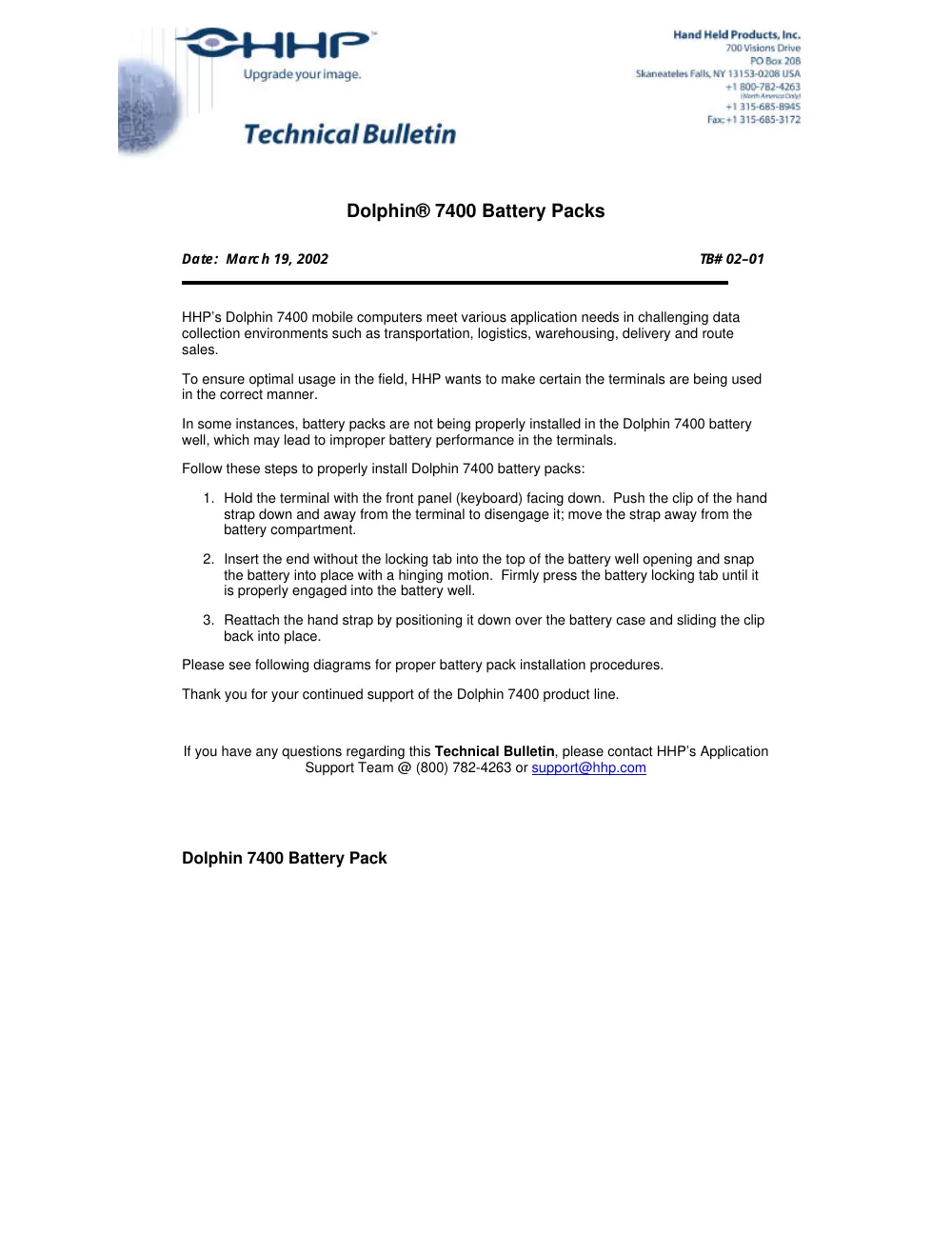
The text of page 1, from the PDF itself
Dolphin® 7400 Battery Packs Date: March 19, 2002
TB# 02–01
HHP’s Dolphin 7400 mobile computers meet various application needs in challenging data collection environments such as transportation, logistics, warehousing, delivery and route sales. To ensure optimal usage in the field, HHP wants to make certain the terminals are being used in the correct manner. In some instances, battery packs are not being properly installed in the Dolphin 7400 battery well, which may lead to improper battery performance in the terminals. Follow these steps to properly install Dolphin 7400 battery packs: 1. Hold the terminal with the front panel (keyboard) facing down. Push the clip of the hand strap down and away from the terminal to disengage it; move the strap away from the battery compartment. 2. Insert the end without the locking tab into the top of the battery well opening and snap the battery into place with a hinging motion. Firmly press the battery locking tab until it is properly engaged into the battery well. 3. Reattach the hand strap by positioning it down over the battery case and sliding the clip back into place. Please see following diagrams for proper battery pack installation procedures. Thank you for your continued support of the Dolphin 7400 product line.
If you have any questions regarding this Technical Bulletin, please contact HHP’s Application Support Team @ (800) 782-4263 or support@hhp.com
Dolphin 7400 Battery Pack
Page2of 2
Open in the PDF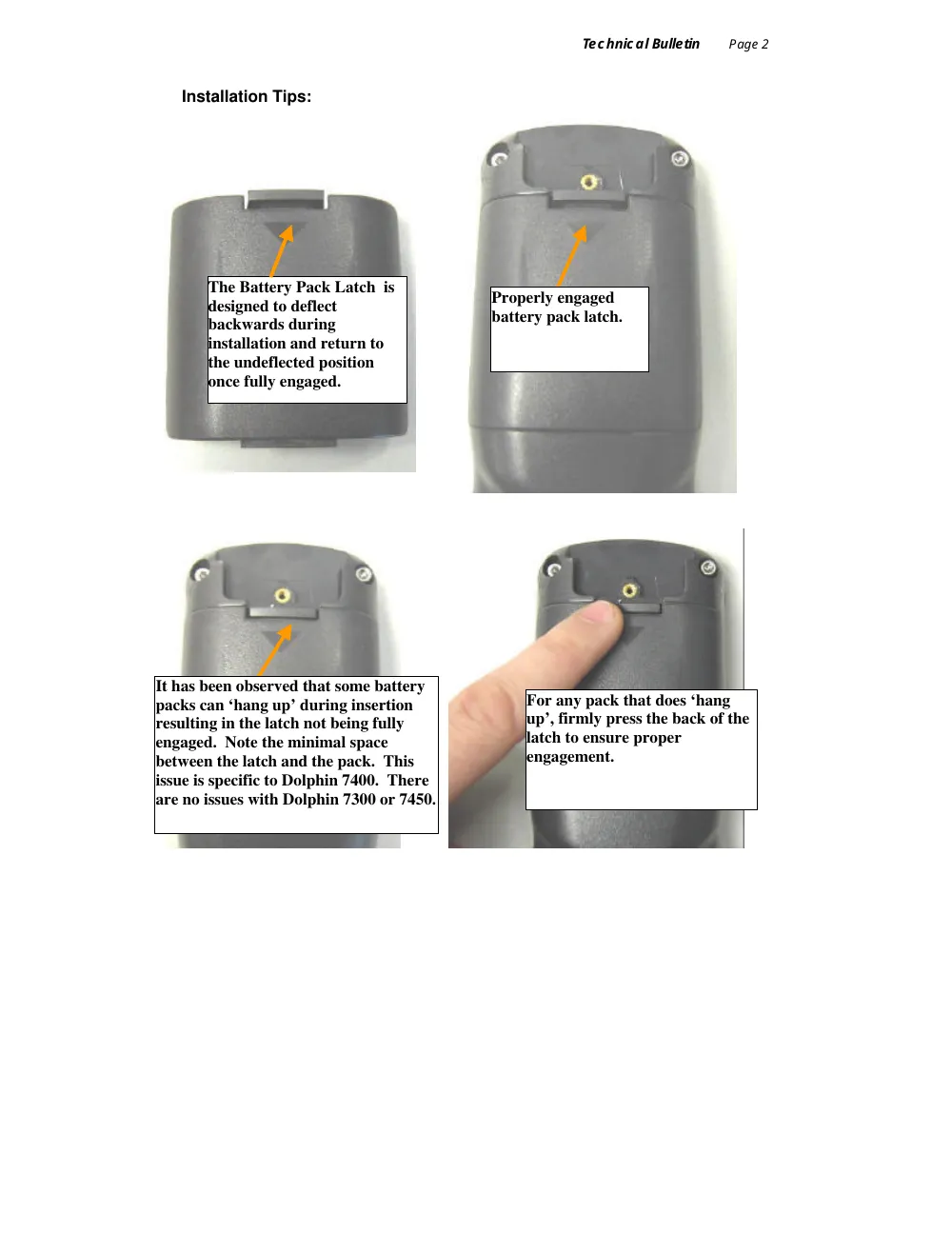
The text of page 2, from the PDF itself
Technical BulletinPage 2
- Installation Tips
- The Battery Pack Latch is designed to deflect backwards during installation and return to the undeflected position once fully engaged.
It has been observed that some battery packs can ‘hang up’ during insertion resulting in the latch not being fully engaged. Note the minimal space between the latch and the pack. This issue is specific to Dolphin 7400. There are no issues with Dolphin 7300 or 7450.
Properly engaged battery pack latch.
For any pack that does ‘hang up’, firmly press the back of the latch to ensure proper engagement.