


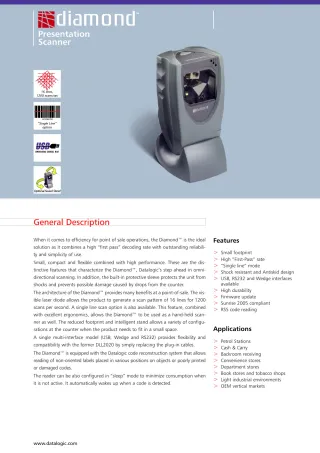
Spec sheet · Datalogic
Datalogic Diamond Presentation Scanner Spec Sheet
Spec sheet2 pagesPDF 877 KB
Both pages are below, each with its text.
Filed with · 1 model
Also filed with these models on the old site
From the sheet · read page by page
Key facts from this sheet
Each line names its page in the PDF.
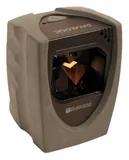
A two-page Datalogic spec sheet for the Diamond omnidirectional presentation scanner for point of sale. It names the scanner only as the Diamond and does not print the D531 designation. It gives the scan pattern, interfaces, power, bar codes read, size and the stand and wall accessories.
- Device
- Omnidirectional laser presentation scanner for point of sale; can also be used hand-held p. 1
- Scan pattern
- 16 lines at 1200 scans per second; single line option p. 1
- Interfaces
- One multi-interface model: USB, Wedge and RS232 p. 1
- Power
- +5 VDC ±5%; 390 mA @ 5 VDC p. 2
- Light source
- Visible laser diode (630 to 680 nm) p. 2
- Bar codes
- EAN/UPC/JAN including AddOn, Code 128, EAN128, Code 39, Code 32, CODABAR, Interleaved 2/5; RSS p. 1, 2
- Dimensions
- 100 x 80 x 60 mm (3.9 x 3.1 x 2.4 in) with sleeve p. 2
- Weight
- 280 g (10 oz.) p. 2
- Indicators
- Beeper with user selectable tone; green and red LEDs p. 2
- Replaces
- Compatible with the former DLL2020 by replacing the plug-in cables p. 1
- Humidity
- 0 - 95% RH non-condensing p. 2
- Drop test
- 0.8 m (IEC 68-2-32 Test ED) p. 2
- Accessories
- Desk stand (optional swivel stand) and wall support p. 1, 2
- Sleep mode
- Optional sleep mode; wakes up when a code is detected p. 1
What this sheet walks you through
- Mounting on the desk stand or wall support p. 2
Questions this sheet answers
What interfaces does the Datalogic Diamond scanner have?
USB, RS232 and Keyboard Wedge, all in one multi-interface model. p. 1, 2
Can the Datalogic Diamond replace a DLL2020?
Yes. The sheet says it is compatible with the former DLL2020 by replacing the plug-in cables. p. 1
What power does the Diamond scanner use?
+5 VDC ±5%, drawing 390 mA at 5 VDC. p. 2
How many scan lines does the Datalogic Diamond have?
A 16-line pattern at 1200 scans per second, with a single line option. p. 1
The file
Size and text
Every page · 2
Read it here
Each page as it is printed, and its words beside it, so a phone can search and copy them.
Page1of 2
Open in the PDF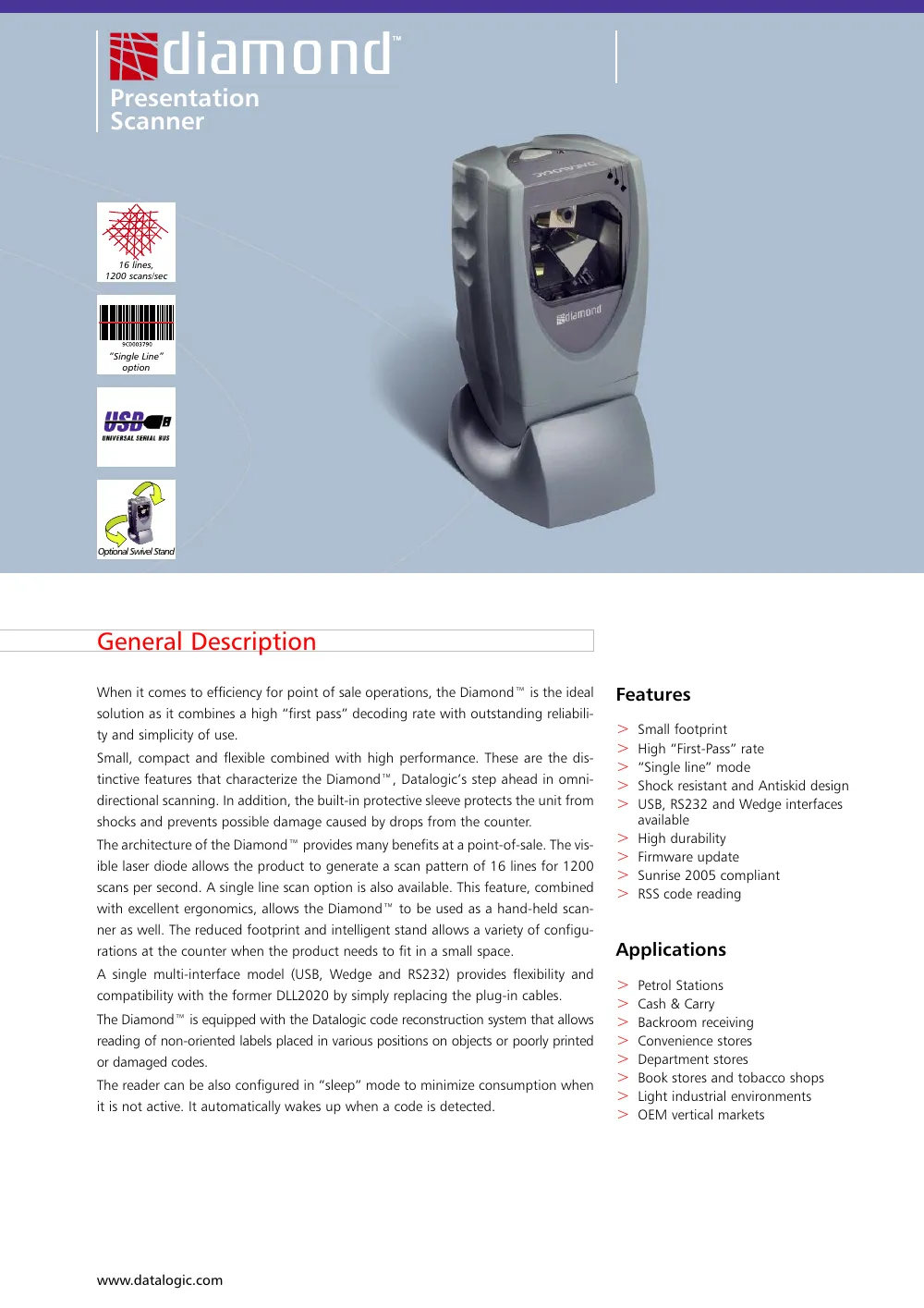
The text of page 1, from the PDF itself
Presentation Scanner
16 lines, 1200 scans/sec
“Single Line” option
Optional Swivel Stand
General Description When it comes to efficiency for point of sale operations, the Diamond™ is the ideal
solution as it combines a high “first pass” decoding rate with outstanding reliability and simplicity of use.
Small, compact and flexible combined with high performance. These are the dis-
tinctive features that characterize the Diamond™, Datalogic’s step ahead in omnidirectional scanning. In addition, the built-in protective sleeve protects the unit from
shocks and prevents possible damage caused by drops from the counter.
The architecture of the Diamond™ provides many benefits at a point-of-sale. The visible laser diode allows the product to generate a scan pattern of 16 lines for 1200
scans per second. A single line scan option is also available. This feature, combined
with excellent ergonomics, allows the Diamond™ to be used as a hand-held scan-
ner as well. The reduced footprint and intelligent stand allows a variety of configurations at the counter when the product needs to fit in a small space.
A single multi-interface model (USB, Wedge and RS232) provides flexibility and
compatibility with the former DLL2020 by simply replacing the plug-in cables.
The Diamond™ is equipped with the Datalogic code reconstruction system that allows
reading of non-oriented labels placed in various positions on objects or poorly printed or damaged codes.
The reader can be also configured in “sleep” mode to minimize consumption when it is not active. It automatically wakes up when a code is detected.
www.datalogic.com
Features
> Small footprint > High “First-Pass” rate > “Single line” mode > Shock resistant and Antiskid design > USB, RS232 and Wedge interfaces available
> High durability > Firmware update > Sunrise 2005 compliant > RSS code reading
Applications
> Petrol Stations > Cash & Carry > Backroom receiving > Convenience stores > Department stores > Book stores and tobacco shops > Light industrial environments > OEM vertical markets
Page2of 2
Open in the PDF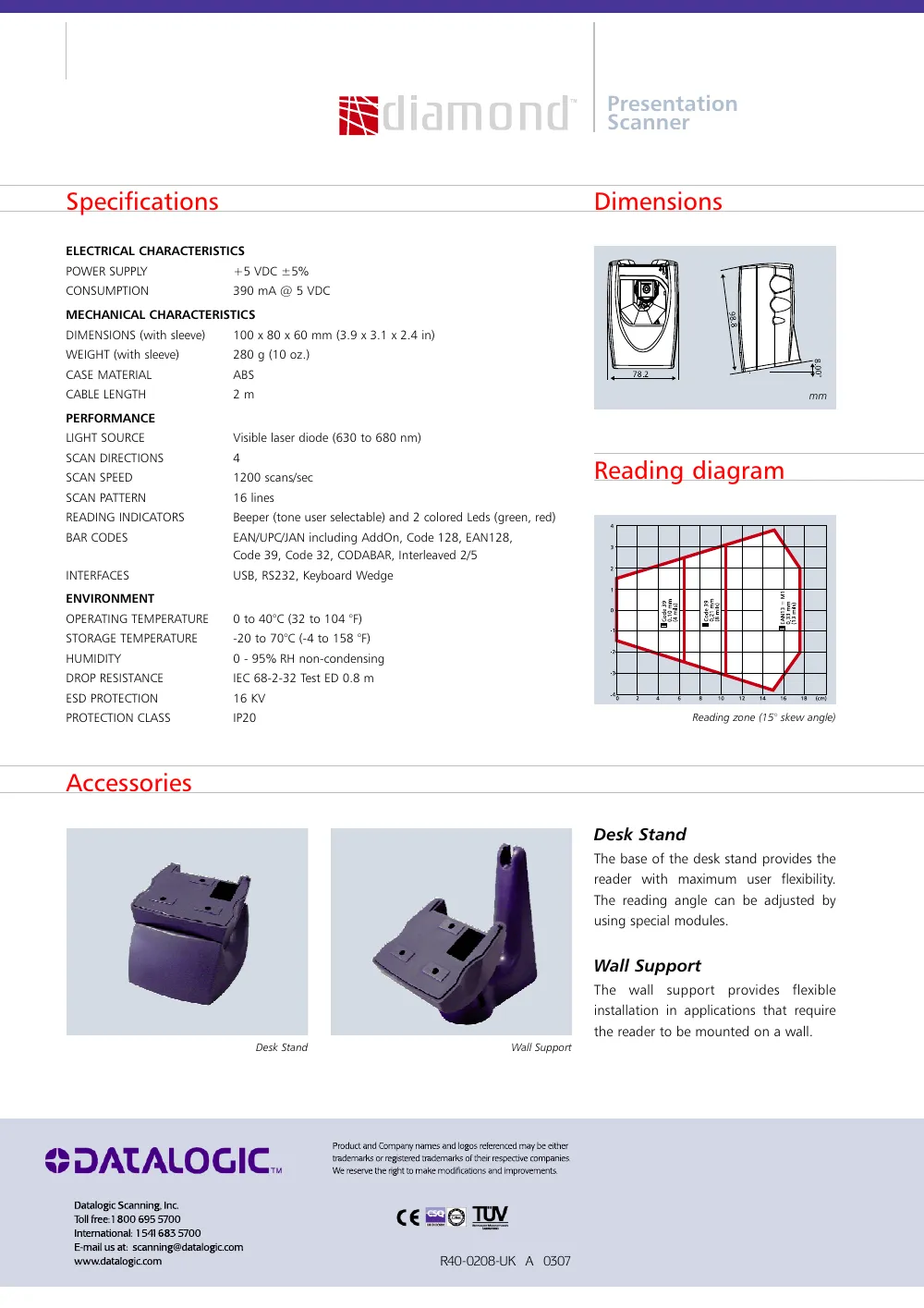
The text of page 2, from the PDF itself
Presentation ScannerSpecificationsDimensions
ELECTRICAL CHARACTERISTICS POWER SUPPLY
CONSUMPTION+5 VDC ±5%390 mA @ 5 VDC
MECHANICAL CHARACTERISTICS DIMENSIONS (with sleeve)
100 x 80 x 60 mm (3.9 x 3.1 x 2.4 in)
CASE MATERIALABSWEIGHT (with sleeve)CABLE LENGTHPERFORMANCE280 g (10 oz.) 2mmmLIGHT SOURCE
Visible laser diode (630 to 680 nm)
SCAN SPEED
1200 scans/sec
SCAN DIRECTIONS SCAN PATTERN
READING INDICATORSBAR CODESINTERFACESENVIRONMENT
OPERATING TEMPERATURE STORAGE TEMPERATURE HUMIDITY
DROP RESISTANCE ESD PROTECTION
PROTECTION CLASSReading diagram416 lines
Beeper (tone user selectable) and 2 colored Leds (green, red)
EAN/UPC/JAN including AddOn, Code 128, EAN128, Code 39, Code 32, CODABAR, Interleaved 2/5 USB, RS232, Keyboard Wedge
0 to 40°C (32 to 104 °F)
-20 to 70°C (-4 to 158 °F)
0 - 95% RH non-condensing
IEC 68-2-32 Test ED 0.8 m
16 KV IP20
Reading zone (15° skew angle)
Accessories Desk Stand
The base of the desk stand provides the reader with maximum user flexibility. The reading angle can be adjusted by using special modules.
Wall SupportDesk StandWall SupportR40-0208-UK A 0307
The wall support provides flexible installation in applications that require the reader to be mounted on a wall.