Manual · Cognitive
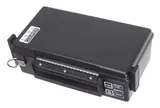
Cognitive Code Courier Battery Charger
Manual2 pagesPDF 97 KB
Both pages are below, each with its text.
Filed with · 1 model
Also filed with these models on the old site
From the manual · read page by page
Key facts from this manual
Each line names its page in the PDF.
Operating instructions and specifications for the Cognitive model SC5000 five slot battery charger (SC5000U and SC5000V) for Code Courier printer batteries. It covers setup, charging, the status LEDs, and testing and conditioning batteries.
- Device
- Five slot drop-in charger for the batteries of the Cognitive Code Courier printer p. 2
- Models
- SC5000U: 120 volts A.C., 60 watts; SC5000V: 240 volts A.C., 60 watts (supply input) p. 1
- Charging slots
- Five: four for charging only, one for charging or battery test and conditioning p. 1
- Charge time
- Five hours or less for a full charge p. 1
- Conditioning cycle
- About ten hours, one battery at a time in the test slot p. 2
- Power
- External plug-in power supply, included; plugs into the circular connector on the right side p. 1, 2
- Indicators
- One status LED per slot: charging, half charged, fully charged, testing, bad battery; test button p. 1
- Operating temperature
- 32 F (0 C) to 125 F (52 C) p. 1
- Size
- 9.5" (24.13 cm.) x 2" (4.5 cm.) x 6.5" (16.5 cm) p. 1
- Weight
- Charger body 2 lbs (0.9 kg.); plug-in power supply 2 lbs. (0.9 kg.) p. 1
- Supplied items
- Drop-in charger module, plug-in power supply, operating instructions p. 2
- Document number
- Cognitive P/N 10-00-0090, Rev. B, February 23, 1999 p. 1
What this manual walks you through
- Placing or mounting the charger and connecting its power supply p. 2
- Charging batteries p. 2
- Reading the status LED of each slot p. 2
- Testing and conditioning a battery p. 2
- Trying to restore a marginal battery p. 2
Good to know
- Do not mount the charger vertically or past vertical. p. 2
- Power the SC5000 only from the supply provided; the wrong supply can damage the charger, the supply, or both. p. 2
- Pressing the test button while charging in the test slot starts a battery test, not a charge. p. 2
- The instructions recommend conditioning every battery once per month. p. 2
- A battery whose test LED still flashes red after 30 hours in test mode cannot be saved. p. 2
Questions this manual answers
How long does the Code Courier SC5000 charger take to charge a battery?
Five hours or less for a full charge. p. 1
What does a flashing red LED on the SC5000 charger mean?
A possibly bad battery in the slot; condition and test it in the test slot. p. 2
Is there a 240 volt version of the SC5000 charger?
Yes, the SC5000V's supply runs from 240 volts A.C.; the SC5000U's runs from 120 volts A.C. p. 2
How many Code Courier batteries can the SC5000 charge at once?
Up to five battery packs at the same time. p. 2
The file
Size and text
Every page · 2
Read it here
Each page as it is printed, and its words beside it, so a phone can search and copy them.
Page1of 2
Open in the PDF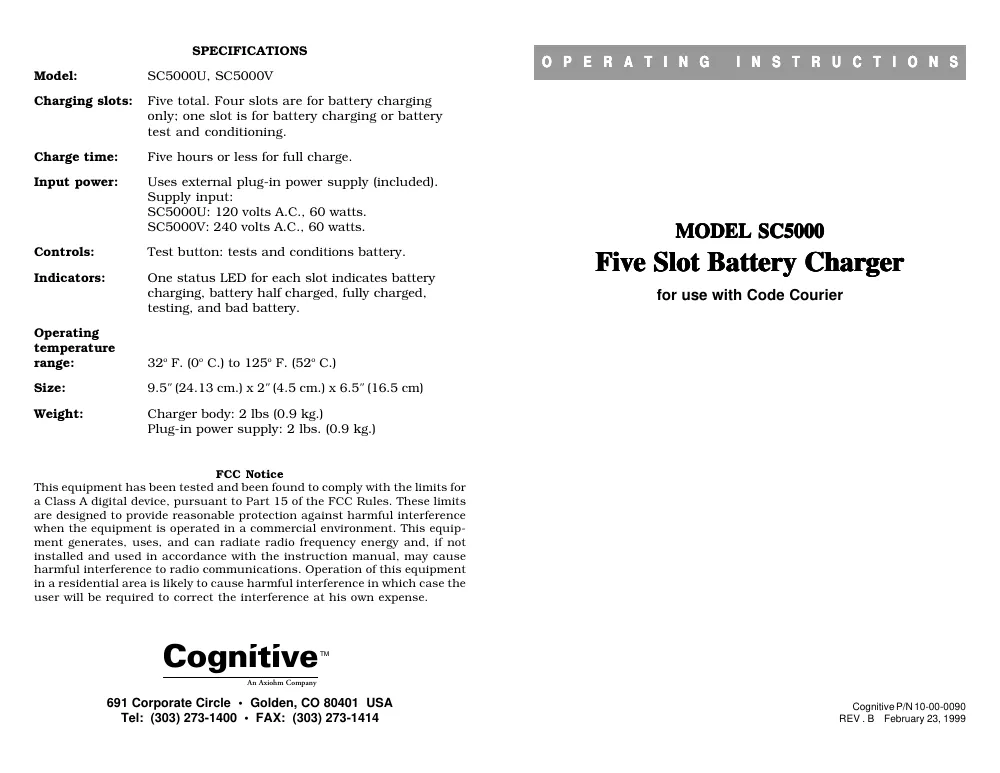
The text of page 1, from the PDF itself
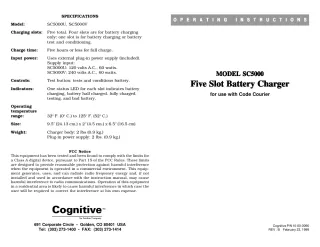
SPECIFICATIONSO P E R A T I N G
- Model
- SC5000U, SC5000V
- Charging slots
- Five total. Four slots are for battery charging only; one slot is for battery charging or battery test and conditioning.
- Charge time
- Five hours or less for full charge.
- Input power
- Uses external plug-in power supply (included). Supply input: SC5000U: 120 volts A.C., 60 watts. SC5000V: 240 volts A.C., 60 watts.
- Controls
- Test button: tests and conditions battery.
- Indicators
- One status LED for each slot indicates battery charging, battery half charged, fully charged, testing, and bad battery.
- Operating temperature range
- 32o F. (0o C.) to 125o F. (52o C.)
- Size
- 9.5" (24.13 cm.) x 2" (4.5 cm.) x 6.5" (16.5 cm)
- Weight
- Charger body: 2 lbs (0.9 kg.) Plug-in power supply: 2 lbs. (0.9 kg.)
I N S T R U C T I O N S
MODEL SC5000
Five Slot Battery Charger for use with Code Courier
FCC Notice This equipment has been tested and been found to comply with the limits for a Class A digital device, pursuant to Part 15 of the FCC Rules. These limits are designed to provide reasonable protection against harmful interference when the equipment is operated in a commercial environment. This equipment generates, uses, and can radiate radio frequency energy and, if not installed and used in accordance with the instruction manual, may cause harmful interference to radio communications. Operation of this equipment in a residential area is likely to cause harmful interference in which case the user will be required to correct the interference at his own expense.
CognitiveTMAn Axiohm Company
691 Corporate Circle • Golden, CO 80401 USA Tel: (303) 273-1400 • FAX: (303) 273-1414
Cognitive P/N 10-00-0090 REV . B February 23, 1999
Page2of 2
Open in the PDF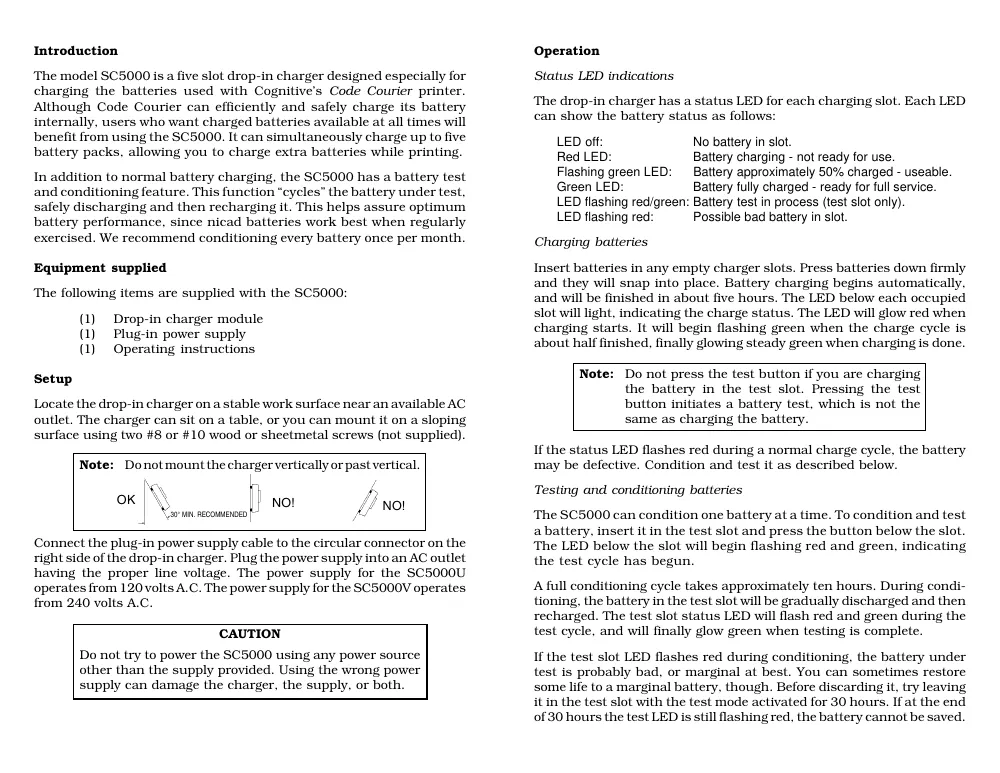
The text of page 2, from the PDF itself
Introduction
Operation
The model SC5000 is a five slot drop-in charger designed especially for charging the batteries used with Cognitive’s Code Courier printer. Although Code Courier can efficiently and safely charge its battery internally, users who want charged batteries available at all times will benefit from using the SC5000. It can simultaneously charge up to five battery packs, allowing you to charge extra batteries while printing.
Status LED indications
In addition to normal battery charging, the SC5000 has a battery test and conditioning feature. This function “cycles” the battery under test, safely discharging and then recharging it. This helps assure optimum battery performance, since nicad batteries work best when regularly exercised. We recommend conditioning every battery once per month.
LED off: No battery in slot. Red LED: Battery charging - not ready for use. Flashing green LED: Battery approximately 50% charged - useable. Green LED: Battery fully charged - ready for full service. LED flashing red/green: Battery test in process (test slot only). LED flashing red: Possible bad battery in slot. Charging batteries Insert batteries in any empty charger slots. Press batteries down firmly and they will snap into place. Battery charging begins automatically, and will be finished in about five hours. The LED below each occupied slot will light, indicating the charge status. The LED will glow red when charging starts. It will begin flashing green when the charge cycle is about half finished, finally glowing steady green when charging is done.
Equipment supplied The following items are supplied with the SC5000: (1) (1) (1)
The drop-in charger has a status LED for each charging slot. Each LED can show the battery status as follows:
Drop-in charger module Plug-in power supply Operating instructions
Setup Locate the drop-in charger on a stable work surface near an available AC outlet. The charger can sit on a table, or you can mount it on a sloping surface using two #8 or #10 wood or sheetmetal screws (not supplied). Note: Do not mount the charger vertically or past vertical.
Note: Do not press the test button if you are charging the battery in the test slot. Pressing the test button initiates a battery test, which is not the same as charging the battery. If the status LED flashes red during a normal charge cycle, the battery may be defective. Condition and test it as described below. Testing and conditioning batteries
OK
NO! 30° MIN. RECOMMENDED
NO!
Connect the plug-in power supply cable to the circular connector on the right side of the drop-in charger. Plug the power supply into an AC outlet having the proper line voltage. The power supply for the SC5000U operates from 120 volts A.C. The power supply for the SC5000V operates from 240 volts A.C. CAUTION Do not try to power the SC5000 using any power source other than the supply provided. Using the wrong power supply can damage the charger, the supply, or both.
The SC5000 can condition one battery at a time. To condition and test a battery, insert it in the test slot and press the button below the slot. The LED below the slot will begin flashing red and green, indicating the test cycle has begun. A full conditioning cycle takes approximately ten hours. During conditioning, the battery in the test slot will be gradually discharged and then recharged. The test slot status LED will flash red and green during the test cycle, and will finally glow green when testing is complete. If the test slot LED flashes red during conditioning, the battery under test is probably bad, or marginal at best. You can sometimes restore some life to a marginal battery, though. Before discarding it, try leaving it in the test slot with the test mode activated for 30 hours. If at the end of 30 hours the test LED is still flashing red, the battery cannot be saved.