Spec sheet · Synel
Synel TA620 and Time America TA620 Spec Sheet
Spec sheet2 pagesPDF 109 KB
Both pages are below, each with its text.
Covers · 2 models
The models it covers
From the sheet · read page by page
Key facts from this sheet
Each line names its page in the PDF.
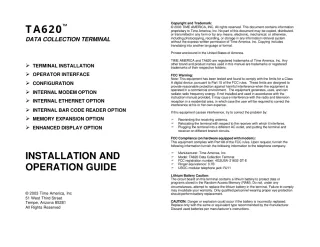
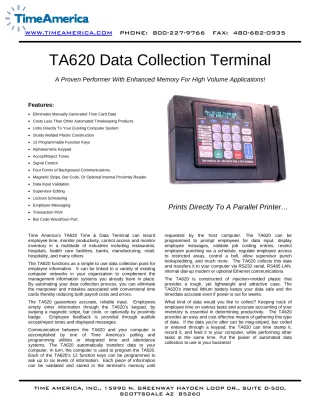
Time America's two-page product sheet (2007) for the TA620 Data Collection Terminal, a wall-mounted time and data terminal for recording employee time, job costing, access control and inventory. It lists the readers, memory, display, communications, power and environment specifications and describes the programmable features and options.
- Device
- Time and data collection terminal for employee time, productivity, access control and inventory p. 1
- Communications
- RS232 serial, RS485 LAN, internal dial-up modem, optional Ethernet p. 1
- Readers
- Track two magnetic stripe reader; optional "3 of 9" bar code reader; optional proximity reader; bar code wand/gun port p. 1, 2
- Memory
- 64K EPROM, 128K RAM, battery backed, upgradeable to 256K p. 2
- Processor
- Z-180 CPU p. 2
- Display
- 40-character backlit LCD, alphanumeric with decimal point p. 2
- Keypad
- Alphanumeric membrane keypad with 12 programmable function keys p. 1, 2
- Power
- Transformer 120VAC, 60HZ; terminal 9VAC or DC, 500mA p. 2
- Environment
- Operating 0-40C (32-104F); storage -18-70C (0-158F); humidity 5% to 90%, non-condensing p. 2
- Dimensions
- 9" x 6" x 2-1/2" p. 2
- Battery backup
- Internal lithium battery keeps memory, time and calendar for weeks without power; optional external battery backup keeps all functions running p. 2
- Programming
- ASCII-based, over the communication port, from the host computer p. 1, 2
- Printer
- Prints directly to a parallel printer p. 1
- Signal control
- Optional Bell/Access Module and relay switch a 120VAC 10AMP circuit p. 2
What this sheet walks you through
- Programming a function key to collect up to six items of data p. 2
- Entering, recalling and deleting transactions in supervisor mode p. 2
- Validating entries against downloaded tables of valid numbers p. 2
- Scheduling lockouts to control when employees can punch p. 2
- Printing stored transactions at the terminal p. 2
- Ringing a bell or controlling a door with the signal control relay p. 2
- Showing employees a downloaded message after they enter their ID p. 2
Good to know
- Employee messages are limited to 16 characters. p. 2
- All specifications are subject to change without notice. p. 2
Questions this sheet answers
How does the TA620 time clock connect to a computer?
Through RS232 serial, RS485 LAN, an internal dial-up modem or optional Ethernet. p. 1
What badge readers does the TA620 take?
It has a track two magnetic stripe reader, with an optional "3 of 9" bar code reader or optional proximity reader. p. 2
What power supply does the TA620 use?
A 120VAC, 60HZ transformer; the terminal itself takes 9VAC or DC at 500mA. p. 2
How much memory does the TA620 have?
64K EPROM and 128K battery-backed RAM, upgradeable to 256K. p. 2
The file
Size and text
Every page · 2
Read it here
Each page as it is printed, and its words beside it, so a phone can search and copy them.
Page1of 2
Open in the PDF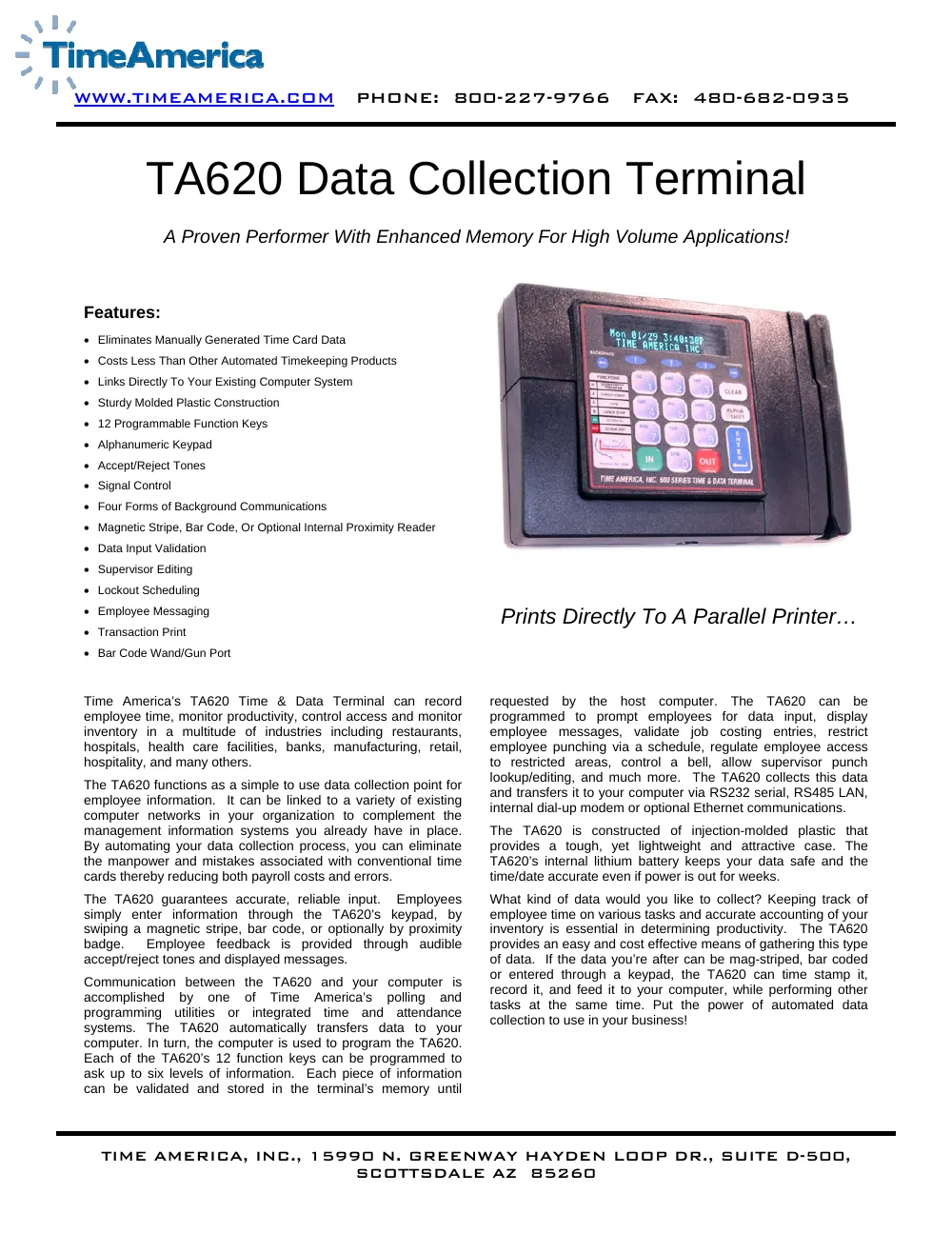
The text of page 1, from the PDF itself
WWW.TIMEAMERICA.COMPHONE: 800-227-9766FAX: 480-682-0935
TA620 Data Collection Terminal A Proven Performer With Enhanced Memory For High Volume Applications!
Features:
- Eliminates Manually Generated Time Card Data
- Costs Less Than Other Automated Timekeeping Products
- Links Directly To Your Existing Computer System
- Sturdy Molded Plastic Construction
- 12 Programmable Function Keys
- Alphanumeric Keypad
- Accept/Reject Tones
- Signal Control
- Four Forms of Background Communications
- Magnetic Stripe, Bar Code, Or Optional Internal Proximity Reader
- Data Input Validation
- Supervisor Editing
- Lockout Scheduling
- Employee Messaging
- Transaction Print
Prints Directly To A Parallel Printer…
- Bar Code Wand/Gun Port
Time America’s TA620 Time & Data Terminal can record employee time, monitor productivity, control access and monitor inventory in a multitude of industries including restaurants, hospitals, health care facilities, banks, manufacturing, retail, hospitality, and many others. The TA620 functions as a simple to use data collection point for employee information. It can be linked to a variety of existing computer networks in your organization to complement the management information systems you already have in place. By automating your data collection process, you can eliminate the manpower and mistakes associated with conventional time cards thereby reducing both payroll costs and errors. The TA620 guarantees accurate, reliable input. Employees simply enter information through the TA620’s keypad, by swiping a magnetic stripe, bar code, or optionally by proximity badge. Employee feedback is provided through audible accept/reject tones and displayed messages. Communication between the TA620 and your computer is accomplished by one of Time America’s polling and programming utilities or integrated time and attendance systems. The TA620 automatically transfers data to your computer. In turn, the computer is used to program the TA620. Each of the TA620’s 12 function keys can be programmed to ask up to six levels of information. Each piece of information can be validated and stored in the terminal’s memory until
requested by the host computer. The TA620 can be programmed to prompt employees for data input, display employee messages, validate job costing entries, restrict employee punching via a schedule, regulate employee access to restricted areas, control a bell, allow supervisor punch lookup/editing, and much more. The TA620 collects this data and transfers it to your computer via RS232 serial, RS485 LAN, internal dial-up modem or optional Ethernet communications. The TA620 is constructed of injection-molded plastic that provides a tough, yet lightweight and attractive case. The TA620’s internal lithium battery keeps your data safe and the time/date accurate even if power is out for weeks. What kind of data would you like to collect? Keeping track of employee time on various tasks and accurate accounting of your inventory is essential in determining productivity. The TA620 provides an easy and cost effective means of gathering this type of data. If the data you’re after can be mag-striped, bar coded or entered through a keypad, the TA620 can time stamp it, record it, and feed it to your computer, while performing other tasks at the same time. Put the power of automated data collection to use in your business!
TIME AMERICA, INC., 15990 N. GREENWAY HAYDEN LOOP DR., SUITE D-500, SCOTTSDALE AZ 85260
Page2of 2
Open in the PDF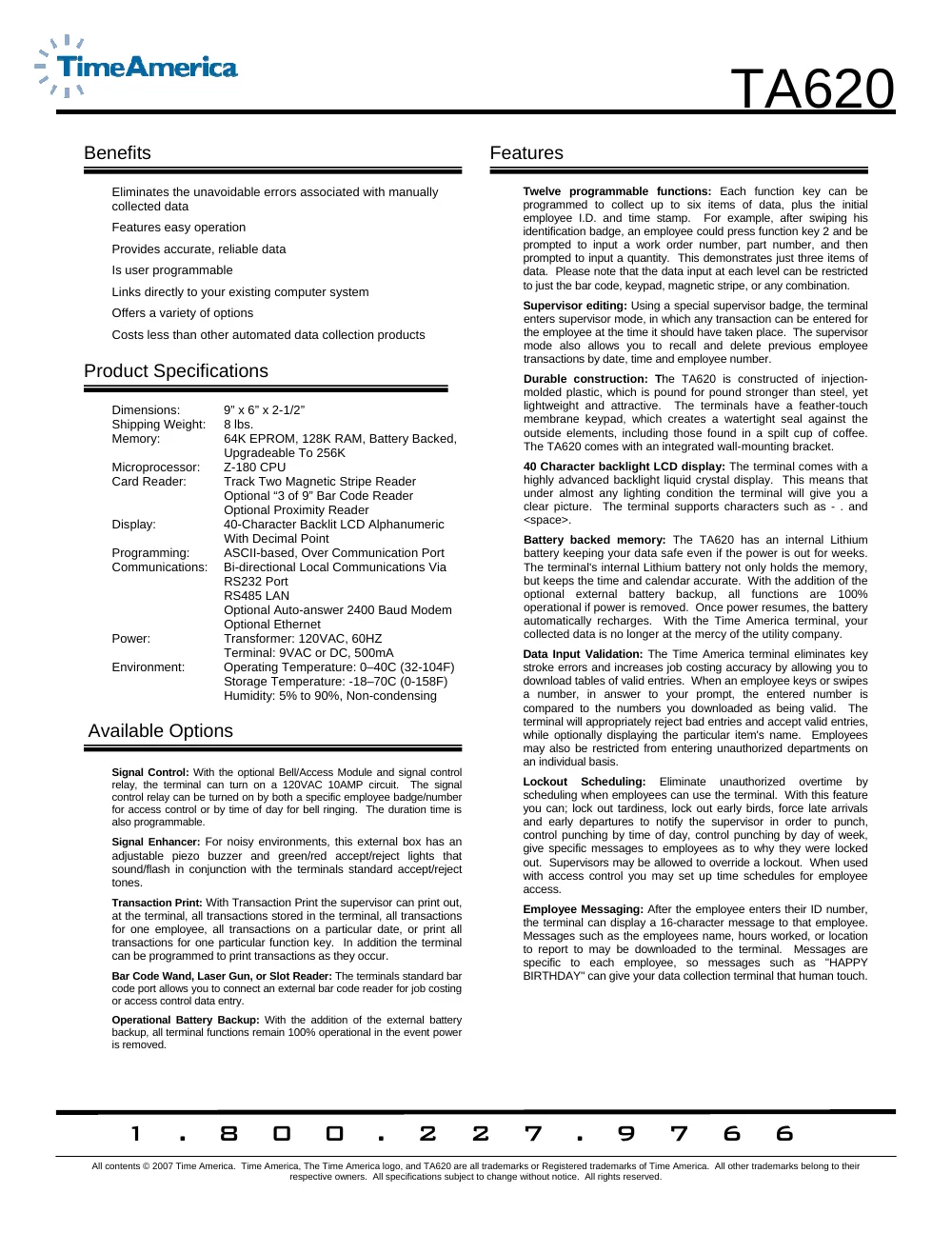
The text of page 2, from the PDF itself
TA620 Benefits
Features Twelve programmable functions: Each function key can be programmed to collect up to six items of data, plus the initial employee I.D. and time stamp. For example, after swiping his identification badge, an employee could press function key 2 and be prompted to input a work order number, part number, and then prompted to input a quantity. This demonstrates just three items of data. Please note that the data input at each level can be restricted to just the bar code, keypad, magnetic stripe, or any combination.
Eliminates the unavoidable errors associated with manually collected data Features easy operation Provides accurate, reliable data Is user programmable Links directly to your existing computer system
Supervisor editing: Using a special supervisor badge, the terminal enters supervisor mode, in which any transaction can be entered for the employee at the time it should have taken place. The supervisor mode also allows you to recall and delete previous employee transactions by date, time and employee number.
Offers a variety of options Costs less than other automated data collection products
Product Specifications Dimensions: Shipping Weight: Memory: Microprocessor: Card Reader:
Display: Programming: Communications:
- Power: Environment
- Durable construction: The TA620 is constructed of injectionmolded plastic, which is pound for pound stronger than steel, yet lightweight and attractive. The terminals have a feather-touch membrane keypad, which creates a watertight seal against the outside elements, including those found in a spilt cup of coffee. The TA620 comes with an integrated wall-mounting bracket.
9” x 6” x 2-1/2” 8 lbs. 64K EPROM, 128K RAM, Battery Backed, Upgradeable To 256K Z-180 CPU Track Two Magnetic Stripe Reader Optional “3 of 9” Bar Code Reader Optional Proximity Reader 40-Character Backlit LCD Alphanumeric With Decimal Point ASCII-based, Over Communication Port Bi-directional Local Communications Via RS232 Port RS485 LAN Optional Auto-answer 2400 Baud Modem Optional Ethernet Transformer: 120VAC, 60HZ Terminal: 9VAC or DC, 500mA Operating Temperature: 0–40C (32-104F) Storage Temperature: -18–70C (0-158F) Humidity: 5% to 90%, Non-condensing
40 Character backlight LCD display: The terminal comes with a highly advanced backlight liquid crystal display. This means that under almost any lighting condition the terminal will give you a clear picture. The terminal supports characters such as - . and <space>. Battery backed memory: The TA620 has an internal Lithium battery keeping your data safe even if the power is out for weeks. The terminal's internal Lithium battery not only holds the memory, but keeps the time and calendar accurate. With the addition of the optional external battery backup, all functions are 100% operational if power is removed. Once power resumes, the battery automatically recharges. With the Time America terminal, your collected data is no longer at the mercy of the utility company. Data Input Validation: The Time America terminal eliminates key stroke errors and increases job costing accuracy by allowing you to download tables of valid entries. When an employee keys or swipes a number, in answer to your prompt, the entered number is compared to the numbers you downloaded as being valid. The terminal will appropriately reject bad entries and accept valid entries, while optionally displaying the particular item's name. Employees may also be restricted from entering unauthorized departments on an individual basis.
Available Options Signal Control: With the optional Bell/Access Module and signal control relay, the terminal can turn on a 120VAC 10AMP circuit. The signal control relay can be turned on by both a specific employee badge/number for access control or by time of day for bell ringing. The duration time is also programmable.
Lockout Scheduling: Eliminate unauthorized overtime by scheduling when employees can use the terminal. With this feature you can; lock out tardiness, lock out early birds, force late arrivals and early departures to notify the supervisor in order to punch, control punching by time of day, control punching by day of week, give specific messages to employees as to why they were locked out. Supervisors may be allowed to override a lockout. When used with access control you may set up time schedules for employee access.
Signal Enhancer: For noisy environments, this external box has an adjustable piezo buzzer and green/red accept/reject lights that sound/flash in conjunction with the terminals standard accept/reject tones. Transaction Print: With Transaction Print the supervisor can print out, at the terminal, all transactions stored in the terminal, all transactions for one employee, all transactions on a particular date, or print all transactions for one particular function key. In addition the terminal can be programmed to print transactions as they occur.
Employee Messaging: After the employee enters their ID number, the terminal can display a 16-character message to that employee. Messages such as the employees name, hours worked, or location to report to may be downloaded to the terminal. Messages are specific to each employee, so messages such as "HAPPY BIRTHDAY" can give your data collection terminal that human touch.
Bar Code Wand, Laser Gun, or Slot Reader: The terminals standard bar code port allows you to connect an external bar code reader for job costing or access control data entry. Operational Battery Backup: With the addition of the external battery backup, all terminal functions remain 100% operational in the event power is removed.
1.800.227.9766
All contents © 2007 Time America. Time America, The Time America logo, and TA620 are all trademarks or Registered trademarks of Time America. All other trademarks belong to their respective owners. All specifications subject to change without notice. All rights reserved.