


Manual · Symbol
Symbol STI80-0264 Manual
Manual4 pagesPDF 16 KB
All 4 pages are below, each with its text.
Covers · 1 model
The models it covers
From the manual · read page by page
Key facts from this manual
Each line names its page in the PDF.
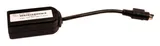
Four-page special operating instructions, Revision A of February 1997, for the Symbol STI80-0264 Synapse cable. It says how this cable differs from the STI80-0200, how to set it up between a scanner and a laptop, and what to check when data does not reach the laptop.
- Device
- Synapse cable linking a Synapse-compatible scanner to most laptops through the external PS/2 keyboard port p. 2, 3
- Keyboard emulation
- Full keyboard emulation p. 2
- Compared with
- STI80-0200 p. 2
- Power-up state
- On-Line Continuously p. 3
- Document number
- 73-12805-0264, Revision A, February 1997 p. 2
What this manual walks you through
- Connecting the Synapse cable between the scanner and a laptop p. 3
- Fixing data that does not reach the laptop or a locked laptop keyboard p. 4
Good to know
- Plug the cable into the laptop before the laptop is powered up. p. 3
- On an IBM laptop, use the Mouse/Keyboard adapter that IBM recommends. p. 4
- After moving the cable to another laptop, scan the SET SYNAPSE DEFAULTS bar code in the Synapse Interface Guide. p. 4
Questions this manual answers
How do I set up the Symbol STI80-0264 cable on a laptop?
Connect the Synapse cable to the scanner, plug the other end into the laptop before powering it up, then power up. If the scanner guide has a Synapse Host Type bar code, scan it. p. 3
What is the difference between the STI80-0264 and the STI80-0200?
The STI80-0264 supports full keyboard emulation and connects a Synapse-compatible scanner through a laptop's external PS/2 keyboard port. p. 2
Why does my laptop keyboard stop working with the STI80-0264 attached?
The sheet says to scan its bar code that keeps the cable on line only during transmit. The same bar code helps when the scanner decodes but no data reaches the host. p. 4
The file
Size and text
Every page · 4
Read it here
Each page as it is printed, and its words beside it, so a phone can search and copy them.
Page1of 4
Open in the PDF
The text of page 1, read from a scan by OCR; it may hold reading errors
STI80-0264 Special Operating Instructions (73-12805-0264) Revision A: February 1997
Special Operating Instructions
symbol
dD hall
Page2of 4
Open in the PDF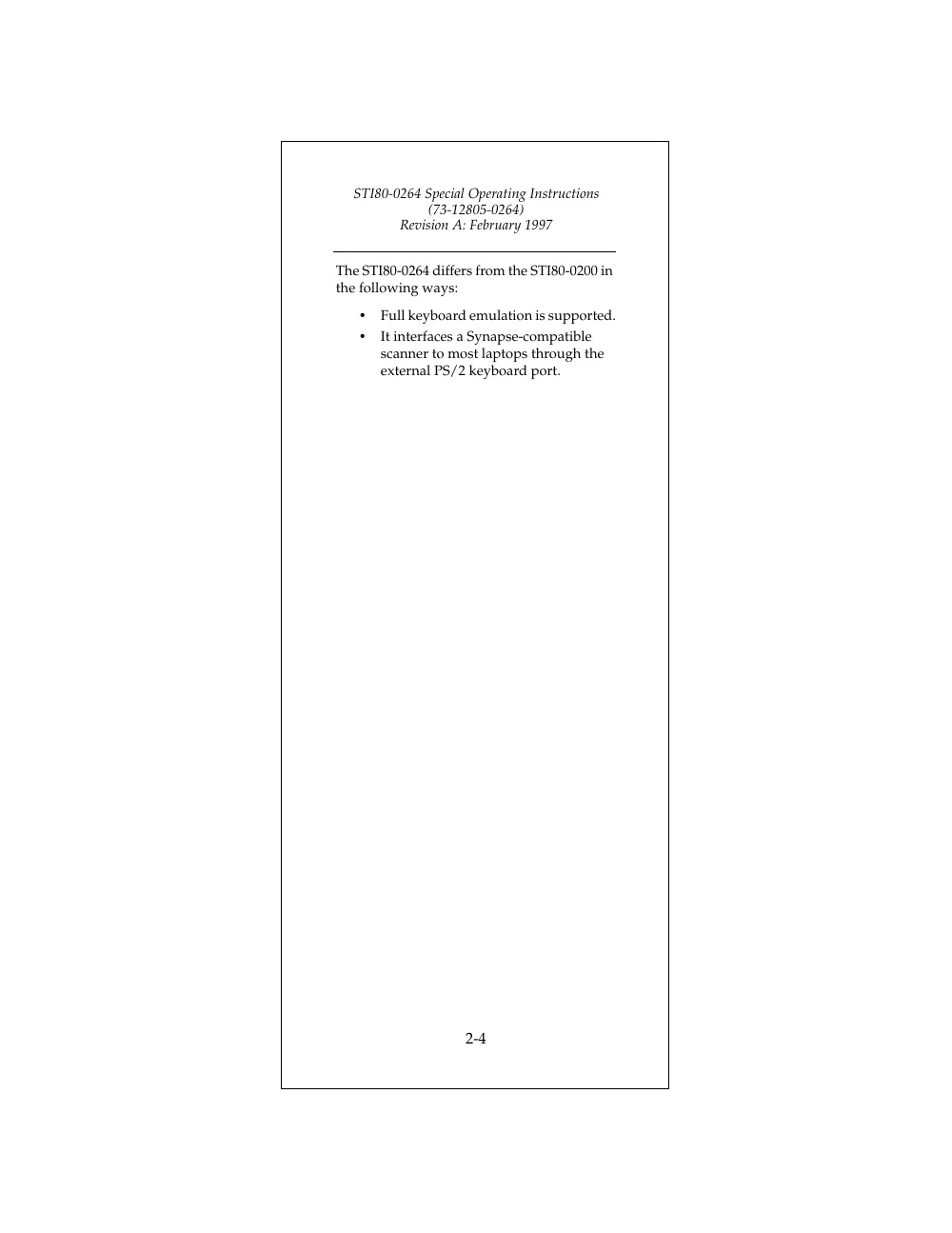
The text of page 2, from the PDF itself
STI80-0264 Special Operating Instructions (73-12805-0264) Revision A: February 1997 The STI80-0264 differs from the STI80-0200 in the following ways:
- Full keyboard emulation is supported.
- It interfaces a Synapse-compatible scanner to most laptops through the external PS/2 keyboard port.
2-4
Page3of 4
Open in the PDF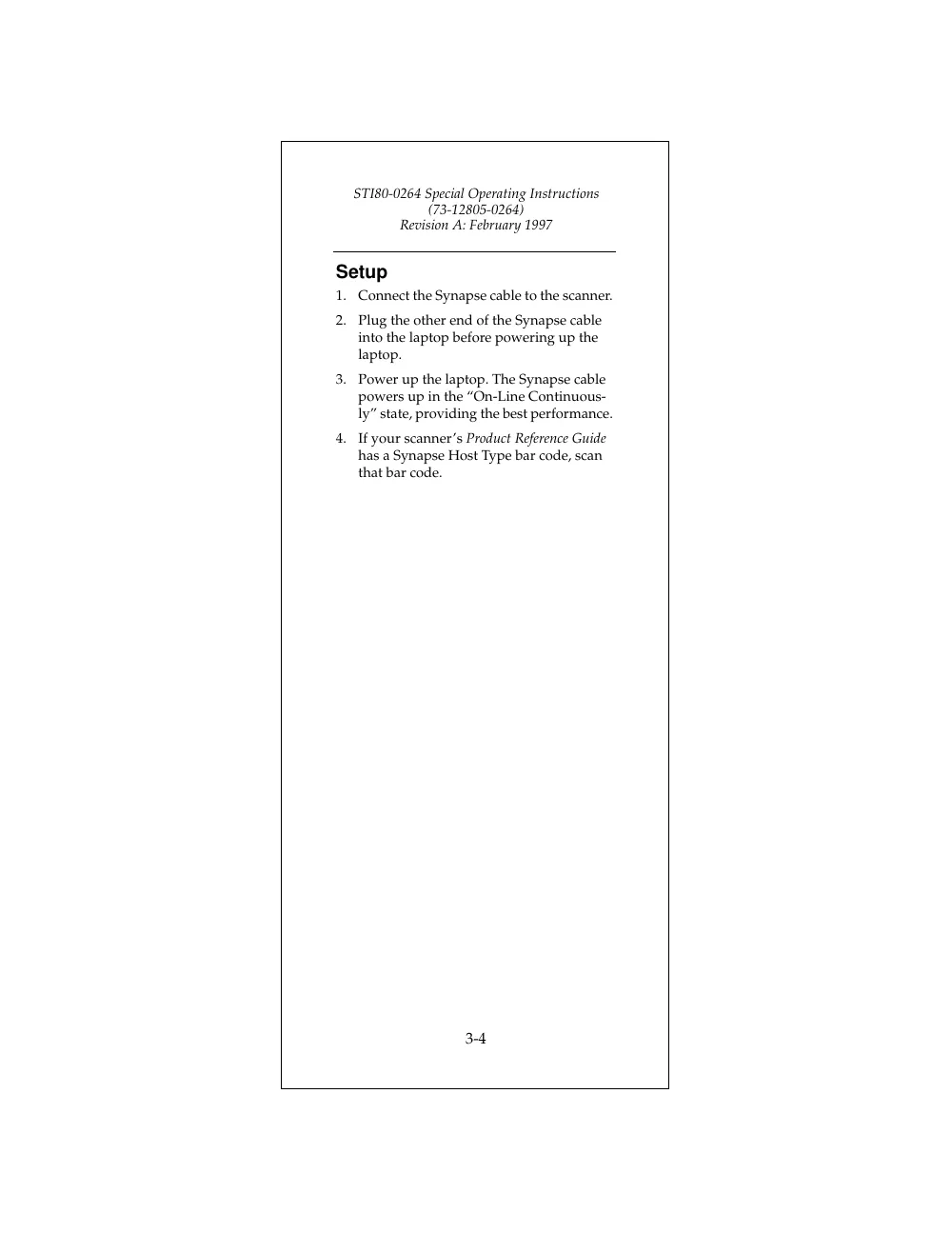
The text of page 3, from the PDF itself
STI80-0264 Special Operating Instructions (73-12805-0264) Revision A: February 1997
Setup 1. Connect the Synapse cable to the scanner. 2. Plug the other end of the Synapse cable into the laptop before powering up the laptop. 3. Power up the laptop. The Synapse cable powers up in the “On-Line Continuously” state, providing the best performance. 4. If your scanner’s Product Reference Guide has a Synapse Host Type bar code, scan that bar code.
3-4
Page4of 4
Open in the PDF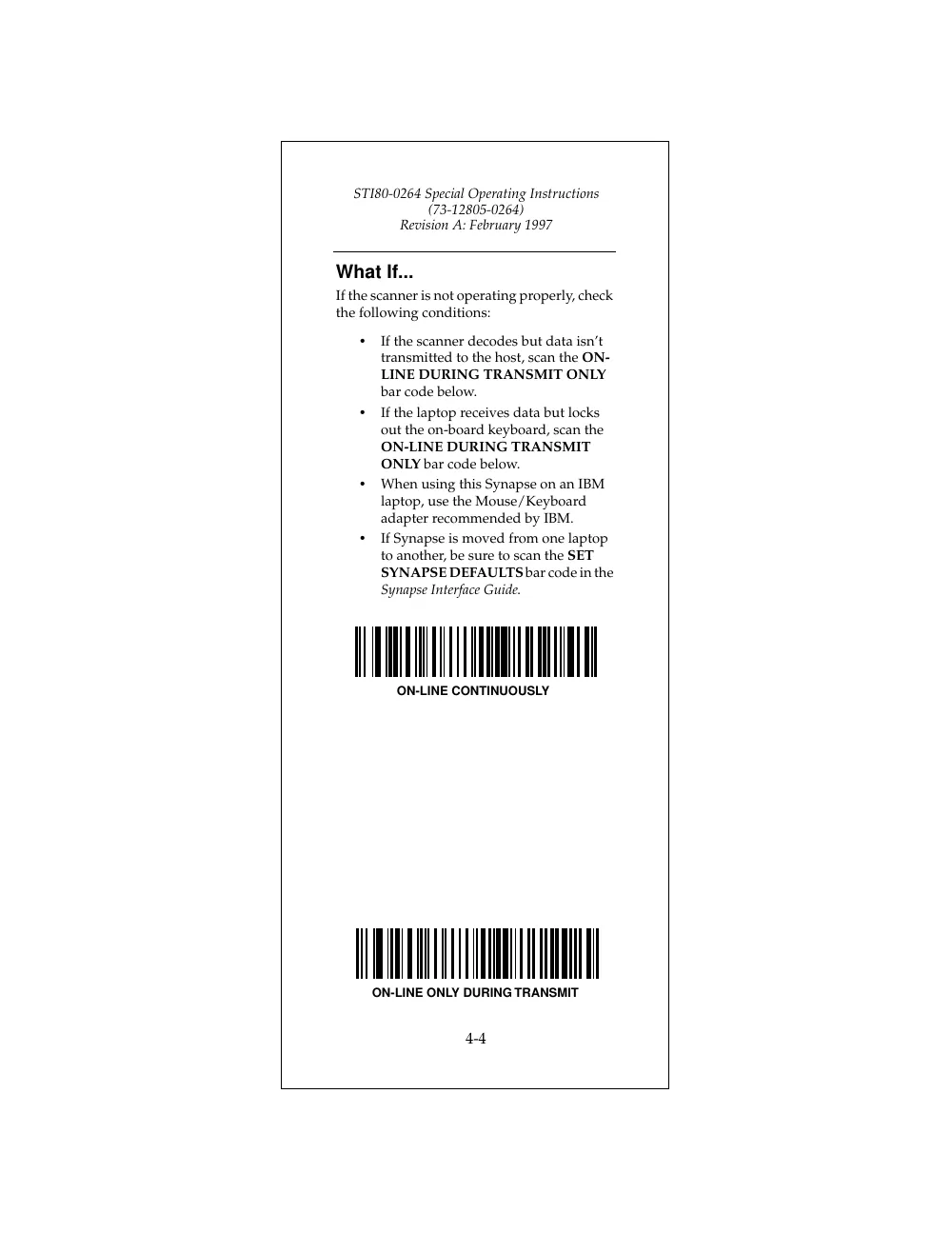
The text of page 4, from the PDF itself
STI80-0264 Special Operating Instructions (73-12805-0264) Revision A: February 1997
What If... If the scanner is not operating properly, check the following conditions:
- If the scanner decodes but data isn’t transmitted to the host, scan the ONLINE DURING TRANSMIT ONLY bar code below.
- If the laptop receives data but locks out the on-board keyboard, scan the ON-LINE DURING TRANSMIT ONLY bar code below.
- When using this Synapse on an IBM laptop, use the Mouse/Keyboard adapter recommended by IBM.
- If Synapse is moved from one laptop to another, be sure to scan the SET SYNAPSE DEFAULTS bar code in the Synapse Interface Guide.
ON-LINE CONTINUOUSLY
ON-LINE ONLY DURING TRANSMIT
4-4