Manual · Symbol
CRD 1800-1000S Cradle Quick Reference
Manual12 pagesPDF 642 KB
Quick reference guide for the Symbol CRD 1800-1000S cradle: setup, HotSync synchronization and battery charging for SPT 1700 and SPT 1800 terminals.
Covers · 1 model
The models it covers

Summary
What is in it
Symbol's quick reference guide for the CRD 1800-1000S cradle, which synchronizes SPT 1700 and SPT 1800 terminals with the SPT Desktop software through HotSync and charges their batteries. It covers connecting power and the serial cable, installing the HotSync software, performing the first and later local HotSync operations, charging the terminal battery and a spare battery, troubleshooting, warranty, regulatory and service information.
From the manual · read page by page
Key facts from this manual
Each line names its page in the PDF.
Symbol's Quick Reference (72-54489-01, Revision A, October 2001) for the CRD 1800-1000S Cradle, used with the SPT 1700 and SPT 1800 terminals. It shows how to set up the cradle, run HotSync operations with the SPT Desktop software, and charge the terminal battery and a spare battery.
- Device
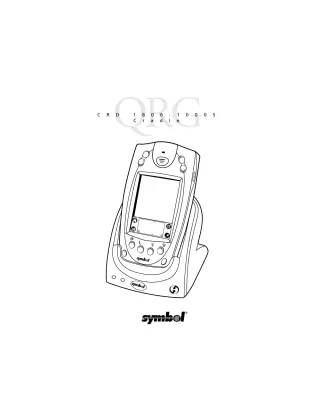
- Communication and charging cradle for the SPT 1700 and SPT 1800 terminals, synchronizing them with SPT Desktop software by HotSync p. 3
- Ports
- Power port and serial port on the back; the serial cable plugs into the computer's serial port p. 3, 4
- Host connection
- Needs a dedicated serial port on the computer; it cannot share one with an internal modem or other device p. 4
- Terminal charging
- Charges the terminal's lithium-ion battery in about two hours; Terminal Charge LED red while charging, green when full p. 7, 8
- Spare battery
- Slot in the back charges a spare battery in about two hours; Spare Battery Charge LED red, then green p. 8
- HotSync button
- Button on the front of the cradle starts the HotSync process p. 7
- Compliance
- The manual states FCC Part 15 Class B and CE marking p. 10, 11
What this manual walks you through
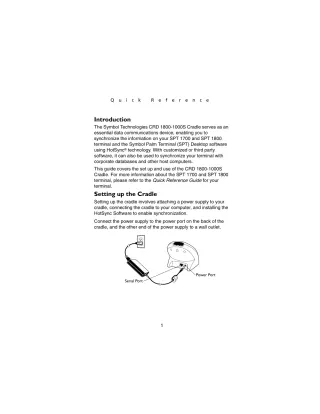
- Connecting the power supply and serial cable p. 3, 4
- Performing the first HotSync operation p. 4, 5, 6, 7
- Conducting a local HotSync operation p. 7
- Charging the terminal battery and a spare battery p. 7, 8
Good to know
- The cradle cannot share a serial port with an internal modem or other device. p. 4
- The first HotSync operation must use a local, direct connection, not a modem. p. 5
- Give every terminal a unique name; never synchronize more than one terminal to the same user name. p. 7
- Insert a spare battery with its charging contacts facing down and toward the back of the cradle. p. 8
Questions this manual answers
Which terminals does the Symbol CRD1800-1000S cradle work with?
The SPT 1700 and SPT 1800 terminals. p. 3
How long does the CRD 1800-1000S take to charge a battery?
About two hours, for the terminal battery and for a spare battery; the charge LED turns green when it is full. p. 8
Can the CRD 1800-1000S charge a spare battery?
Yes. It has a spare battery charging slot in the back with its own charge LED. p. 8
How does the CRD 1800-1000S connect to a computer?
By a cable to a dedicated serial communications port on the computer. p. 4
The whole text · 2 parts
Read the manual here as text
Its text as extracted from the PDF, unedited, in parts; each page opens the PDF at that page.
The file