Manual · Ocean Matrix
OMX-9021 Vertical Interval Switcher
Manual6 pagesPDF 68 KB
User manual for the Ocean Matrix OMX-9021, a 5x4 composite video and stereo audio vertical interval matrix switcher with RS-232 control.
Covers · 1 model
The models it covers
Summary
What is in it
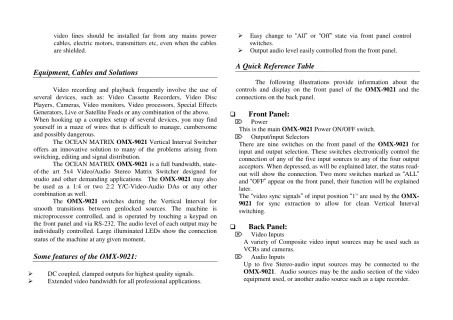
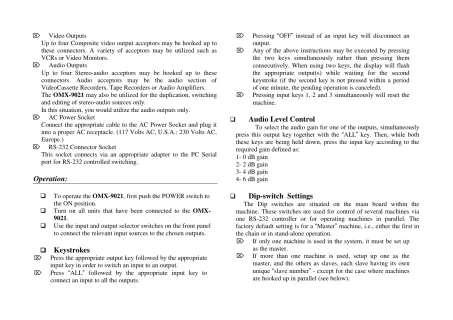
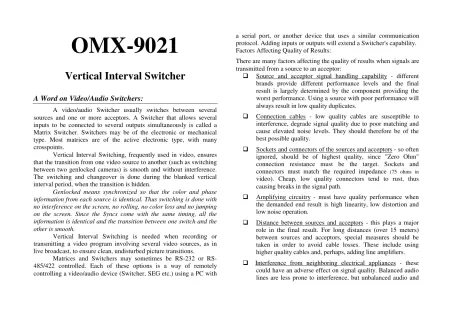
A short user manual for the Ocean Matrix OMX-9021, a 5x4 video and stereo audio matrix switcher that switches during the vertical interval for smooth transitions between genlocked sources. It explains vertical interval switching and what affects signal quality, describes the front and back panels, keystroke operation and audio level control, dip-switch settings for master, slave and parallel setups, the RS-232 control protocol, and the technical specifications.
From the manual · read page by page
Key facts from this manual
Each line names its page in the PDF.
The user manual for the Ocean Matrix OMX-9021, a 5x4 composite video and stereo audio matrix switcher that switches during the vertical interval for clean cuts between genlocked sources. It explains the front and back panels, keypad operation, audio gain, dip-switch settings for linking several units, and the RS-232 control protocol, and ends with technical specifications.
- Device
- 5x4 video/audio stereo matrix switcher with vertical interval switching; also usable as a 1:4 or two 2:2 distribution amplifiers p. 2
- Video connections
- 5 composite inputs and 4 composite outputs, 1Vpp/75Ω on BNCs p. 2, 5
- Audio connections
- 5 stereo audio inputs, 1Vpp/50kΩ, and 4 stereo audio outputs, 1Vpp/100Ω, on RCAs p. 2, 5
- Control
- Front panel keypad, or RS-232 through a DB-9 connector p. 2, 5
- Dimensions
- 19 inch (W), 7 inch (D), 1U (H), rack mountable p. 5
- Weight
- 2.7 Kg. (6 Lbs.) approx. p. 5
- RS-232 settings
- 9600 baud, no parity, 8 data bits, one stop bit; 2-byte commands p. 4
- Audio gain
- Set per output: 0, 2, 4 or 6 dB p. 3
- Sync source
- Video sync of input 1 is used for vertical interval switching p. 2
- Linking units
- Dip switches on the main board set a master and slave numbers (units 1 to 8); units daisy-chain by flat cable on their 9 pin sockets p. 3, 4
- Accessories
- Power cord, Windows 95/98 control software, null modem adapter p. 5
- Outputs
- DC coupled, clamped p. 2
What this manual walks you through
- Switching an input to one output or to all outputs from the front panel p. 3
- Setting the audio gain of an output p. 3
- Setting dip switches for master, slave or parallel operation p. 3, 4
- Connecting a PC for RS-232 control p. 4
- Sending RS-232 commands for status, audio gain and crosspoints p. 4, 5
- Resetting the switcher from the front panel p. 3
Good to know
- Dip switches are read only at power-up; turn the unit off and on after changing them. p. 4
- A pending two-key operation is canceled if the second key is not pressed within one minute. p. 3
- If strong interference disturbs the output and it does not recover, switch the power off and on. p. 5
- To fully disconnect the switcher, remove the power cord from its socket. p. 5
- For runs over 15 meters, the manual advises better cables and perhaps line amplifiers. p. 1
Questions this manual answers
What is the Ocean Matrix OMX-9021?
A 5x4 video and stereo audio matrix switcher that switches during the vertical interval for smooth cuts between genlocked sources. p. 2
How do I control the OMX-9021 from a PC?
Connect the supplied 9 pin null-modem adapter to the PC serial port and a flat cable to the switcher, then send 2-byte commands at 9600 baud, no parity, 8 data bits, one stop bit. p. 4
How do I reset the OMX-9021?
Press input keys 1, 2 and 3 at the same time. p. 3
Which input does the OMX-9021 take sync from?
From the video signal on input 1, used for clean vertical interval switching. p. 2
How do I disconnect an output on the OMX-9021?
Press the output key, then OFF instead of an input key. p. 3
The whole text · 1 part
Read the manual here as text
Its text as extracted from the PDF, unedited, in parts; each page opens the PDF at that page.
The file