


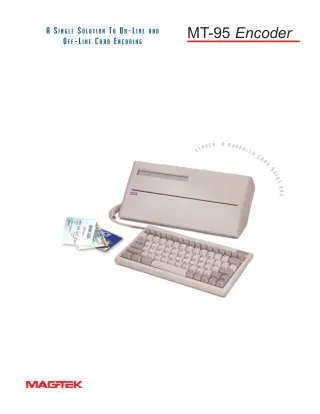
Manual · MagTek
MagTek MT-95 Manual
Manual2 pagesPDF 210 KB
Both pages are below, each with its text.
Covers · 1 model
The models it covers
From the manual · read page by page
Key facts from this manual
Some pages are scans or cannot be read; this says only what the readable text supports. Each line names its page in the PDF.
Two-page Mag-Tek product sheet for the MT-95 magnetic stripe card encoder, filed as a manual. It describes standalone and PC-connected (online) encoding, the security and audit features, and gives the size and power input; it has no operating steps.
- What it is
- Magnetic stripe encoder/reader that writes, reads, verifies and modifies cards, standalone or with an IBM PC or compatible p. 2
- Tracks
- Encodes any combination of up to three tracks at once p. 2
- Card types
- Hi-Co and Lo-Co encoding in one unit; reads cards encoded in ISO and AAMVA formats p. 2
- Power
- 120-240V, 50-60 Hz p. 2
- Dimensions
- 13,625" W x 5" D x 7" H p. 2
- Security
- Operator passwords for online access; encrypted internal card counter seen only through the audit trail p. 2
- Software
- MT-95 software included with each encoder, for card issuance data and audit reports on a PC p. 2
- Document number
- Part No. 99875095 1/98, Rev. 1 p. 2
What this manual walks you through
- Encoding cards in standalone mode with on-screen prompts p. 2
- Keeping card issuance data and audit reports on a connected PC p. 2
- Pre-programming fixed data so the operator enters only variable data p. 2
Questions this manual answers
Does the MagTek MT-95 encode Hi-Co cards?
Yes, it encodes both Hi-Co and Lo-Co in one unit. p. 2
Can the MT-95 work without a computer?
Yes, it works by itself in standalone mode or connects to an IBM PC or compatible. p. 2
How many tracks can the MT-95 encode?
Any combination of up to three tracks at the same time. p. 2
The file
Size and text
Every page · 2
Read it here
Each page as it is printed, and its words beside it, so a phone can search and copy them.
Page1of 2
Open in the PDF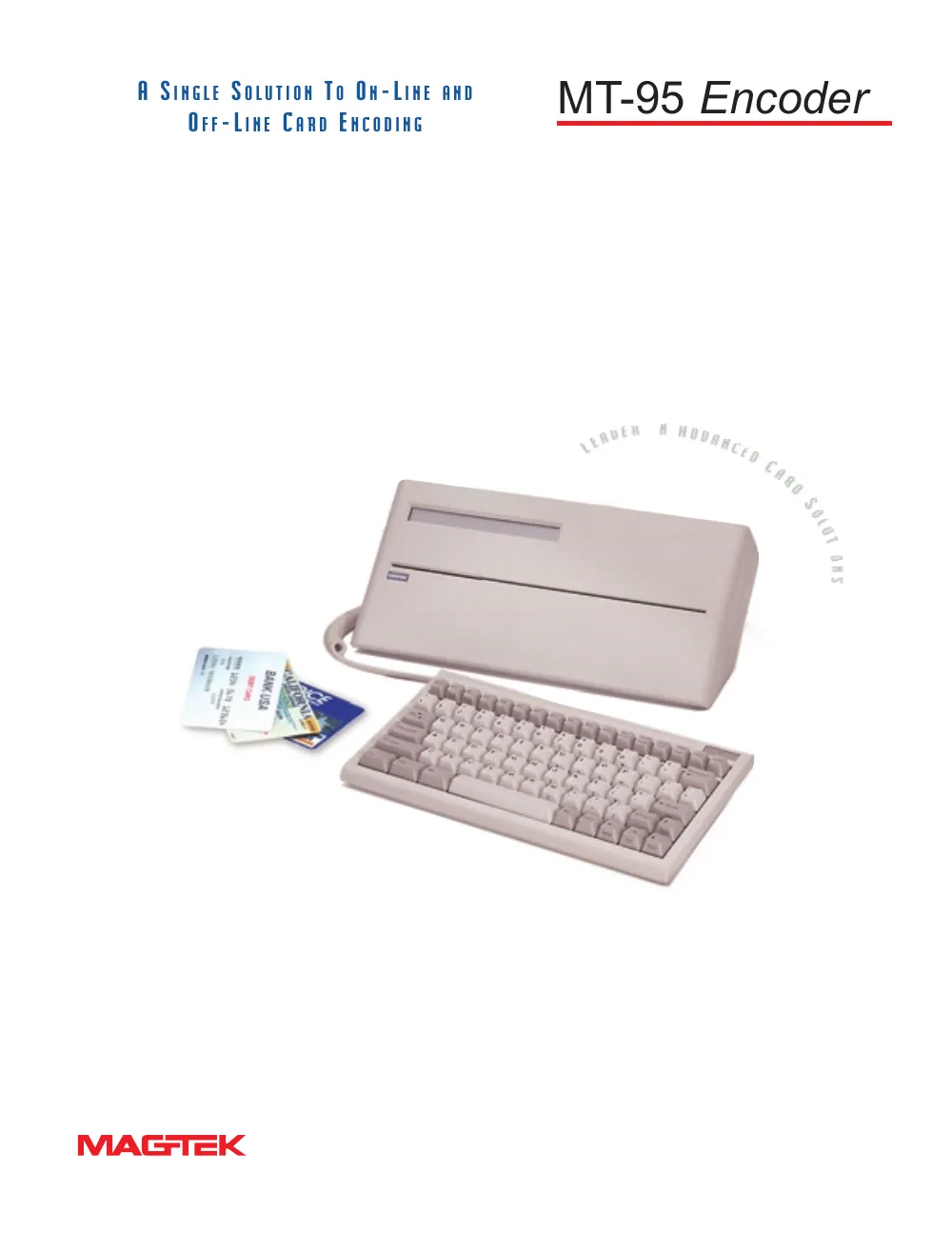
The text of page 1, read from a scan by OCR; it may hold reading errors
A Since Sovurion To On-Line ano MT-95 Encoder
Orr-Line Cano ENcooine
MAGrieK
Page2of 2
Open in the PDF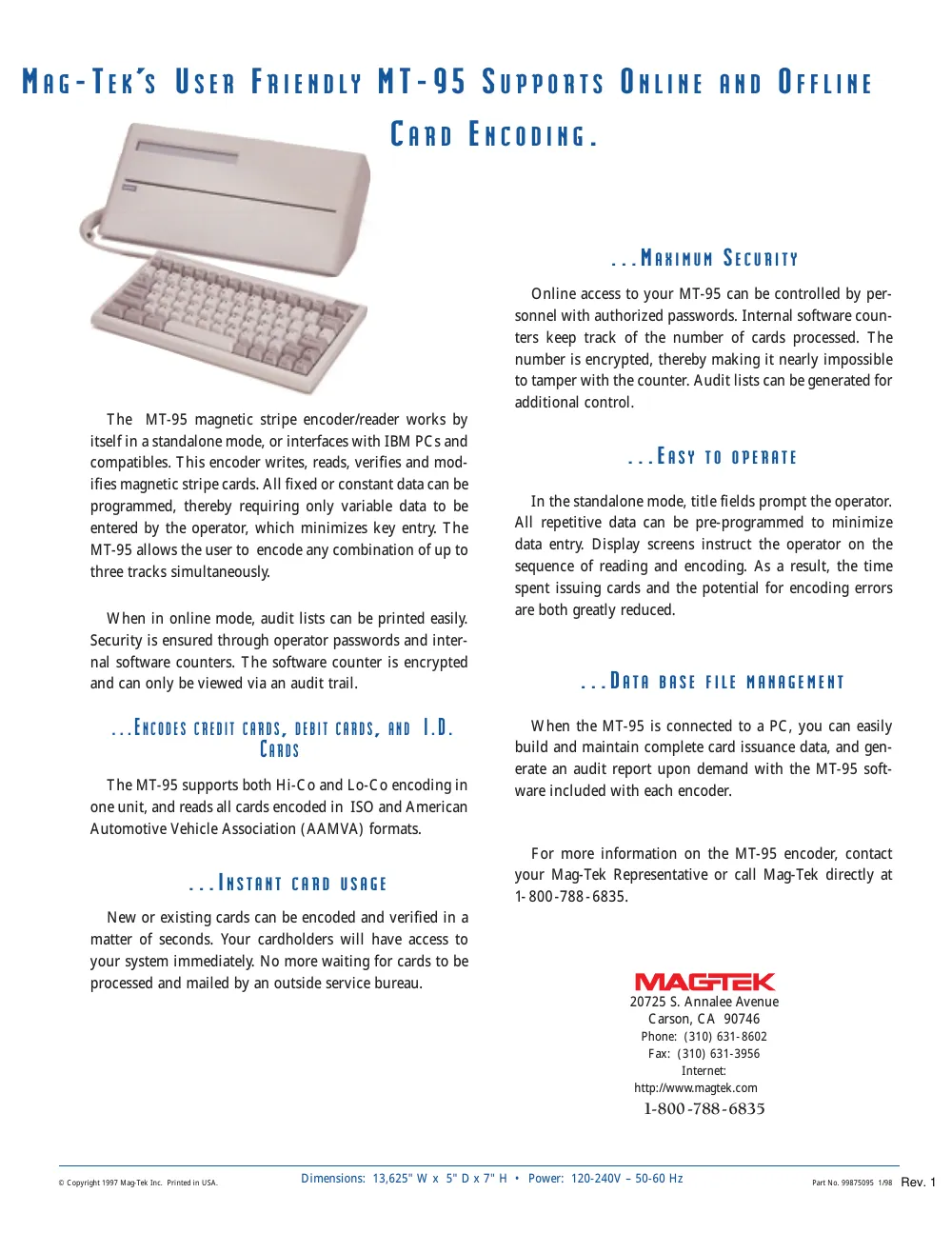
The text of page 2, read from a scan by OCR; it may hold reading errors
M A G - T E K ’S U S E R F R I E N D L Y M T - 9 5 S U P P O R T S O N L I N E A N D O F F L I N E CARD ENCODING. ...M A X I M U M S E C U R I T Y Online access to your MT-95 can be controlled by personnel with authorized passwords. Internal software counters keep track of the number of cards processed. The number is encrypted, thereby making it nearly impossible to tamper with the counter. Audit lists can be generated for additional control. The MT-95 magnetic stripe encoder/reader works by itself in a standalone mode, or interfaces with IBM PCs and compatibles. This encoder writes, reads, verifies and modifies magnetic stripe cards. All fixed or constant data can be programmed, thereby requiring only variable data to be entered by the operator, which minimizes key entry. The MT-95 allows the user to encode any combination of up to three tracks simultaneously. When in online mode, audit lists can be printed easily. Security is ensured through operator passwords and internal software counters. The software counter is encrypted and can only be viewed via an audit trail.
...E NCODES CREDIT CARDS , DEBIT CARDS , AND I.D. C ARDS The MT-95 supports both Hi-Co and Lo-Co encoding in one unit, and reads all cards encoded in ISO and American Automotive Vehicle Association (AAMVA) formats.
...I N S T A N T C A R D U S A G E
...E A S Y T O O P ER A T E In the standalone mode, title fields prompt the operator. All repetitive data can be pre-programmed to minimize data entry. Display screens instruct the operator on the sequence of reading and encoding. As a result, the time spent issuing cards and the potential for encoding errors are both greatly reduced.
...D A T A B A S E F I L E M A N A G E M E N T When the MT-95 is connected to a PC, you can easily build and maintain complete card issuance data, and generate an audit report upon demand with the MT-95 software included with each encoder.
For more information on the MT-95 encoder, contact your Mag-Tek Representative or call Mag-Tek directly at 1- 800 -788 - 6835.
New or existing cards can be encoded and verified in a matter of seconds. Your cardholders will have access to your system immediately. No more waiting for cards to be processed and mailed by an outside service bureau. 20725 S. Annalee Avenue Carson, CA 90746 Phone: (310) 631- 8602 Fax: (310) 631-3956 Internet: http://www.magtek.com
1-800 -788 - 6835
© Copyright 1997 Mag-Tek Inc. Printed in USA.
Dimensions: 13,625" W x 5" D x 7" H • Power: 120-240V – 50-60 Hz
Part No. 99875095 1/98
Rev. 1