


Spec sheet · Intermec
Intermec 067254 Spec Sheet
Spec sheet2 pagesPDF 32 KB
Both pages are below, each with its text.
Covers · 1 model
The models it covers
From the sheet · read page by page
Key facts from this sheet
Each line names its page in the PDF.
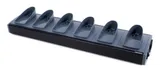
Two-page Intermec instruction sheet for the Sabre charge strips, which charge battery packs for the Sabre 1552 laser scanner. It covers both the 6-bay charge strip (Part No. 067254) and the 2-bay charge strip (Part No. 067255), with specifications, power cord part numbers, charging times and how to install, load and unload the strip.
- Device type
- 6-bay charge strip for Sabre 1552 laser scanner battery packs (a 2-bay version is Part No. 067255) p. 1
- Batteries
- Intermec NiCad battery pack (Part No. 066750) and NiMH battery pack (Part No. 066749); both types can charge at the same time p. 1, 2
- Input power
- 85 to 264 VAC, 47 to 63 Hz p. 1
- Charge time, NiCad
- At 20°C (68°F): 8 hours at 110 VAC, 60 Hz; 4 hours at 220 VAC, 60 Hz; 5 hours at 220 VAC, 50 Hz p. 1
- Charge time, NiMH
- At 20°C (68°F): 4 hours at any voltage p. 1
- Power cords
- Ordered separately: North and Central America 586105; Europe 586267; United Kingdom 586266; Chile and Italy 586282; China and South Pacific 586281; Denmark and Greenland 586283; Liechtenstein and Switzerland 586276 p. 1
- Circuit breaker
- The 6-bay charge strip has a circuit breaker p. 2
- Mounting
- Wall mounting holes on the back p. 2
- Charging humidity
- 0 to 95%, non-condensing p. 1
- Storage temperature
- -30°C to 60°C (-22°F to 140°F) p. 1
- Instruction sheet
- P/N 067674-001 p. 1
What this sheet walks you through
- Choosing a location for the charge strip p. 1
- Connecting the charge strip to AC power p. 1
- Loading a battery pack into the charge strip p. 2
- Unloading a battery pack p. 2
- Mounting the charge strip on a wall p. 2
Good to know
- The strip is only for the Intermec NiCad and NiMH packs; it is not a power strip or voltage converter and must not power other devices. p. 2
- Remove a battery pack from the strip within 24 hours after charging is completed. p. 2
- If the battery pack light does not come on when loaded, or the strip looks worn or damaged, unplug it immediately. p. 2
- Do not expose the charge strip to rain or moisture; it has no user-serviceable parts. p. 1, 2
Questions this sheet answers
Which batteries does the Intermec 067254 charge strip charge?
The Intermec NiCad battery pack (Part No. 066750) and NiMH battery pack (Part No. 066749) for the Sabre 1552 laser scanner, and it can charge both types at once. p. 1, 2
How long does a Sabre battery take to charge?
At 20°C (68°F), the NiMH pack takes 4 hours at any voltage; the NiCad pack takes 8 hours at 110 VAC, 60 Hz, and 4 or 5 hours at 220 VAC. p. 1
Does the Sabre charge strip come with a power cord?
No, the AC power cord is ordered separately; for North and Central America it is Part No. 586105. p. 1
The file
Size and text
Every page · 2
Read it here
Each page as it is printed, and its words beside it, so a phone can search and copy them.
Page1of 2
Open in the PDF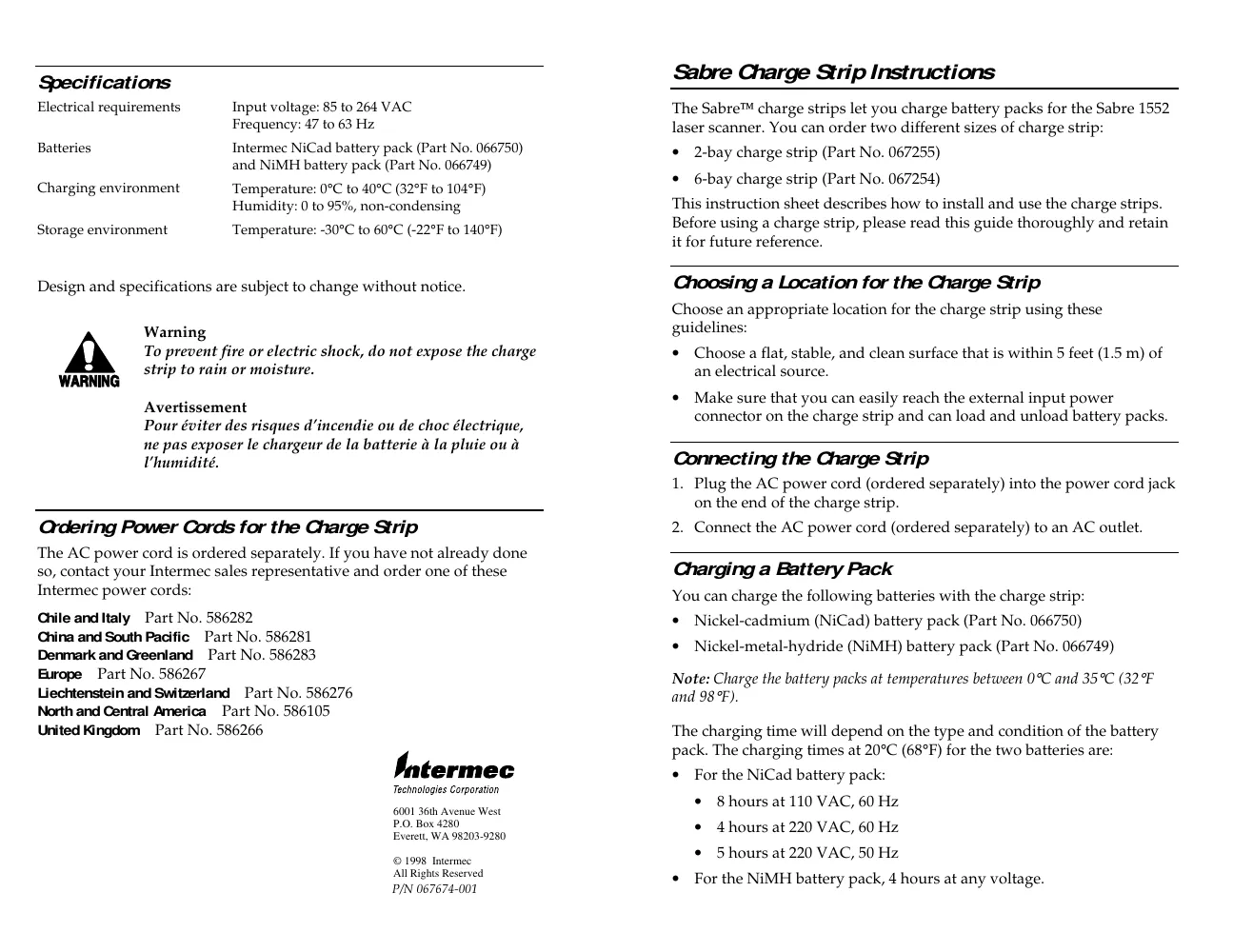
The text of page 1, from the PDF itself
Sabre Charge Strip Instructions
Specifications Electrical requirements
Input voltage: 85 to 264 VAC Frequency: 47 to 63 Hz
The Sabre charge strips let you charge battery packs for the Sabre 1552 laser scanner. You can order two different sizes of charge strip:
Batteries
Intermec NiCad battery pack (Part No. 066750) and NiMH battery pack (Part No. 066749)
- 2-bay charge strip (Part No. 067255)
Charging environment
Temperature: 0°C to 40°C (32°F to 104°F) Humidity: 0 to 95%, non-condensing
Storage environment
Temperature: -30°C to 60°C (-22°F to 140°F)
Design and specifications are subject to change without notice. Warning To prevent fire or electric shock, do not expose the charge strip to rain or moisture. Avertissement Pour éviter des risques d’incendie ou de choc électrique, ne pas exposer le chargeur de la batterie à la pluie ou à l’humidité.
- 6-bay charge strip (Part No. 067254) This instruction sheet describes how to install and use the charge strips. Before using a charge strip, please read this guide thoroughly and retain it for future reference.
Choosing a Location for the Charge Strip Choose an appropriate location for the charge strip using these guidelines:
- Choose a flat, stable, and clean surface that is within 5 feet (1.5 m) of an electrical source.
- Make sure that you can easily reach the external input power connector on the charge strip and can load and unload battery packs.
Connecting the Charge Strip 1. Plug the AC power cord (ordered separately) into the power cord jack on the end of the charge strip.
Ordering Power Cords for the Charge Strip
2. Connect the AC power cord (ordered separately) to an AC outlet.
The AC power cord is ordered separately. If you have not already done so, contact your Intermec sales representative and order one of these Intermec power cords:
Charging a Battery Pack You can charge the following batteries with the charge strip:
- Nickel-cadmium (NiCad) battery pack (Part No. 066750)
Chile and Italy Part No. 586282 China and South Pacific Part No. 586281 Denmark and Greenland Part No. 586283 Europe Part No. 586267 Liechtenstein and Switzerland Part No. 586276 North and Central America Part No. 586105 United Kingdom Part No. 586266
- Nickel-metal-hydride (NiMH) battery pack (Part No. 066749) Note: Charge the battery packs at temperatures between 0°C and 35°C (32°F and 98°F). The charging time will depend on the type and condition of the battery pack. The charging times at 20°C (68°F) for the two batteries are:
- For the NiCad battery pack: 6001 36th Avenue West P.O. Box 4280 Everett, WA 98203-9280 © 1998 Intermec All Rights Reserved
P/N 067674-001
- 8 hours at 110 VAC, 60 Hz
- 4 hours at 220 VAC, 60 Hz
- 5 hours at 220 VAC, 50 Hz
- For the NiMH battery pack, 4 hours at any voltage.
Page2of 2
Open in the PDF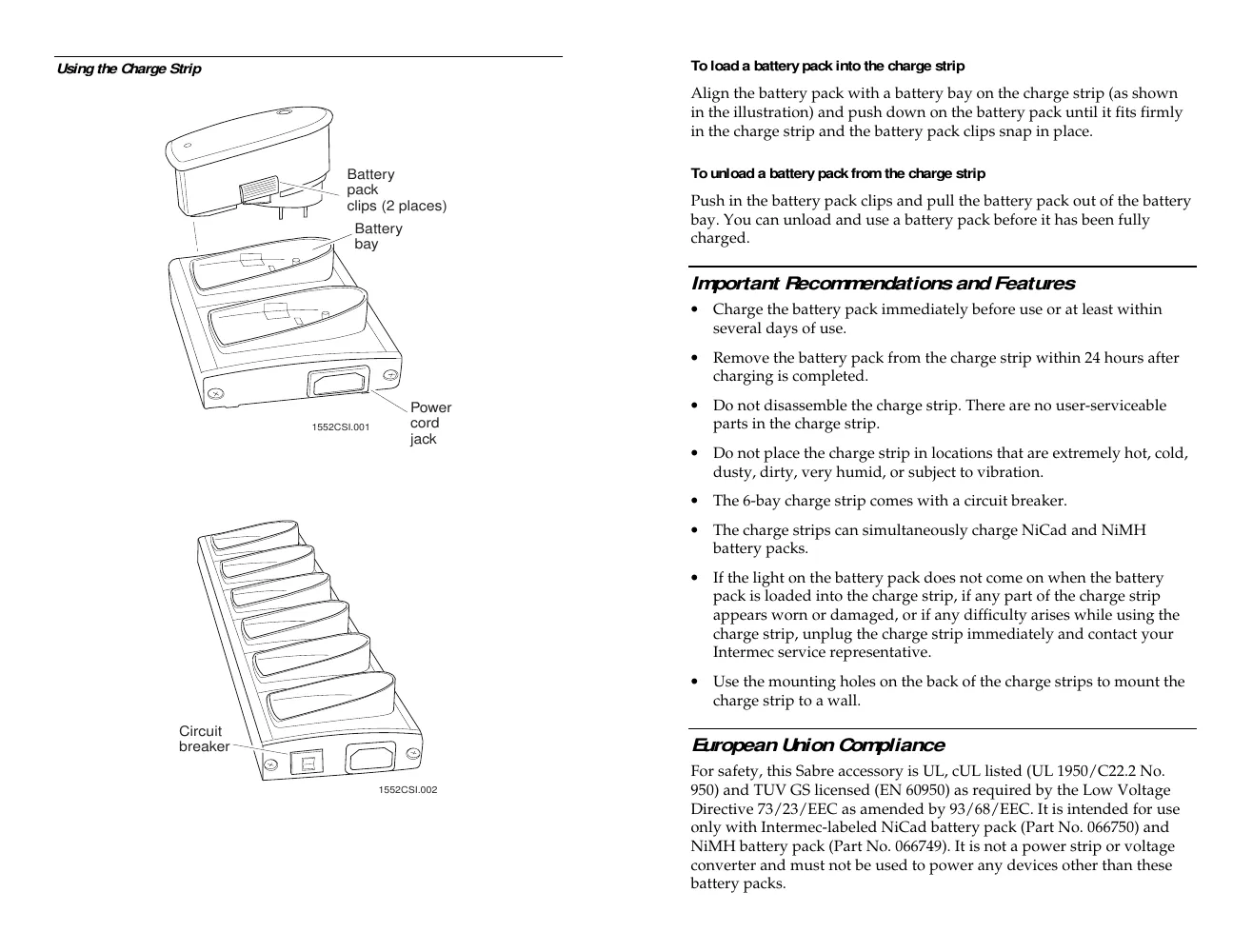
The text of page 2, from the PDF itself
To load a battery pack into the charge strip
Using the Charge Strip
Align the battery pack with a battery bay on the charge strip (as shown in the illustration) and push down on the battery pack until it fits firmly in the charge strip and the battery pack clips snap in place. Battery pack clips (2 places) Battery bay
To unload a battery pack from the charge strip Push in the battery pack clips and pull the battery pack out of the battery bay. You can unload and use a battery pack before it has been fully charged.
Important Recommendations and Features
- Charge the battery pack immediately before use or at least within several days of use.
- Remove the battery pack from the charge strip within 24 hours after charging is completed. 1552CSI.001
Power cord jack
- Do not disassemble the charge strip. There are no user-serviceable parts in the charge strip.
- Do not place the charge strip in locations that are extremely hot, cold, dusty, dirty, very humid, or subject to vibration.
- The 6-bay charge strip comes with a circuit breaker.
- The charge strips can simultaneously charge NiCad and NiMH battery packs.
- If the light on the battery pack does not come on when the battery pack is loaded into the charge strip, if any part of the charge strip appears worn or damaged, or if any difficulty arises while using the charge strip, unplug the charge strip immediately and contact your Intermec service representative.
- Use the mounting holes on the back of the charge strips to mount the charge strip to a wall.
Circuit breaker
European Union Compliance 1552CSI.002
For safety, this Sabre accessory is UL, cUL listed (UL 1950/C22.2 No. 950) and TUV GS licensed (EN 60950) as required by the Low Voltage Directive 73/23/EEC as amended by 93/68/EEC. It is intended for use only with Intermec-labeled NiCad battery pack (Part No. 066750) and NiMH battery pack (Part No. 066749). It is not a power strip or voltage converter and must not be used to power any devices other than these battery packs.