


Spec sheet · Hypercom
Hypercom IEN 100 and MININAC1 Spec Sheet
Spec sheet2 pagesPDF 83 KB
Both pages are below, each with its text.
Names · 1 model
The models it names
Filed with · 1 model
Also filed with these models on the old site
From the sheet · read page by page
Key facts from this sheet
Each line names its page in the PDF.
Two-page Hypercom product data sheet (940272-018, Rev D, July 2006) for the IEN 100, a chassis that connects an ATM to its host over a dial-up line. It describes what the unit does and lists its communications, power, size and environment specifications. The sheet does not mention the MININAC1.
- What it is
- Communications chassis that connects an ATM, POS device, PC or store controller to a host over dial access p. 1
- ATM connection
- RS-232 serial port to the ATM; RJ-11 LINE port to a 2-wire telephone line p. 1
- Modem
- Internal V.22bis modem (1.2/2.4kbps) on the RJ-11 port p. 1, 2
- Serial speed
- RS-232 up to 19.2kbps p. 2
- Protocols
- Runs ATMs that support SDLC or BSC in a dial environment p. 1
- Power
- AC 110-220 V, .8 A, 50/60 Hz p. 2
- Dimensions
- 6.0 x 6.7 x 1.6 in (15.2 x 17.1 x 4.0 cm) p. 2
- Weight
- 1.5 lbs/0.7 kg p. 2
- Operating environment
- 0-40°C/32-104°F; humidity 25 to 95%, non-condensing; 34 BTU/hr heat p. 2
- Network management
- HypercomView, with statistics, alerts and alarms, and remote downloads and upgrades p. 2
What this sheet walks you through
- Converting leased-line ATMs to dial-up access p. 1
- Wiring the ATM serial port and the phone line p. 1
Good to know
- The unit stays online to pass several transactions until a timeout drops the connection. p. 1
- The sheet states FCC Part 15, UL (USA and Canada), CB, ICES and CE certifications. p. 2
Questions this sheet answers
What does the Hypercom IEN 100 do?
It connects an ATM to its host over a dial-up phone line, so leased-line ATMs can work as dial-up ATMs. p. 1
How does an ATM connect to the IEN 100?
Through its RS-232 serial port; the phone line goes into the RJ-11 LINE port. p. 1
What power does the IEN 100 need?
AC 110-220 V, .8 A, 50/60 Hz. p. 2
The file
Size and text
Every page · 2
Read it here
Each page as it is printed, and its words beside it, so a phone can search and copy them.
Page1of 2
Open in the PDF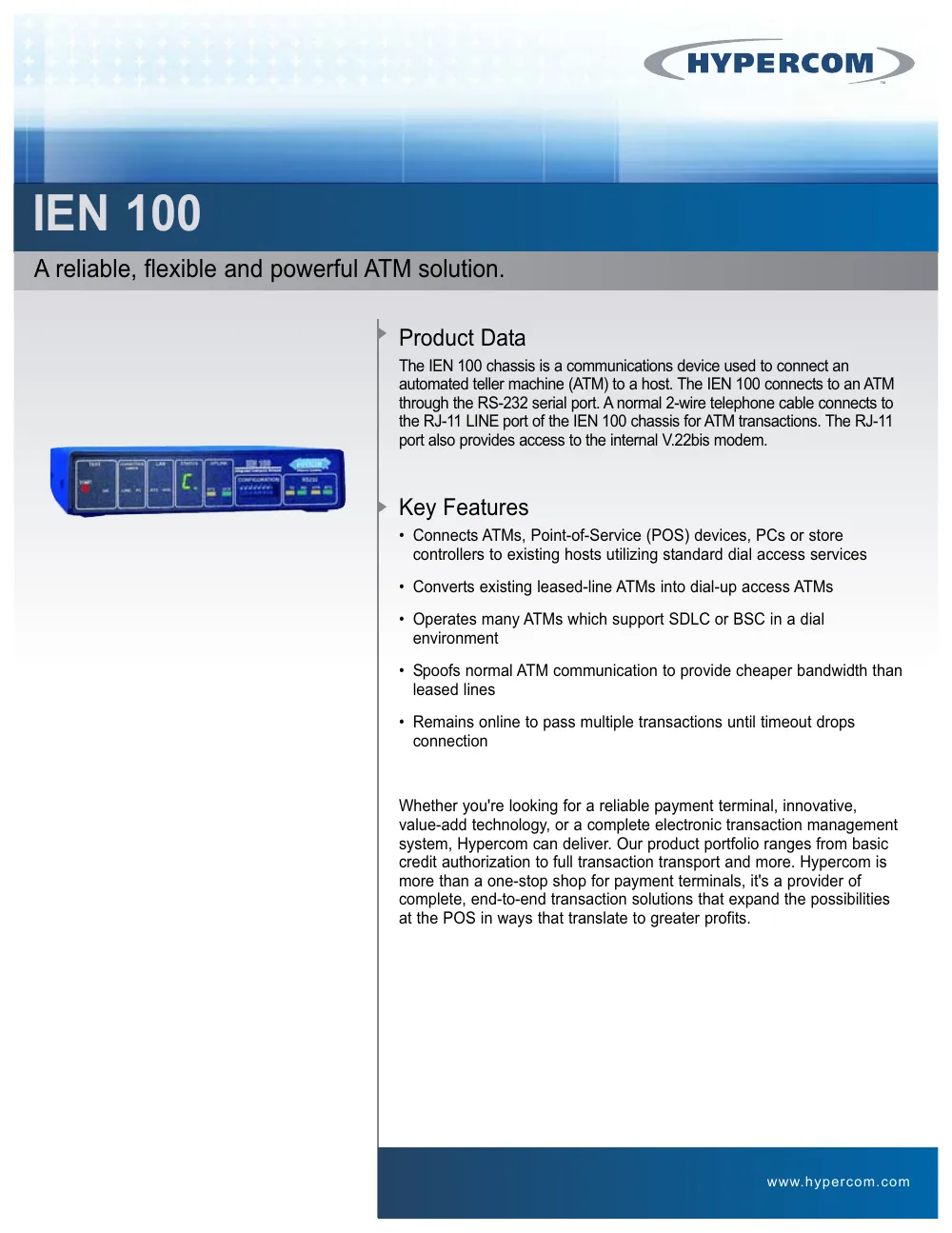
The text of page 1, from the PDF itself
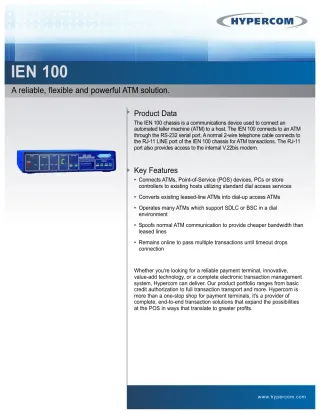
IEN 100 A reliable, flexible and powerful ATM solution. Product Data The IEN 100 chassis is a communications device used to connect an automated teller machine (ATM) to a host. The IEN 100 connects to an ATM through the RS-232 serial port. A normal 2-wire telephone cable connects to the RJ-11 LINE port of the IEN 100 chassis for ATM transactions. The RJ-11 port also provides access to the internal V.22bis modem.
Key Features
- Connects ATMs, Point-of-Service (POS) devices, PCs or store controllers to existing hosts utilizing standard dial access services
- Converts existing leased-line ATMs into dial-up access ATMs
- Operates many ATMs which support SDLC or BSC in a dial environment
- Spoofs normal ATM communication to provide cheaper bandwidth than leased lines
- Remains online to pass multiple transactions until timeout drops connection
Whether you're looking for a reliable payment terminal, innovative, value-add technology, or a complete electronic transaction management system, Hypercom can deliver. Our product portfolio ranges from basic credit authorization to full transaction transport and more. Hypercom is more than a one-stop shop for payment terminals, it's a provider of complete, end-to-end transaction solutions that expand the possibilities at the POS in ways that translate to greater profits.
www.hypercom.com
Page2of 2
Open in the PDF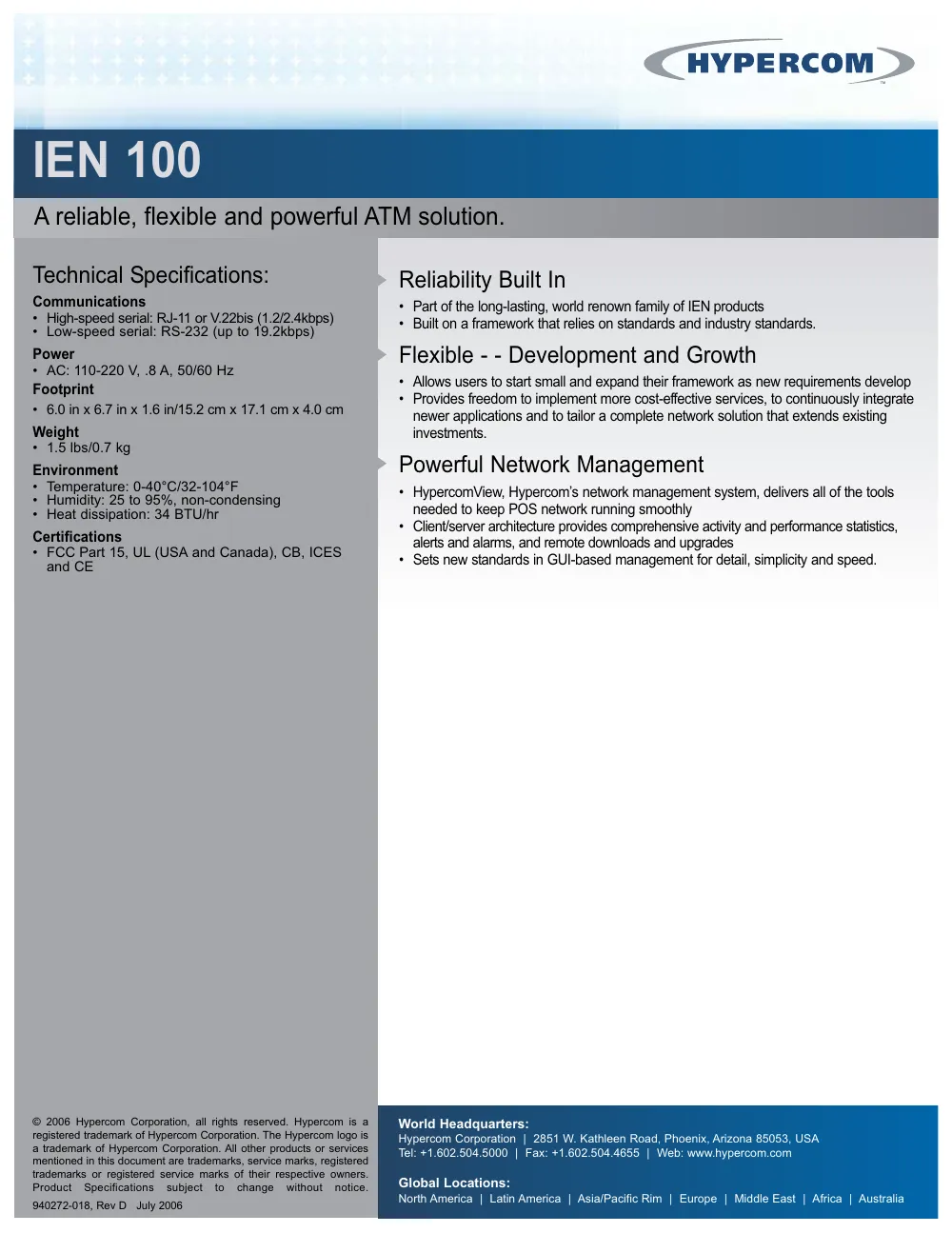
The text of page 2, from the PDF itself
IEN 100 A reliable, flexible and powerful ATM solution. Technical Specifications:
Reliability Built In
Communications
- Part of the long-lasting, world renown family of IEN products
- Built on a framework that relies on standards and industry standards.
- High-speed serial: RJ-11 or V.22bis (1.2/2.4kbps)
- Low-speed serial: RS-232 (up to 19.2kbps)
Power
- AC: 110-220 V, .8 A, 50/60 Hz
Footprint
- 6.0 in x 6.7 in x 1.6 in/15.2 cm x 17.1 cm x 4.0 cm
Weight
Flexible - - Development and Growth
- Allows users to start small and expand their framework as new requirements develop
- Provides freedom to implement more cost-effective services, to continuously integrate newer applications and to tailor a complete network solution that extends existing investments.
- 1.5 lbs/0.7 kg
Environment
- Temperature: 0-40°C/32-104°F
- Humidity: 25 to 95%, non-condensing
- Heat dissipation: 34 BTU/hr
Certifications
- FCC Part 15, UL (USA and Canada), CB, ICES and CE
© 2006 Hypercom Corporation, all rights reserved. Hypercom is a registered trademark of Hypercom Corporation. The Hypercom logo is a trademark of Hypercom Corporation. All other products or services mentioned in this document are trademarks, service marks, registered trademarks or registered service marks of their respective owners. Product Specifications subject to change without notice. 940272-018, Rev D July 2006
Powerful Network Management
- HypercomView, Hypercom’s network management system, delivers all of the tools needed to keep POS network running smoothly
- Client/server architecture provides comprehensive activity and performance statistics, alerts and alarms, and remote downloads and upgrades
- Sets new standards in GUI-based management for detail, simplicity and speed.
World Headquarters: Hypercom Corporation | 2851 W. Kathleen Road, Phoenix, Arizona 85053, USA Tel: +1.602.504.5000 | Fax: +1.602.504.4655 | Web: www.hypercom.com
Global Locations: North America | Latin America | Asia/Pacific Rim | Europe | Middle East | Africa | Australia