Spec sheet · HHP
HHP IT3875 and NCR IT3875 Software Guide
Spec sheet2 pagesPDF 18 KB
Both pages are below, each with its text.
Covers · 2 models
The models it covers
From the sheet · read page by page
Key facts from this sheet
Each line names its page in the PDF.
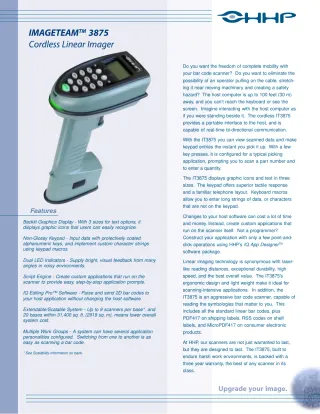
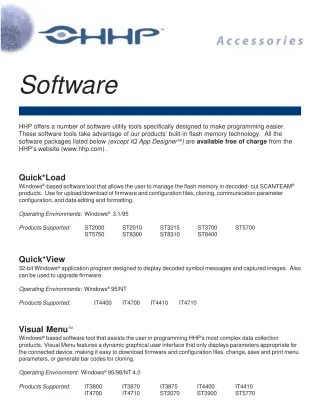
A two-page HHP software sheet (SW/ACC/SS Rev C 3/02) listing the utilities for HHP scanners and data collection devices: Quick*Load, Quick*View, Visual Menu, the OPOS Scanner Driver 1.5, IQ App Loader and IQ App Designer, with the Windows versions and products each supports. For the IT3875 it names Visual Menu, IQ App Loader and IQ App Designer.
- Visual Menu
- Windows 95/98/NT 4.0 tool for programming the IT3875 and other HHP devices: firmware and configuration downloads, menu settings, cloning bar codes p. 1
- Visual Menu products
- IT3800, IT3870, IT3875, IT4400, IT4410, IT4700, IT4710, ST2070, ST3900, ST5770 p. 1
- IQ App Loader
- Edits, compiles and loads VersaCode script programs and manages stored files; Windows 95/98/Me/NT 4.0/2000/XP; for IT3875XXX-X2-1 p. 2
- IQ App Designer
- Point-and-click builder for custom data collection applications, with all IQ App Loader features; for IT3875XXX-X2-1 p. 2
- IQ Editing Pro
- Parses data in 2D symbols and formats each element for the host computer p. 2
- Cost
- All the listed software except IQ App Designer is free from the HHP website p. 1
- OPOS driver
- OPOS Scanner Driver 1.5 for Windows 95/98/2000/NT, for POS applications p. 2
- Quick*Load
- Windows 3.1/95 flash memory tool for SCANTEAM products such as the ST2000 and ST5700 p. 1
- Quick*View
- Windows 95/NT program that shows decoded messages and captured images and upgrades firmware, for IT4400, IT4410, IT4700 and IT4710 p. 1
What this sheet walks you through
- Choosing a programming or firmware tool for an HHP scanner p. 1
- Building and loading custom data collection applications p. 2
Good to know
- IQ App Loader and IQ App Designer are listed for IT3875 units with the IT3875XXX-X2-1 designation. p. 2
- The OPOS driver list names the ST2070 Cordless (3870/5770), not the IT3875. p. 2
Questions this sheet answers
What software programs the HHP IT3875 scanner?
Visual Menu, a Windows 95/98/NT 4.0 tool for firmware and configuration downloads and menu settings, lists the IT3875. p. 1
Is HHP scanner software free?
Yes, all the packages on the sheet except IQ App Designer are free from the HHP website. p. 1
How do I write a custom application for the IT3875?
IQ App Loader edits, compiles and loads VersaCode scripts, and IQ App Designer builds them by pointing and clicking; both list IT3875XXX-X2-1. p. 2
The file
Size and text
Every page · 2
Read it here
Each page as it is printed, and its words beside it, so a phone can search and copy them.
Page1of 2
Open in the PDF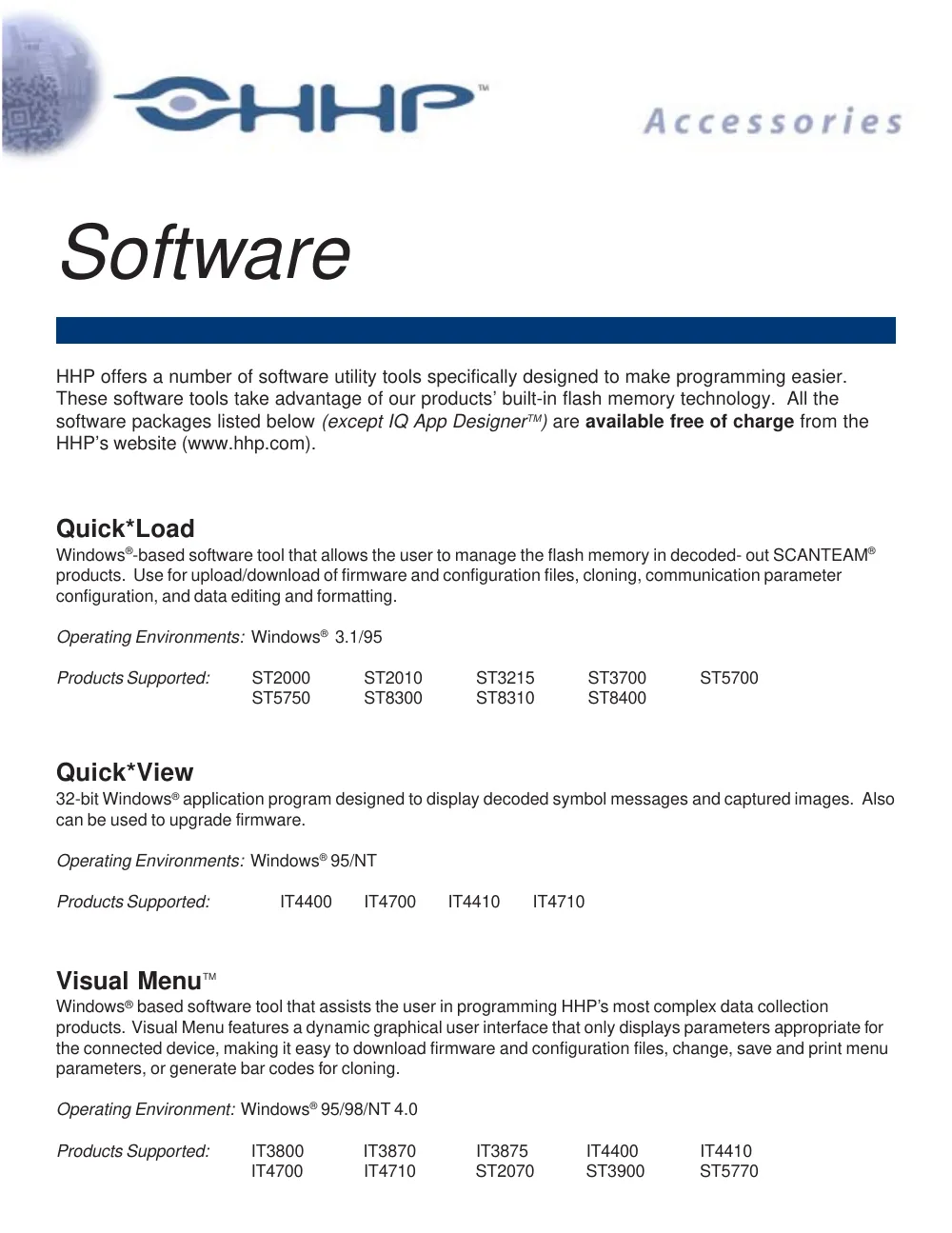
The text of page 1, from the PDF itself
Software HHP offers a number of software utility tools specifically designed to make programming easier. These software tools take advantage of our products’ built-in flash memory technology. All the software packages listed below (except IQ App DesignerTM) are available free of charge from the HHP’s website (www.hhp.com).
Quick*Load Windows®-based software tool that allows the user to manage the flash memory in decoded- out SCANTEAM® products. Use for upload/download of firmware and configuration files, cloning, communication parameter configuration, and data editing and formatting.
Operating Environments: Windows® 3.1/95 Products Supported:
ST2000 ST5750ST2010 ST8300ST3215 ST8310ST3700 ST8400ST5700
Quick*View 32-bit Windows® application program designed to display decoded symbol messages and captured images. Also can be used to upgrade firmware.
Operating Environments: Windows® 95/NT Products Supported:
Visual MenuIT4400IT4700IT4410IT4710TM
Windows® based software tool that assists the user in programming HHP’s most complex data collection products. Visual Menu features a dynamic graphical user interface that only displays parameters appropriate for the connected device, making it easy to download firmware and configuration files, change, save and print menu parameters, or generate bar codes for cloning.
Operating Environment: Windows® 95/98/NT 4.0 Products Supported:
IT3800 IT4700IT3870 IT4710IT3875 ST2070IT4400 ST3900IT4410 ST5770
Page2of 2
Open in the PDF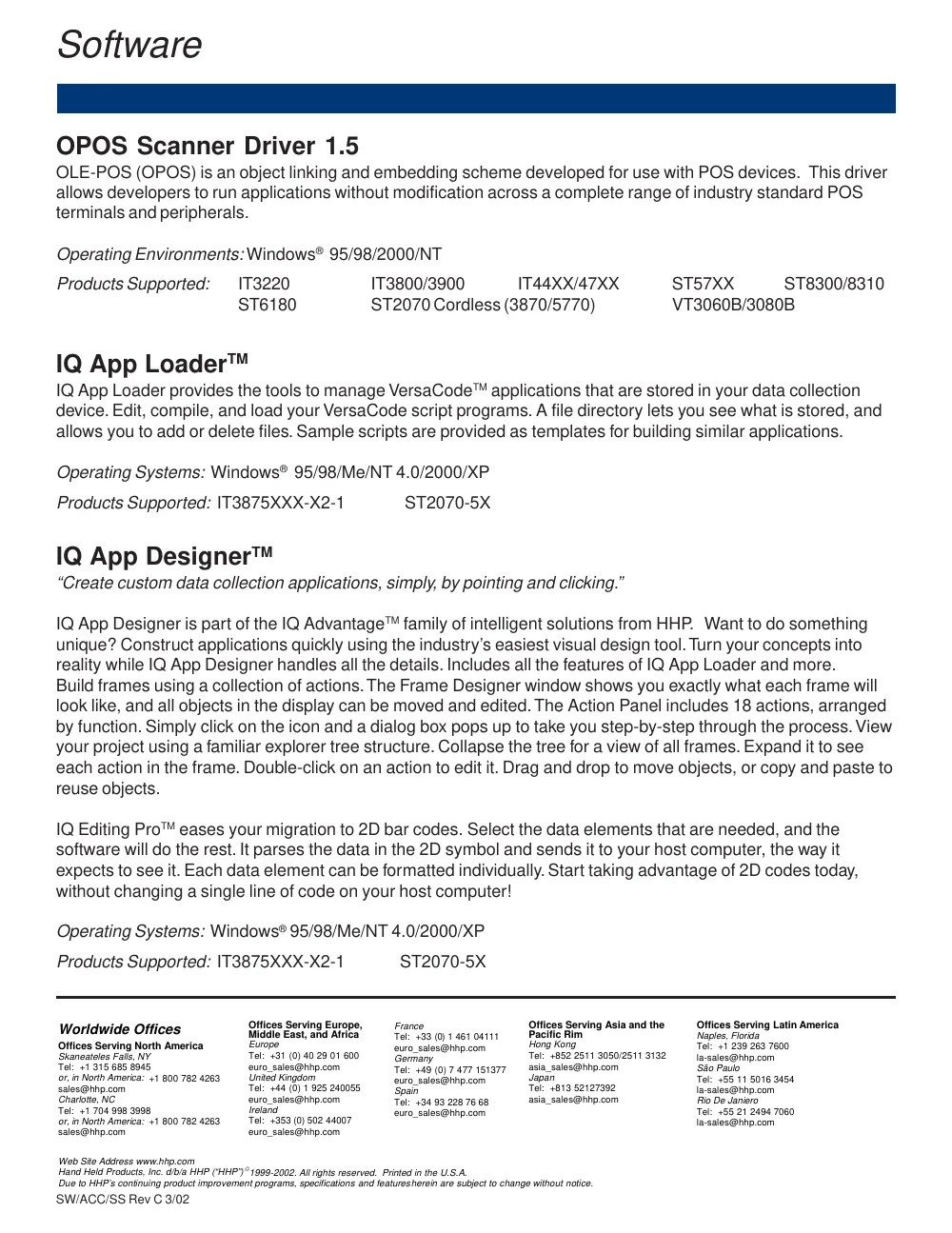
The text of page 2, from the PDF itself
Software OPOS Scanner Driver 1.5 OLE-POS (OPOS) is an object linking and embedding scheme developed for use with POS devices. This driver allows developers to run applications without modification across a complete range of industry standard POS terminals and peripherals.
Operating Environments: Windows® 95/98/2000/NT Products Supported:
IT3220 ST6180
IT3800/3900 IT44XX/47XX ST2070 Cordless (3870/5770)
ST57XX ST8300/8310 VT3060B/3080B
IQ App LoaderTM IQ App Loader provides the tools to manage VersaCodeTM applications that are stored in your data collection device. Edit, compile, and load your VersaCode script programs. A file directory lets you see what is stored, and allows you to add or delete files. Sample scripts are provided as templates for building similar applications.
Operating Systems: Windows® 95/98/Me/NT 4.0/2000/XP Products Supported: IT3875XXX-X2-1
ST2070-5X
IQ App DesignerTM “Create custom data collection applications, simply, by pointing and clicking.” IQ App Designer is part of the IQ AdvantageTM family of intelligent solutions from HHP. Want to do something unique? Construct applications quickly using the industry’s easiest visual design tool. Turn your concepts into reality while IQ App Designer handles all the details. Includes all the features of IQ App Loader and more. Build frames using a collection of actions. The Frame Designer window shows you exactly what each frame will look like, and all objects in the display can be moved and edited. The Action Panel includes 18 actions, arranged by function. Simply click on the icon and a dialog box pops up to take you step-by-step through the process. View your project using a familiar explorer tree structure. Collapse the tree for a view of all frames. Expand it to see each action in the frame. Double-click on an action to edit it. Drag and drop to move objects, or copy and paste to reuse objects. IQ Editing ProTM eases your migration to 2D bar codes. Select the data elements that are needed, and the software will do the rest. It parses the data in the 2D symbol and sends it to your host computer, the way it expects to see it. Each data element can be formatted individually. Start taking advantage of 2D codes today, without changing a single line of code on your host computer!
Operating Systems: Windows® 95/98/Me/NT 4.0/2000/XP Products Supported: IT3875XXX-X2-1
Worldwide Offices
Offices Serving Europe, Middle East, and Africa
Offices Serving North America
Europe Tel: +31 (0) 40 29 01 600 euro_sales@hhp.com United Kingdom Tel: +44 (0) 1 925 240055 euro_sales@hhp.com Ireland Tel: +353 (0) 502 44007 euro_sales@hhp.com
Skaneateles Falls, NY Tel: +1 315 685 8945 or, in North America: +1 800 782 4263 sales@hhp.com Charlotte, NC Tel: +1 704 998 3998 or, in North America: +1 800 782 4263 sales@hhp.com
ST2070-5X
France Tel: +33 (0) 1 461 04111 euro_sales@hhp.com Germany Tel: +49 (0) 7 477 151377 euro_sales@hhp.com Spain Tel: +34 93 228 76 68 euro_sales@hhp.com
Offices Serving Asia and the Pacific Rim Hong Kong Tel: +852 2511 3050/2511 3132 asia_sales@hhp.com Japan Tel: +813 52127392 asia_sales@hhp.com
Web Site Address www.hhp.com Hand Held Products, Inc. d/b/a HHP (“HHP”) 1999-2002. All rights reserved. Printed in the U.S.A. Due to HHP’s continuing product improvement programs, specifications and features herein are subject to change without notice.
SW/ACC/SS Rev C 3/02
Offices Serving Latin America Naples, Florida Tel: +1 239 263 7600 la-sales@hhp.com São Paulo Tel: +55 11 5016 3454 la-sales@hhp.com Rio De Janiero Tel: +55 21 2494 7060 la-sales@hhp.com