


Spec sheet · Datamax
Datamax DMXConnect Product Specifications
Spec sheet2 pagesPDF 405 KB
Both pages are below, each with its text.
What this file really is
The old site listed this file as a spec sheet for the Datamax DP078-2584-01. An overview of DMXConnect options; DP078-2584-01 is not named.
Filed with · 1 model
Also filed with these models on the old site
From the sheet · read page by page
Key facts from this sheet
Each line names its page in the PDF.
Two-page Datamax product specifications sheet (Rev. 06/05) on DMXConnect, the family of software, configuration and connectivity options for Datamax thermal printers. It describes MCL, the I-Class scanner, general purpose I/O, DMXConfig, drivers, and the wireless, Ethernet, Twinax/Coax, serial, parallel and USB options. The sheet never names the part number DP078-2584-01.
- What it is
- Overview of DMXConnect options for Datamax printers: application enhancement, configuration tools and connectivity p. 1, 2
- DMXrfNet wireless
- 802.11b wireless Ethernet, 1, 2, 5.5 and 11 Mbps at 2.4 GHz; 100m indoor, 300m outdoor; WEP; concurrent 10BaseT p. 2
- DMX-100 print server
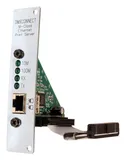
- External 10/100 BaseT Ethernet print server; TCP/IP, NetWare (IPX/SPX), LAT, LAN Manager; no external power supply p. 2
- DMXNet print server
- Internal, auto select 10/100 BaseT; remote management, email notification, SNMP trap alerts, UPnP p. 2
- Serial and parallel
- IEEE 1284 bi-directional Centronics parallel; RS232 up to 38,400 BPS; RS422 single drop up to 38,400 BPS p. 2
- USB card
- Slide-in USB card: option on the I-Class and W-Class; standard on the M-Class and the E-Class (June 2003) p. 2
- Twinax/Coax
- Connects to AS/400, System/3X Twinax and 3270-type hosts; Command Pass-Thru; coax cable included p. 2
- General Purpose I/O
- Option card to start a print job, monitor it and signal a printed label; PE-Series, A-Class, I-Class, W-Class p. 1
- I-Class Scanner
- Scanner built into the I-Class that checks printed bar codes; CCD, 700 scans per second p. 1
- DMXConfig
- PC-based utility to query and set printer configuration, save and share it, and download files, formats and fonts p. 2
- Drivers
- Windows printer drivers on CD and at www.datamaxcorp.com; proprietary drivers for specific applications p. 2
- MCL
- Macro Command Language tool suite for data collection applications that run on the printer p. 1
- Label software
- Datamax Special Edition BarTender p. 1
What this sheet walks you through
- Choosing a network or host connection for a Datamax printer p. 2
- Setting up printers from a PC with DMXConfig p. 2
- Running data collection applications on the printer with MCL p. 1
Good to know
- Some Datamax printers have no front panel display, so setup is done with outside tools. p. 2
Questions this sheet answers
What is the range of the Datamax DMXrfNet wireless option?
100m indoors and 300m outdoors, on 802.11b at 2.4 GHz. p. 2
Which Datamax printers take the USB card?
It is an option on the I-Class and W-Class, standard on the M-Class, and standard on the E-Class from June 2003. p. 2
How fast is the Datamax RS232 interface?
Up to 38,400 BPS; RS422 also supports up to 38,400 BPS over a greater distance. p. 2
Does the Datamax DMX-100 print server need a power supply?
No. The sheet says no external power supply is required. p. 2
The file
Size and text
Every page · 2
Read it here
Each page as it is printed, and its words beside it, so a phone can search and copy them.
Page1of 2
Open in the PDF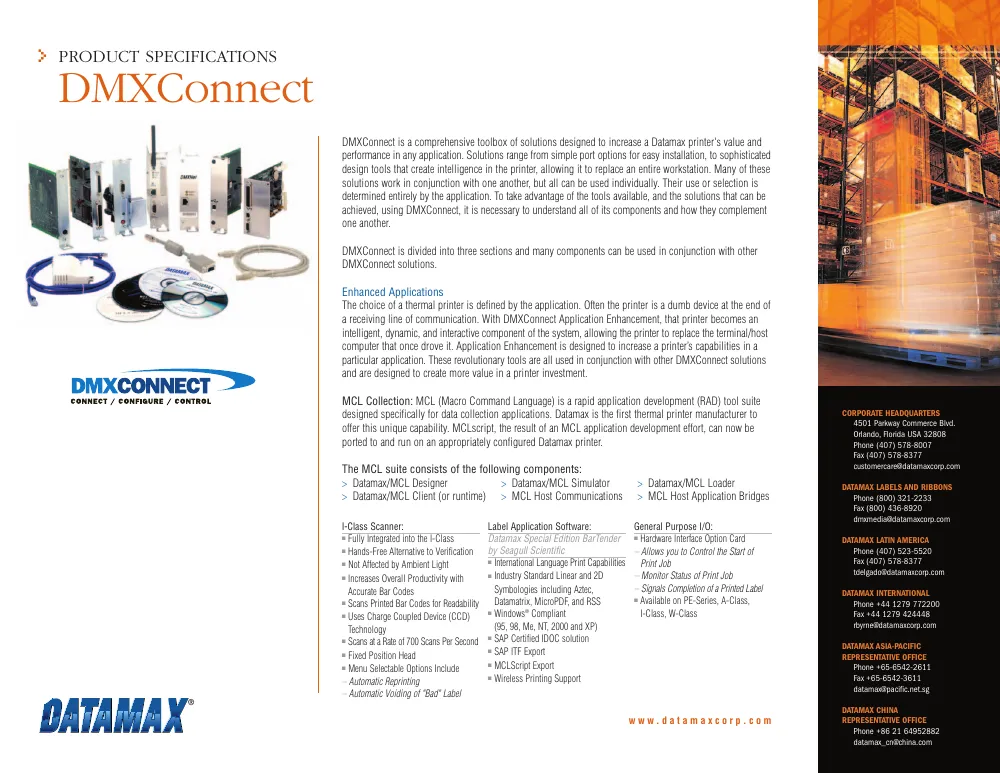
The text of page 1, from the PDF itself
> PRODUCT SPECIFICATIONS
DMXConnect DMXConnect is a comprehensive toolbox of solutions designed to increase a Datamax printer's value and performance in any application. Solutions range from simple port options for easy installation, to sophisticated design tools that create intelligence in the printer, allowing it to replace an entire workstation. Many of these solutions work in conjunction with one another, but all can be used individually. Their use or selection is determined entirely by the application. To take advantage of the tools available, and the solutions that can be achieved, using DMXConnect, it is necessary to understand all of its components and how they complement one another. DMXConnect is divided into three sections and many components can be used in conjunction with other DMXConnect solutions. Enhanced Applications The choice of a thermal printer is defined by the application. Often the printer is a dumb device at the end of a receiving line of communication. With DMXConnect Application Enhancement, that printer becomes an intelligent, dynamic, and interactive component of the system, allowing the printer to replace the terminal/host computer that once drove it. Application Enhancement is designed to increase a printer’s capabilities in a particular application. These revolutionary tools are all used in conjunction with other DMXConnect solutions and are designed to create more value in a printer investment. MCL Collection: MCL (Macro Command Language) is a rapid application development (RAD) tool suite designed specifically for data collection applications. Datamax is the first thermal printer manufacturer to offer this unique capability. MCLscript, the result of an MCL application development effort, can now be ported to and run on an appropriately configured Datamax printer. The MCL suite consists of the following components: > Datamax/MCL Designer > Datamax/MCL Simulator > Datamax/MCL Client (or runtime) > MCL Host Communications I-Class Scanner: Label Application Software:
- Fully Integrated into the I-Class Datamax Special Edition BarTender
- Hands-Free Alternative to Verification by Seagull Scientific
- International Language Print Capabilities
- Not Affected by Ambient Light
- Industry Standard Linear and 2D
- Increases Overall Productivity with Symbologies including Aztec, Accurate Bar Codes Datamatrix, MicroPDF, and RSS
- Scans Printed Bar Codes for Readability
- Windows® Compliant
- Uses Charge Coupled Device (CCD) (95, 98, Me, NT, 2000 and XP) Technology
- SAP Certified IDOC solution
- Scans at a Rate of 700 Scans Per Second
- SAP ITF Export
- Fixed Position Head
- MCLScript Export
- Menu Selectable Options Include
- Wireless Printing Support – Automatic Reprinting – Automatic Voiding of "Bad" Label
> Datamax/MCL Loader > MCL Host Application Bridges General Purpose I/O:
- Hardware Interface Option Card – Allows you to Control the Start of Print Job – Monitor Status of Print Job – Signals Completion of a Printed Label
- Available on PE-Series, A-Class, I-Class, W-Class
CORPORATE HEADQUARTERS 4501 Parkway Commerce Blvd. Orlando, Florida USA 32808 Phone (407) 578-8007 Fax (407) 578-8377 customercare@datamaxcorp.com DATAMAX LABELS AND RIBBONS Phone (800) 321-2233 Fax (800) 436-8920 dmxmedia@datamaxcorp.com DATAMAX LATIN AMERICA Phone (407) 523-5520 Fax (407) 578-8377 tdelgado@datamaxcorp.com DATAMAX INTERNATIONAL Phone +44 1279 772200 Fax +44 1279 424448 rbyrne@datamaxcorp.com DATAMAX ASIA-PACIFIC REPRESENTATIVE OFFICE Phone +65-6542-2611 Fax +65-6542-3611 datamax@pacific.net.sg
www.datamaxcorp.com
DATAMAX CHINA REPRESENTATIVE OFFICE Phone +86 21 64952882 datamax_cn@china.com
Page2of 2
Open in the PDF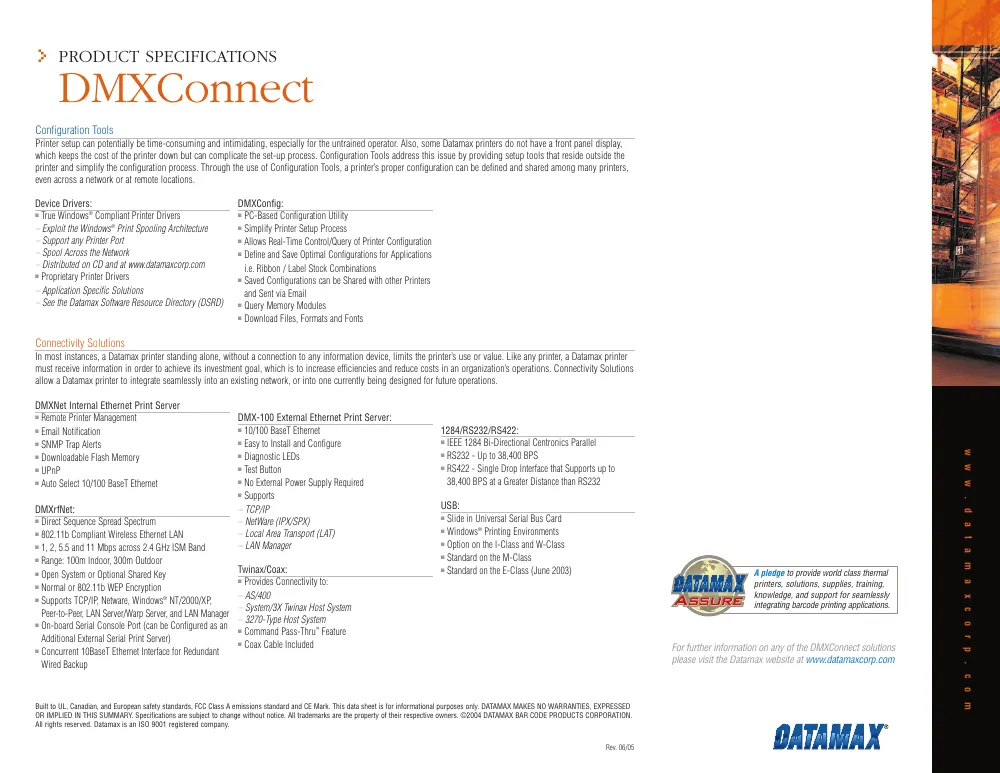
The text of page 2, from the PDF itself
> PRODUCT SPECIFICATIONS
DMXConnect Configuration Tools Printer setup can potentially be time-consuming and intimidating, especially for the untrained operator. Also, some Datamax printers do not have a front panel display, which keeps the cost of the printer down but can complicate the set-up process. Configuration Tools address this issue by providing setup tools that reside outside the printer and simplify the configuration process. Through the use of Configuration Tools, a printer’s proper configuration can be defined and shared among many printers, even across a network or at remote locations. Device Drivers:
- True Windows® Compliant Printer Drivers – Exploit the Windows® Print Spooling Architecture – Support any Printer Port – Spool Across the Network – Distributed on CD and at www.datamaxcorp.com
- Proprietary Printer Drivers – Application Specific Solutions – See the Datamax Software Resource Directory (DSRD)
DMXConfig:
- PC-Based Configuration Utility
- Simplify Printer Setup Process
- Allows Real-Time Control/Query of Printer Configuration
- Define and Save Optimal Configurations for Applications i.e. Ribbon / Label Stock Combinations
- Saved Configurations can be Shared with other Printers and Sent via Email
- Query Memory Modules
- Download Files, Formats and Fonts
Connectivity Solutions In most instances, a Datamax printer standing alone, without a connection to any information device, limits the printer’s use or value. Like any printer, a Datamax printer must receive information in order to achieve its investment goal, which is to increase efficiencies and reduce costs in an organization’s operations. Connectivity Solutions allow a Datamax printer to integrate seamlessly into an existing network, or into one currently being designed for future operations.
DMXrfNet:
- Direct Sequence Spread Spectrum
- 802.11b Compliant Wireless Ethernet LAN
- 1, 2, 5.5 and 11 Mbps across 2.4 GHz ISM Band
- Range: 100m Indoor, 300m Outdoor
- Open System or Optional Shared Key
- Normal or 802.11b WEP Encryption
- Supports TCP/IP, Netware, Windows® NT/2000/XP, Peer-to-Peer, LAN Server/Warp Server, and LAN Manager
- On-board Serial Console Port (can be Configured as an Additional External Serial Print Server)
- Concurrent 10BaseT Ethernet Interface for Redundant Wired Backup
DMX-100 External Ethernet Print Server:
- 10/100 BaseT Ethernet
- Easy to Install and Configure
- Diagnostic LEDs
- Test Button
- No External Power Supply Required
- Supports – TCP/IP – NetWare (IPX/SPX) – Local Area Transport (LAT) – LAN Manager Twinax/Coax:
- Provides Connectivity to: – AS/400 – System/3X Twinax Host System – 3270-Type Host System
- Command Pass-Thru™ Feature
- Coax Cable Included
1284/RS232/RS422:
- IEEE 1284 Bi-Directional Centronics Parallel
- RS232 - Up to 38,400 BPS
- RS422 - Single Drop Interface that Supports up to 38,400 BPS at a Greater Distance than RS232 USB:
- Slide in Universal Serial Bus Card
- Windows® Printing Environments
- Option on the I-Class and W-Class
- Standard on the M-Class
- Standard on the E-Class (June 2003)
A pledge to provide world class thermal printers, solutions, supplies, training, knowledge, and support for seamlessly integrating barcode printing applications.
For further information on any of the DMXConnect solutions please visit the Datamax website at www.datamaxcorp.com
Built to UL, Canadian, and European safety standards, FCC Class A emissions standard and CE Mark. This data sheet is for informational purposes only. DATAMAX MAKES NO WARRANTIES, EXPRESSED OR IMPLIED IN THIS SUMMARY. Specifications are subject to change without notice. All trademarks are the property of their respective owners. ©2004 DATAMAX BAR CODE PRODUCTS CORPORATION. All rights reserved. Datamax is an ISO 9001 registered company. Rev. 06/05
w w w . d a t a m a x c o r p . c o m
DMXNet Internal Ethernet Print Server
- Remote Printer Management
- Email Notification
- SNMP Trap Alerts
- Downloadable Flash Memory
- UPnP
- Auto Select 10/100 BaseT Ethernet