Manual · Baracoda
Baracoda RoadRunners User Guide
Manual12 pagesPDF 450 KB
User guide for the Baracoda RoadRunners Bluetooth barcode scanner: charging, batteries, pairing, modes, LEDs and configuration.
Covers · 1 model
The models it covers
Summary
What is in it
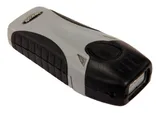
The user guide for the Baracoda RoadRunners, a cordless barcode scanner that sends barcodes to a host over Bluetooth in real time or stores them for later upload. It covers package contents, attaching the PDA stylus, charging and replacing the batteries, switching on, reading barcodes, real time and batch modes, trigger and autoscan reading, connecting through the USB or RS232 Plug & Scan dongles, K-Emul, BaracodaManager or the developer APIs, the LED meanings, configuration options, power, sniff period, security and regulatory notes.
Its parts
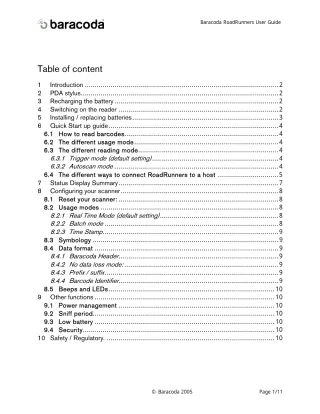
- Introduction
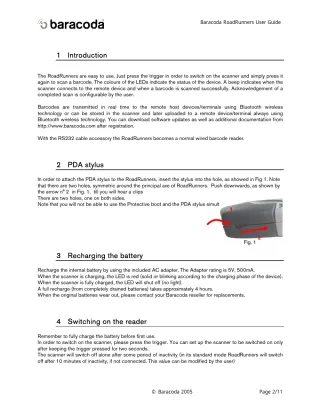
- PDA stylus
- Recharging the battery
- Switching on the reader
- Installing / replacing batteries
- Quick Start up guide
- Status Display Summary
- Configuring your scanner
- Other functions
- Safety / Regulatory
From the manual · read page by page
Key facts from this manual
Each line names its page in the PDF.
This is the 2005 user guide for the Baracoda RoadRunners Bluetooth barcode scanner. It explains charging and replacing the batteries, reading barcodes, pairing with a USB or RS232 dongle or the BaracodaManager software, the LED signals, and the real time and batch modes and other settings.
- Device
- Bluetooth barcode scanner that sends barcodes in real time or stores them for later upload p. 3
- Charger
- AC adapter rated 5V, 500mA; full recharge takes about 4 hours p. 3
- Memory
- Up to 10,000 barcodes (UPC format) p. 9
- Host connection
- Bluetooth, RS232 serial adapter or USB Plug & Scan dongle; RS232 cable accessory makes it a wired reader p. 3, 6
- Software
- BaracodaManager, K-Emul keyboard emulation, free developer APIs (dll libraries) p. 6, 7
- Usage modes
- Real time (default) or batch p. 5, 9
- Reading modes
- Trigger (default) or autoscan p. 5
- Radio power
- 20 dBm (default) or 10 dBm p. 11
- Auto power off
- After 10 minutes of inactivity when not connected; adjustable p. 3
- Data format
- Header + Timestamp + Prefix + Barcode + Suffix; time stamp YYMMDDhhmmss p. 10
- Configuration
- BaracodaManager when connected, or configuration barcodes from the programming guide p. 9
- Sniff period
- Default 150ms; higher saves power but adds latency p. 11
- In the box
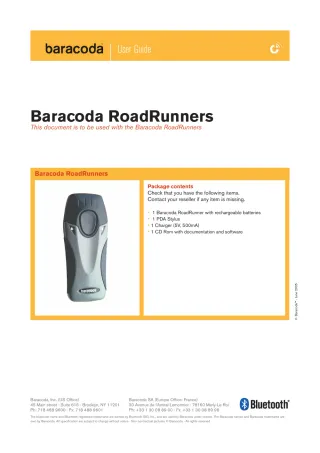
- RoadRunner with rechargeable batteries, PDA stylus, charger (5V, 500mA), CD Rom with documentation and software p. 1
What this manual walks you through
- Recharging the battery p. 3
- Installing or replacing the batteries p. 4
- Attaching the PDA stylus p. 3
- Pairing with the USB or RS232 Plug & Scan dongle p. 6
- Connecting and testing the scanner with BaracodaManager p. 6, 7
- Reading the LED status signals p. 8
- Using batch mode and uploading stored barcodes p. 9, 10
- Resetting the scanner to default settings p. 9
- Setting the header, no data loss mode, prefix, suffix and barcode identifier p. 10, 11
- What happens when the battery runs low p. 11
Good to know
- The protective boot and the PDA stylus cannot be used at the same time. p. 3
- Use only Baracoda approved rechargeable batteries, and remove them when storing the scanner for more than 30 days. p. 4
- When uploading to an application window, check that the cursor is active first, or the stored data is lost. p. 10
- The USB Plug & Scan dongle turns no data loss mode off, so barcodes read while disconnected are not buffered. p. 6
- The 20 dBm radio setting may not be allowed in some countries. p. 11
Questions this manual answers
How long does the Baracoda RoadRunner take to charge?
About 4 hours from fully drained, using the included 5V, 500mA adapter. The LED goes off when charging is done. p. 3
How do I pair the RoadRunner with the USB dongle?
Reset the scanner by removing and replacing the batteries, plug in the dongle, wait 5 seconds, then scan the pairing barcode once. The BCL LED double flashes green when paired. p. 6
How many barcodes can the RoadRunner store?
Up to 10,000 barcodes in UPC format, in batch mode or while not connected in real time mode. p. 9
What does an orange LED mean on the RoadRunner?
An orange flash of the BCL LED shows that batch mode has been selected. p. 9
How do I reset the RoadRunner to factory defaults?
Use the BaracodaManager software or scan the Reset configuration barcode from the programming guide. p. 9
The whole text · 2 parts
Read the manual here as text
Its text as extracted from the PDF, unedited, in parts; each page opens the PDF at that page.
The file